VED was provided by Fulqrum Publishing for review. Thank you!
With a name like VED, you're not able to glean much from just the title, so what exactly is VED? Well, to use the developer's own words, it's a hand-drawn, story-driven RPG with turn-based combat. And it's one of the more unique games I've had to review as a video game journalist.
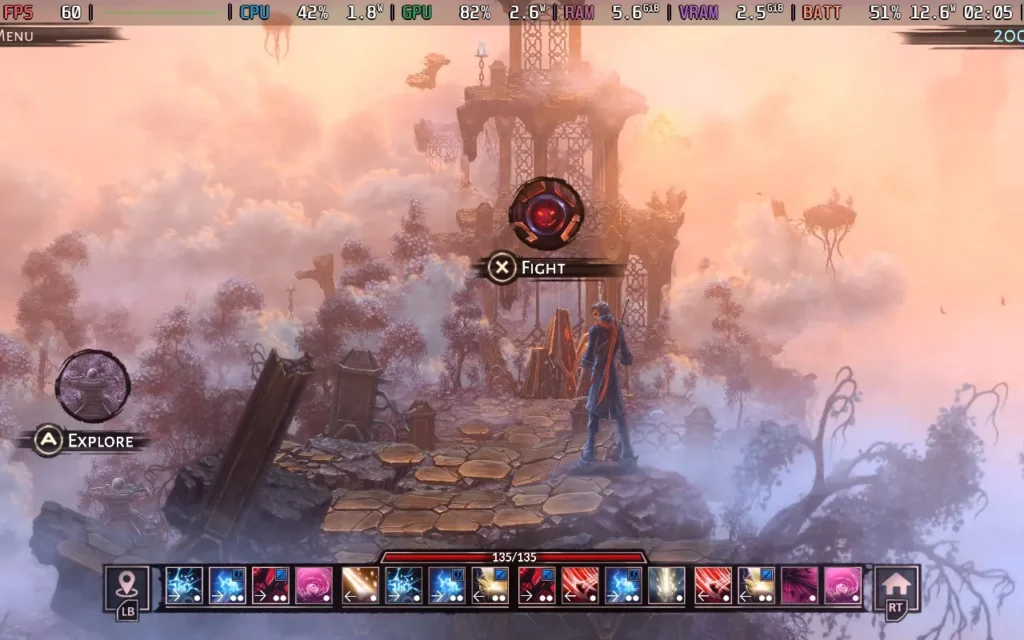
The basic premise of VED is that there exist two worlds: the one in which humans reside and another magical world where spirits, demons, and other fantastical creatures live. Our protagonist, Cyrus, can traverse between them. By your dialogue choices, you'll then decide how the story progresses, which faction Cyrus will end up with, and who his friends will be.
VED falls into an interesting position where it's quite hard to define exactly what genre it is. It's heavily story-driven, with a good chunk of time spent in cutscenes in the Human World with voiced dialogue and critical choices to be made, which will affect the story and your relationships with various people and factions. It plays quite similarly to a visual novel.
But you will be teleported to the Magic World at points in the story, introducing more RPG and rogue-lite elements to the game. When you are teleported, you are confronted with your "base," a small village run by Troglodytes. Defeating enemies in the Magic World grants you Energy, which you can spend to build structures in the village, which grants Cyrus new abilities to use in battle. It's very basic, and a simple level-up system could have easily done the same here, but it's quite neat to see the village being built up and interacting with some of the Troglodytes there.
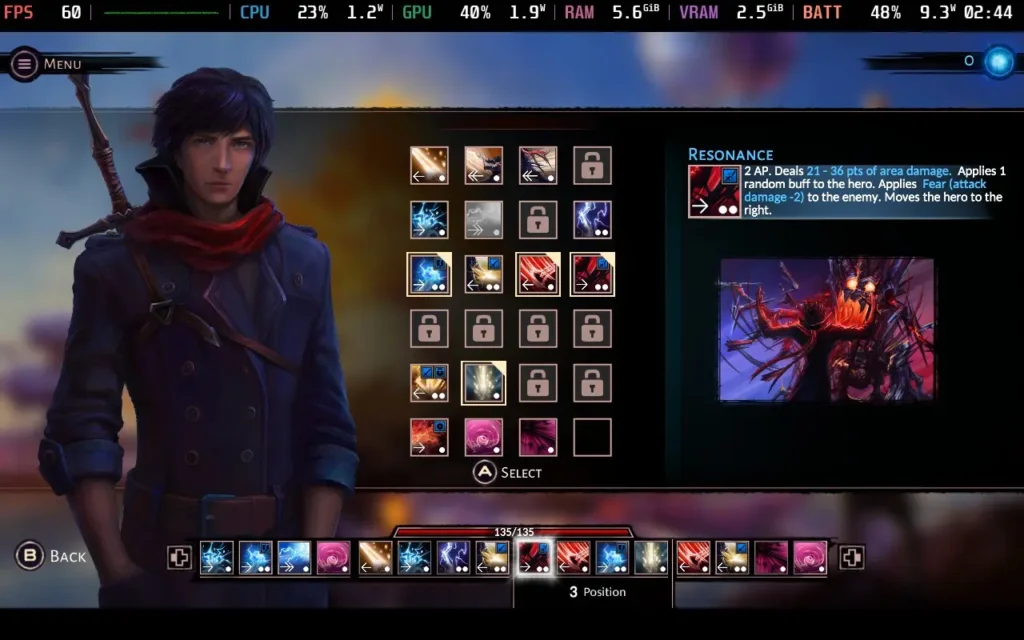
Once you've set your abilities in the base, you can head out into the Magic World proper, where the game allows you to travel along branching paths with events and battles. The events are straightforward and will include choices that rely on your Magic, Strength, or Dexterity abilities, done in a very Dungeons & Dragons-esque manner with a D20 die.
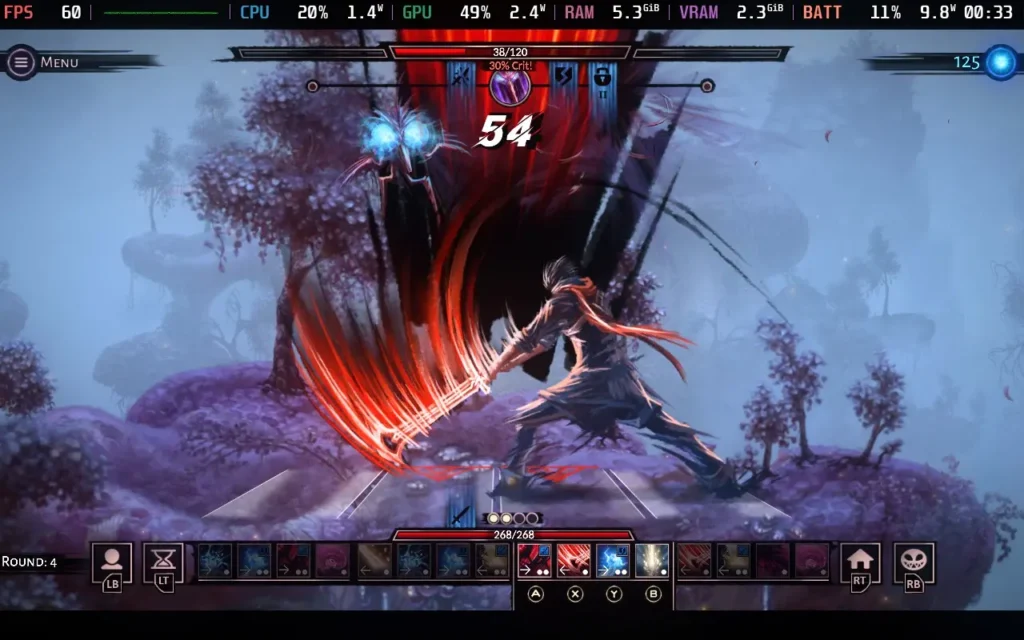
The combat in the game is entirely turn-based and relies on the abilities you selected while at your base. This is the most interesting part of VED, with your player character changing position on the battle grid with each move. You need to think tactically about what attacks you will use and in what order. Abilities must be put in 1 of 4 positions, and some abilities only work in certain positions. Hence, you need to work out what position an ability will put you in so you know what abilities you can use next. The game's difficulty is also pretty tough.
There is an option to enable a "Story Mode" difficulty, which makes combat incredibly easy, but as the combat is the highlight of the game for me, I wouldn't recommend that you use it. This option also makes it almost impossible for dice rolls to fail.
Unfortunately, the story in VED fell pretty flat for me. The game places you in a world with very little world-building and quickly introduces the game's 4 factions without establishing much of a backstory. It's all surface-level stuff, and it's hard to decide what faction you wish to support when you don't know the reasons behind their actions for a good portion of the game. You aren't even sure why Cyrus should care about any of this.
Pacing is a huge issue with VED's storyline, with remarkably little information presented to the player at certain points, even when crucial choices need to be made. Then the game loves to lore-dump you with a several-minute conversation explaining a ton of backstory with dialogue that cannot be slowed down or paused. It's just a bit too much, and it feels like the developers didn't know as and when to give the player certain information that they had prepared. The game is shorter, and I think the developers had a bigger story to tell, but only a few hours to fit it all in.
The game also suffers from being a bit disjointed, with Cyrus able to switch sides between chapters and the characters seemingly being perfectly fine with it. It creates a confusing situation to try and figure out whose side they are on. For example, I could side with a faction late in the game despite having terrible relationship stats with their leader. Even the timestamps when the scene changes make no sense, often using a 12-hour clock, others using a 24-hour clock, and using AM or PM is also sometimes incorrect.
Cyrus is also supposedly meant to be blind, or at least severely vision impaired, which is why I presume the human world is presented in such a bland manner, and the magic world is so vibrant, as he has his sight in the magic world. Despite this, however, Cyrus' vision impairment almost seems to come and go as and when it's convenient to the plot for him to have the issue or not.
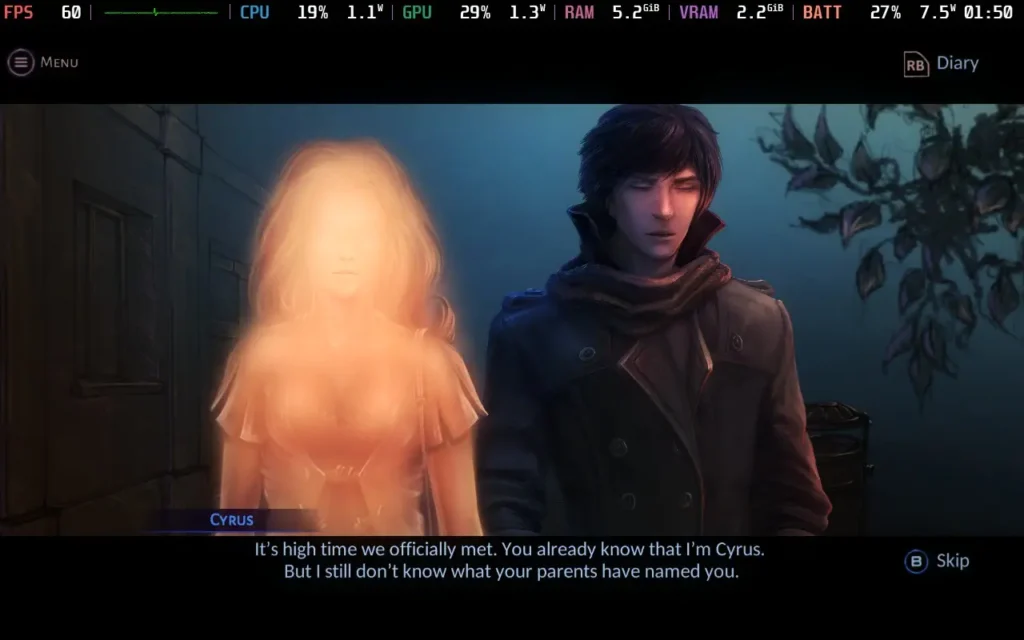
Cyrus himself remains an enigma. He is teleported to the Magic World early on in the game and seems remarkably chill. Fighting demons, meeting a race of Troglodytes whom he helps build a village, and then returning home to the Human World and proceeding to go and book a job interview. It's just a standard day for Cyrus! Just who is this guy? It's hard to care about a character who seems hard to relate to.
Some of the dialogue also borders on... being rather strange. A conversation between Cyrus and a woman a few chapters in is quite cringe-inducing to listen to, and although the woman does comment that Cyrus is being a bit weird, she seems far more ok with it than anyone I know would be. It makes Cyrus come across as a bit obsessive, and he's like it with other female characters, too, and you start to wonder just what his backstory makes him the way he is. But just who Cyrus is is never explained to the player.
All of this isn't helped by the fact that the game's voice acting at some points is... just not very good. I thought that the voices were AI-generated at first, so I went and checked the game's credits and saw that several different people were listed as voice actors for the game. But, the voices distracted me from enjoying the game's story. Emphasis is frequently placed on the wrong words, some words (and the subtitles) are spoken/written incorrectly, and the intonation in the sentence structure can often be wrong as if the voice actor sounds like they intended to say more when the sentence has finished.
It's possible the voice actors were reading a script and aren't native English speakers, as sometimes, the subtitles are written in poor or incorrect English, and the voice actors say it word for word despite it being quite a glaring grammatical error to a native speaker. The game is also available in Russian voices, possibly voiced better than English if you can understand it. You can also disable voices in the settings menu, but it's paired with the rest of the sound effects, sadly.
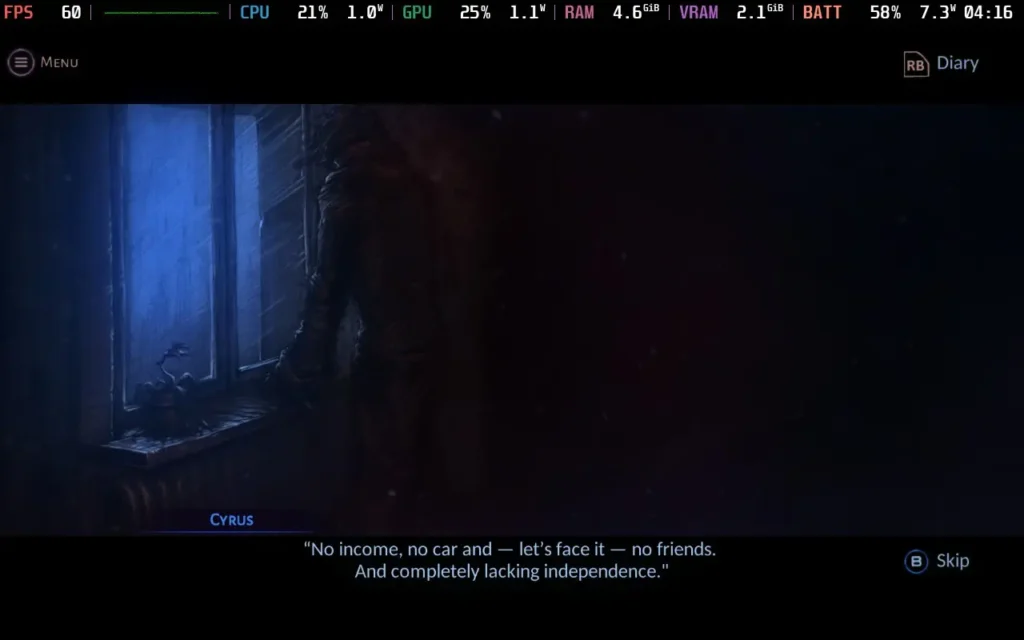
Visually, the game has an interesting hand-drawn art style. It really shines in the Magic World, with vibrant colors, beautiful visuals, and animations for the combat. Sadly, the Human World is depicted as very drab, almost presented in a monochromatic style. I would assume this is done to portray Cyrus' view of the two worlds, but I find it harms the world-building even further when you can't see the world you're in. The title screen depicts Micropolis as a neon-lit city, but you won't find a neon light anywhere once you're in the game.
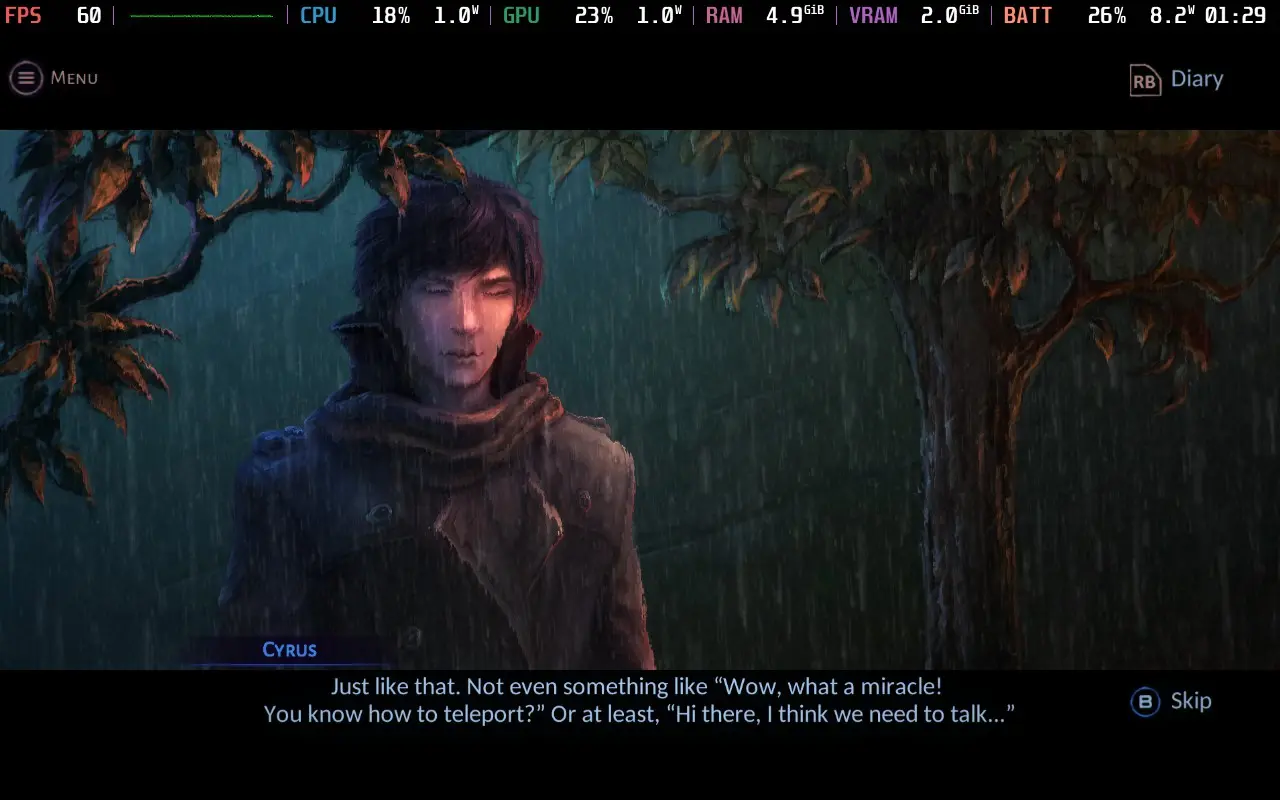
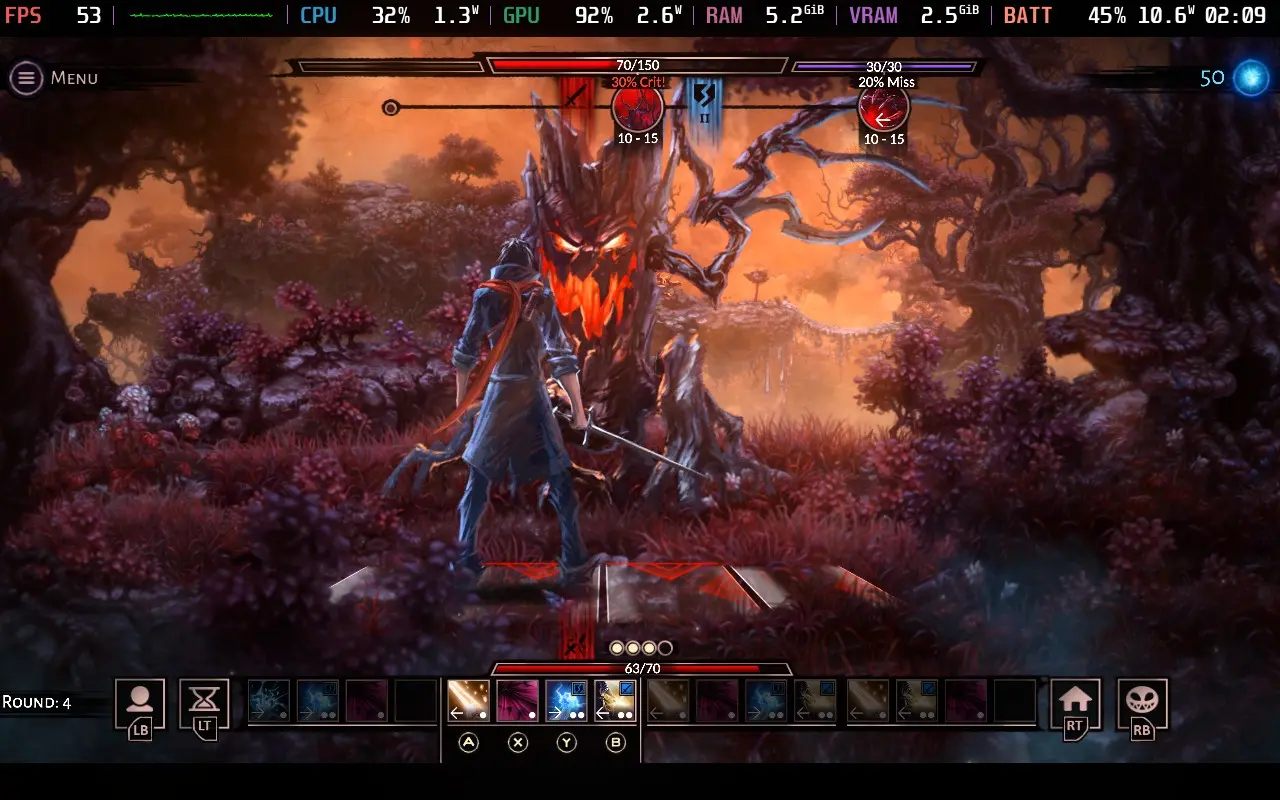
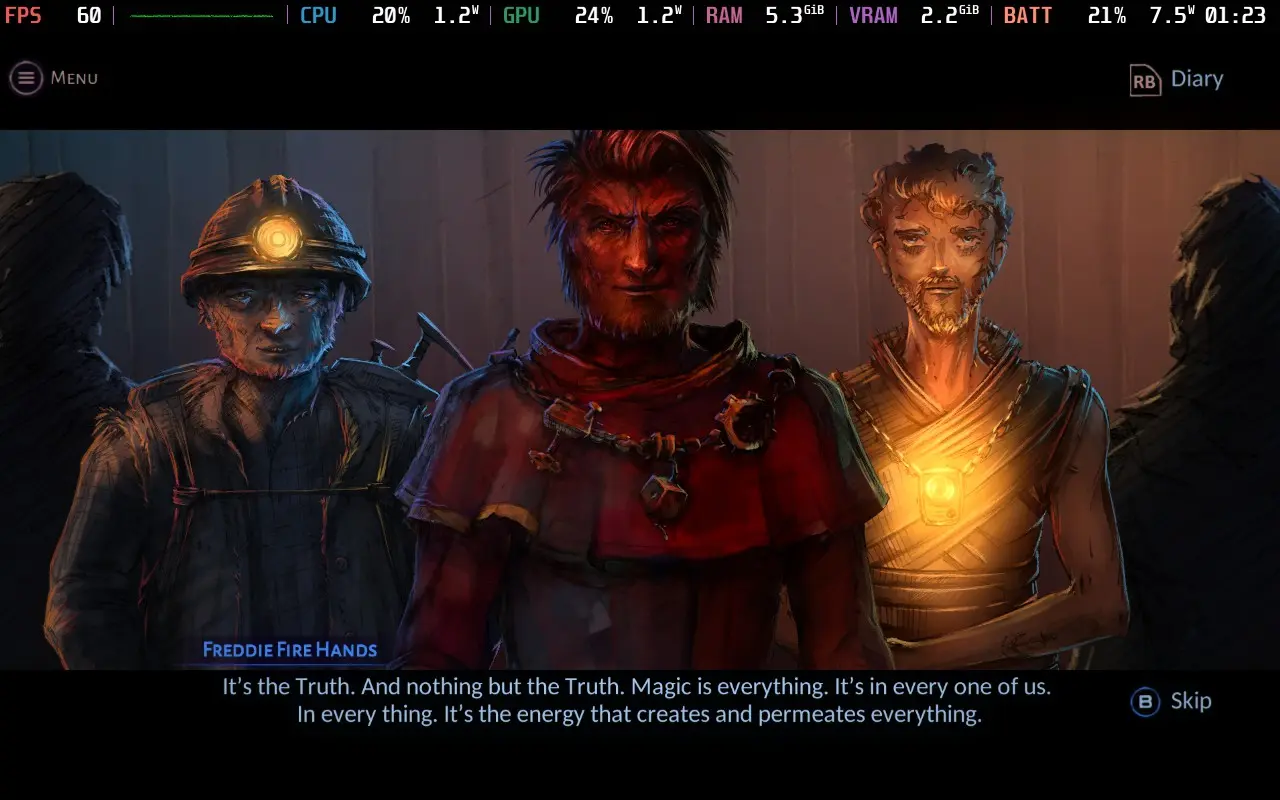
VED is a story-driven game where the story just lacks the power to pull the rest of the game with it. The combat is fun, but it's a minor part of the game, and I'm not even 100% sure why we're in this magical world fighting all these fantastical creatures and building a village for the Troglodytes. We didn't even know any of this existed 24 hours ago! That sentence alone pretty much sums up VED. It's a solid premise for a storyline, but the game rushes the story along and provides only shallow explanations for everything.
VED is a bit of an interesting one on the Steam Deck. It has excellent controller support, so you have nothing to worry about. The game does allow you to select 1280x800 as a resolution in the settings, but it seemingly just runs at 1280x720 with black borders anyway. At one point, the game did seem to randomly change to 1280x800 after a transition, but it scaled incorrectly and cut off some UI elements, so I recommend you just play at 1280x720.
We're setting the SteamOS frame rate limit to 60, and we can get away with a TDP Limit of 8W.
VED has a simple "Graphic Quality" option in the options menu, which we'll set to "High."
With these settings, the game should hold 60 FPS for the vast majority of play. There are slight dips here and there, but given the nature of the game, they don't affect play at all.
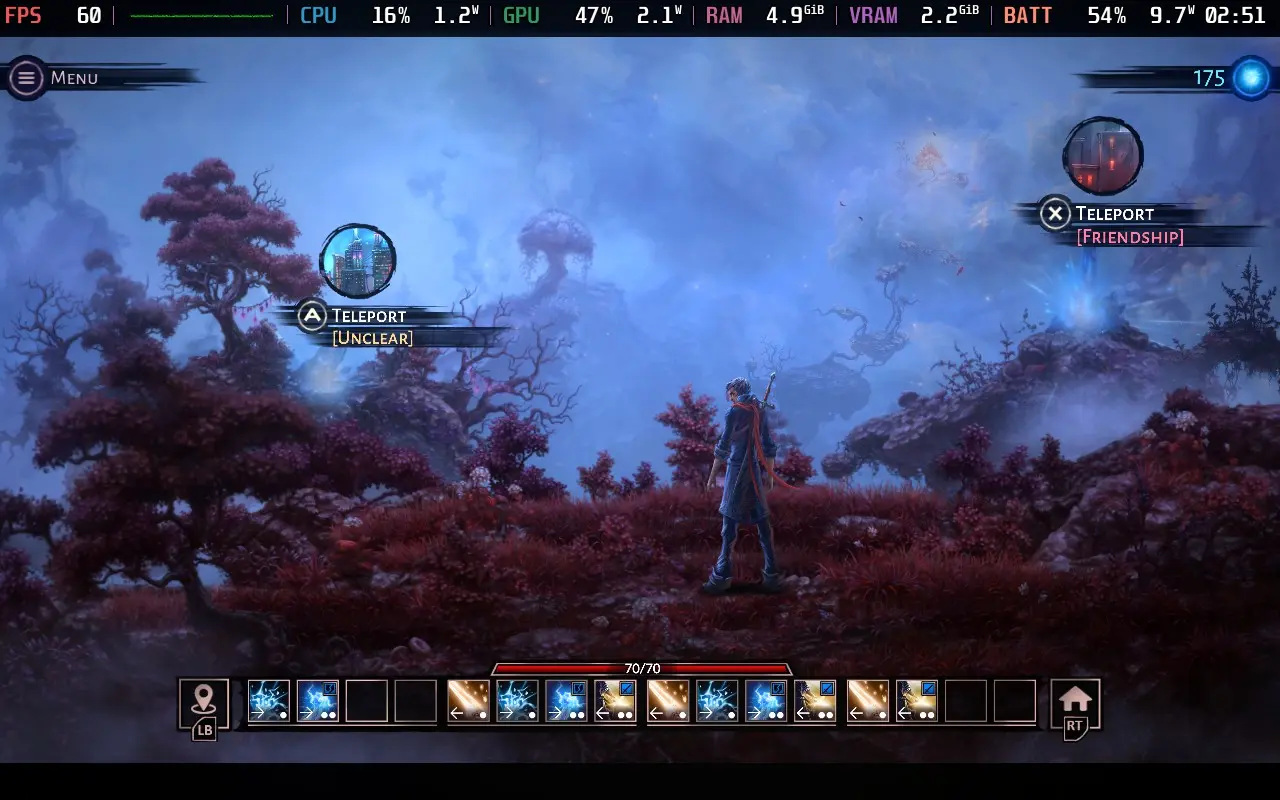
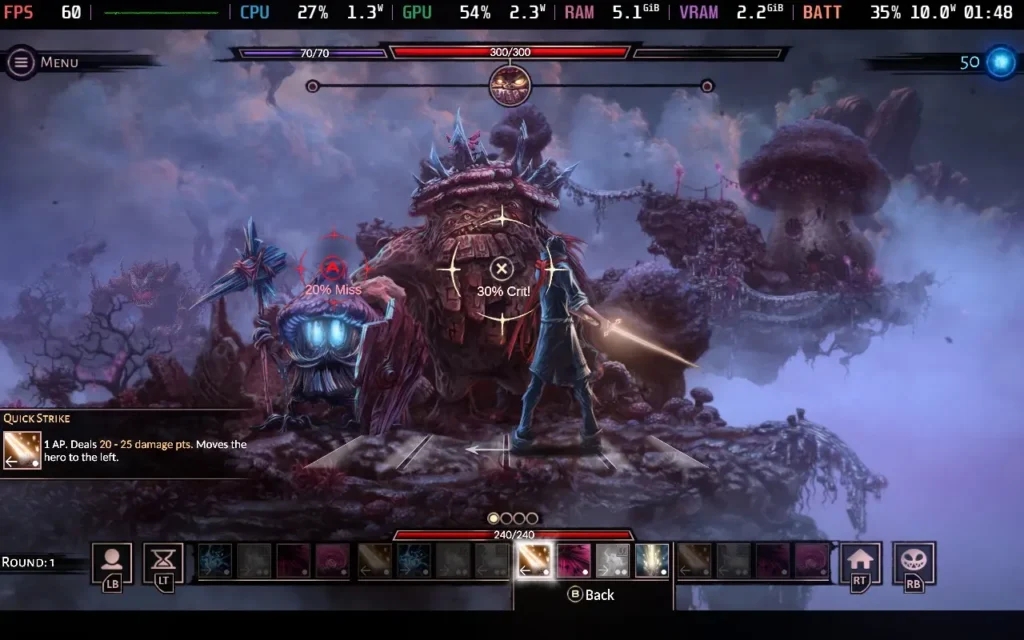
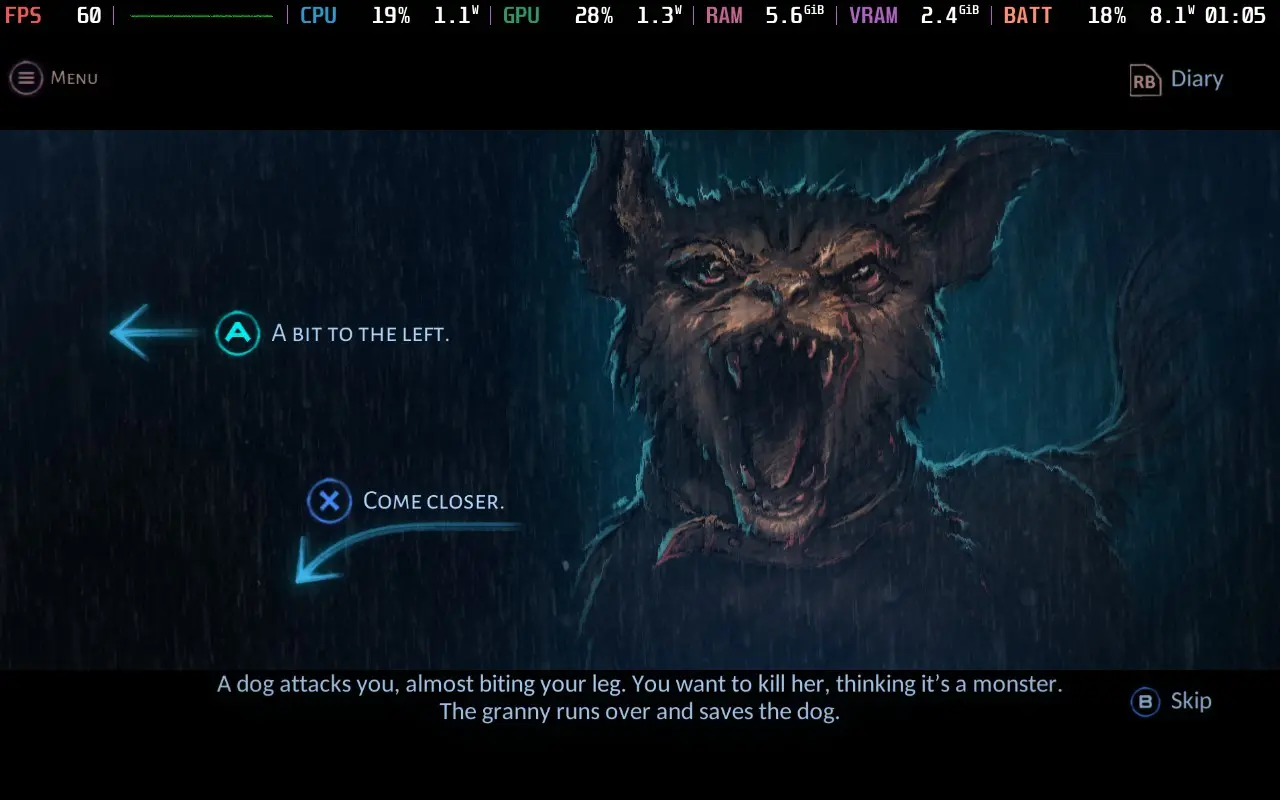
The power draw is kept pretty low. When the game is just showing a pre-rendered scene, such as the many story sequences in the game, expect a draw of around 7W. In the gameplay segments, such as the turn-based battles, the power draw rises to around 10-11W. Very rarely, it can spike up to 13W.
Temperatures are low, mostly in the 55-60C range, and the fan never becomes audible during play.
There are no accessibility options in VED, although all dialogue is subtitled. You can also enable a "Story Mode" difficulty, making the game's combat much easier.
VED has an interesting premise both for the storyline and for the gameplay mechanics. Sadly, the story suffers from poor pacing and inconsistencies. It really feels like the game would benefit from being a slightly longer adventure, not an 8-hour one, but I suppose the developers have to draw the line at some point. Poor voice acting and somewhat repetitive, if well-drawn, art also let the game down for its world-building.
One thing you can't fault VED on, however, is how it runs on the Steam Deck. It provides an essentially flawless experience with great battery life, even on the highest settings. Controller support is also top-notch here.
Our review is based on the PC version of this game.
If you enjoyed this review, be sure to check out the rest of the content on SteamDeckHQ! We have a wide variety of game reviews and news that are sure to help your gaming experience. Whether you're looking for news, tips and tutorials, game settings and reviews, or just want to stay up-to-date on the latest trends, we've got your back.
Beyond Galaxyland was provided by United Label for review. Thank you!
Beyond Galaxyland has been described as a cinematic space RPG, compared to the likes of the Final Fantasy games of old. While it may not compare to a Final Fantasy game in its length and epic scale, Beyond Galaxyland is definitely a story through space that's worth experiencing.
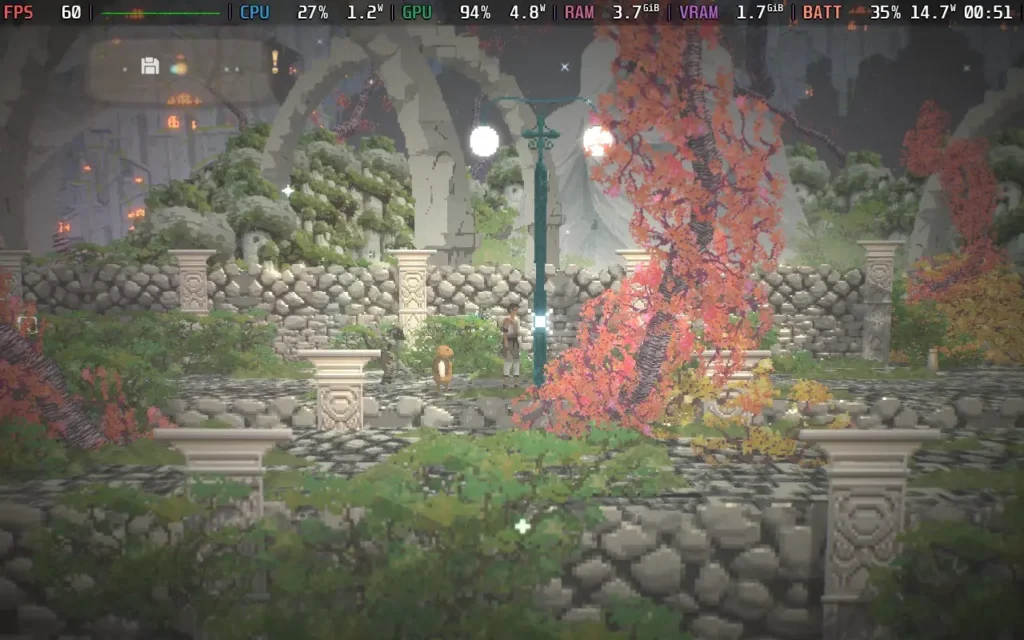
After encountering a mysterious infection destroying Earth known as "The End " and being saved by a mysterious race of aliens, our protagonist, Doug, and his now-sentient Guinea Pig, Boom Boom, are off on a space adventure together to discover just what happened to their beloved home planet and who, if anyone, was responsible.
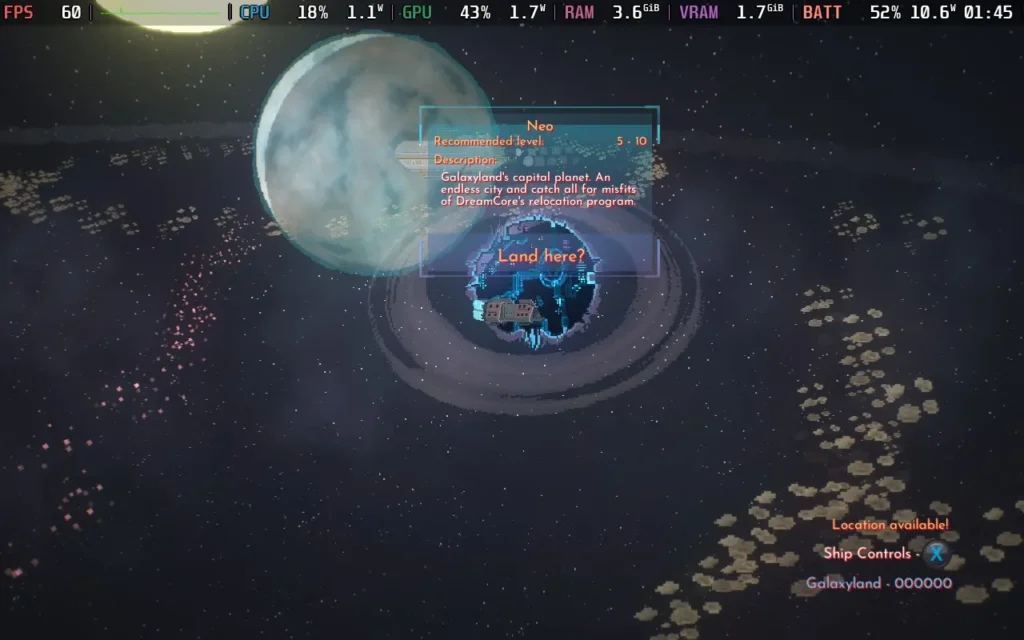
Beyond Galaxyland takes place on various planets, each roughly representing its own biome, with deserts, lush forests, snow-capped mountains, and mysterious alien vessels all appearing here. The game keeps things pretty fresh, and if you focus on the story and ignore side quests, you'll probably be traveling between biomes every couple of hours or so, bringing a whole new set of enemies, so the variety is there.
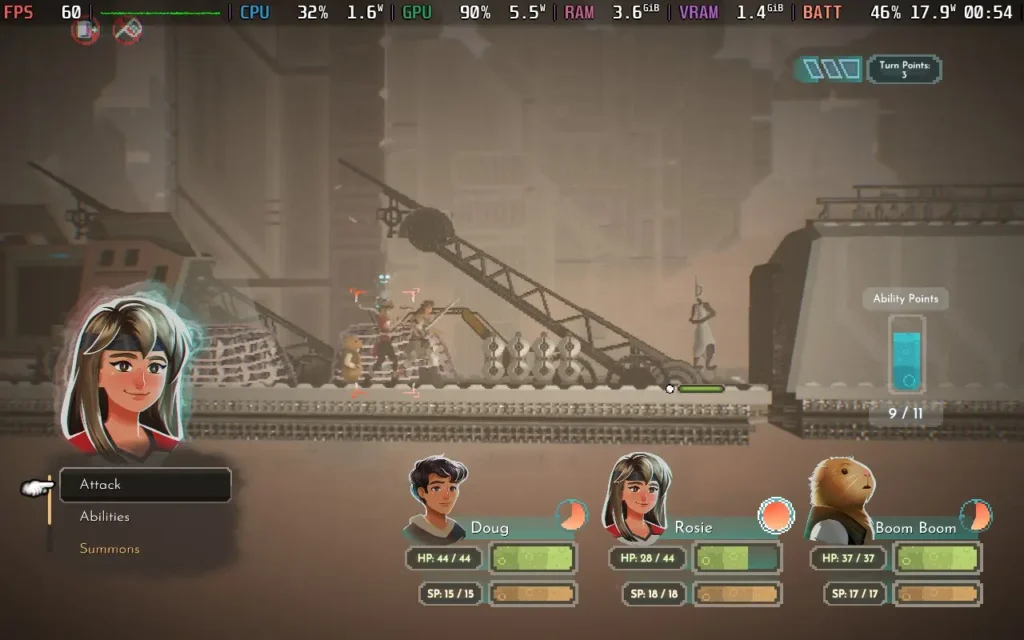
Combat takes place in the form of turn-based battles. Similar to older JRPGs. A turn timer dictates when characters take their turns, with each participant in the battle acting independently (so the turn order may be friend > foe > friend > friend > foe, etc.). You'll have access to your basic attack granted by your weapon but also special abilities to give or remove status effects or deal massive damage. In a somewhat unique move, the game also adds "Summons," previously captured enemies that you can call back to fire off a special ability during battle.
There's also a timed element to the battles, requiring you to time button presses when an enemy attacks you in order to defend. You will also need to press a button to swing your sword or fire your gun when attacking. This makes the combat feel much more involved than it otherwise might if you're just giving orders and leaving your characters to it.
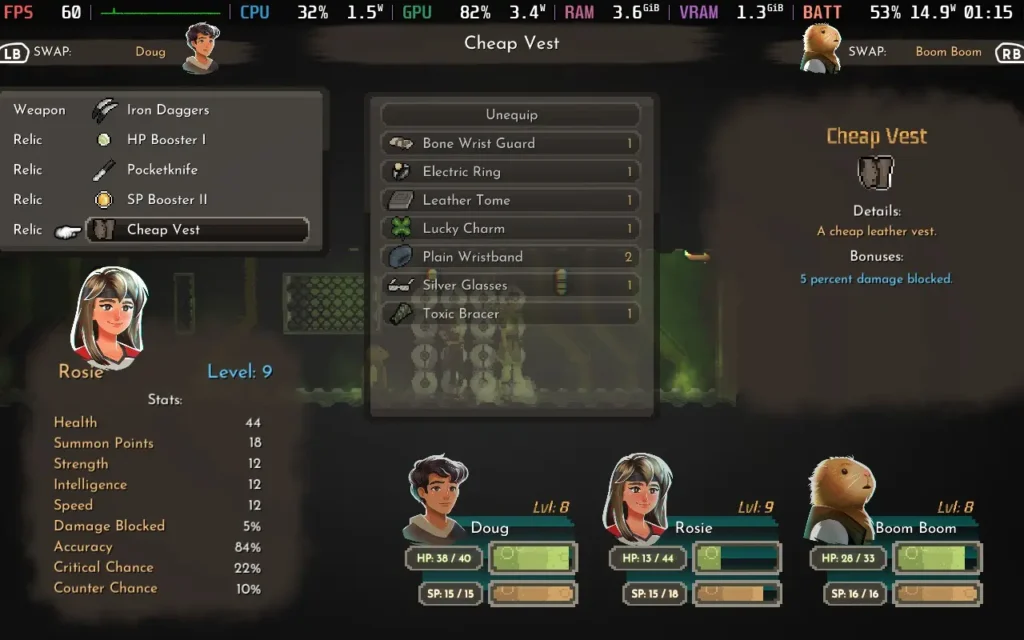
You'll face various foes in your travels, from robots to sandworms, cows to mystical elementals. This again helps the game to feel fresh and requires players to change up their equipment, swapping out trinkets that protect them from poison to ones that help defend against electrical attacks, for example.
You'll also occasionally be confronted with a puzzle. These usually take the form of platforming or figuring out what "generators" to power to put the correct platforms in place to proceed. They're usually fairly simple, and the more difficult ones I encountered eventually gave me a prompt to skip them, which is appreciated.
The highlight of the game is the storyline. The creator wanted to make a space epic, as it were, and I think they've done a pretty good job of it. You'll meet an intriguing cast of characters as you progress through the game, and even several hours after meeting them, you'll still be wondering about their motives and just whose side everyone is on.
The build-up to the big mystery of what happened to Earth and what caused all of these catastrophes to happen to these planets is quite thrilling. The game does a good job of not giving anything away too early while simultaneously not being frustrating with its coyness. There are twists and turns to be experienced, and I thoroughly enjoyed them.
The flow of the game is good, and while I think a couple of planets outstay their welcome in the game's design, I rarely found myself getting tired of what I was doing. The main example is that the game has a galaxy map allowing you to travel between planets. But if you follow the storyline, there'll be a point where you play for several hours either on one planet or traveling between planets without interacting with the galaxy map, which is a shame, as it's a nice feature to have in the game, but perhaps slightly overlooked in the game's design.
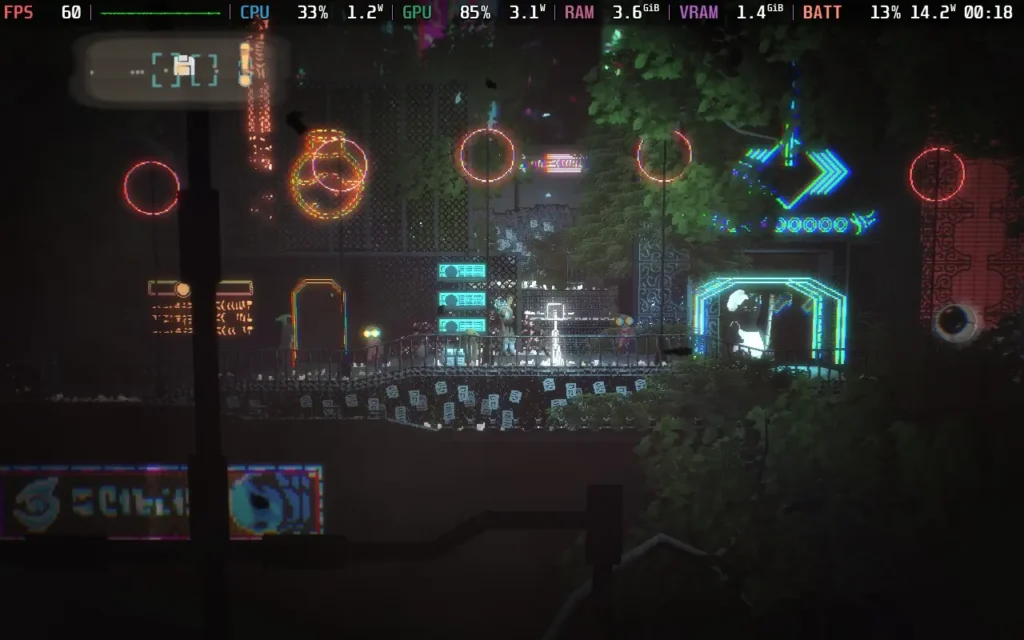
In terms of the game's visuals, Beyond Galaxyland has a pixel art style mixed with modern visual niceties. The pixel art is nicely done, and the addition of modern techniques such as dynamic shadows, depth of field, and reflections add to the game. The blend of these styles matches beautifully. When walking through the desert, expect the sand to glint in the sun, and in the urban cities, you can see a bloom effect reflecting off the neon lights. It ends up creating a nice-looking game, plus it's easy to meet the system requirements, too, which we'll get to in a bit.
One point I wasn't too keen on in the visual department is that some of the areas in the game can get pretty dark. While it's atmospheric, it can become genuinely difficult to see where you're going at times.
The sound design is also up there, with catchy beats playing in the background but not overwhelming the senses. Sound effects feel more on the traditional side of what you'd expect from the JRPGs that inspired Beyond Galaxyland.
Beyond Galaxyland is a good time. A well-paced storyline is key to an adventure through space like this, and I think it pulls it off really well. The combat is engaging while challenging, and the visuals and sounds all come together to make this game a complete package. While not on the scale of a Final Fantasy game, I think the enjoyment could be on par with one.
Beyond Galaxyland is a great experience on the Steam Deck. ... Oh? Did you want more information? Ok, I guess I can do that.
As far as controls go, there's nothing to complain about here. You should play the game with a controller or gamepad, which works perfectly with the Steam Deck's controller. The game also supports the 1280x800 native resolution of the Steam Deck's display, so you won't have to contend with black bars here.
Beyond Galaxyland also performs well, so I can offer two presets for it: one focusing on quality and another on getting the most out of your battery.
If you want the best visual experience from the game, then you're in luck because the Steam Deck can offer that. You can enable all the graphical settings in the options menu and set your SteamOS settings to 60 FPS / 60 Hz, with a TDP Limit of 11W.
Using these settings, the game looks great. I'm usually not a fan of Depth of Field or Motion Blur, but they add a nice, hazy look to the game, which really adds to the ambient feeling of the game. So, even if you're usually put off by such options, try them out and see what you think. The game holds a pretty consistent 60 FPS, too.
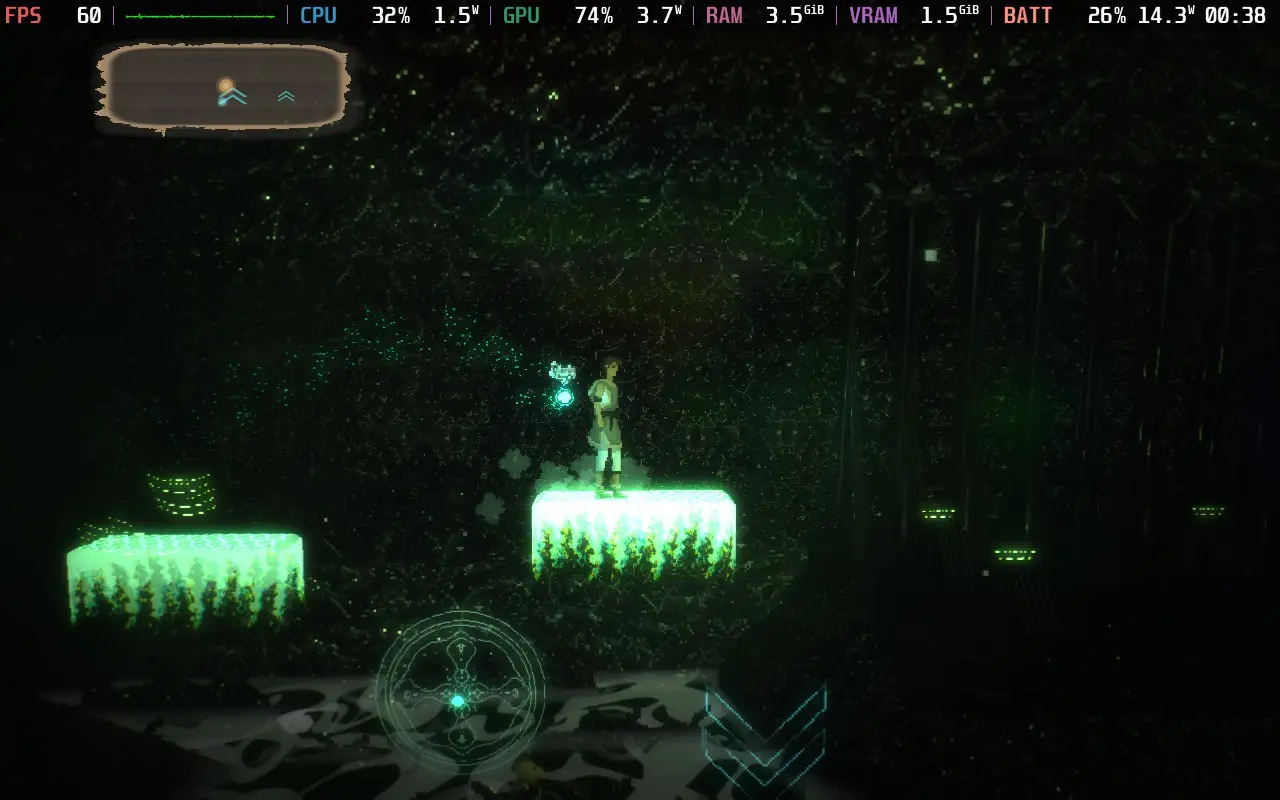
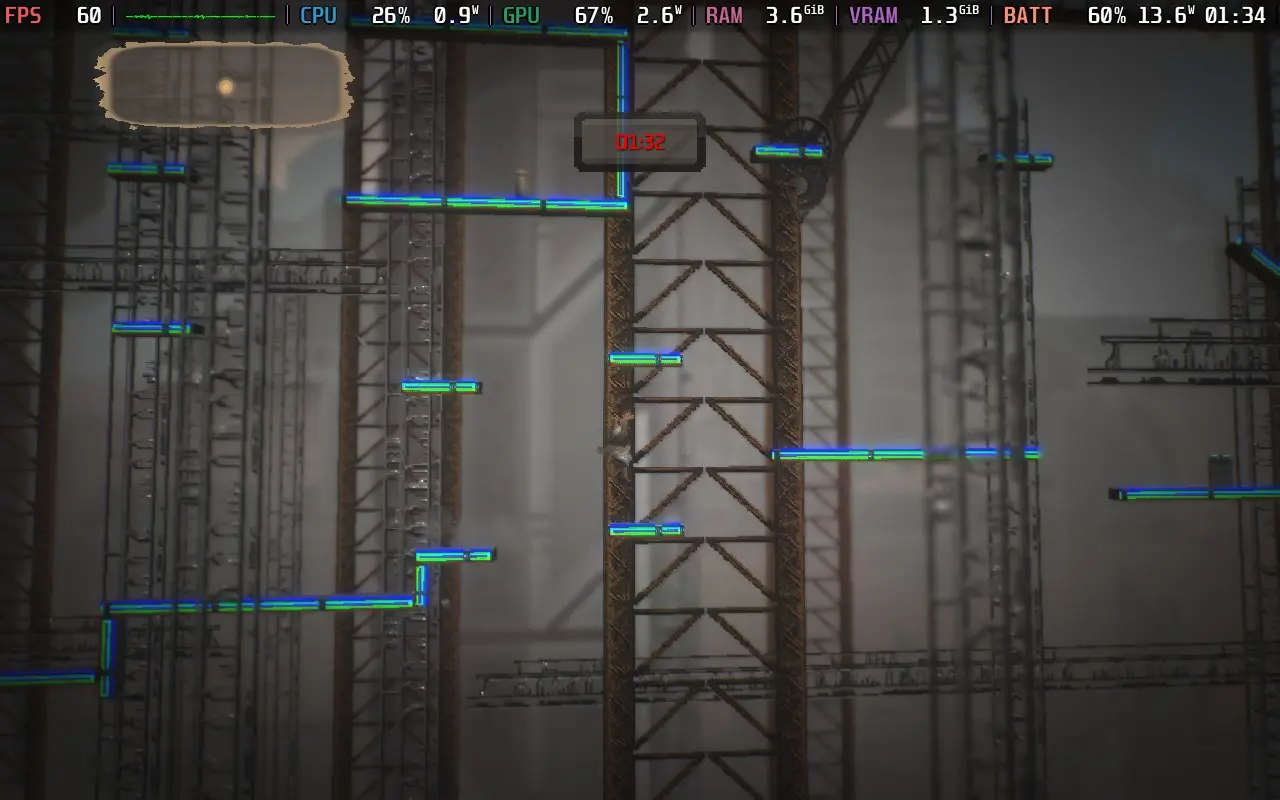
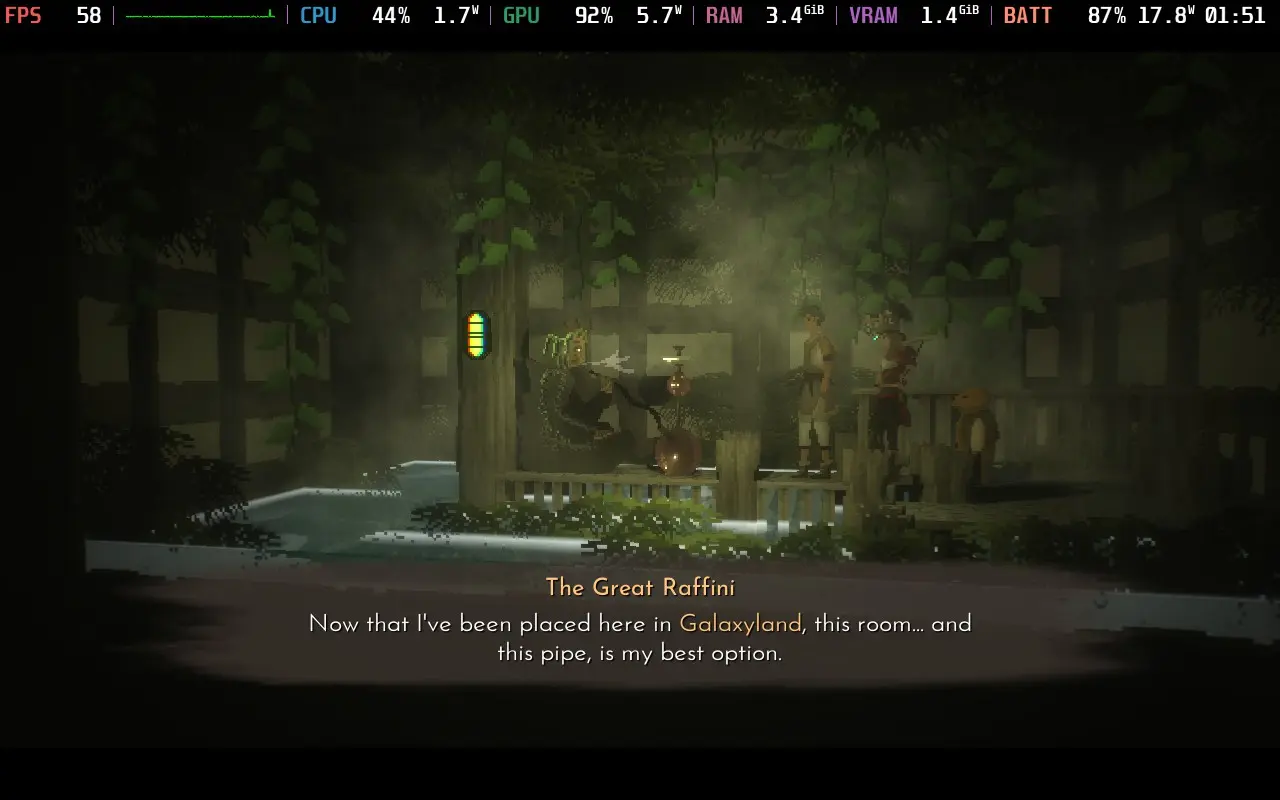
The power draw is around 14-18W, depending on the scene, so it isn't a terrible drain on the battery even with all these settings and a 60 FPS experience. Expect around 2.5 hours of battery life from a Steam Deck LCD, and you might squeeze 3 hours from a Steam Deck OLED.
Temperatures hover around 70-75C, and the fan does ramp up occasionally.
If you want that extra battery life to stay on your space adventure for as long as possible, I'd recommend lowering the SteamOS Frame Rate Limit to 30 FPS / 60Hz and that TDP Limit down to 5W. Then, in the in-game settings, you can turn on every setting except for Depth of Field and Motion Blur, as they're the two performance hitters.
You lose a couple of nice visual effects, and you're running at 30 FPS now, not 60, but the game still holds up pretty nicely, and given the turn-based nature of the game, 30 FPS isn't a deal breaker at all.
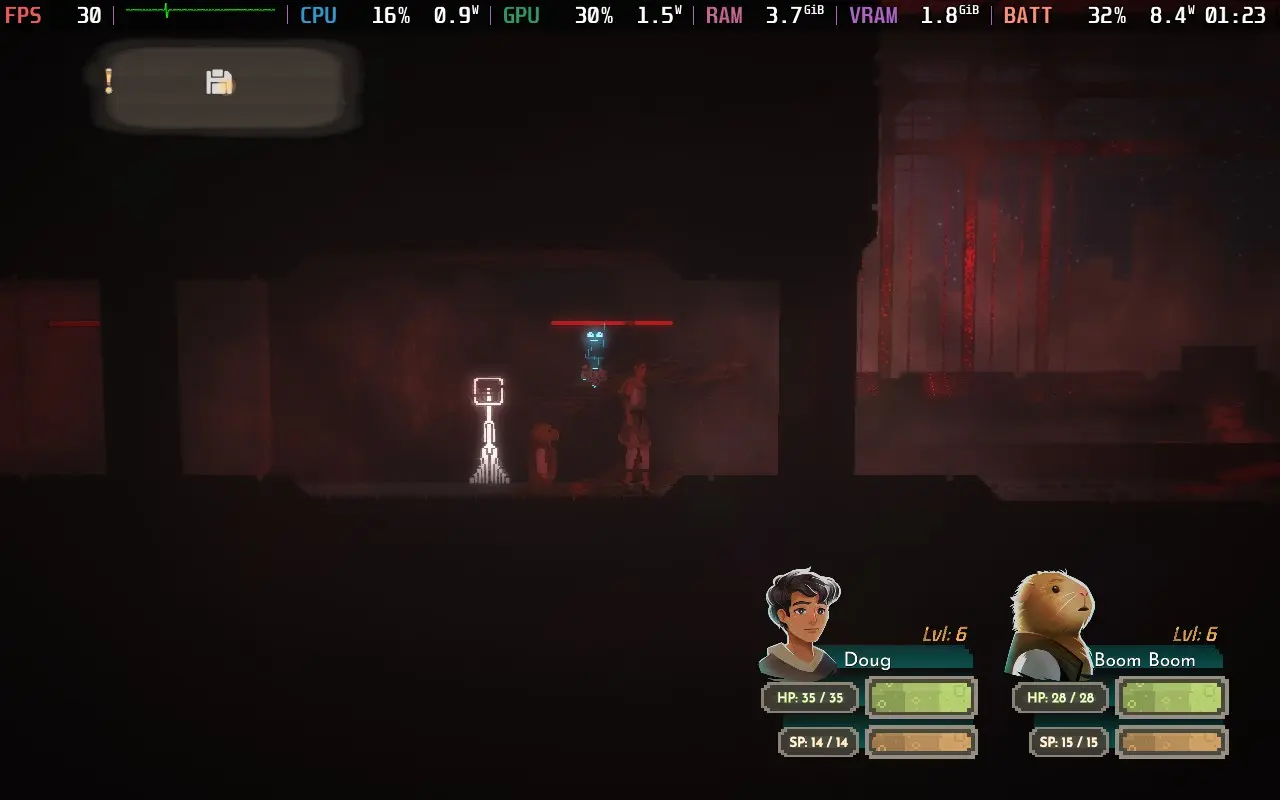
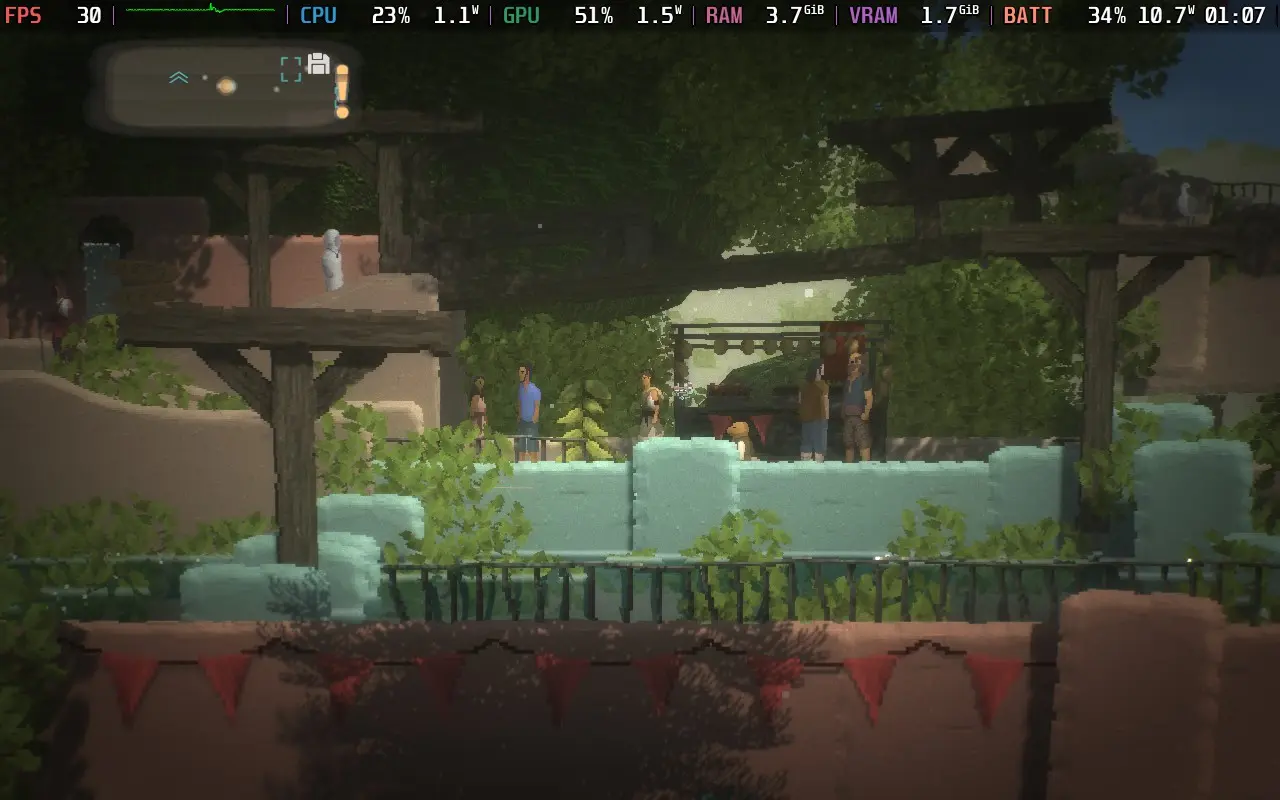
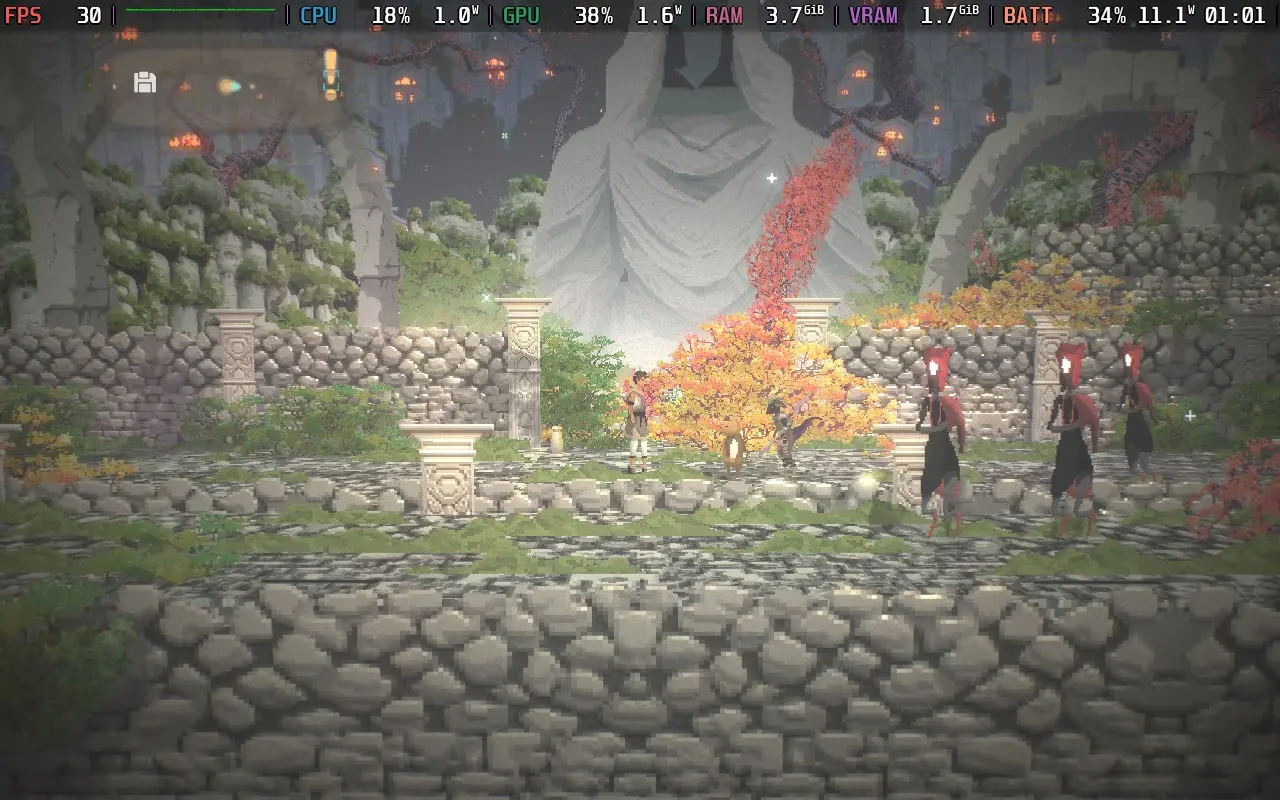
The power draw has dropped to 8-11W now, so even a Steam Deck LCD could manage 4 hours, with Steam Deck OLED owners potentially seeing 5 hours of playing time from a full charge.
Temperatures are cooler on these settings, mostly holding around the 60C mark.
There are no voiced lines in Beyond Galaxyland, so all dialogue is subtitled. There is also an option to make the racing minigames easier, although you don't play them often. Besides that, there are no accessibility options.
Beyond Galaxyland is an adventure worth embarking on. The game has an intriguing, well-paced storyline with enough twists and turns to keep you on your toes. Characters are shrouded in mystery, even ones that you thought you knew could surprise you. This, backed up by solid gameplay, visuals, and sound, combine to make one of the better RPGs I've played in recent memory.
To top it all off, Beyond Galaxyland plays great on the Steam Deck, with great controller support, 16:10 aspect ratio support, and good performance. This allows us to choose between visual niceties and extra battery life. It's worth noting, however, that the game doesn't appear to support Cloud Saving right now, so switching between playing on a PC and your Steam Deck might be an issue.
Our review is based on the PC version of this game.
If you enjoyed this review, be sure to check out the rest of the content on SteamDeckHQ! We have a wide variety of game reviews and news that are sure to help your gaming experience. Whether you're looking for news, tips and tutorials, game settings and reviews, or just want to stay up-to-date on the latest trends, we've got your back.
Towerborne was provided by Xbox for review. Thank you!
The game is in early access, so there may be changes as the game develops. Treat this more as a preview of the launch state of the game, and we will review once it launches into 1.0.
I wasn't sure what to expect when starting Towerborne. Having seen the trailers and a 2.5D beat 'em up, a genre I have little experience in, I was excited to see what was on offer. For better or worse, I was pretty surprised when I eventually got into the game. And I'll preface this review by saying Towerborne is an online-only game. You need to be connected to the internet to play. This means you can't pause the game, even in solo play, and you may experience network lag, even when playing alone.
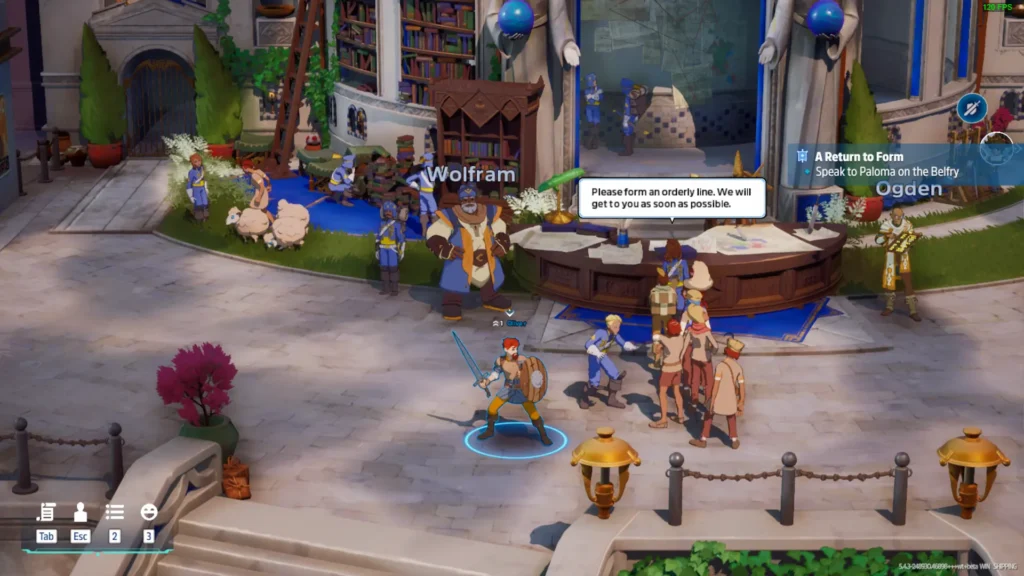
The basic storyline is that monsters have invaded the realm and destroyed the primary city of mankind, causing its residents to flee to the "Belfry," a large tower now acting as a haven for humanity. As an "Ace," you will protect the people of the Belfry from the encroaching monster forces and take back the realm.
After playing the prologue, you'll end up in the game's lobby/hub. From here, you can see what jobs are available. These are generally secondary tasks you complete during missions. You can also find the game's characters here, accept their main story quests, and upgrade your weapons and gear at the forge.
The Belfry is also an online lobby; you're still technically in an online lobby, even traveling to the world map. Unfortunately, and very strangely, I couldn't find a way to communicate with other players beyond the emote system the game has. Towerborne doesn't appear to have voice or text chat support in the game, which is baffling for an online-only game with a heavy co-op focus. Whenever you start a mission, it prioritizes playing in a group over the option to play solo, so it's a little confusing that you can't communicate with your team.
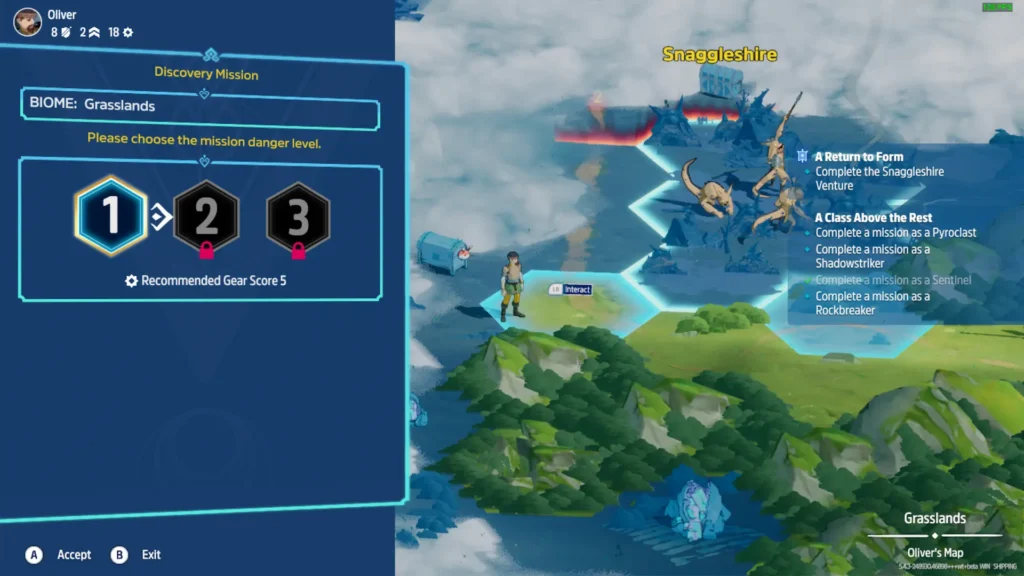
Once you leave the Belfry and go to the world map, you'll be placed on a hexagonal map, with each tile representing a mission. They are all largely similar in how they play out. Once you select a tile, you can choose the difficulty mission you want. The basic tiles aren't repeatable, but the boss tiles, such as Snaggleshire shown below, can be replayed multiple times.
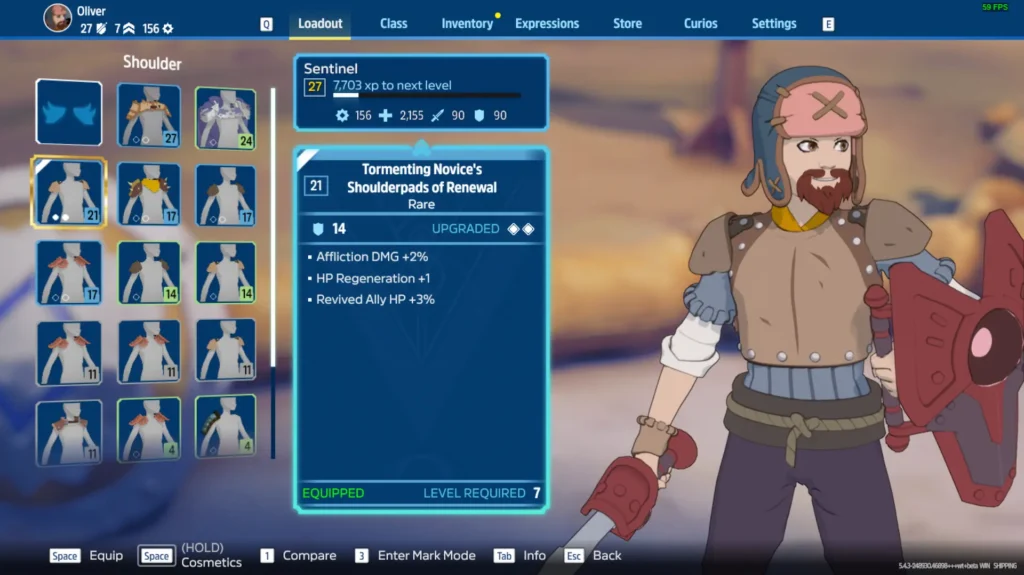
The combat is perhaps Towerborne's strongest point. With different classes to choose from, various weapons to equip, and upgradable gear, you're always on the lookout for that next piece of equipment to give you the edge in a tough combat situation. The game starts pretty difficult, but once you get some good gear, it falls into the range of challenging but not tough. Different gear can have different traits, and I tried to keep gear equipped that gave me life regen and life stealing, which meant I could stay alive much easier.
As the Sentinel class, one of 4 available to you, you'll have a light and heavy melee attack and the ability to dodge and block with your shield. This was my favorite class to play. With my life-regen/steal build, I could heal between battles, which was invaluable since there was no other way to heal. Taking hits early on in a mission can be a death knell, leaving you vulnerable if stronger enemies emerge later.
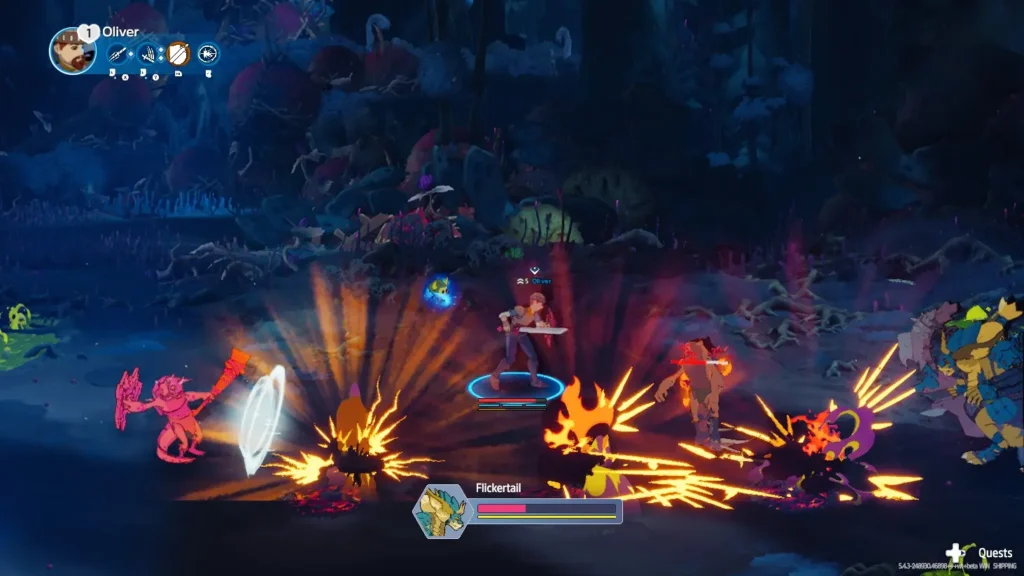
You can also hit enemies into the air with certain moves, allowing you to "juggle" them. However, I am no fighting game player and was terrible at this. I found that putting myself in the air, which stops you from being able to dodge, was a death sentence, and I died attempting to juggle. I also discovered that if you get knocked down when a large group of enemies is nearby, you'll get stun-locked into oblivion and die. Fortunately, you do get extra lives to respawn.
Aside from your weapons, you'll be followed by a creature known as an Umbra with special abilities. Your starting Umbra will fire a bolt of energy at an enemy you are facing, which can be a good way to deal that extra bit of damage or help control the crowd, especially if you've just been knocked down. The second Umbra I got was able to deploy a static orb that dealt massive damage to enemies that walked into it.
Enemy AI is what you'd expect from a beat 'em-up. They do their job well enough, and I can't say I noticed them doing anything "stupid."
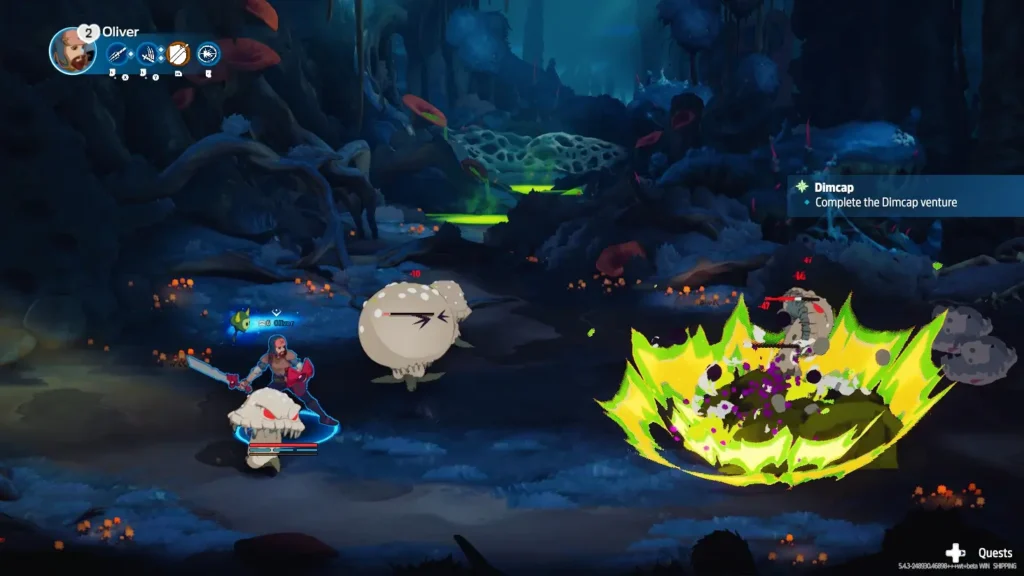
Towerborne is very much built around its gear system. Not only do you have your character level, but you also have a gear level, showing how good the gear you have equipped is. As you explore the world, missions you take on will have a recommended gear level, which increases the further you are from the Belfry, so you must always be finding or upgrading gear. Gear can also have traits that make building a set that suits your playstyle interesting.
Although Towerborne will launch as a paid game, the aim is to make it Free-To-Play and fund the game via micro-transactions, which are already in the game but are largely just emotes and cosmetics right now. Buying a founders pack gives you access to the game now, while it's in early access, as well as some cosmetics.
I can see Towerborne as a game that, upon its final release, will be intended to be played for 100+ hours, with an ever-increasing amount of content to keep players involved, similar to how Hoyoverse runs games like Genshin Impact. This "live service" game has promised seasonal content and a changing world map.
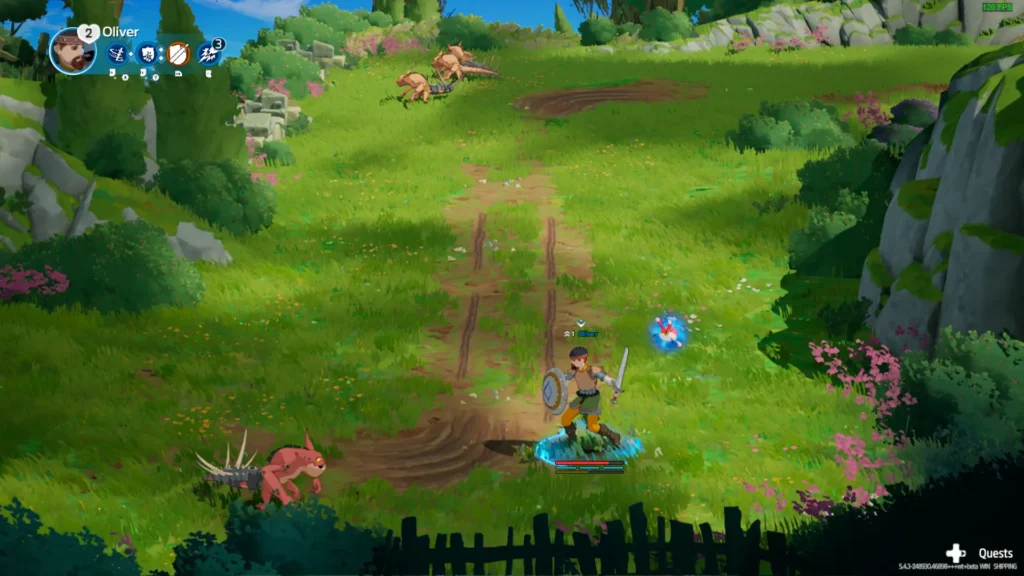
Visually, the game has a nice art style, mixing an almost anime-like look with 3D elements. It works pretty well, and new equipment does reflect your character's appearance, which is always a nice touch. The game's music is also pleasant, ranging from calm piano music in the lobby and world map to tense battle music when on a mission.
Towerborne has some good potential, and I enjoy the combat and the gear system. I'm just worried about the game that surrounds these two things. It's a little rough around the edges, with strange UI and control decisions for keyboard players, no local map for the Belfry, which can take a little getting used to. The game sometimes tells you to speak to a certain person but does not tell you *where* that person is. The game's content is also repetitive, with environments and enemies staying the same long before you find something new.
But, if you're using a gamepad and you have some friends to bring along with you and a better way to communicate, such as Discord, Towerborne should probably keep you entertained for a while.
Sadly, the game does not boot on the Steam Deck right now and crashes as it attempts to load the main menu. I contacted the developers, who said the game had worked correctly on the Steam Deck, but a recent update had broken compatibility. They couldn't offer a timeframe on when the game might be fixed on the Steam Deck but did say that they want to achieve Steam Deck compatibility.
Strangely, Towerborne has an accessibility button right on the main menu. When you click on it, you get taken to the accessibility menu, which has two options: the font size and the ability to disable the camera shake. It's oddly prominent, considering there isn't any accessibility in the game. The font size was a bit smaller, even on my PC, so I would bump it up a tad.
Towerborne has the potential to be a mainstay title, with an increase in the variety of content, such as different mission types and objectives, perhaps some improvement to the multiplayer communication method, and some polish, such as adding certain missing quality-of-life features.
I did enjoy the game for the first few hours. Still, after playing solo for all that time, I started to wish I had friends to play with me, and I quickly started just trying to beeline progress so I could explore something new rather than taking my time finishing the world map missions. In a group of friends, I imagine the game is more enjoyable for longer, with you and your friends discussing the new loot you got at the end of the mission and trying out different combinations to see what works well together.
You can't fault Towerborne's amount of content, and I just question whether the variety of content is enough to keep players hooked for the amount of time the game wants from you.
Sadly, the game doesn't function at all on the Steam Deck, crashing during the opening sequence of logos, so, at least for now, this is one you'll need to play on another device. I tested it on the ROG Ally, and the game is perfectly playable at 60 FPS with a 15W TDP in lower graphical settings.
Our review is based on the PC version of this game.
If you enjoyed this review, be sure to check out the rest of the content on SteamDeckHQ! We have a wide variety of game reviews and news that are sure to help your gaming experience. Whether you're looking for news, tips and tutorials, game settings and reviews, or just want to stay up-to-date on the latest trends, we've got your back.
This game was tested with a Steam Deck LCD. OLED testing is coming soon.
It's taken a little while to get around to reviewing Baldur's Gate 3 for the Steam Deck, but there are a couple of reasons for that. The game has received major updates since its release, including the much-awaited FSR2 support, and Baldur's Gate 3 is such a big game. With such varying environments and depth, a full gameplay and performance review needed to be done right. And the long awaited day is here, let's talk about Baldur's Gate 3.
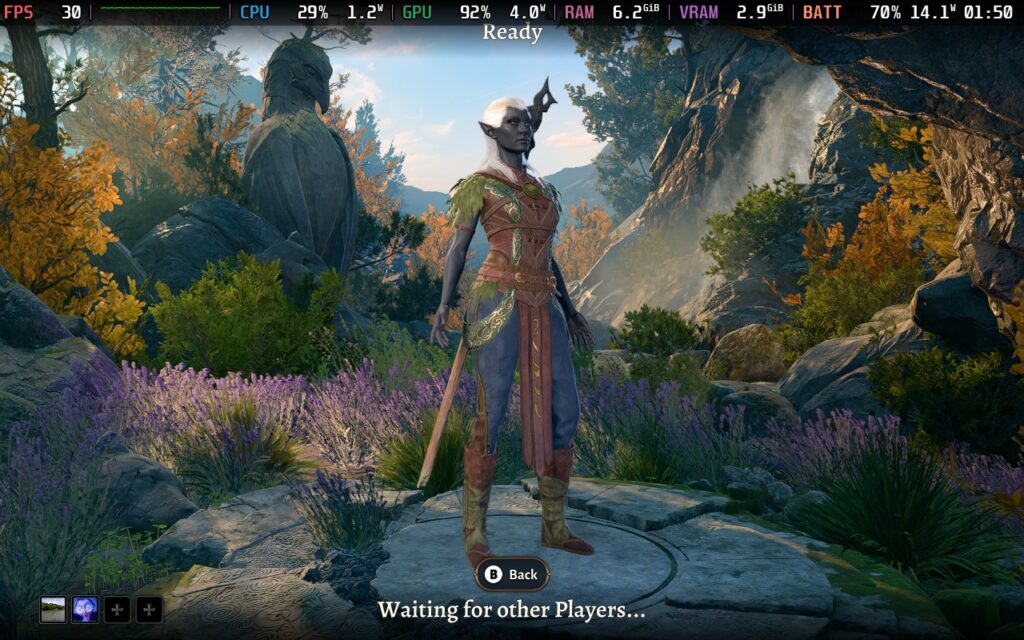
If you somehow missed it, Baldur's Gate 3 is rightly considered one of the best games of all time, winning almost every Game of the Year award that it was nominated for. Why does it deserve such acclaim, you ask? Well, in my opinion, it's down to the clear passion and love the developers have put into this game. There is attention to detail everywhere. It is a true role-playing game.
Many people love the idea of Dungeons & Dragons, but organizing a game night and having someone awkwardly play a Dungeon/Game Master can be overwhelming. Baldur's Gate 3 is probably the closest I've seen a video game get to offering you the freedom of a true Dungeons & Dragons experience. Sure, there's only 1 "campaign", and you are following a set storyline, but there are so many choices to make, branching paths that can lead to numerous outcomes, there are even "choices" that aren't obvious that you can even make! To truly experience all of Baldur's Gate 3, you would need hundreds of hours.
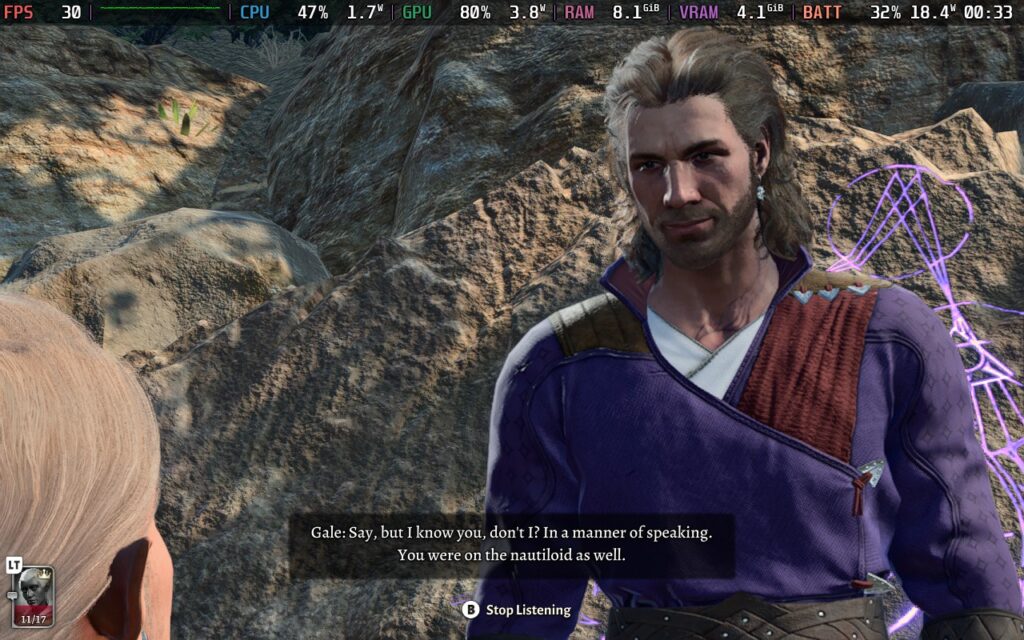
We haven't really discussed any gameplay mechanics yet, have we? So let's get into that. I'll start with the combat system. As you can imagine, Baldur's Gate 3 bases everything on Dungeons & Dragons, so we have familiar mechanics at play here. The game plays out battles turn-based, with turn order based on an initiative roll all participants take instantly at the start of combat.
Certain attacks, whether with weapons or spells, deal damage within a range. The target can do a "saving throw" to perhaps mitigate or nullify the damage/effect received from such an attack; of course, these dice throws are all done behind the scenes in the game to keep progress steady. It all works and flows beautifully, but you might well expect that for a system that has been around for literally decades and has gradually been refined.
The combat is satisfying; when you position yourself properly on the battlefield and have that spell available that will do just the right amount of damage to defeat that enemy and the attack hits, there's no feeling quite like it. Especially if you're in a cooperative game with friends and everyone in your party cheers because you got some good RNG on your hit!
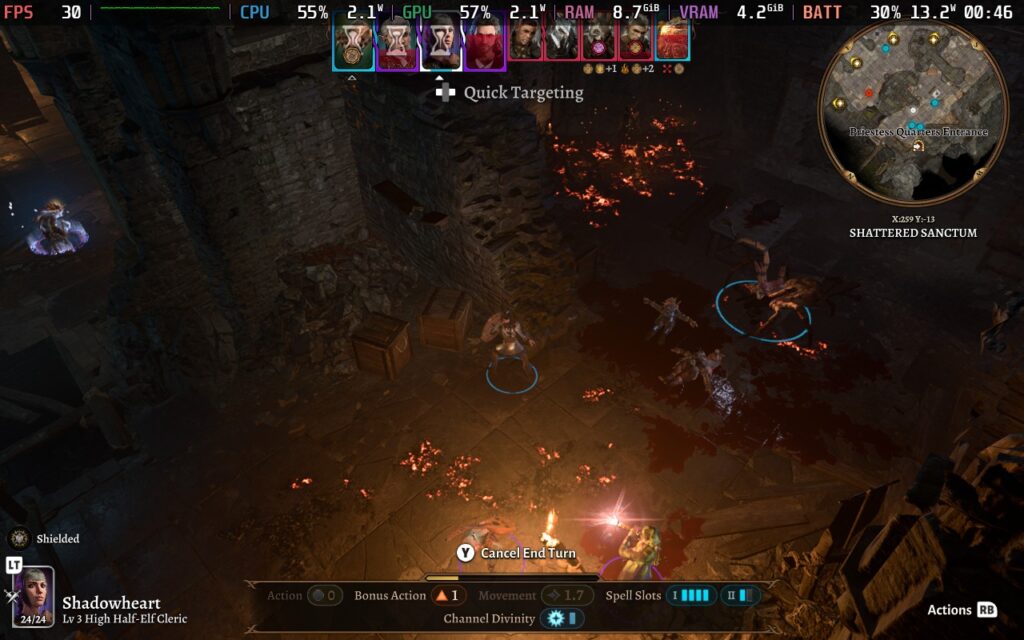
Dice rolls are handled somewhat differently when out of combat, and I'm a huge fan of this fact. While simulating every dice roll in a combat scenario would be tiresome and ruin game pacing, simulating dice rolls during conversations or when trying to complete a skilled task is a different story. Trying to persuade or charm someone so you can avoid a fight and watching the dice roll around the screen, everyone in your party on voice chat holds their breath as they await to see what number you roll. And then... it happens... the fated 1 appears on the screen, and "Critical Failure" flashes along the top. Before you know it, your entire party is in a fight for their lives.
In case you haven't worked it out yet, even though I'm not a huge Dungeons & Dragons fan myself, I am in awe at how Larian Studios has successfully brought mechanics from a tabletop game to the video game medium. Other games, such as Star Wars Knights of the Old Republic, did use D&D mechanics behind the scenes, but it was never so obvious as it is here, and it works so well. If you have played Larian's last game, Divinity: Original Sin 2, a lot of this will feel very familiar.
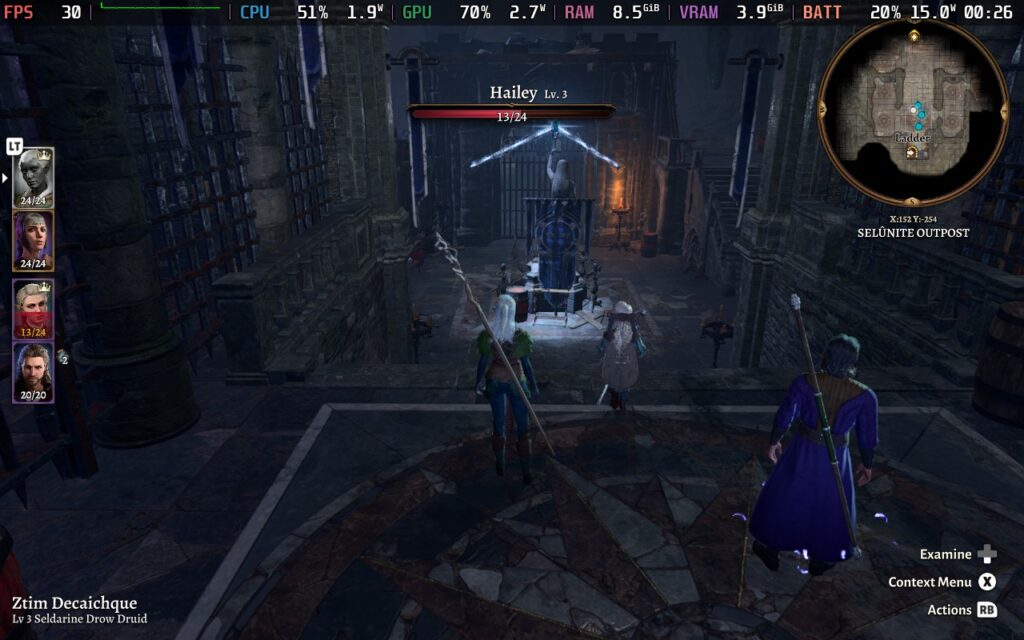
I won't go into too much detail on Baldur's Gate 3's storyline here, as it's best experienced yourself, but it is well crafted and introduces interesting characters who are well voice-acted. It's key that a game like this nails the storyline because the whole point of participating in the combat, of making your character stronger, is to reach the next plot point. I'm glad that Baldur's Gate 3 rewards players' progress with a detailed and branching storyline that can go in multiple directions depending on your choices throughout the game.
The visuals are no slouch either; they aren't world-class, but they do the job very well, and the game is quite scalable, fortunately for us Steam Deck users. They allow you to get immersed in the world, with different environments standing out clearly from one another, ranging from pleasant to unnerving. Characters are also well-detailed, expressing themselves with their body and the tone of their voice.
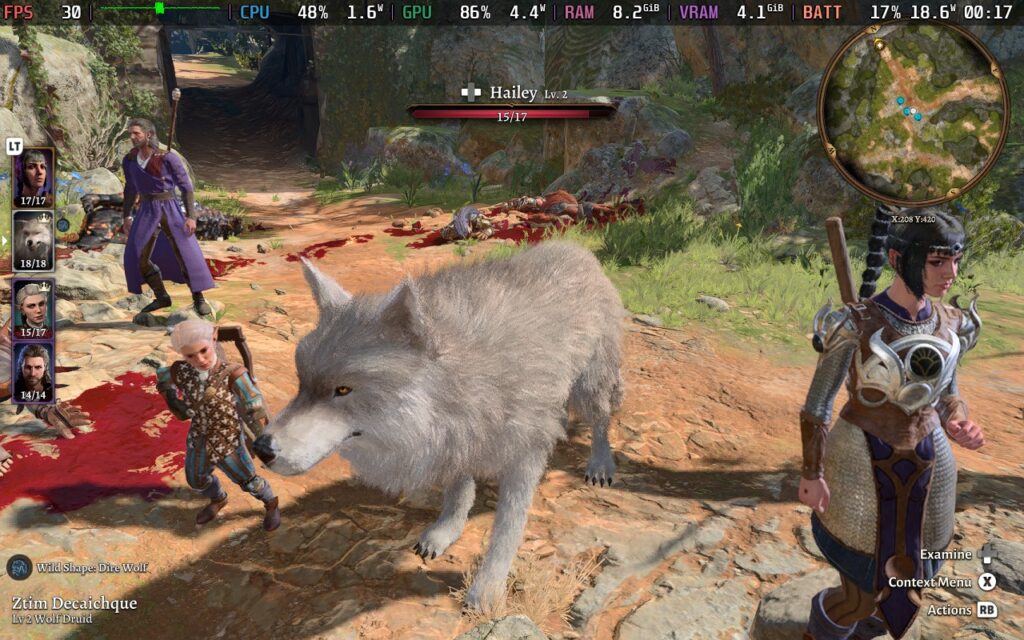
As mentioned during this review, Baldur's Gate 3 lets you experience all this with your friends. The game supports up to 4 players in cooperative play, meaning you don't have to awkwardly assign one of your friends to be a Dungeon Master and cringe as you listen to them try and play 10 different characters. You and 3 of your friends can now go on an adventure together, listen to professional voice actors, have the computer do the mathematics for you, and have a good time while doing so!
Baldur's Gate 3 gets off to a good start. We have 16:10 aspect ratio support, including support for the Deck's native 1280x800 resolution. We also have a well-scaled UI that's easily readable on the Steam Deck.
The game's HUD/UI changes entirely when using a gamepad compared to a keyboard and mouse. Well-designed radial menus allow you to select all your attacks/abilities and navigate all the menus in a fairly simple fashion. It handles it beautifully, considering that when using a keyboard and mouse, there can be upwards of 40 buttons to click on the screen.
Given the GPU, and at times CPU, intensity of the game, I'm only offering 1 preset for settings today, but it should serve you pretty well!
Please note: While the game does have split-screen support on the PC, the developers disabled it on the Steam Deck, so I will not be covering split-screen performance in this review. You can enable it yourself by following our guide, but it will negatively impact performance.
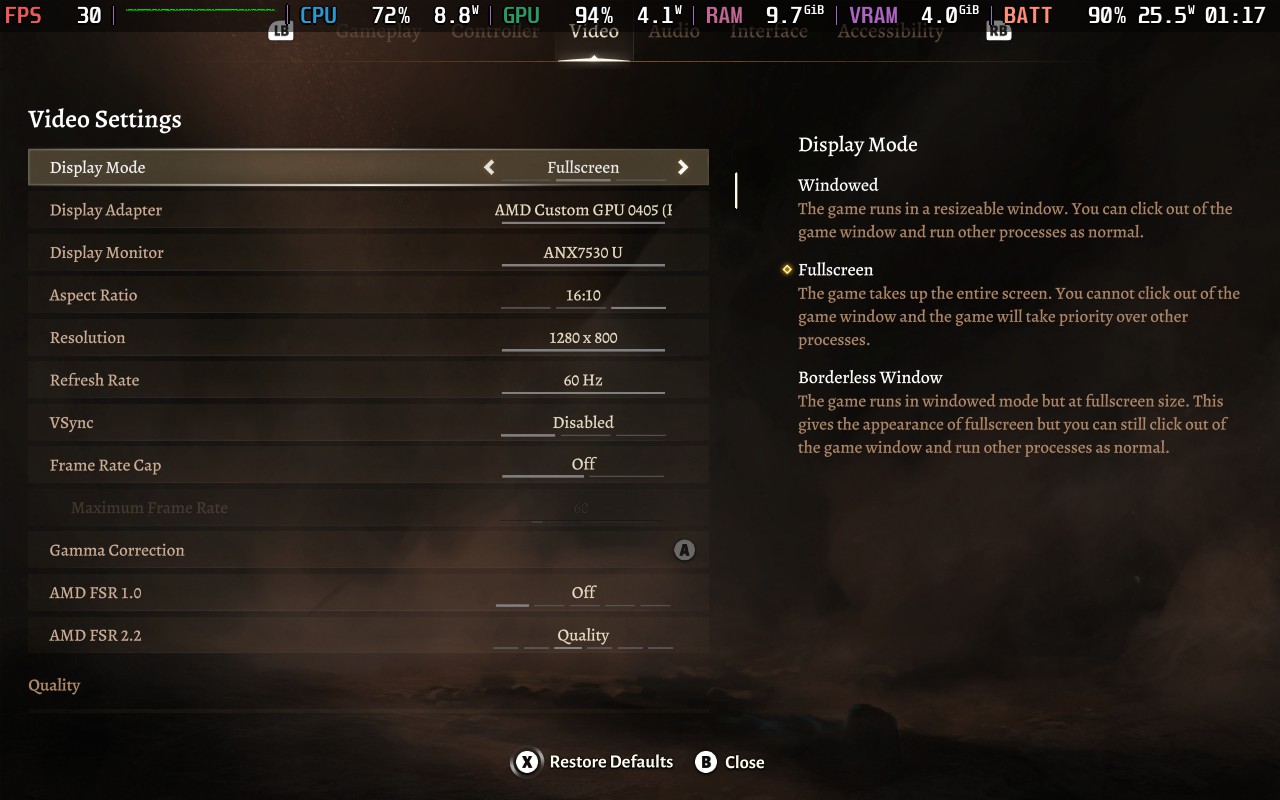
Set the Frame Rate Lock to 30 FPS / 60 Hz in the SteamOS menu, and we'll need all 15W of TDP that the Steam Deck can deliver for Baldur's Gate 3.
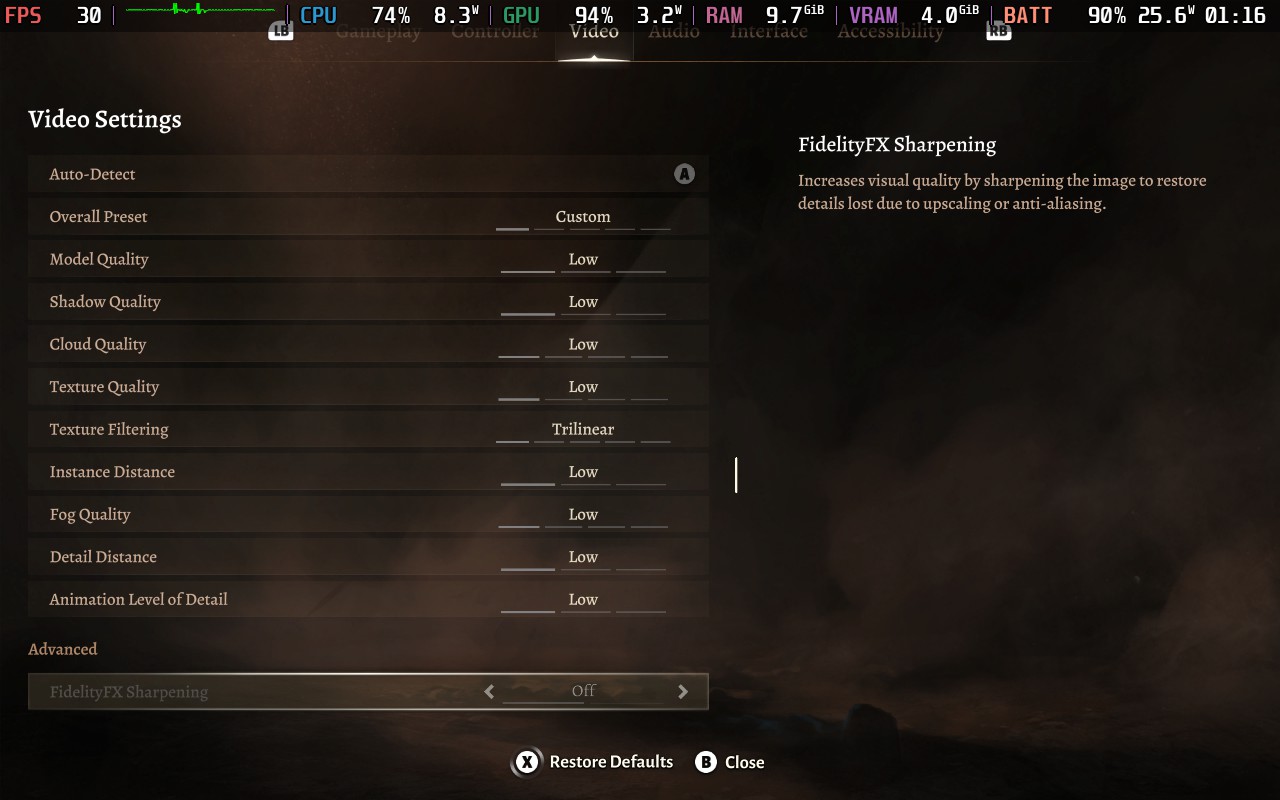
Then, in the in-game settings, do the following. Set FSR 2.2 to "Quality," then you'll want to select the "Low" Preset, as most settings will need to be at their lowest possible so we can maintain 30 FPS. Dynamic Crowds can be left on, as when testing in a crowded area, it seemed to have no performance impact for the Steam Deck anyway.
You can technically run the Texture Quality above Low. I tried Ultra for a while, but it does introduce frequent stutters. The textures still look good on Low, so I opted to stick with Low and avoid most stuttering.
Here are the settings I used for reference:
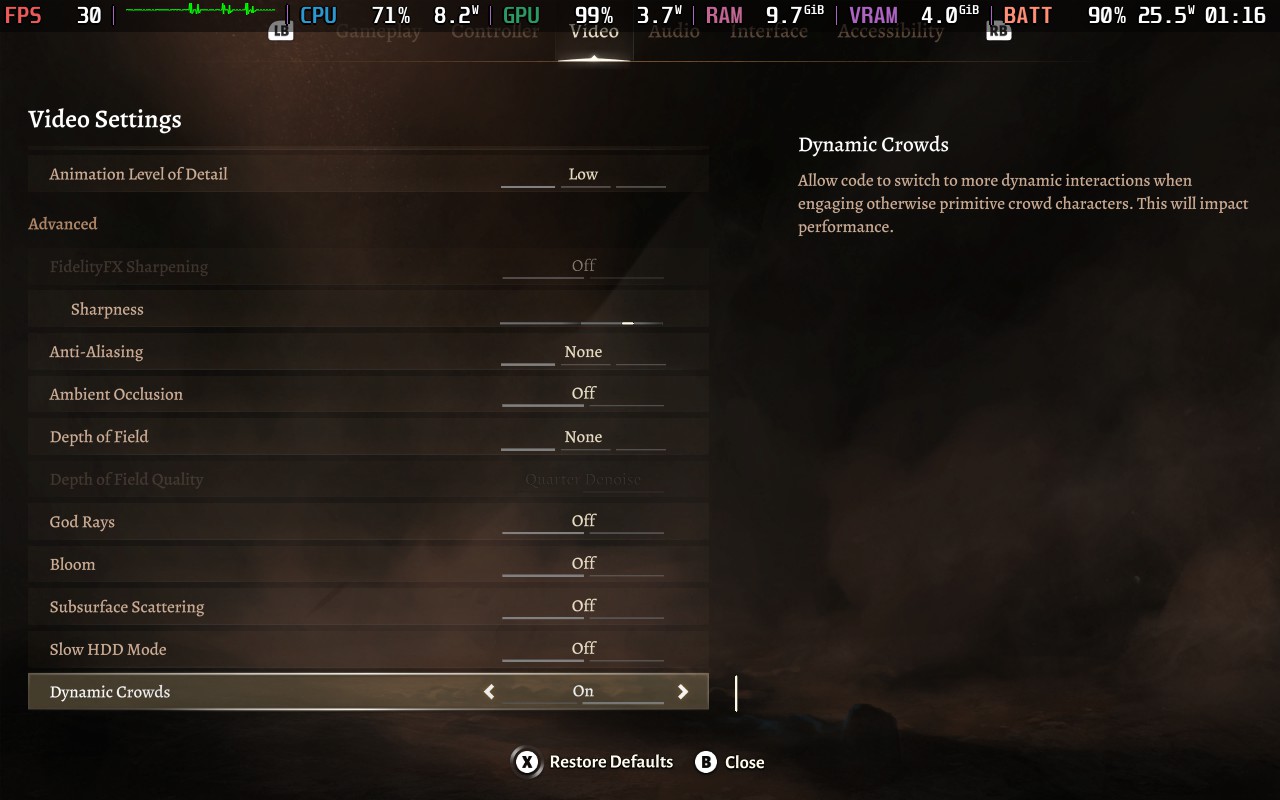
Using these settings, the game runs at an almost constant 30 FPS, which was a really pleasant surprise for me. There are occasional stutters, mostly when entering cutscenes when the camera does a quick cut between angles and sometimes when an attack first hits. I also noticed some slight slowdown in very specific areas, but this was to about 28 FPS and wasn't very noticeable as you had to be in very specific places for it to occur, so if you are walking, it only represented about 1-2 seconds of play.
FSR 2.2 does cause some slight artifacts, most specifically around the hair. If you are a druid and change into a wolf, for example, there is noticeable ghosting when moving due to the amount of fur the upscaling is trying to cope with.
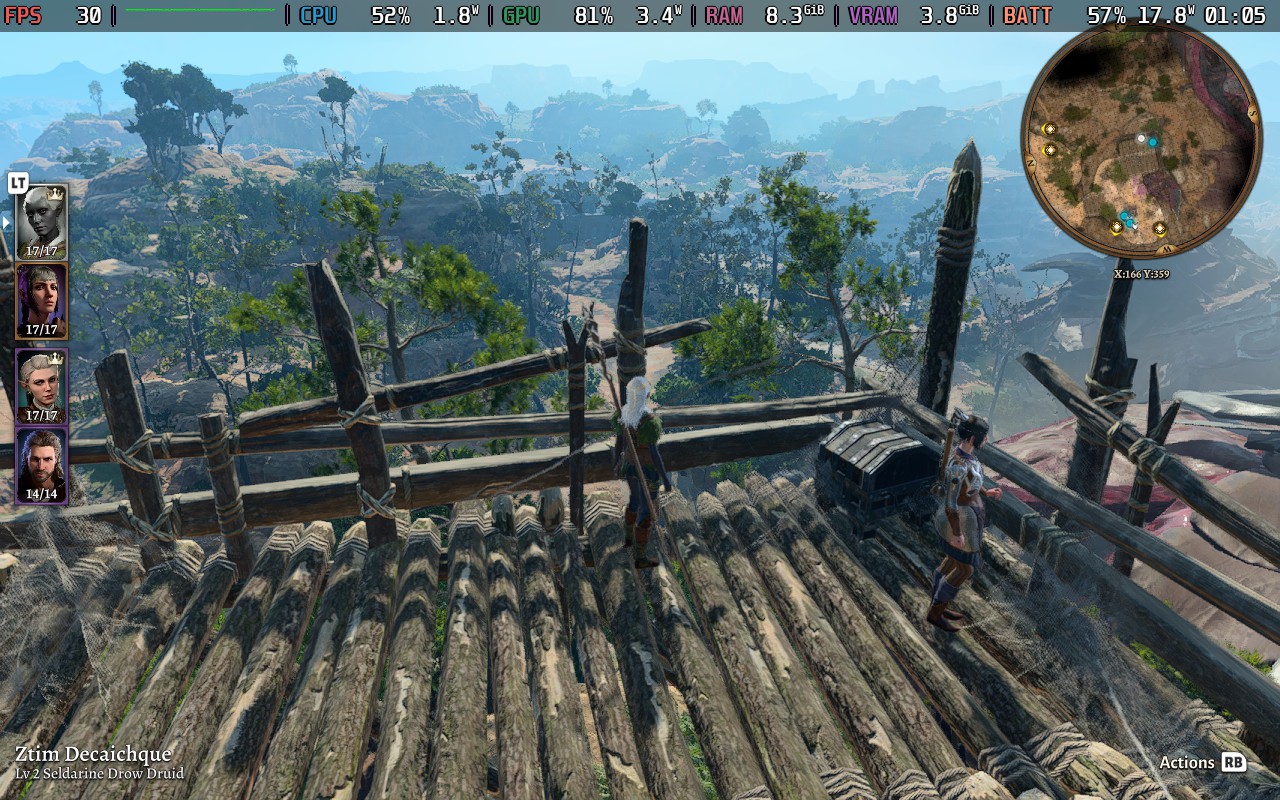
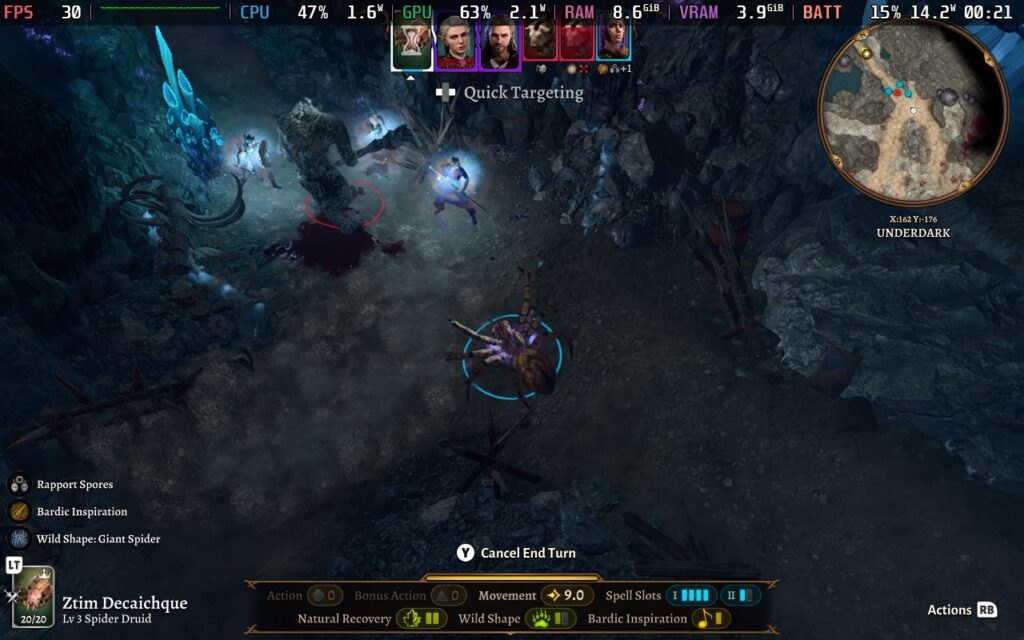
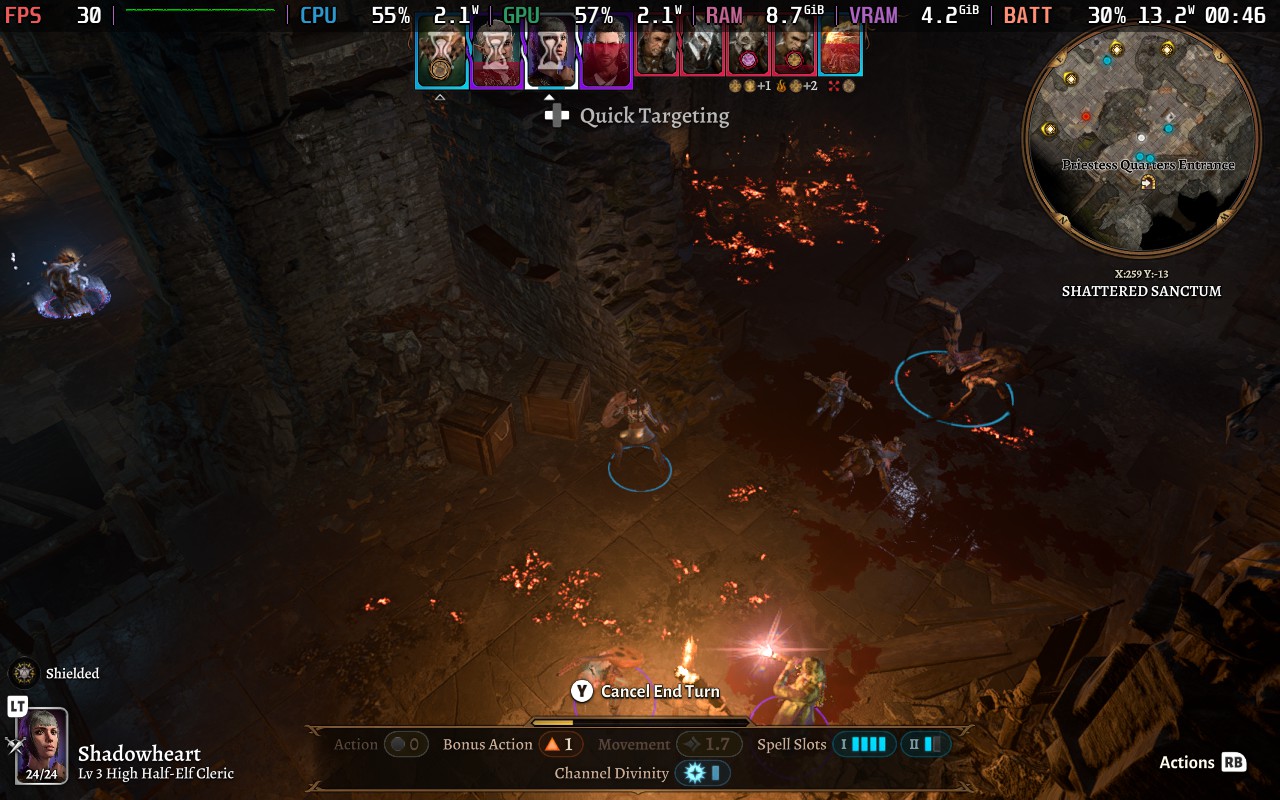
Battery drain varies wildly depending on your environment. You'll likely only draw about 13-15W from the battery in smaller interior areas. Outside, you'll likely draw 17-20W. There are some exceptions to this, which I'll cover in a moment. You should expect around 2 hours of battery life from a full charge.
Temperatures will be pretty toasty throughout. During a battle in an outdoor area, the temperature range was between 75-85C. In less intense situations, however, you can see drops to 70C. You should expect the fan to be somewhat loud for a fair amount of the game, though, so I would recommend playing with headphones to mitigate that.
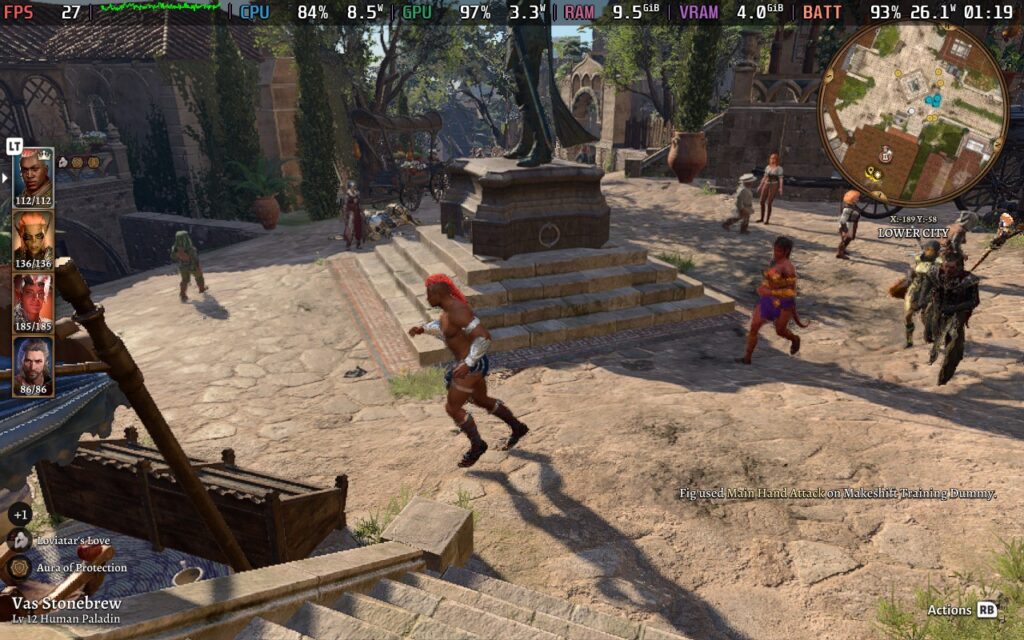
If you've followed Baldur's Gate 3, you'll probably be familiar with Act 3 and its performance. Act 3 is essentially the most intensive part of the game performance-wise. Since then, the developers have patched the game with some optimizations, which have helped, but it remains the most difficult part of the game to run, CPU-wise at least.
So, how does the Steam Deck's CPU hold up? To be honest, it still struggles. In certain areas of Act 3, I expect to see drops to the mid-20s. I noticed drops to 22 or 23 FPS occasionally, with the frame rate often hanging around 27 or 28 FPS. Do bear in mind, however, that this is a specific area in Act 3, and not the entire Act runs like this. Because of the game's turn-based nature, whenever any critical moments happen (such as combat), the frame rate doesn't have a huge impact on gameplay, and I found the game to remain perfectly playable on the Steam Deck.
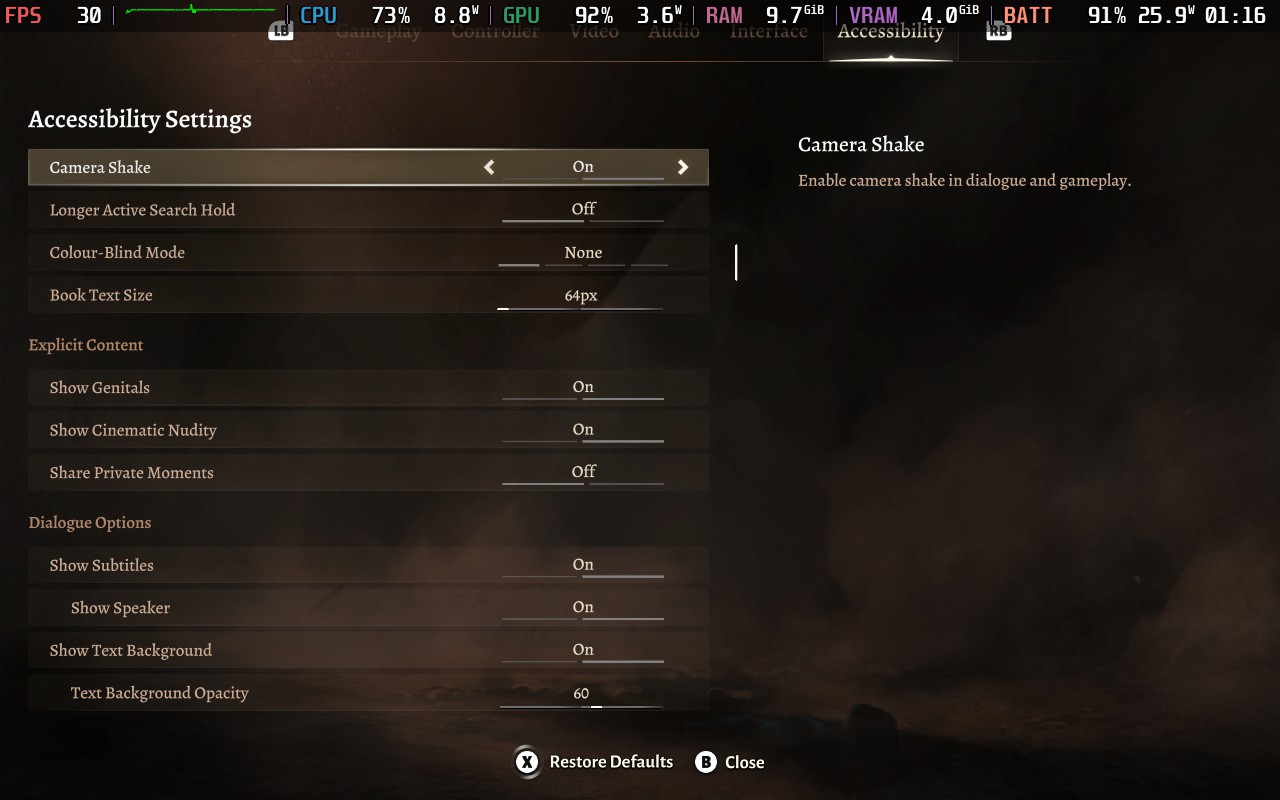
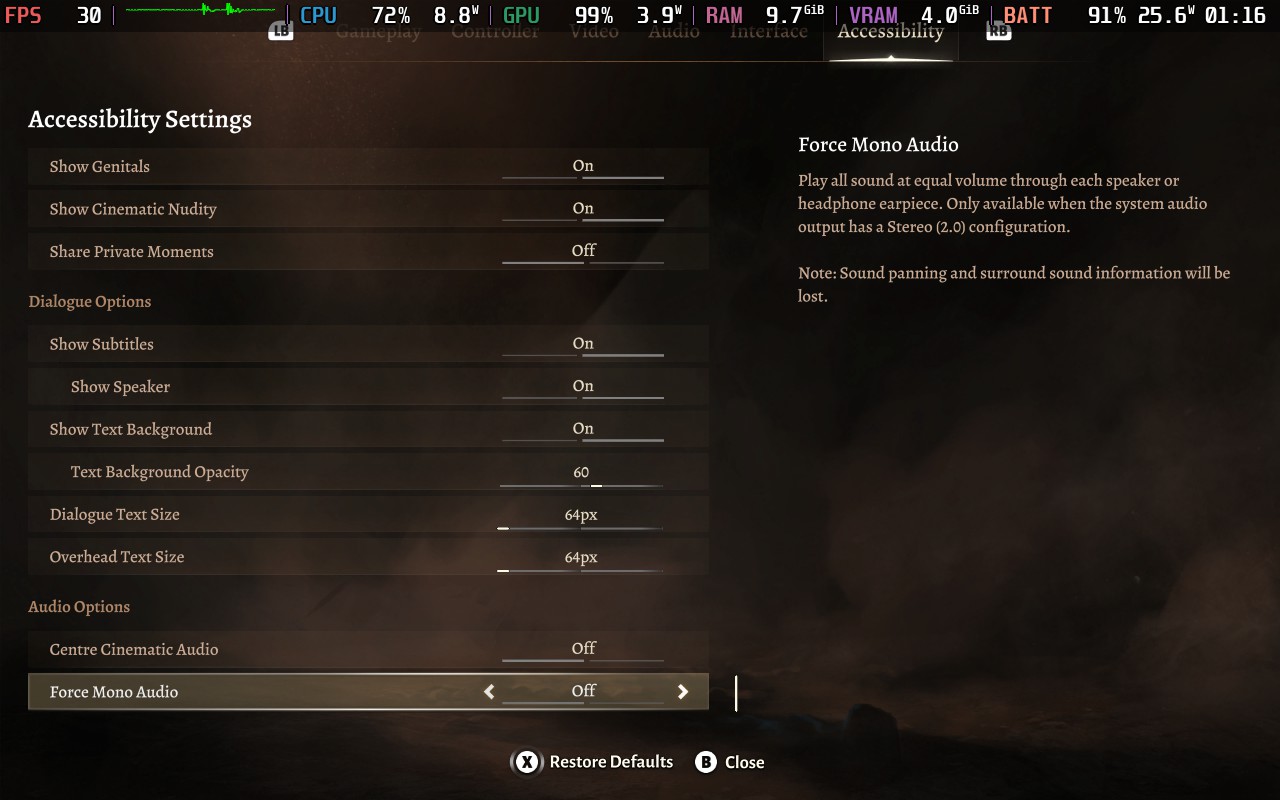
As you would imagine with Baldur's Gate 3 and its extensive settings, it has plenty of accessibility support. I'm going to list them based on the number of options available.
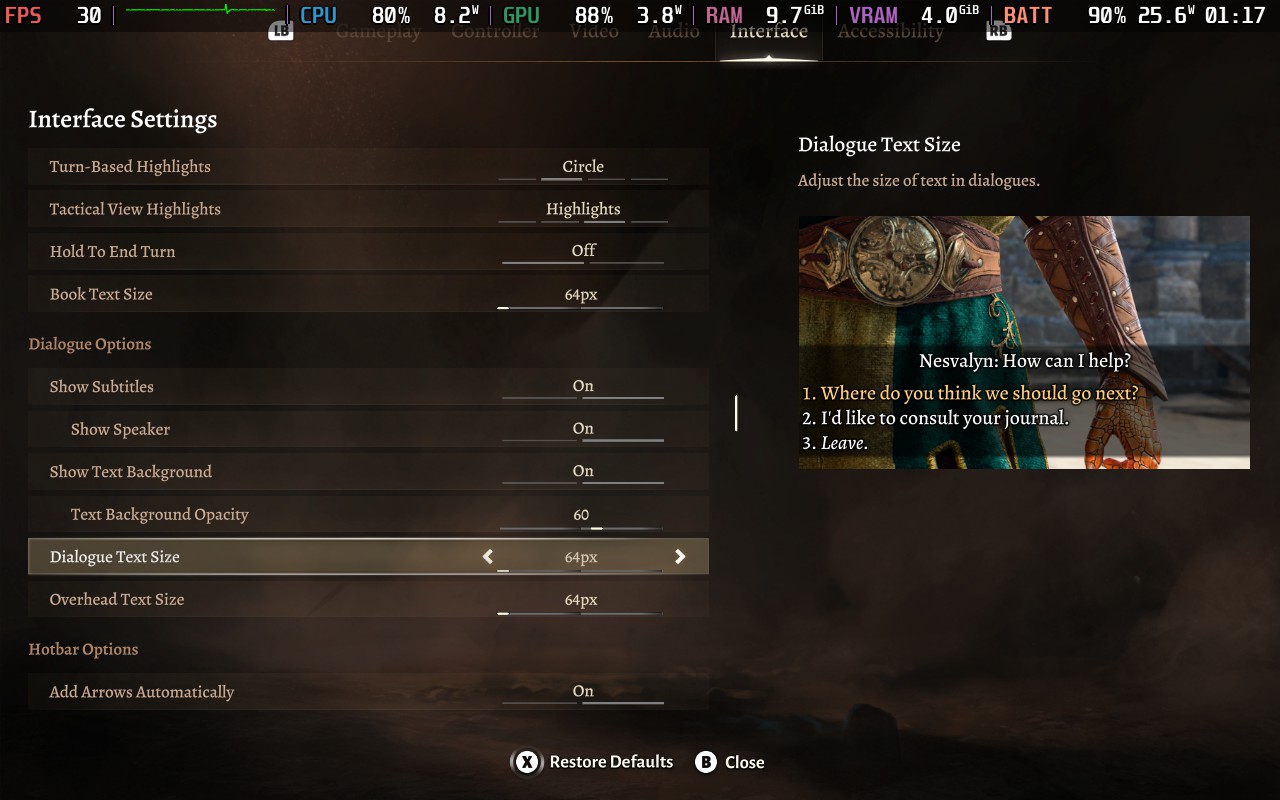
When adjusting UI/Text size, a preview image is also shown so you can get an idea of the size of the text.
Here are some screenshots showing all the accessibility options available, as well as the preview feature for text sizes:
In case you haven't guessed it yet, I was very impressed with Baldur's Gate 3 and what it offers cRPG fans. Having played Larian's previous games (Divinity Original Sin 1 & 2), I had an idea of what to expect here, but in my opinion, it surpasses those games by some margin. The polish the game has received, as well as a superior storyline and characters, set it apart.
What I'm most impressed with, however, is that our plucky little Steam Decks can run this absolute gem of a game. You might think that a large, possibly overwhelming to some, cRPG might not lend itself to playing on a portable device with a smaller screen and a battery life to consider. But the whole thing just works like a charm. The UI and controls are optimized so well for the gamepad that it seems like the game was designed for it from the get-go.
If you can live with the occasional dropped frame and minor performance issues during Act 3, you should not hesitate to pick this up for the Steam Deck if you've been considering it, Baldur's Gate 3 is the ultimate cRPG experience, right in your hands!
Our review is based on the PC version of this game.
If you enjoyed this review, be sure to check out the rest of the content on SteamDeckHQ! We have a wide variety of game reviews and news that are sure to help your gaming experience. Whether you're looking for news, tips and tutorials, game settings and reviews, or just want to stay up-to-date on the latest trends, we've got your back.
Ever since the success of Stardew Valley, we've had a plethora of farming 'simulators' launching what seems to be almost every month. You'd be hard-pushed to watch a gaming show or event and not see at least 1 of these types of games make an appearance. Coral Island is no different, and it follows the formula closely, perhaps to a fault.
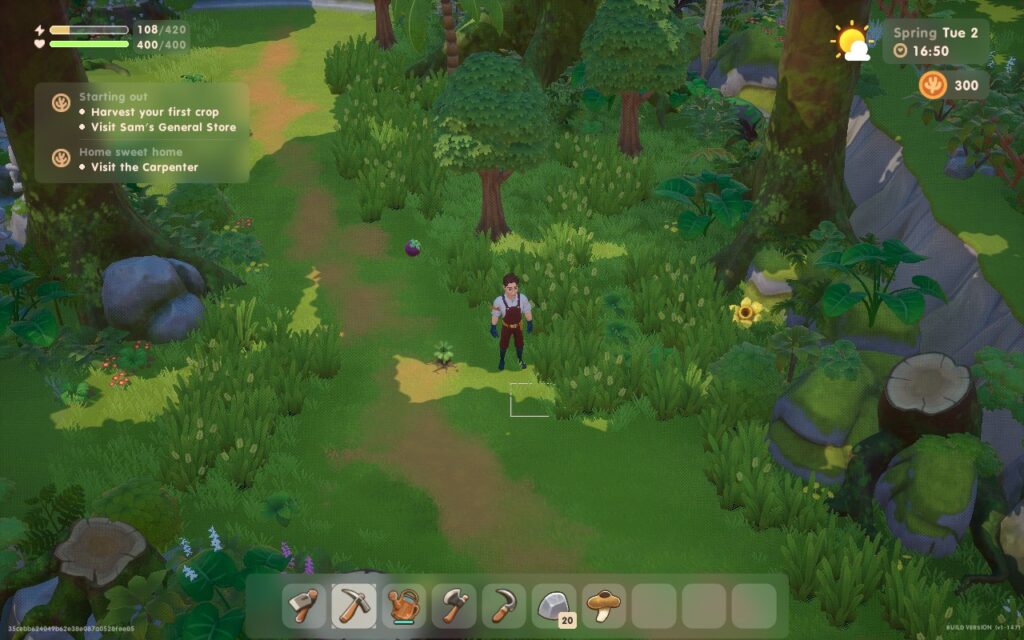
Coral Island starts off with a familiar storyline: you're someone from the 'big city' and looking to live a simpler life as a farmer in the countryside. There's also a big evil corporation in the game that's threatening the peaceful rural village life, a direct line from Stardew Valley. You start off with a basic house, a set of farming tools, and some seeds with a goal to gradually clear up your farm, sell crops, earn money, upgrade your house and tools, and expand into other areas of farming. You can also go fishing or catch bugs. Really then, the game seems to be a hybrid between your classic farming game and Animal Crossing.
One area where Coral Island does stand out from the crowd is the villagers themselves. Harvest Moon-style games tend to keep a fairly concise list of villagers, often no more than 20 whom you can interact with, but Coral Island boasts a much more lively village. You'll likely still be meeting new villagers for the first time after several in-game days, which helps make social interaction in the game feel a bit more interesting and helps break up the slight monotony of talking to the same people over and over. You can also choose from a larger variety of pets, instead of just cats and dogs, which I don't see in many other similar games.
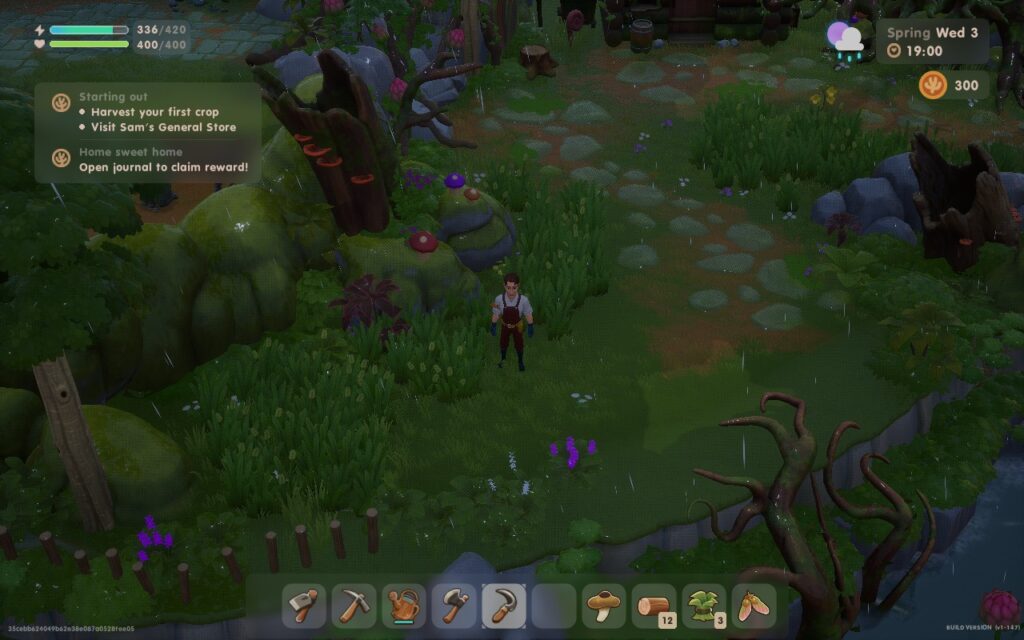
The general gameplay is, however, identical to its peers. You farm in the same way, using a grid system, you can chop down trees and cut rocks for resources, and there's a mine/cave that provides the combat portion of the game, similar to Stardew Valley. The combat system, however, feels a lot more fluid than Stardew Valley's, allowing you to move around more when attacking. The mines also have more varied and visually appealing environments.
One thing I did find odd about Coral Island is the sound design in some areas. While the music is pleasant, it's been treated like ambient sound. It fades in and out as you play the game and walk around your farm or through the village, and when it does completely fade away, it feels like something is missing. I would recommend lowering footstep volume from 5 to 2, as otherwise, you'll be hearing your footsteps above all else often.
That's not to say that all these similarities are a terrible thing, this is the formula for a reason. But, if you're expecting Coral Island to break any new ground, you'll be disappointed. The game sticks closely to tried and true mechanics, and it does a good enough job at it. There are plans for continued updates in the future, with developers assuring the community that co-op multiplayer is planned for 2024.
It may surprise you to know that Coral Island runs on Unreal Engine 4. While this might make some of you groan, it does provide a fair amount of scalability which does translate here. Because of this, we're able to offer 3 different presets to suit your needs.
The menus work well on the gamepad, with the D-Pad offering quick access to essential menus. We also have 16:10 resolution support, so we can run the game at the Steam Deck's native 1280x800 resolution and avoid those nasty black bars, which is thankfully becoming more common thanks to the growing handheld popularity. I do also recommend setting the UI Scaling to 110%, and Font Size to 2. To make in-game text and UI easier to read.
We're also turning the in-game "Frame Limit" off in the options menu. Although sometimes in-game frame limiters work better than the one we have in SteamOS, I noticed that the frame limiter in the game seems to cause inconsistent frame times which can make the experience feel stuttery. There is some traversal stutter in the game, as it seems to load the world in "chunks" as you move, and when a new chunk loads, there is a brief stutter. This happens regardless of any graphics settings or any TDP Limit, so it's sadly unavoidable.
While a 60 FPS experience is always ideal, in a top-down game like this, I found myself preferring nice quality visuals over the additional frames, so my recommended settings are going to aim for 30 FPS.
We're basically going to keep almost everything maxed in terms of quality, but we lower Shadow and Foliage quality down to "Ultra.". We also completely forgo Anti-Aliasing, as it's barely noticeable on the Deck's smaller display:
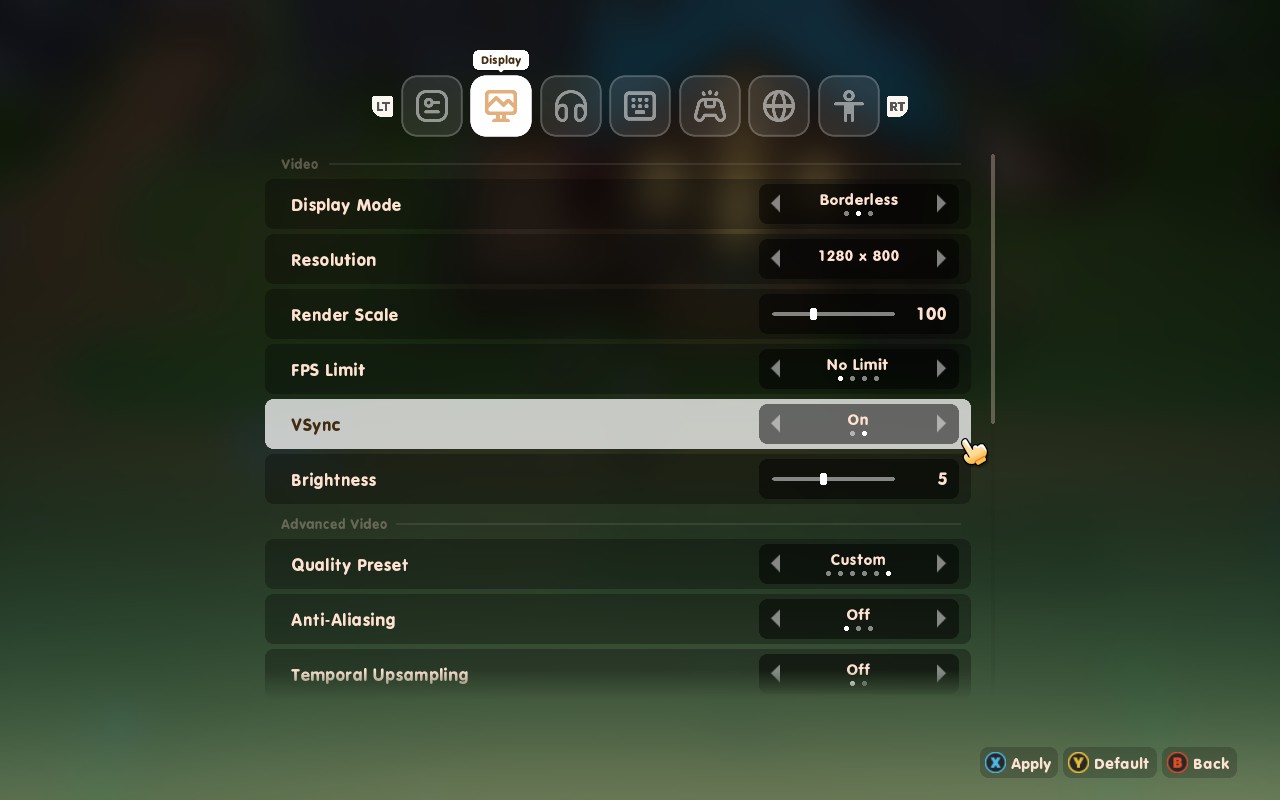
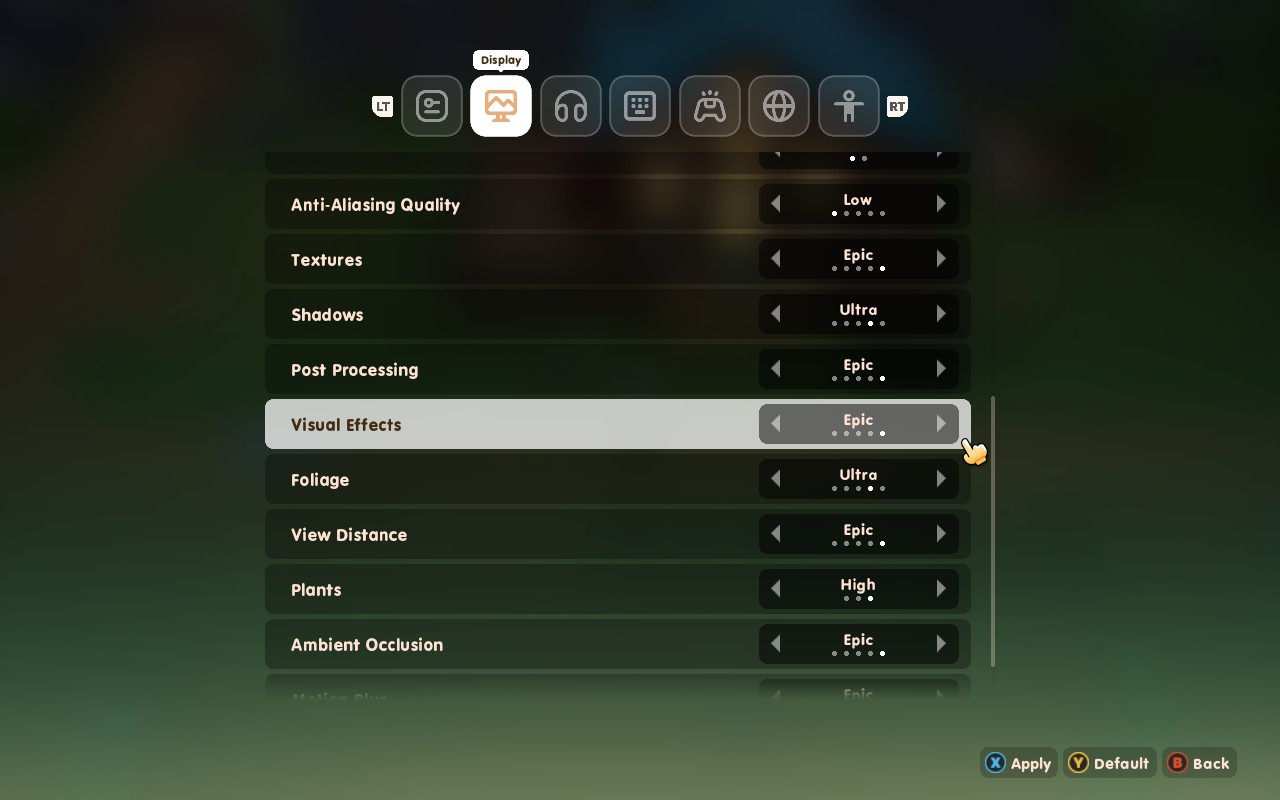
In SteamOS, set a refresh rate and Frame Lock of 30FPS/Hz. We can also lower our TDP Limit down to 10 to save on battery life.
Using these settings, we generally draw about 12W - 14W for between 2.5 and 3 hours of battery life. Long enough for a good play session with the bonus of beautiful-looking visuals. The Steam Deck also stays relatively cool, rarely exceeding 70C, so your Deck should stay comfortable in your hands.
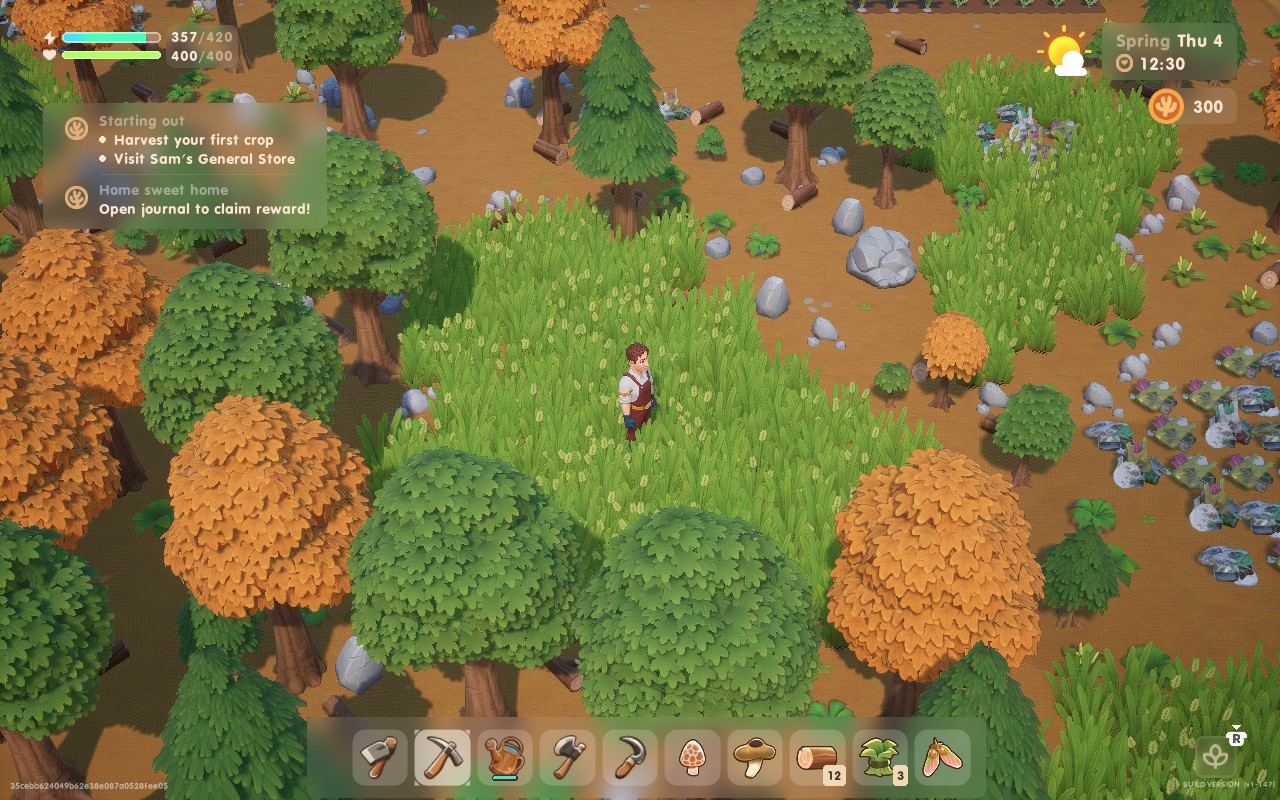
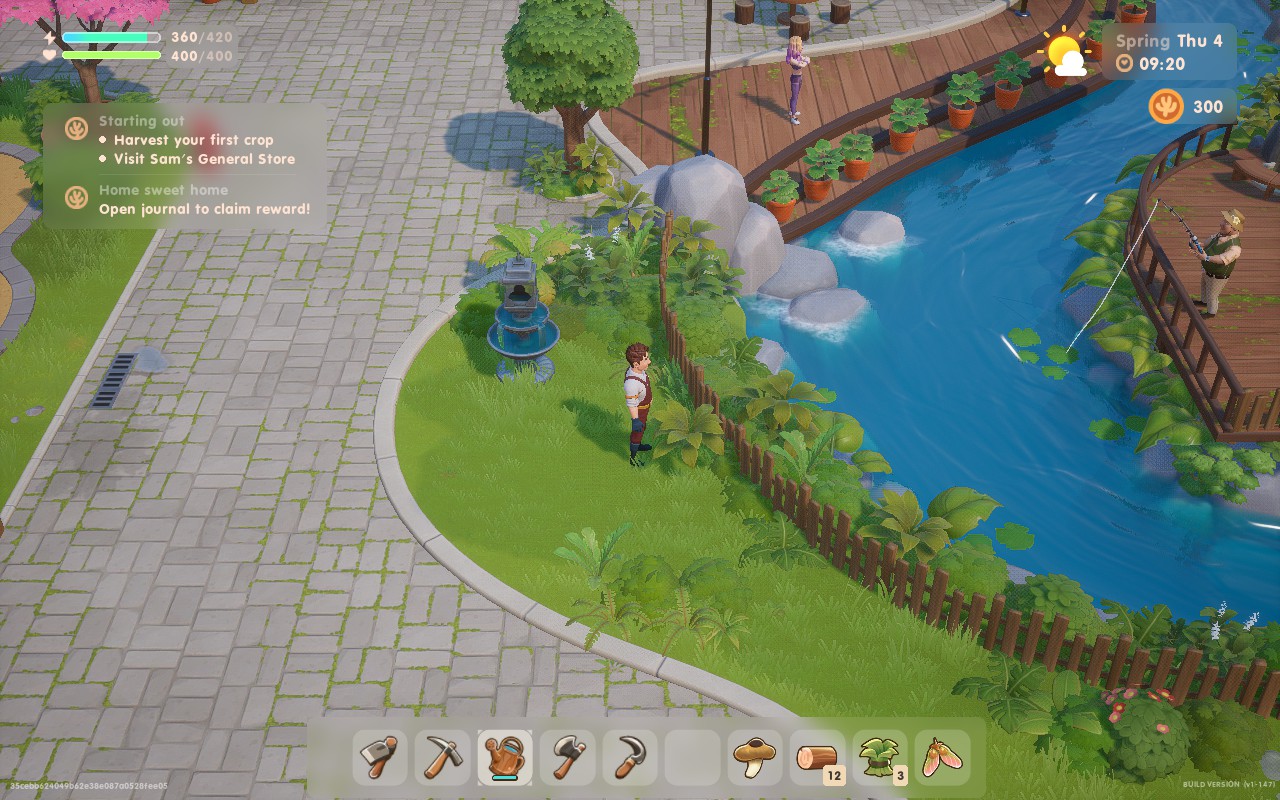
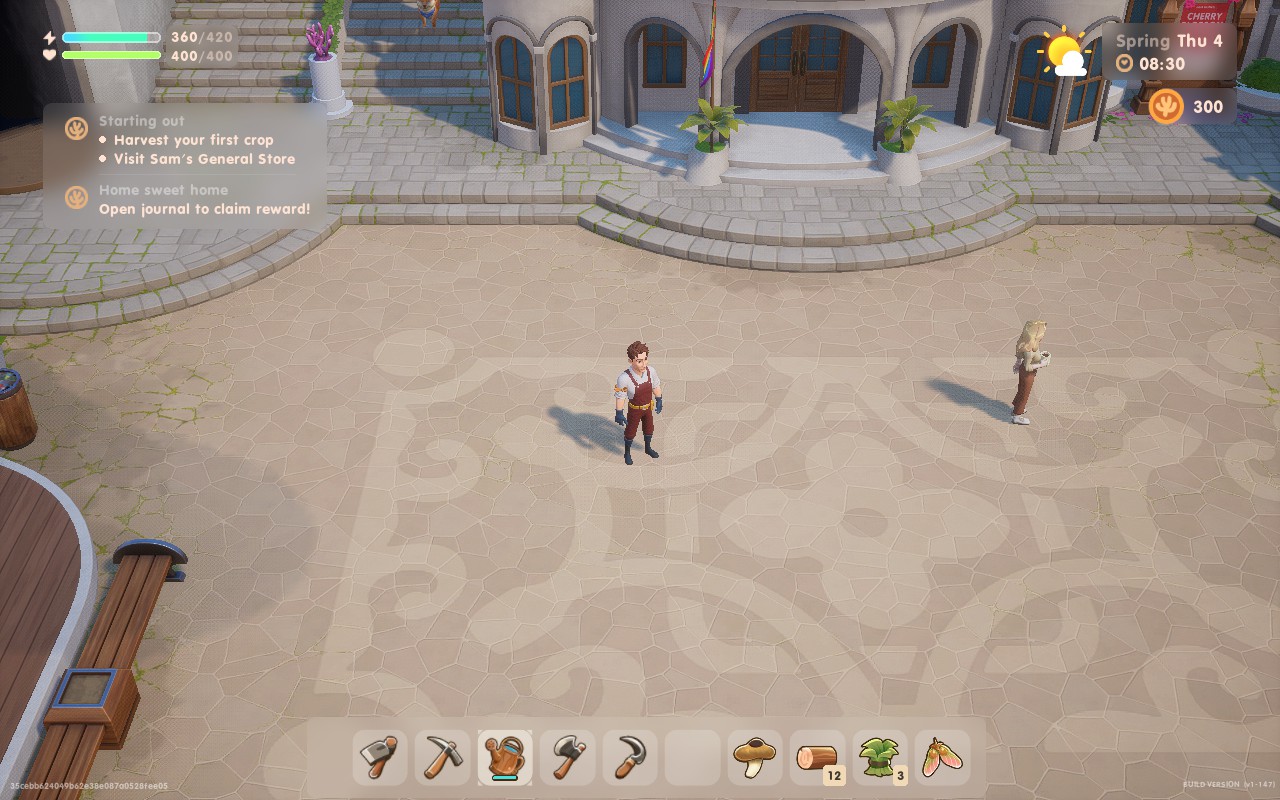
If having a 60 FPS experience is your focus, then these are the settings for you. We do have to make significant visual compromises to reach 60 FPS, and we're also going to be pushing the APU as well, so expect low battery life.
Most settings are staying on "Medium" here, except Textures set to "Epic," and Anti-Aliasing set to "Off":
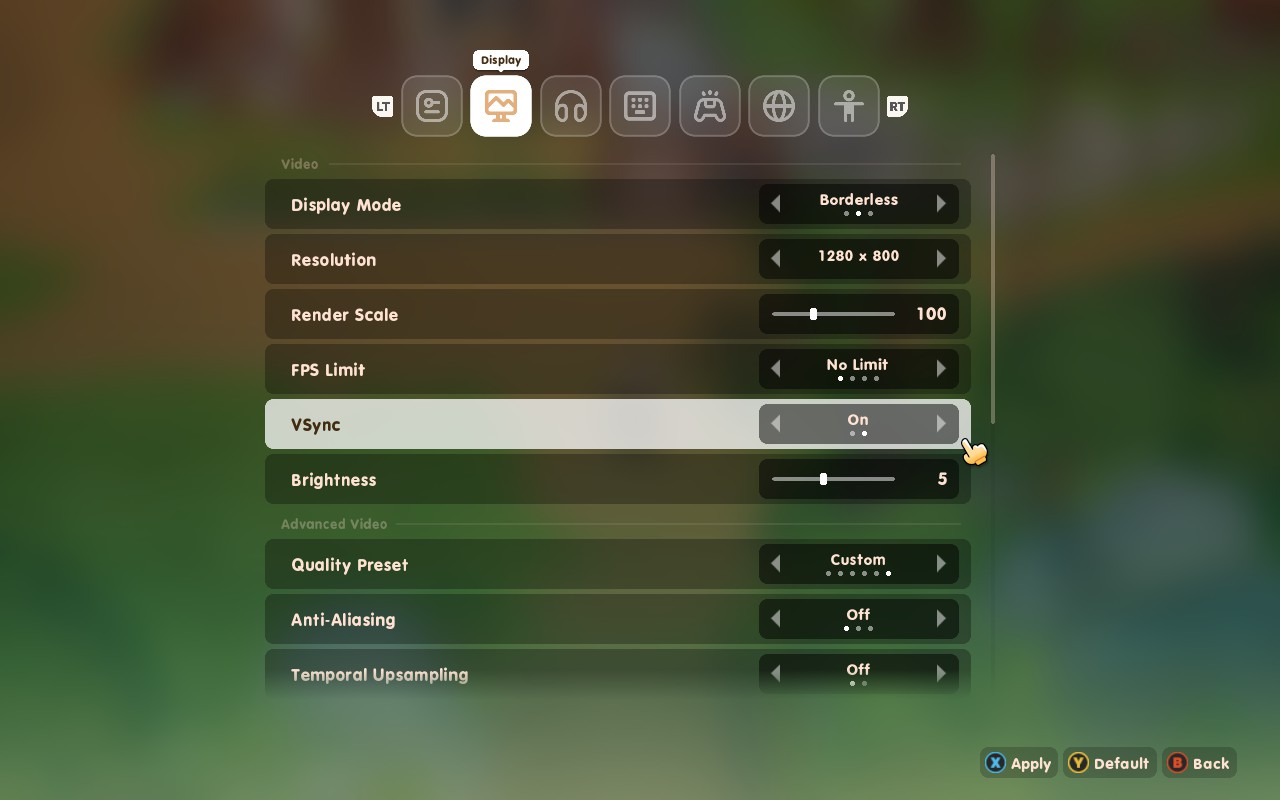
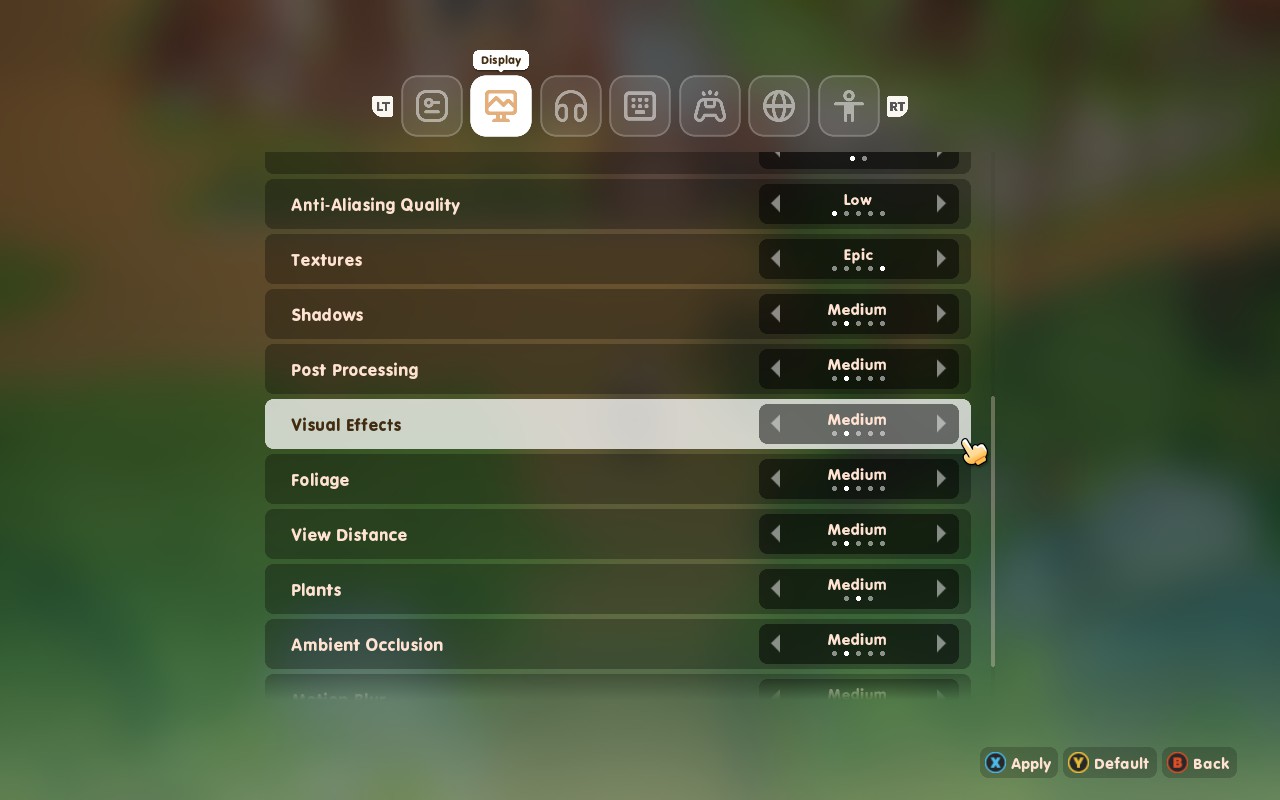
I found that lowering the settings to "Low" instead of "Medium" didn't help save battery life, so we might as well go for the extra graphical detail. At these settings, you can expect around 2 hours of battery life. The Deck might also run a bit on the warmer side, with temperatures hitting 80C. If you want 60 FPS, or are playing docked, this is how I would play.
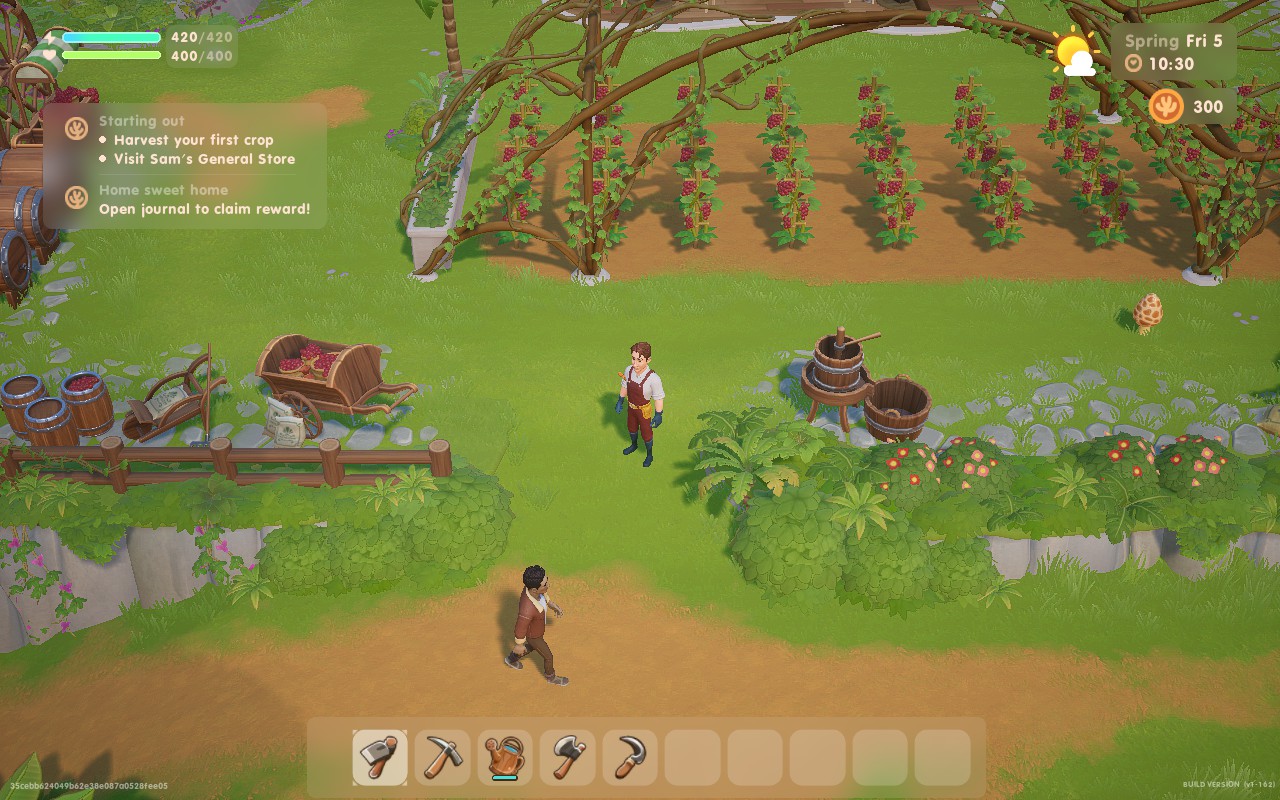
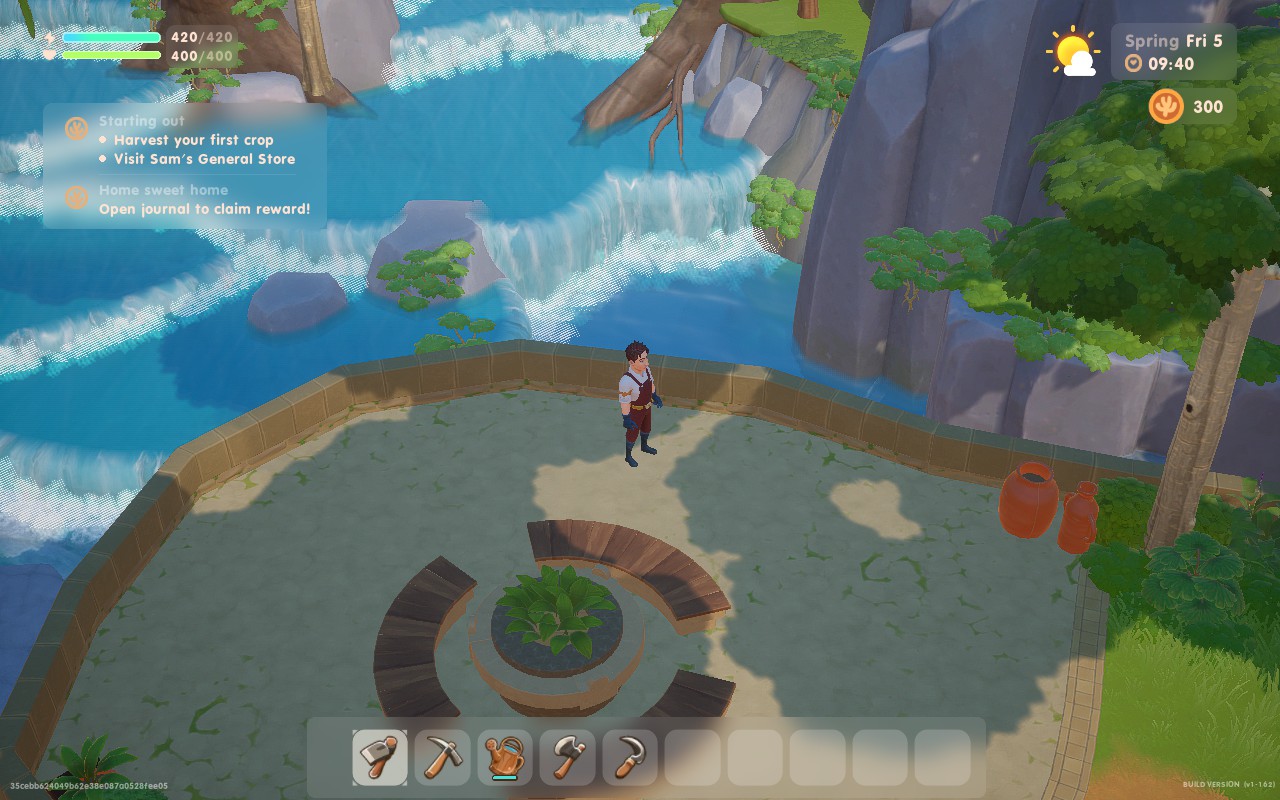
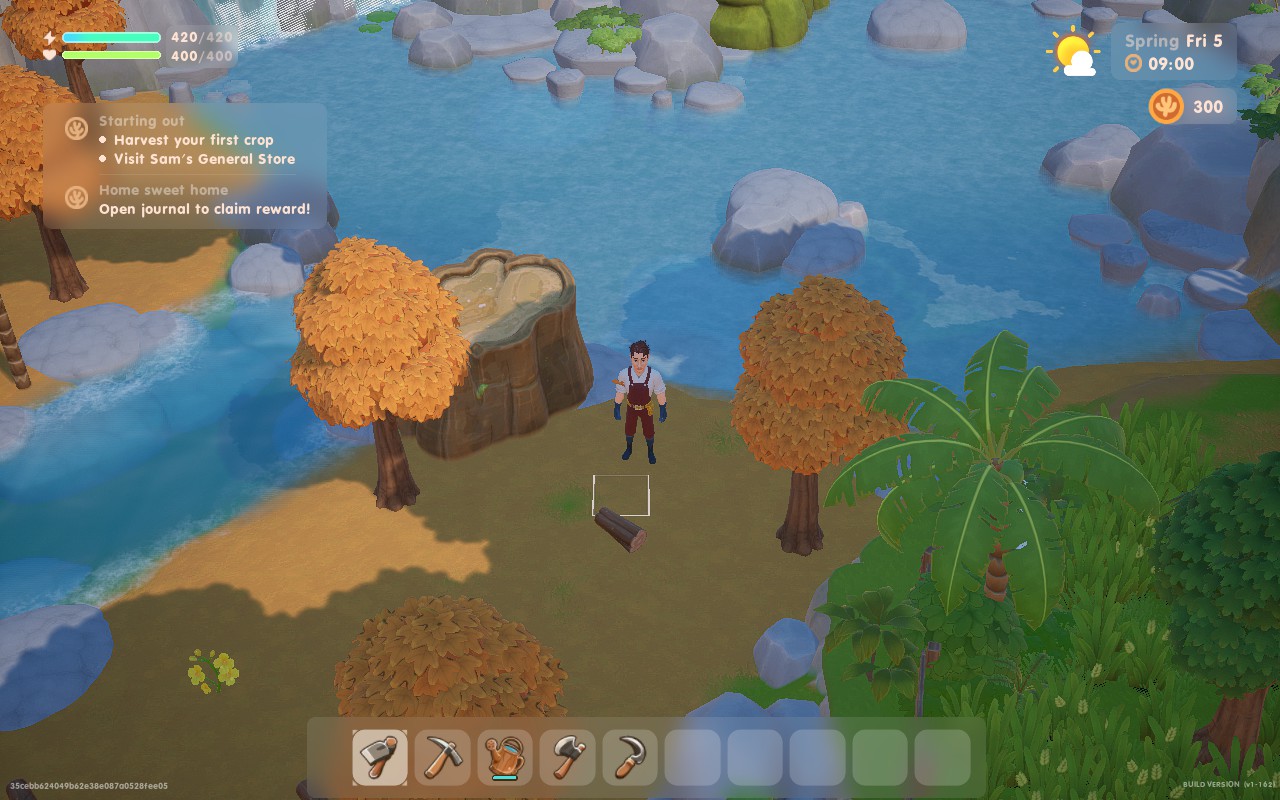
If you think battery life is king, or you're just away from power for a while and need your Deck to last to your next stop, these settings should tide you over. We're putting all the quality settings to "Low" here, except Texture quality which is kept on "Epic" and Anti-Aliasing set to "Off".
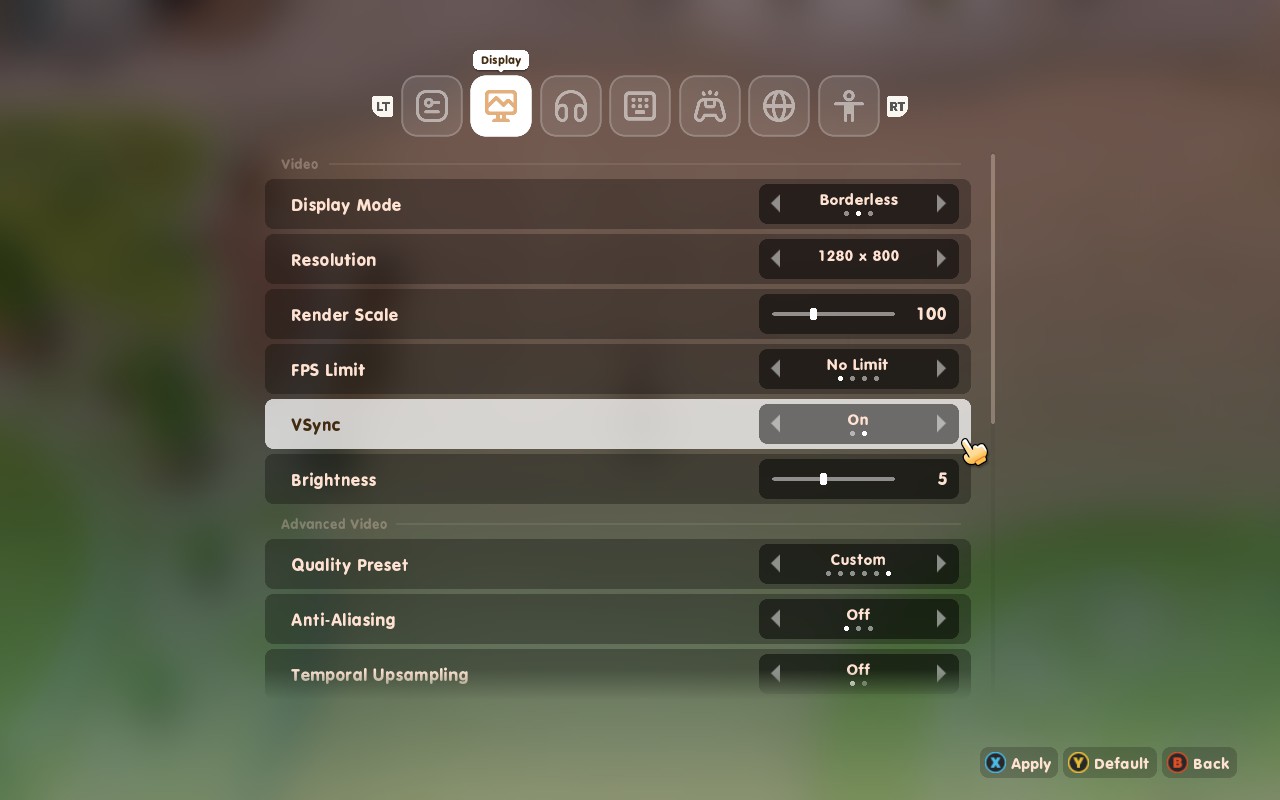
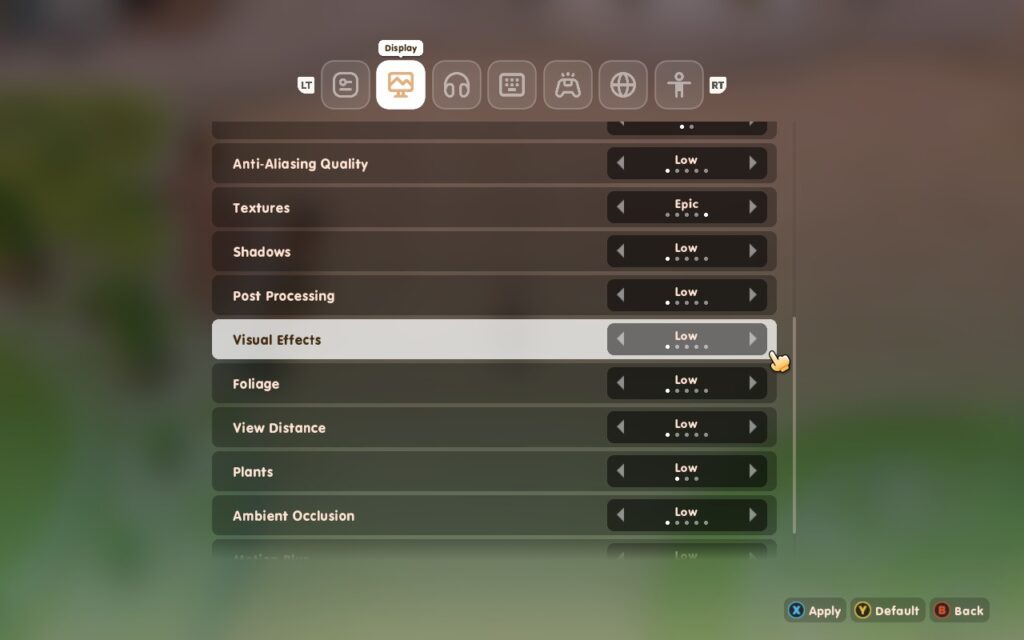
In SteamOS, we're able to lower our TDP limit all the way down to 6W here. And apply a 30 FPS Frame Limit.
While we're losing shadows and a fair amount of visual quality here, it's great to have the option to strip the game back this far. With these settings, we get a perfectly playable experience with an estimated battery life of just over 4 hours! The APU uses just 10W on average, plus the Steam Deck barely exceeds 60C, keeping it nice and cool in your hands.
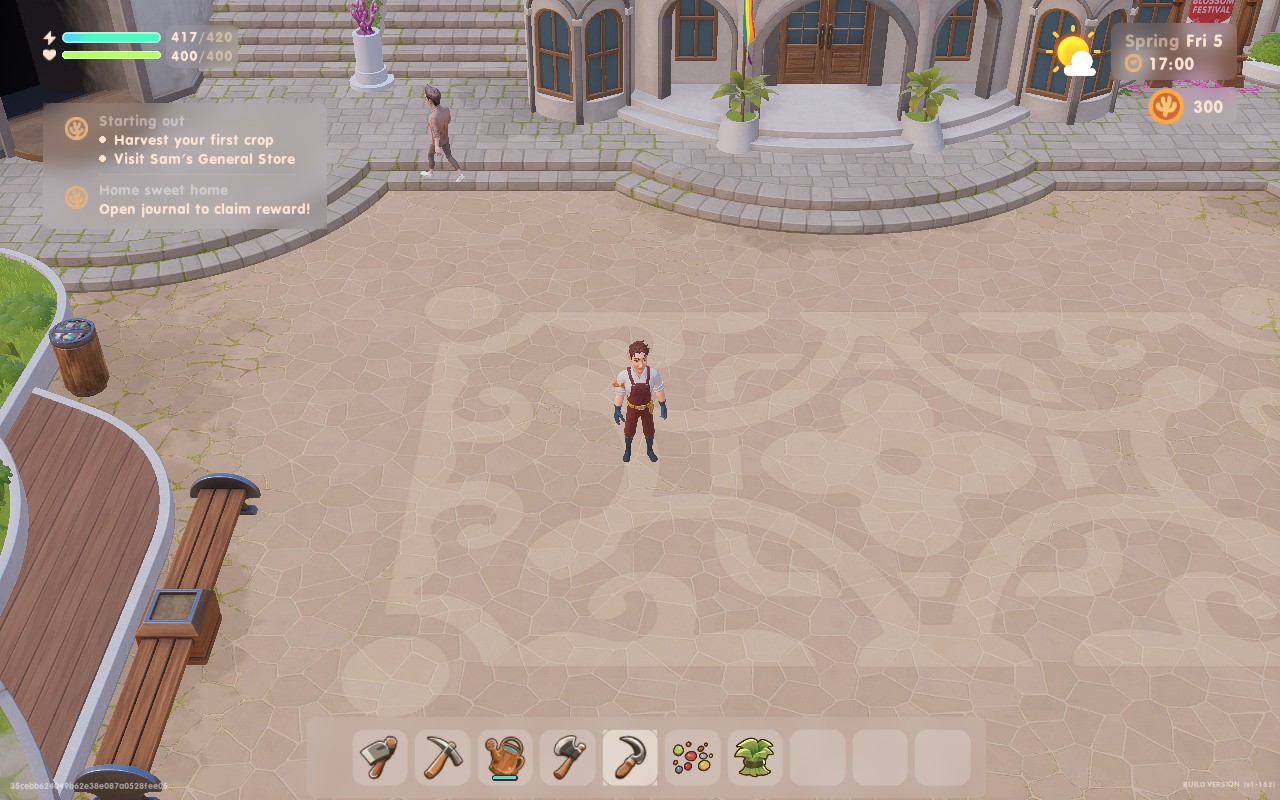
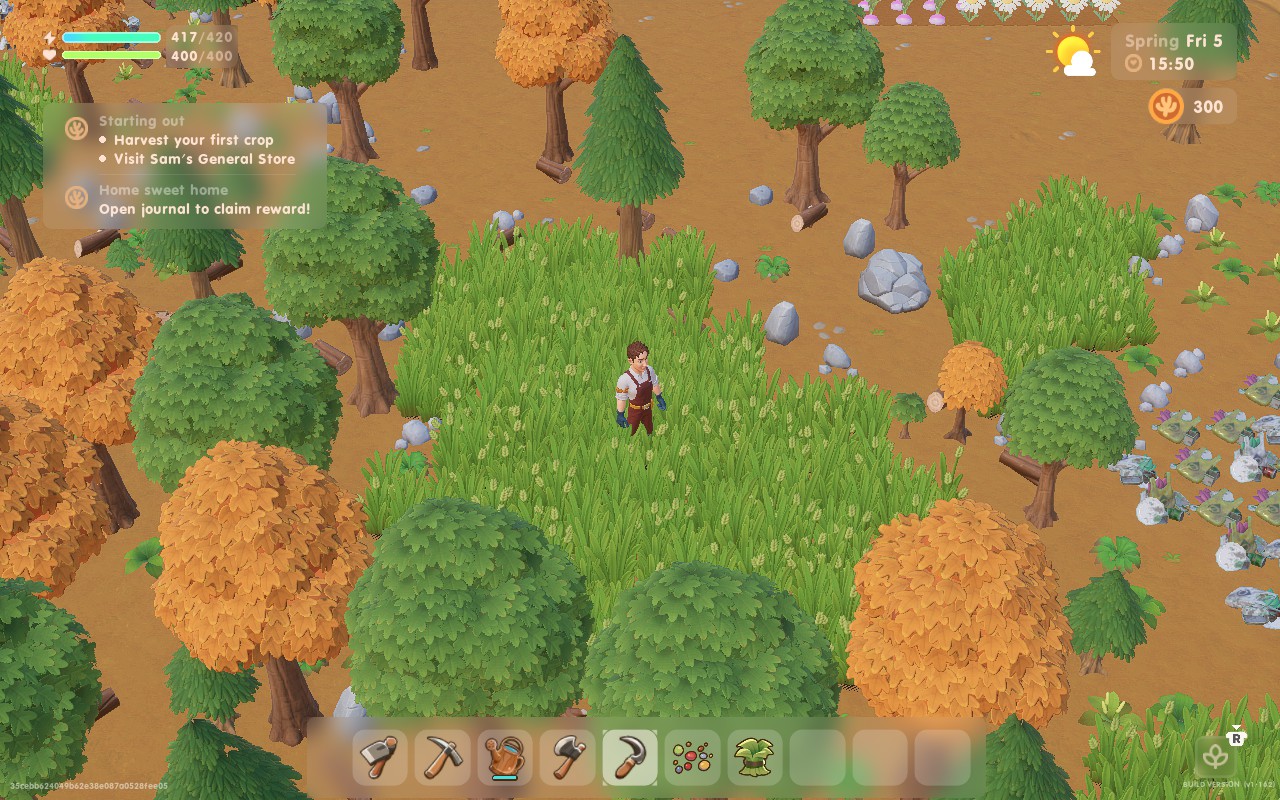
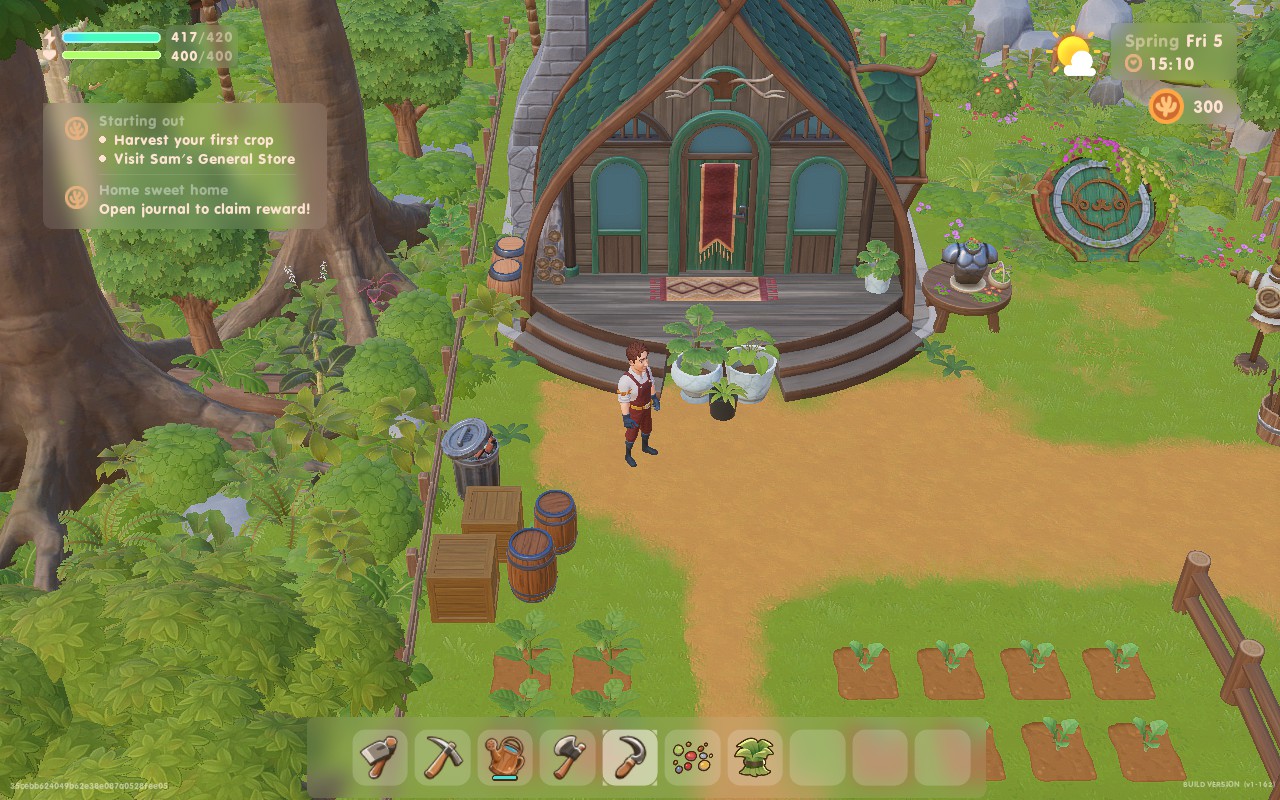
Coral Island has a few accessibility features. There are different colorblind filters for different types of colorblindness. You can adjust the UI scale, as well as the general font size, to make menus easier to read and see. There's also a Dyslexia setting, which adds a little bit of extra space between letters to help distinguish them.
While this is not technically under the accessibility menu, I think it's worth mentioning that the game does allow you to slow down the passage of time to 50%, so if you find your day is progressing too fast for you to handle, you can give yourself double the time in the day.
Coral Island is a solid little title. It doesn't tread any new ground, but the ground it does cover, it covers well. If you're a fan of Stardew Valley, Rune Factory, Story of Seasons, or Harvest Moon, Coral Island will be right up your street. The familiarity makes it feel like another entry in those series, just with a couple of extra nice-to-haves and a slightly wider variety of content. Whether you want to spend your days fishing, farming, searching for artifacts for the museum, or just getting to know your fellow villagers, Coral Island will let you sit back, relax, and enjoy the freedom it offers.
To top it all off, the game performs well on the Steam Deck. Whether you want the game to look beautiful, or last a long time while you're traveling, Coral Island will perform and feel great in your hands.
Our review is based on the PC version of this game.
If you enjoyed this review, be sure to check out the rest of the content on SteamDeckHQ! We have a wide variety of game reviews and news that are sure to help your gaming experience. Whether you're looking for news, tips and tutorials, game settings and reviews, or just want to stay up-to-date on the latest trends, we've got your back.
Atlas Fallen was provided by Focus Entertainment for review. Thank you!
Earlier this year, I had the incredible opportunity to go to PAX East and it was there that I played Atlas Fallen for the first time. I left feeling quite excited for the game, the action, world, and story intrigued me. There was a lot to look forward to and after talking to Deck13 and Focus Entertainment reps there, I left feeling confident that not only would this game be one to really enjoy, but also one that will be at least decently playable on the Steam Deck. Now that the game is almost here, and I had the chance to play through and review it, I have a bit more to say on the game.
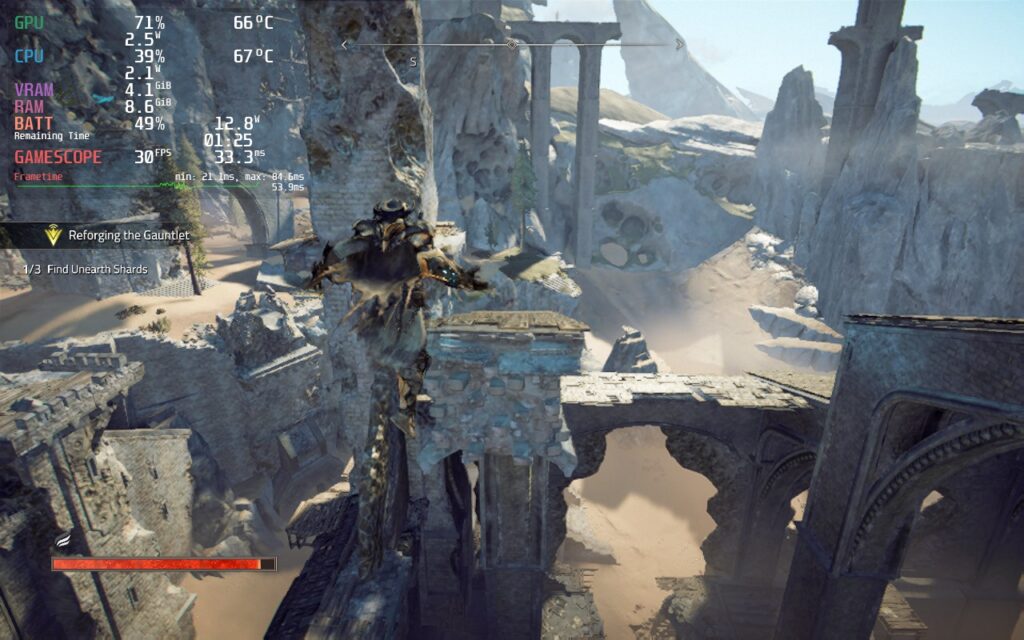
Atlas Fallen is a large-scale Action RPG where you will surf across the sands to face ancient dangers, hunt monsters, and become the ultimate champion. After playing through the game and being able to experience what it has to offer, I feel it did a great job creating an addicting and enjoyable adventure, even with a couple of hiccups.
The story of Atlas Fallen is passable. You are a random person that is able to wield a powerful gauntlet, infused with enough power to rival Thelos, the god-like antagonist of the game. The narrative is told through cutscenes, dialogue, and journal entries you find throughout traveling. While I didn't find the story to be anything ground-breaking, I did enjoy the journey. Traversing around the world is pretty fun as well and sand surfing is the real highlight of this. Finding slopes to surf down and accelerate to go as fast as possible is a ton of fun. Though at times, the world itself did seem a little bland and bare at times. Luckily, there are side quests and random chests to find, but it didn't do much to change the overall feeling of the world.
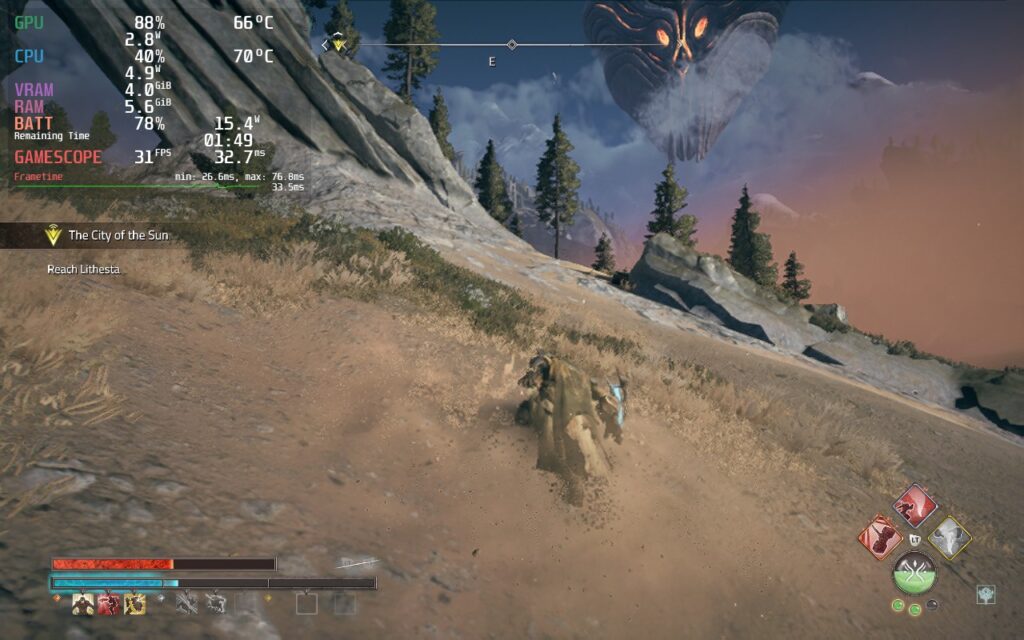
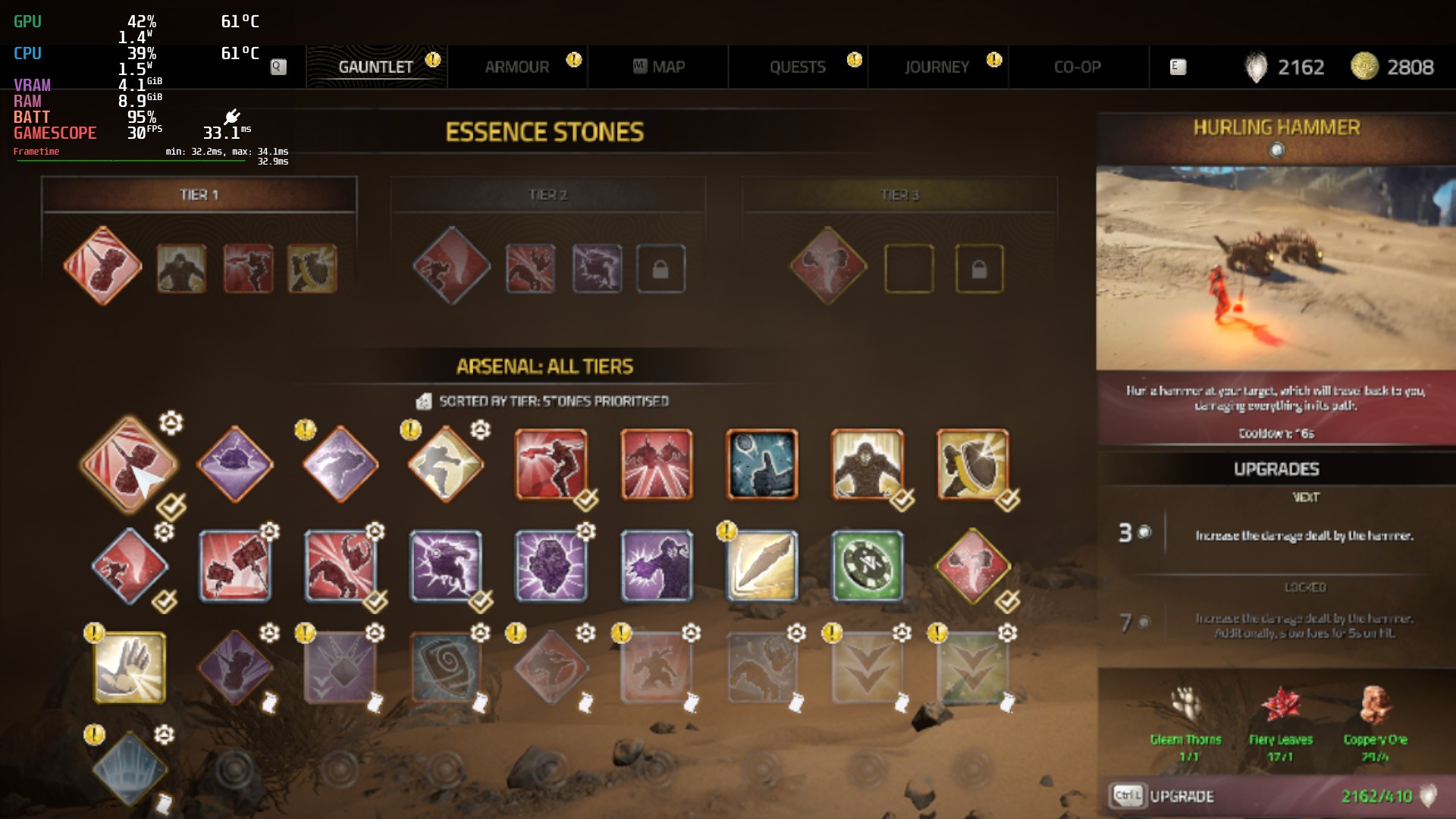
The combat is where things got really fun for me. While the fighting can feel a bit slow at times, wielding gigantic, shape-shifting weapons is a blast. I loved being able to swap between two different styles at once, with each having their own strengths and weaknesses, and watch them grow the more you fight with the Momentum Gauge, which fills up as you attack and land hits. As it fills up, you will be able to execute different special attacks and get passive bonuses, which you equip using Essence Stones. You can also execute a Shattering Strike, which drains the Momentum Gauge for an ultimate attack.
Deck13 found a nice balance of simple mechanics and deep customization here. The Essence Stones are great for fine-tuning your build, while a lot of the stats like attack power, defense, and your shatter power, are tied to your armor. Your armor can be upgraded, which gives you perk points to further passively make your character more powerful. I also really like the blocking mechanic included here. You can dodge enemy attacks, but if you block at just the right time, you can crystalize enemies and bosses, making them vulnerable to attacks for a little. Blocking doesn't interrupt the flow of your attacking either, so you can attack, block, and attack without the flow ever ceasing.
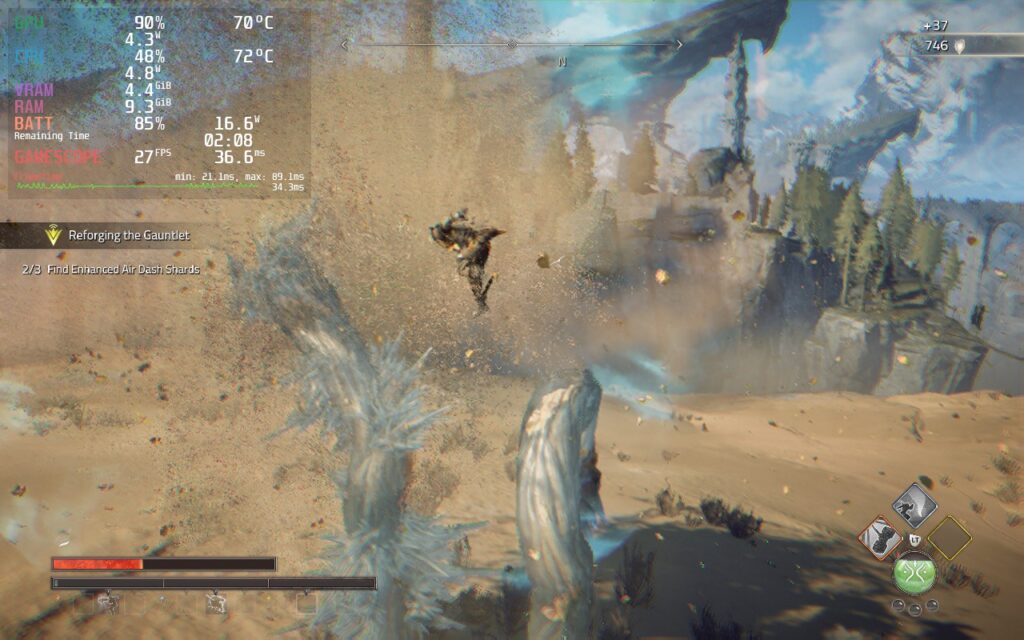
Even with the little nuisances here and there, and an ok story, I really enjoyed Atlas Fallen. It didn't break any molds or try to get too crazy, but it added some nice mechanics that gave it a nice balance between too simple and too complex. There's something addicting about gaining momentum and turning your axe into a gigantic axe that can just demolish multiple weakpoints of a big boss in one swing. I had a lot of fun playing, and while I didn't get to try it, I can only imagine playing the whole campaign in co-op will be even more fun! Though, if you're going to play on the Steam Deck, there will be some compromises that need to be made.
There are a couple things I found a bit odd when it comes to Atlas Fallen performing on the Steam Deck. First, the game settings have a couple of unique settings. For instance, there are separate window and resolution size options, as well as different intensity level sliders for post processing effects. The resolution size changes the game's rendering resolution, while the window resolution changes some of the text size (but not all). While the intensity sliders did change some of the visual effects you see, though for my enjoyment, I elected to keep them lower as it did help performance enough to justify.
Atlas Fallen also has FSR 2 that only works if both resolution and window size are 1280x800, but it doesn't help performance as much as just changing resolution size down while keeping window size at 800p. I also found that while changing resolution down helps performance significantly, it didn't change visuals as much and kept things looking relatively okay. The biggest change from this settings is text legibility for essence stones, armor details and quest text.
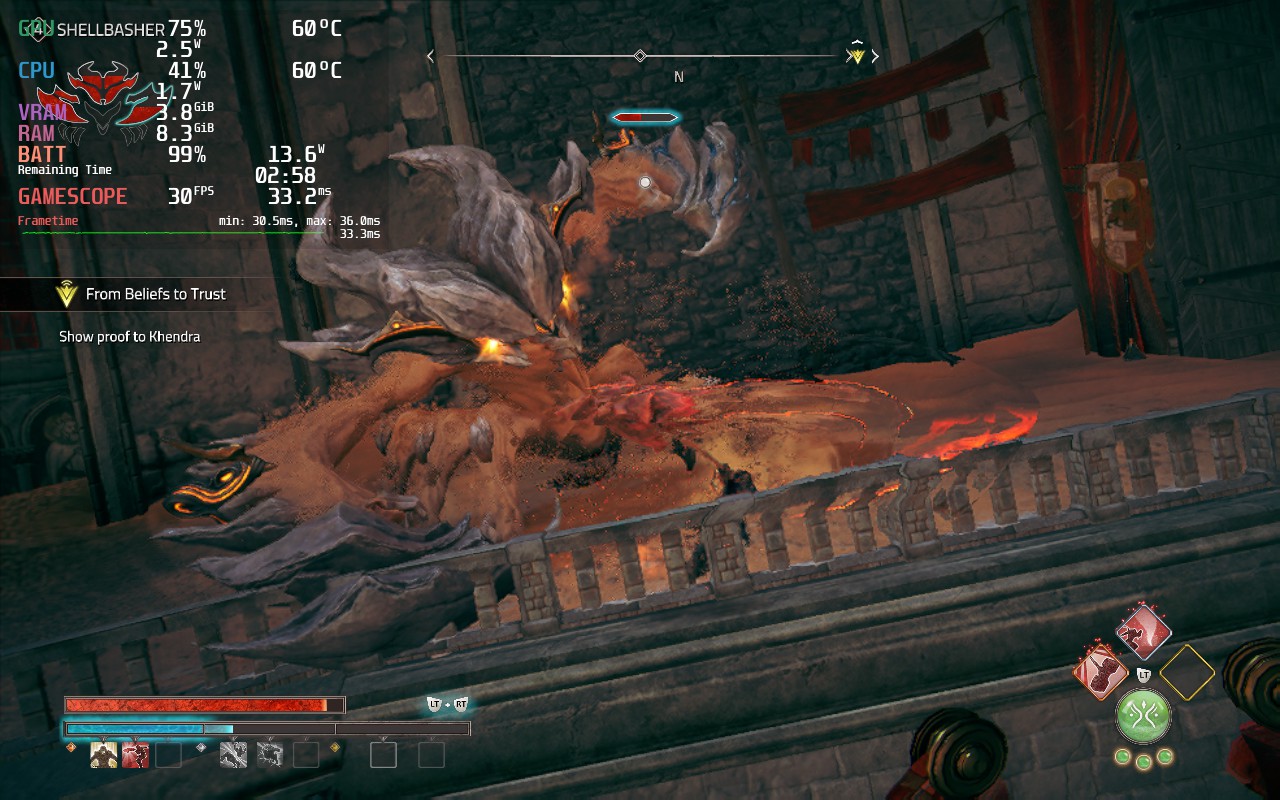
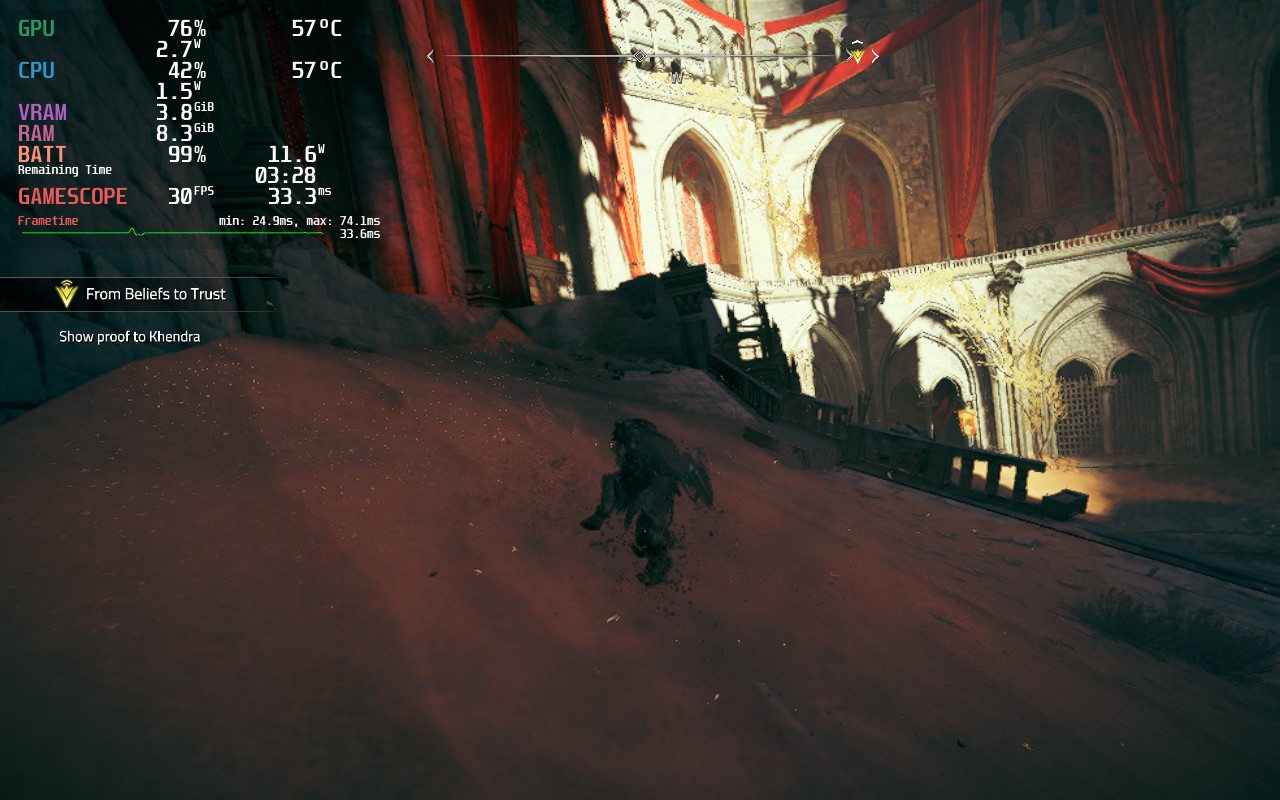
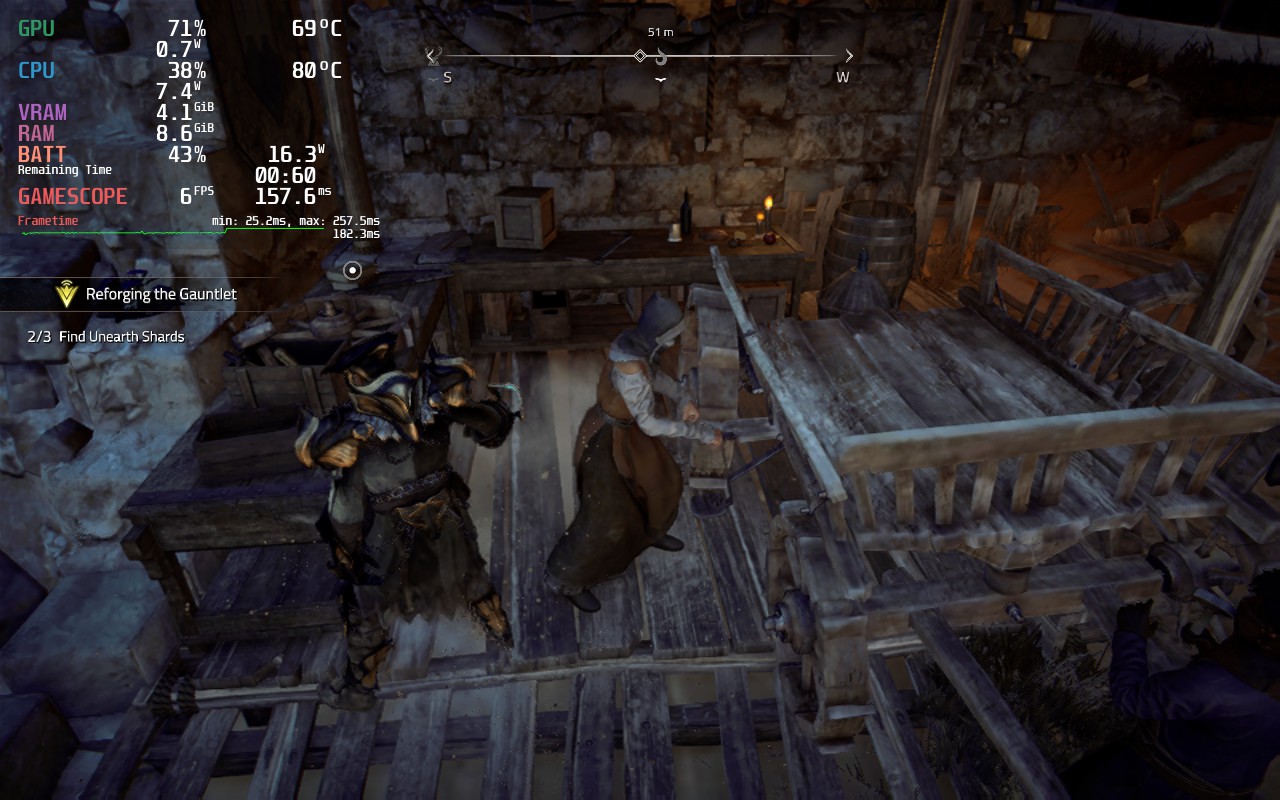
In the beginning, Atlas Fallen runs pretty okay. Keeping it at a solid 30 FPS, and even getting to 40, was very possible. But as I played the game more, and the world started to open up, it became harder to run. With this being a gigantic world that you can traverse quickly, there are some slowdowns when going around to new areas too fast. If you are running or surfing around in the immediate area, the game will keep a consistent rate, but other than that, it will slow down a bit as it loads in new areas.
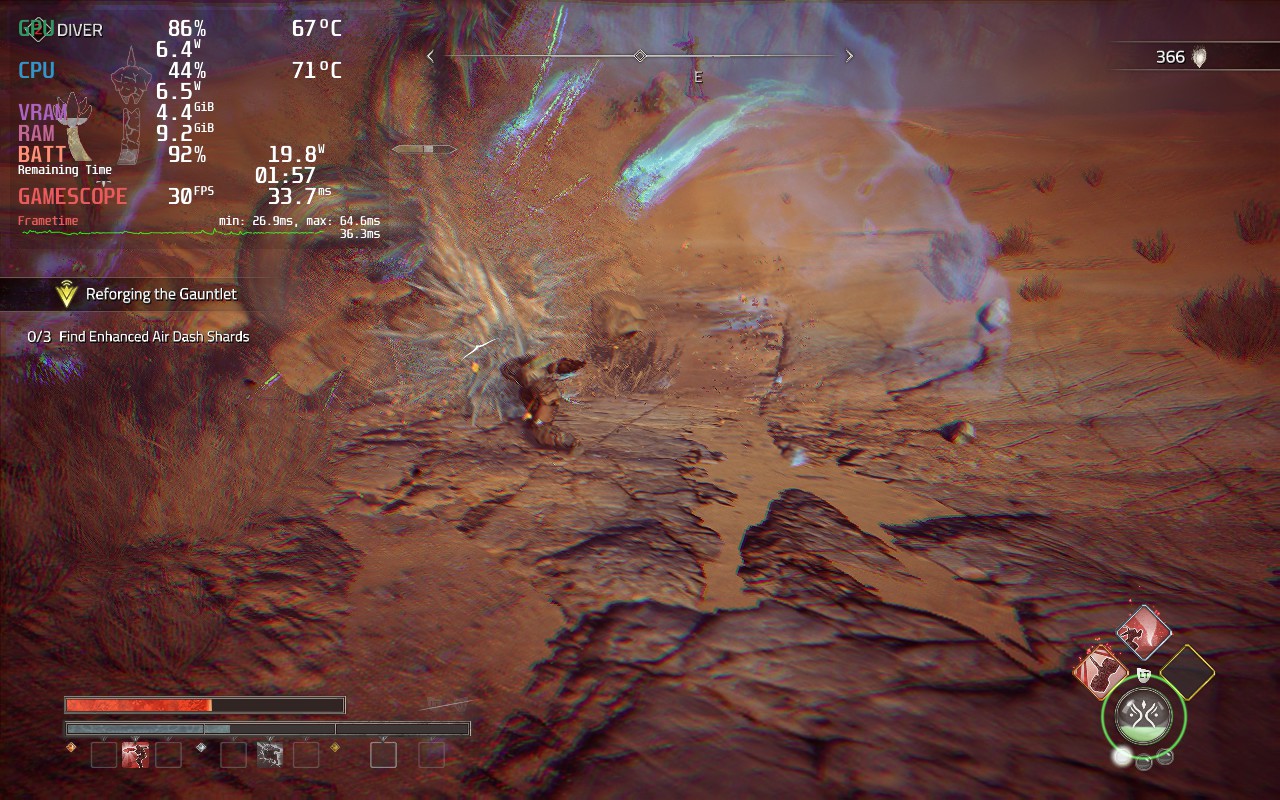
I have also seen some framerate drops when in some combat scenarios. Fighting a gigantic enemy is usually okay 1v1, but when other enemies show up, and they all start using moves that kick up sand, it can start slowing down a bit.
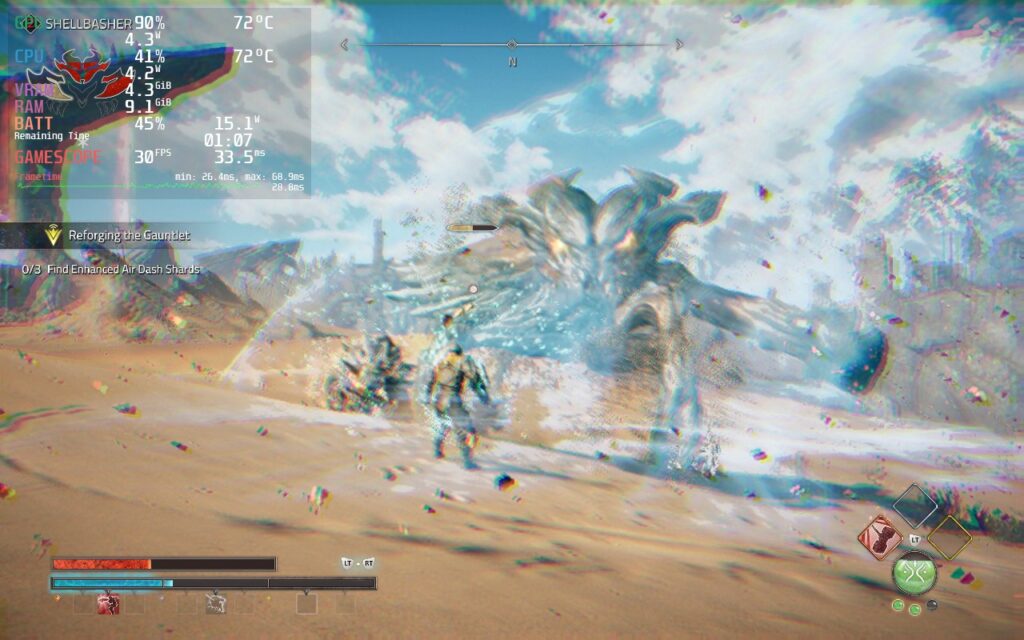
In my opinion, these drops seem to be engine or game-related and not the Steam Deck's fault. I noticed that, whenever there were drops, the battery drain of the Deck didn't spike and CPU, GPU, and RAM usage was under 99%. This leads me to believe something isn't optimized within the game, causing these issues (and I did see similar ones on the ROG Ally). I believe we could see a lot of this patched up and the shader cache could help iron out some stutters when loading in new areas, but only time will tell.
Without any caps, and everything on low, Atlas Fallen still has some trouble sticking to 30 FPS completely stable in the open areas, but when in corridors, caves, or confined areas, the game can hit higher framerates running around and in combat. So, due to this, I actually only have 1 build for the game. Hitting above 30 FPS isn't viable, so my build is a mix between battery and performance. I have the resolution set to 960x600 with the window at 1280x800, lower intensity post processing effects, and low quality settings. I do have textures set to medium as they don't affect performance as much, but do help the game's visuals a bunch.
These settings, with a TDP limit of 10, allow the game to stick around 30 FPS most of the time with a battery drain between 11W - 18W depending on the area. I also found Proton GE helped a little bit in some harder scenes to keep the framerate stable. With these settings, some text will still be small, but I found the performance improvements to be too great.
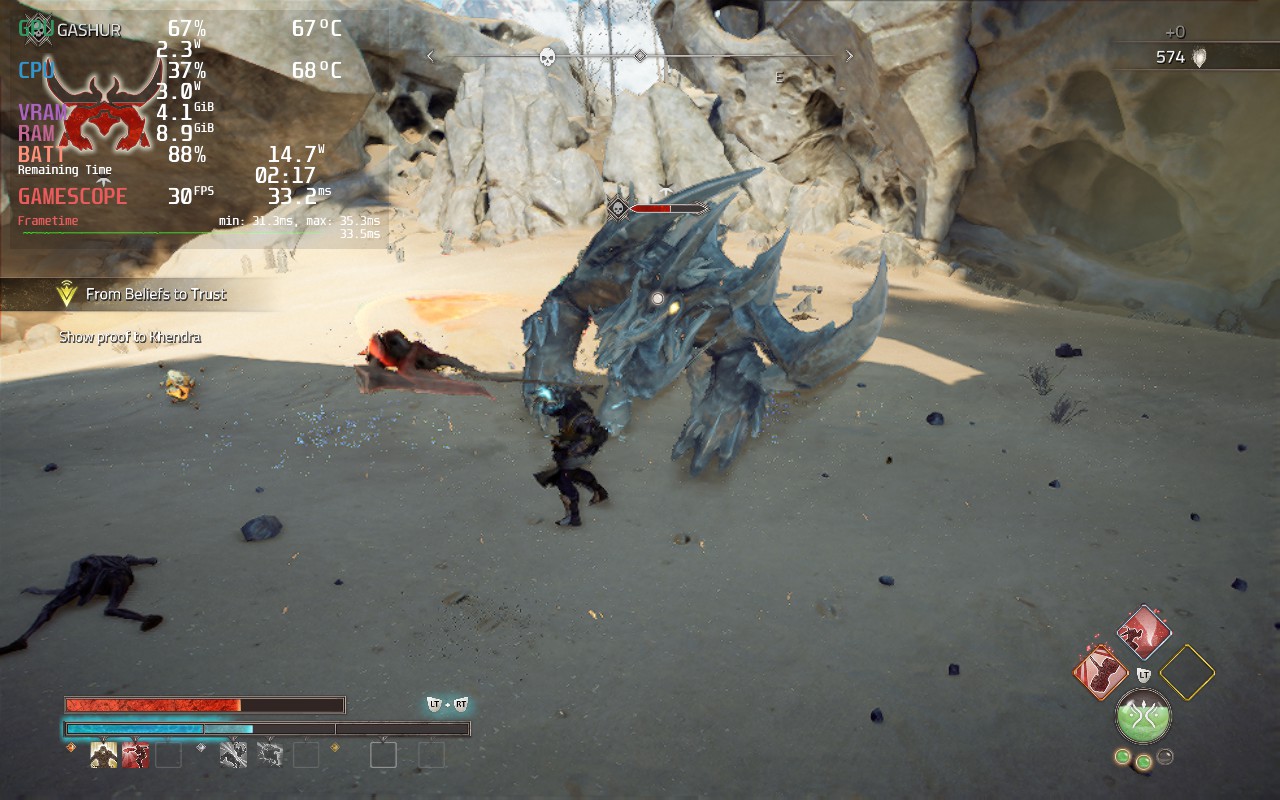
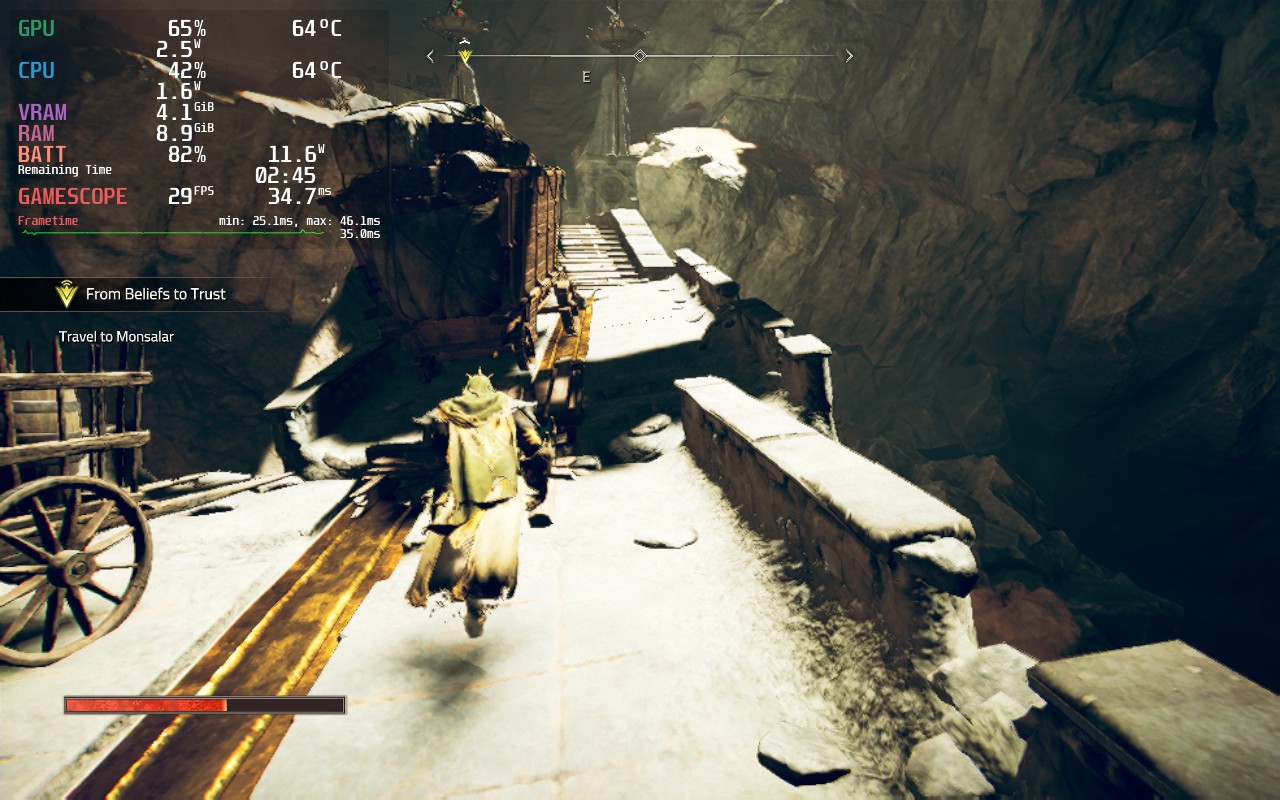
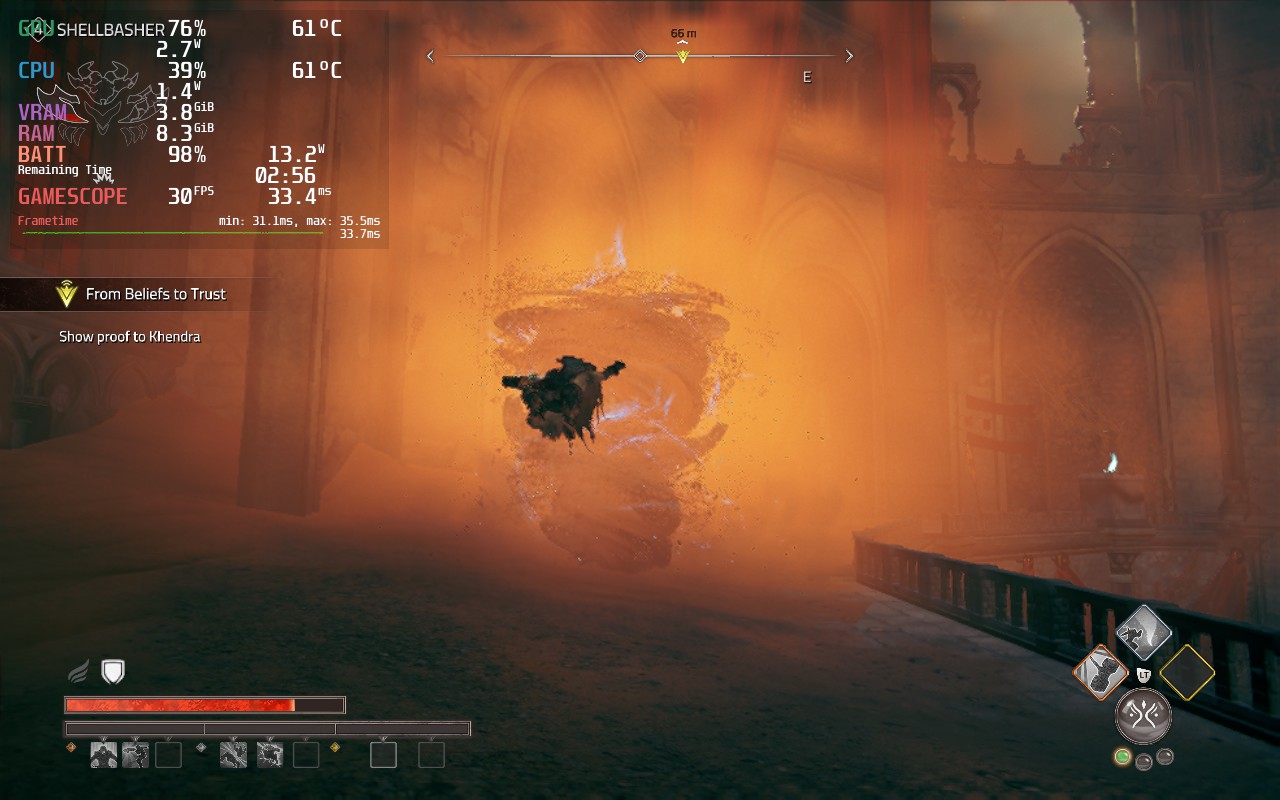
The game does have 16:10 resolution support, so there are no black bars, and has full controller and cloud save support. I did test the game with CryoUtilities and the UMA Buffer set to 4GB, but I didn't see any discernable difference with either of these changes. I did also test the DirectX 12 version of the game, but it wouldn't launch no matter which Proton version I chose.
Atlas Fallen is a solid action RPG that gave me a bit of a mixed bag at times, but I loved the mechanics. The story is alright and does have an interesting tale woven in the desert world, though it pales in comparison to other deeper stories. At times, the world can feel a bit barren and dull, but surfing and going down slopes at an accelerated speed can be really cool. Combat itself can feel a bit slow at times too, but there is something extremely satisfying when fighting bigger enemies, or many smaller ones, when your momentum gauge is filled and your weapon grows in size, hitting multiple weakpoints or enemies at a time.
I love the simple nature of the armor system, perks, and the momentum bar. Atlas Fallen does well balancing out its simple systems and makes each different set of equipment, weapon, and essence stone feel special and impactful. As a game, I really enjoyed Atlas Fallen, even with its faults.
On the Steam Deck, it was a bit hard to play due to some of the performance issues it has, but with the tweaks, it becomes a lot more playable. It isn't perfect and still has compromises, especially with some readable text, but it is playable. It is very possible some future patches and the shared shader cache can help with some stuttering going into new areas, so I will evaluate again in a couple days when the cache is built, but if you are buying or pre-ordered the game, this will be the experience you get out of the box.
Our review is based on the PC version of this game.
If you enjoyed this review, be sure to check out the rest of the content on SteamDeckHQ! We have a wide variety game reviews and news that are sure to help your gaming experience. Whether you're looking for news, tips and tutorials, game settings and reviews, or just want to stay up-to-date on the latest trends, we've got your back!
Dave the Diver was provided by MINTROCKET and EvolvePR for review. Thank you!
Get ready for an adventure RPG where getting addicted to the gameplay loop is quite common. Dave the Diver will put in the role of Dave, a professional diver who took on a new job. During the day, you will put your diving to use and capture fish, as well as gather resources to complete missions and improve your gear. As night falls though, you will need to help man the sushi restaurant. Set the menu, enhance the meals, and wait on customers to make money and fund your expenditures. All of this while discovering the secrets of the Blue Hole.
I can’t remember the last time a review has been put off a little bit due to how addicting the game can be, but Dave the Diver definitely did. This game is phenomenal, the two styles of gameplay weave into each other in fantastic ways that highlight each one’s importance. The diving not only brings the fish you will be serving, but you can find new weapons, artifacts, gear, and complete missions to keep the interesting story going. Then we head to the sushi bar management where you will be setting the menu, waiting tables, and giving drinks to keep the money flowing. The more money you make, the more you can upgrade in both the restaurant and the diving.
Cover all of this with a gorgeous pixel artstyle with smooth animations and you get an addicting experience that’s very pleasing on the eyes. And then we have the fantastic humor injected in as well. There have been a good chunk of food enhancement cutscenes and dialog that threw me on the floor laughing. Dave the Diver is a fantastic game that I loved gameplay-wise, though when it comes to performance on the Steam Deck, that’s where things get a little iffy at times.
At nights, manning the sushi restaurant had no drops and runs flawlessly, which is fantastic. There were no issues I had during the night time, but diving was another issue. At first, I didn’t see many issues and diving was going well at a solid 60, but as I got deeper, that’s when trouble started brewing.
Going down into the depths of the waters brings in much more complex backgrounds, which end up taking a toll on the Deck. The framerate will start to fluctuate, getting close to the 50 FPS range. This can feel a bit jarring as the framerate dips, so setting the refresh rate to 50hz and using 50 FPS solves this for the most part. There are some areas that may dip to 48 with a 17W drain, but this isn’t that bad overall. 50 does feel quite smooth when it’s set correctly, so I’d definitely recommend keeping it this way.
Dave the Diver doesn’t have many graphical settings, really only resolution and that can’t be changed, so we are stuck with the default settings in-game. We can force the resolution down through Steam, however, the game looks arguably worse with minimal performance increases.
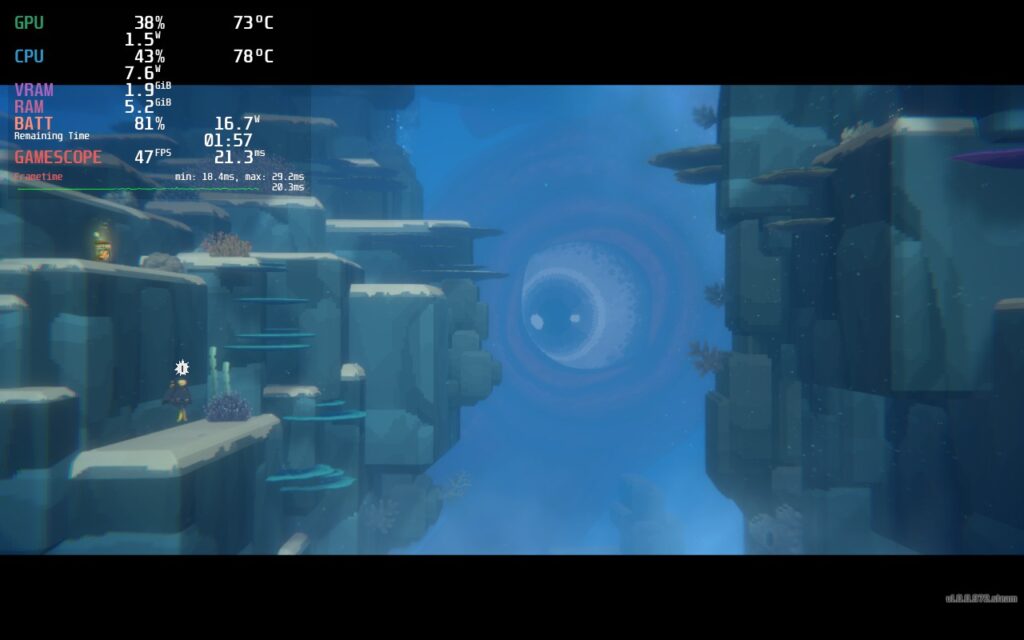
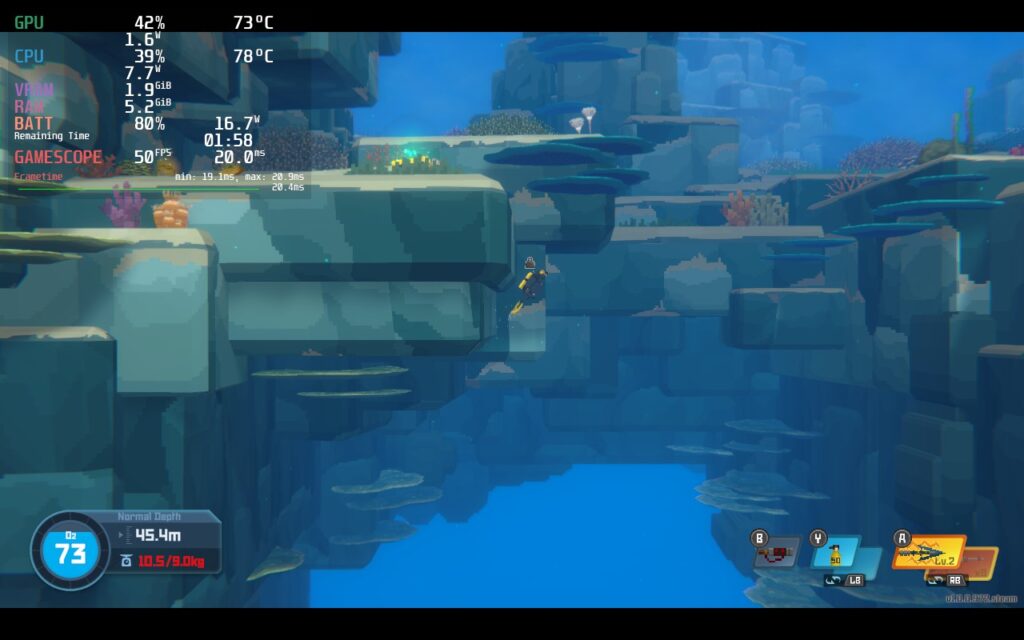
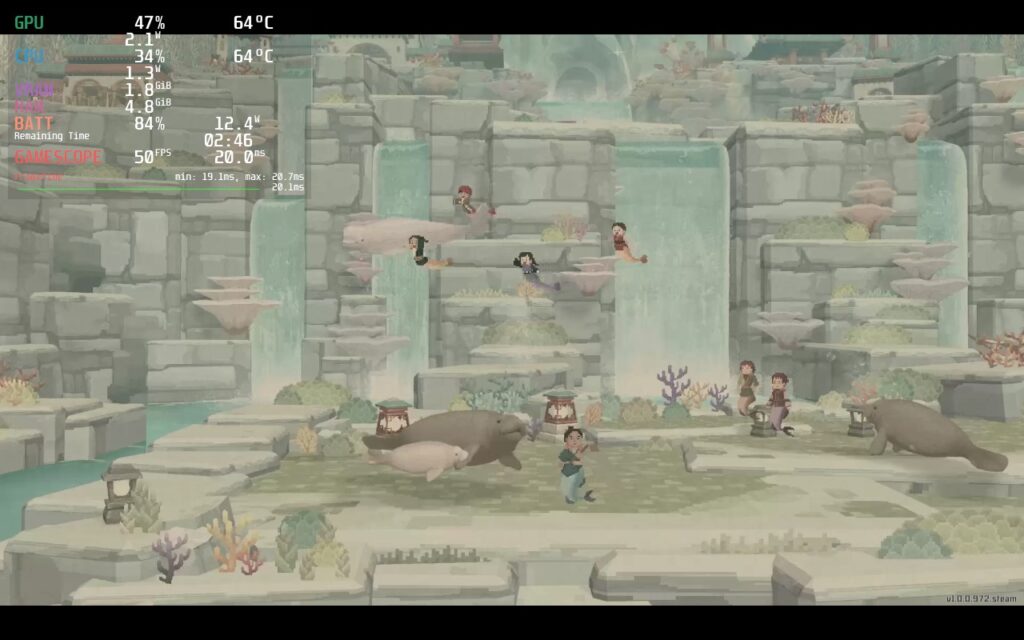
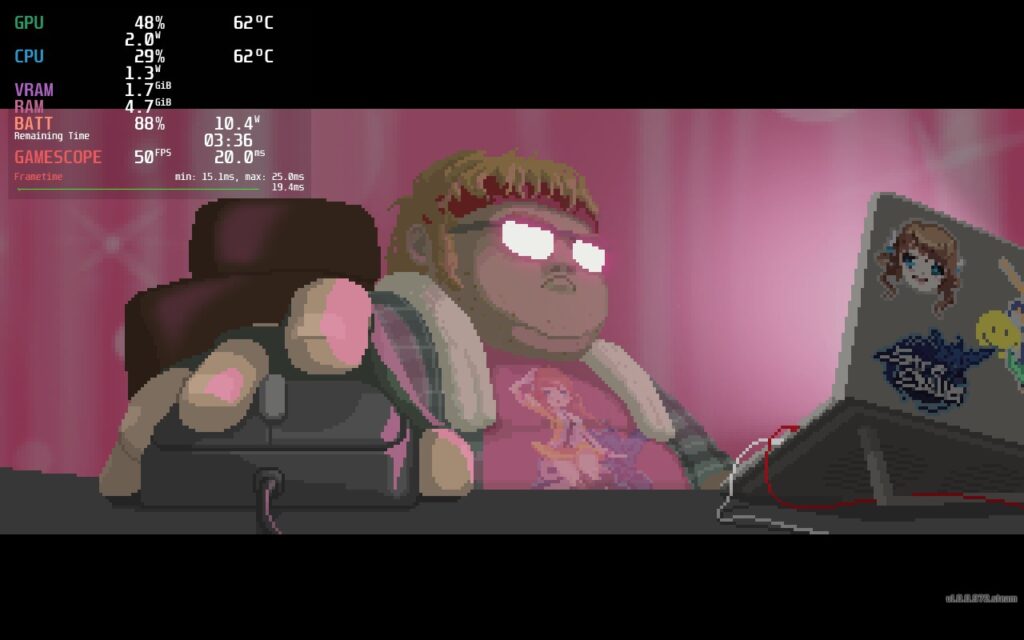
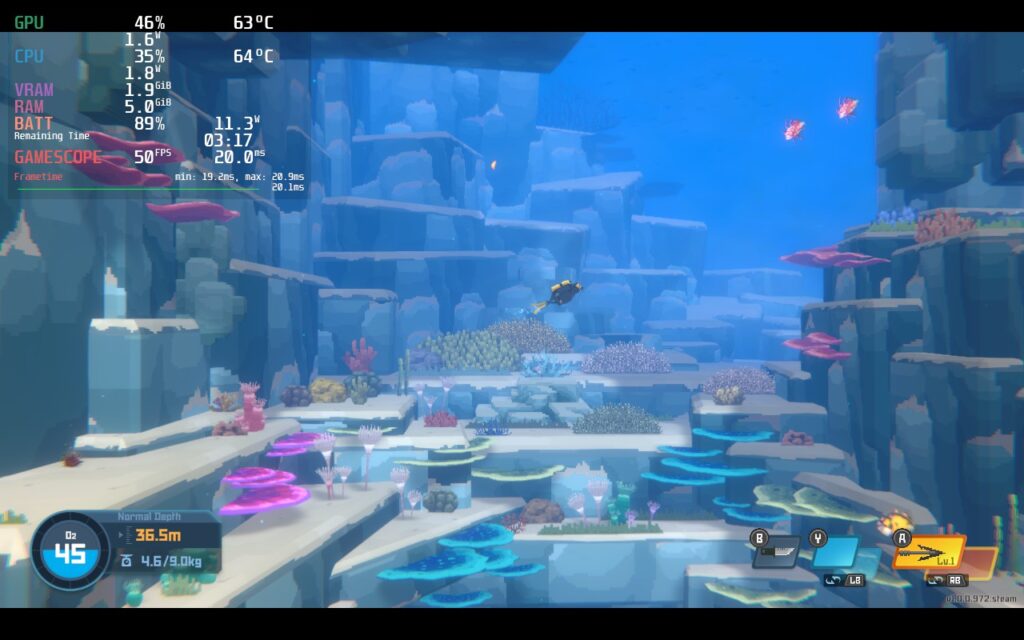
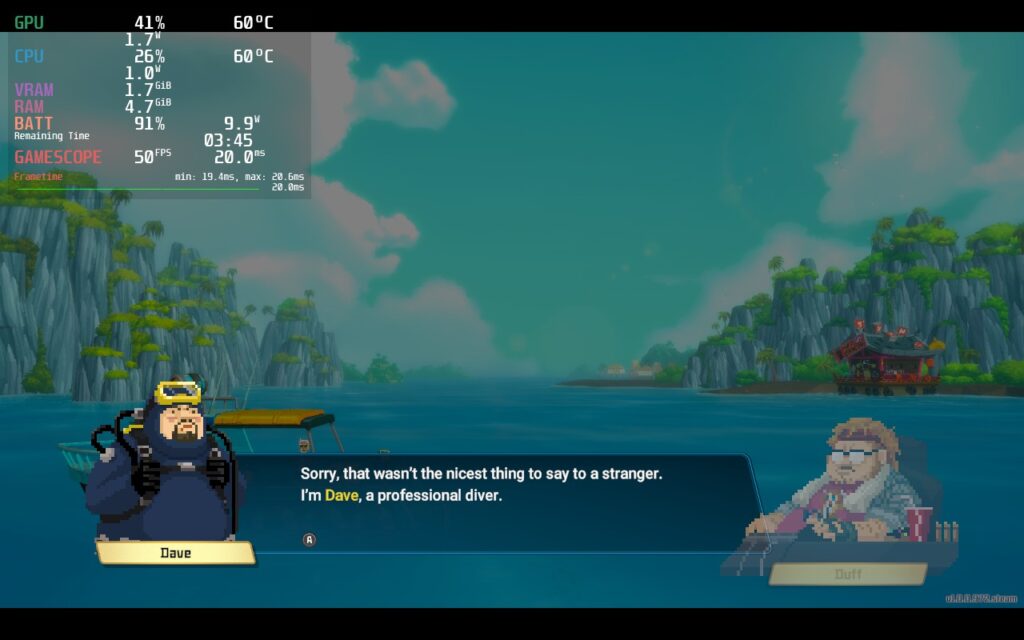
You can also bring it down to 40 FPS, which will be completely stable, but not as smooth. Personally, I preferred the smoothness and the few sacrifices were worth it, but if you want something fully stable with slightly better battery, bring the refresh rate and framerate lock to 40.
The game doesn't support 16:10 resolutions, but it supports cloud saves and Gamepad controls.
Dave the Diver is a fantastic casual adventure/management RPG that oozes with humor and a great visual style. Both of the main elements of the game are fantastic and really complement each others well, emphasizing making each affect the other in meaningful ways. Performance on the Steam Deck could be a bit better at lower depths, which is unfortunate, but it’s totally playable otherwise. Even with this, I would recommend the game due to how addicting the gameplay loop is.
If you enjoyed this review, be sure to check out the rest of the content on SteamDeckHQ! We have a wide variety game reviews and news that are sure to help your gaming experience. Whether you're looking for news, tips and tutorials, game settings and reviews, or just want to stay up-to-date on the latest trends, we've got your back!
Dredge was provided to us by Team17 and PressEngine. Thank you!
Fish, sell what you catch, upgrade your boat, and brave the depths of the evil waters in Dredge. This gorgeous game from Black Salt Games will take you off a mysterious archipelago to fish and make money to help the town. From there, you will meet a unique cast of characters in different regions, each having their own secrets to discover. Be careful though, danger lurks in the fog and you'll have to strengthen your boat, equipment, and mind to handle the horrors that lie within.
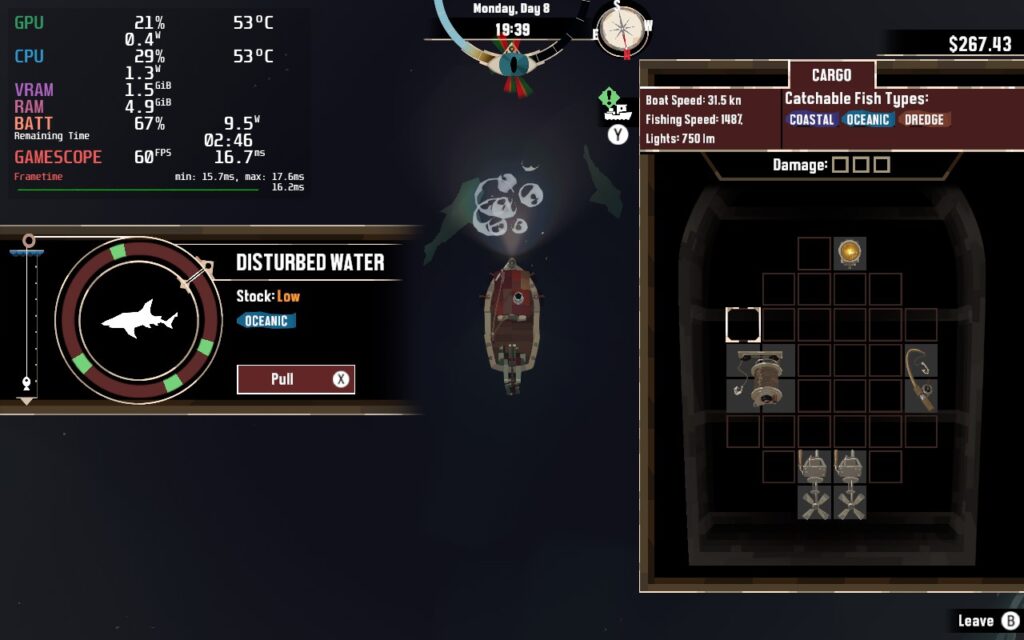
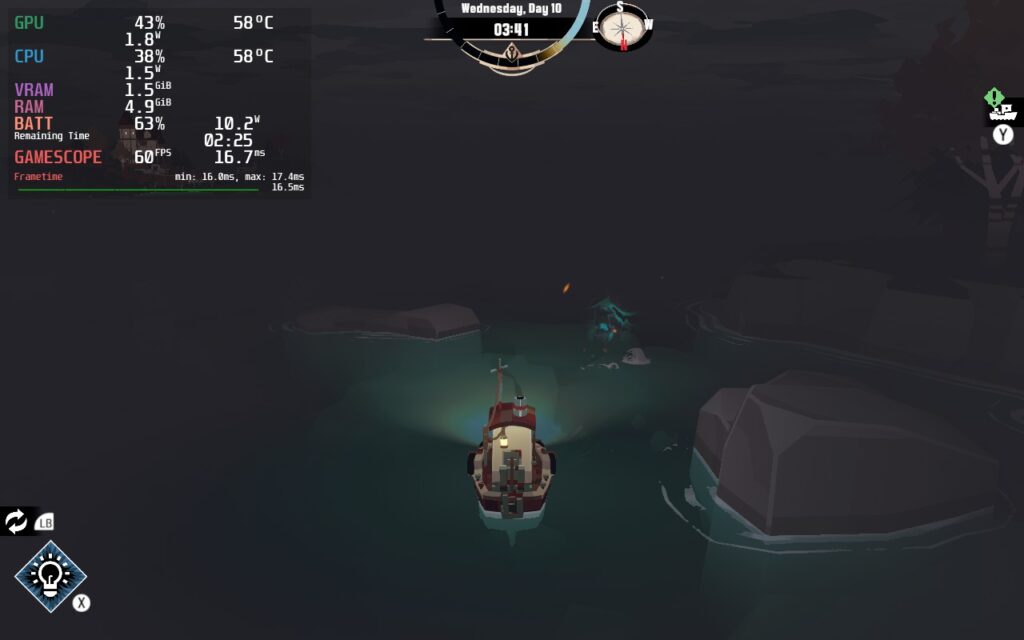
Dredge is one of my favorite games to play on the Steam Deck right now. I love the graphical style, the atmosphere is moody and unique, and the gameplay is simple and addicting. The gameplay loop has been streamlined so that while it's easy, it feels fantastic. I also personally adore inventory management in games, so this sticks out to me! It takes a little bit of time to sail out to certain locations, but it feels great taking in the serene, yet somewhat offputting surrounding area, with the semi-haunting soundtrack around you.
As you play, you will upgrade your ship in a multitude of ways. You can pay for fishing rod, engine, and net upgrades with money you get from selling fish, upgrade your hull and cargo space with shipwrecked materials you find around the ocean, research new parts, and read books for some passive improvements to your skills. You will travel from island to island, catching new fish in new areas and meeting tons of fantastically designed characters that each have something to say. Overall, this game is an incredible experience.
After playing the game more and more, I can safely say the assessments from our preview still remain the same! Dredge continues to run extremely well right out of the box, making it one of our Best on Deck games!
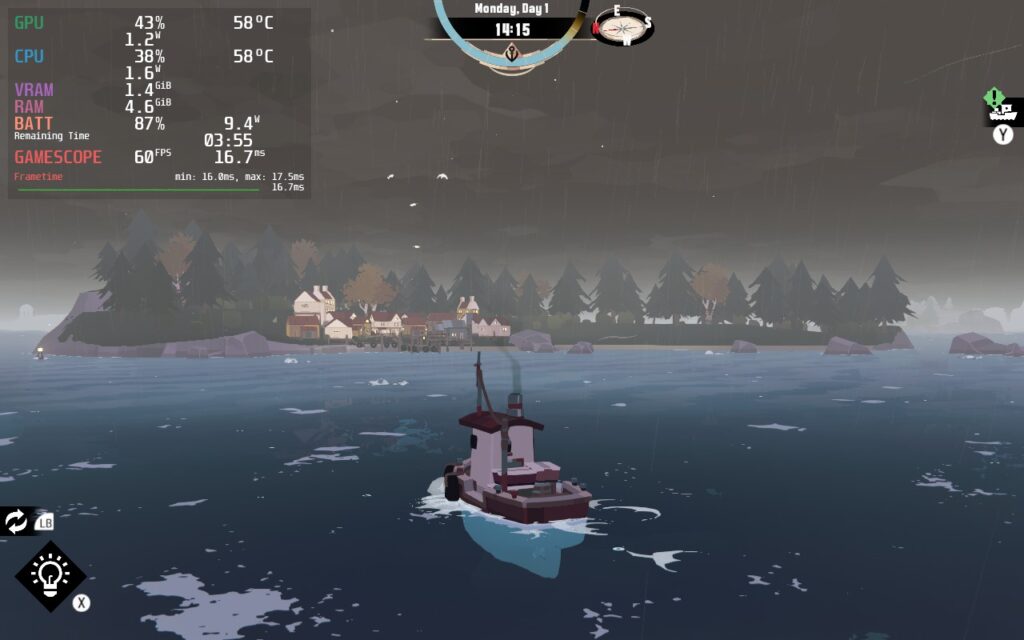
With no settings changed, it will run at 60 FPS with an average 10W battery drain with the highest drain I saw at 1 point being 11W. While we can make some adjustments to bring it down, it is not necessary in the slightest. There were also some slight stutters when traveling, but nothing that broke immersion so far. Due to this, I am happy to say that Dredge is a Best on Deck game so far!
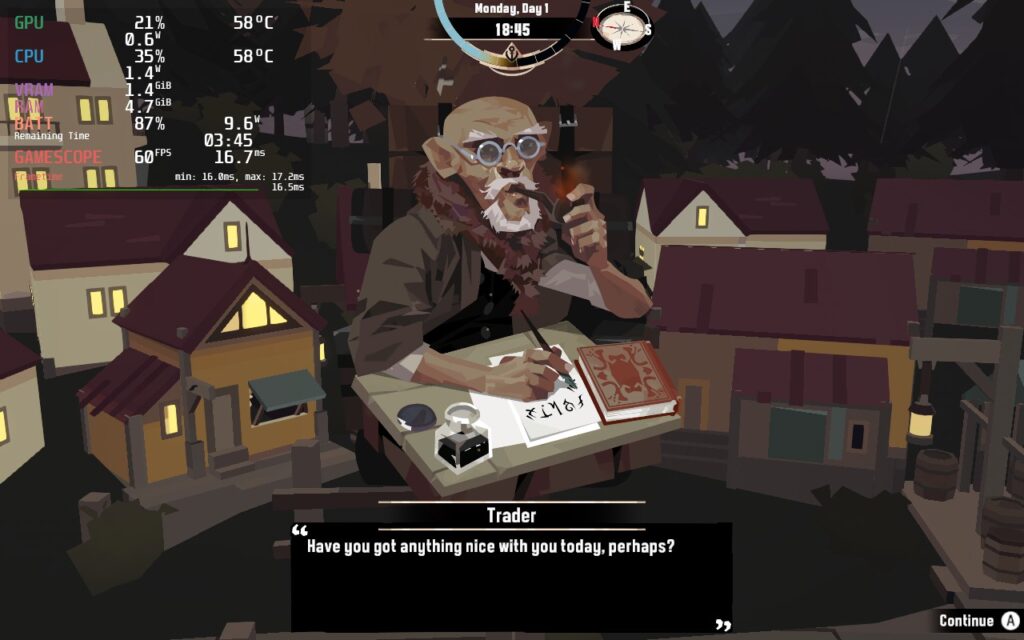
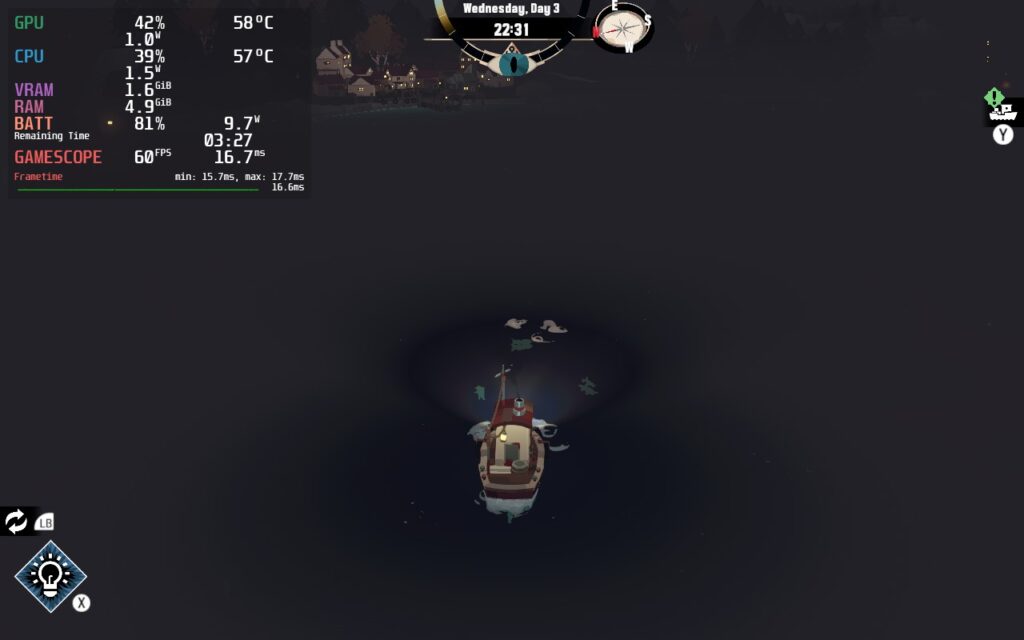
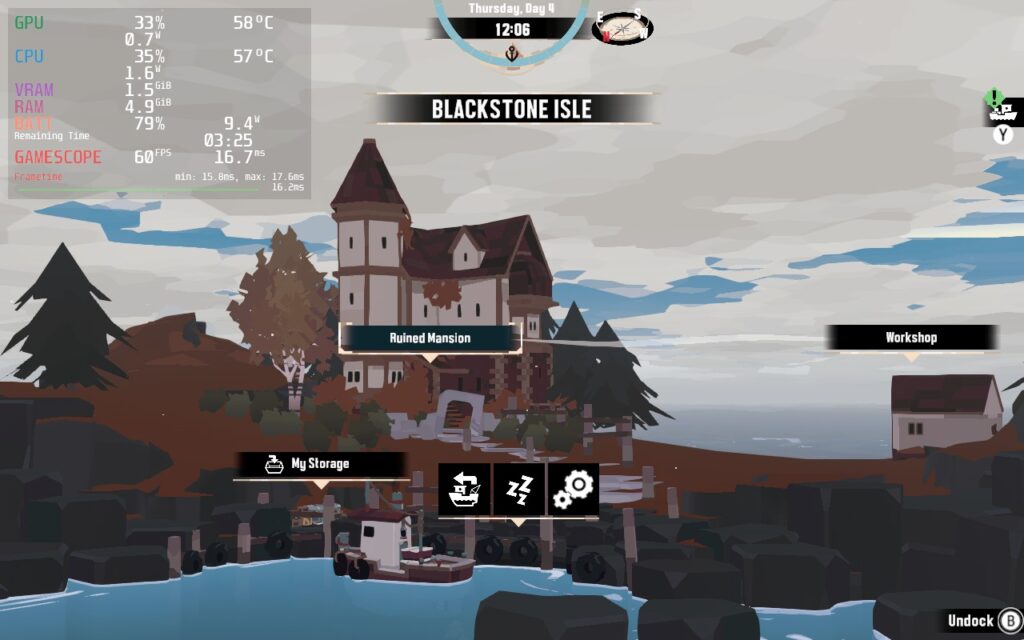
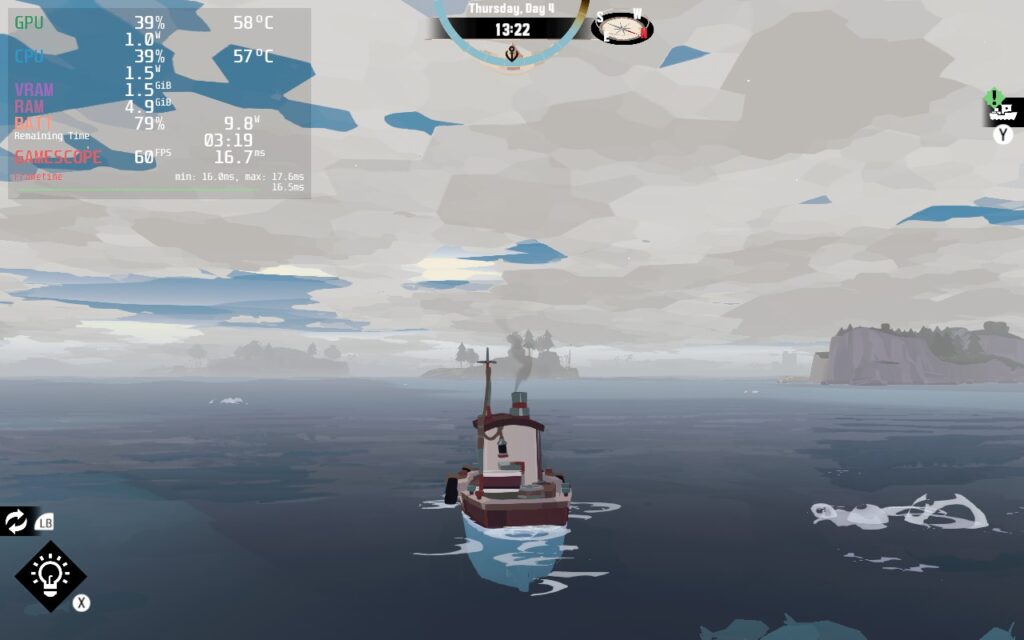
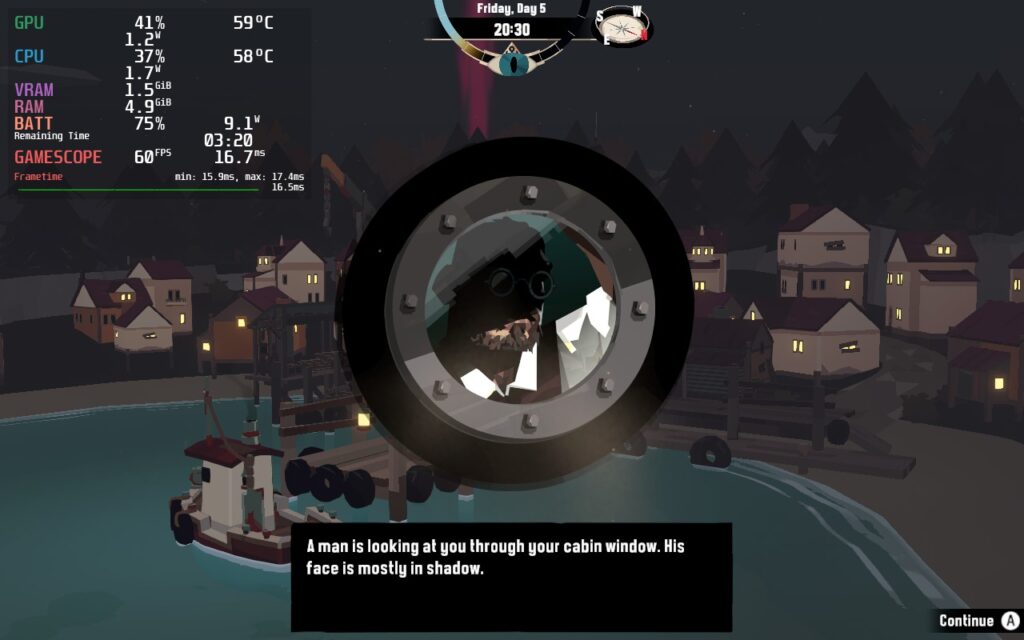
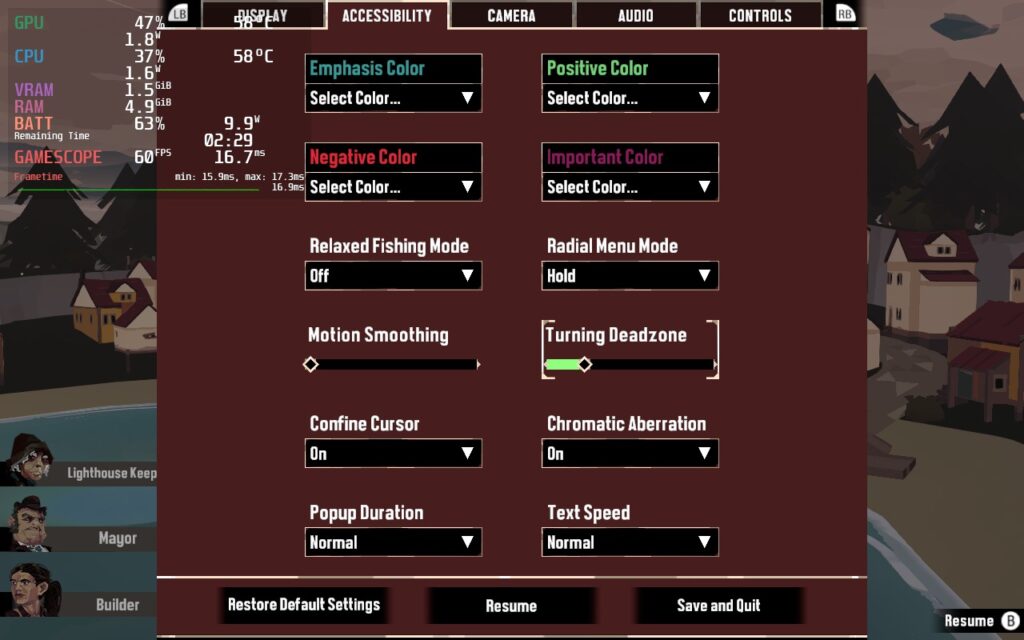
Dredge also comes with some nice little accessibility features. While the game doesn't have any issues with text size, works perfectly with the Steam Deck gamepad, and supports 1280x800 resolution, it does have some nice options regarding popup duration, text speed, radial menu modes, and even changing the color for the important info that you find in-game! I found this to be a really nice touch, so I wanted to point it out.
I honestly don't have to write much about this game thanks to the preview version still being as accurate as the final. Dredge is an incredible game that feels more and more addicting the more I play. The fishing mechanics, inventory management, the characters and story, the upgrading, all of it just feels fantastic mixed with how well it performs and the accessibility features it offers. This is an amazing game and I can't recommend it enough personally!
Our review is based on the PC version of this game.
If you enjoyed this review, be sure to check out the rest of the content on SteamDeckHQ! We have a wide variety game reviews and news that are sure to help your gaming experience. Whether you're looking for news, tips and tutorials, game settings and reviews, or just want to stay up-to-date on the latest trends, we've got your back
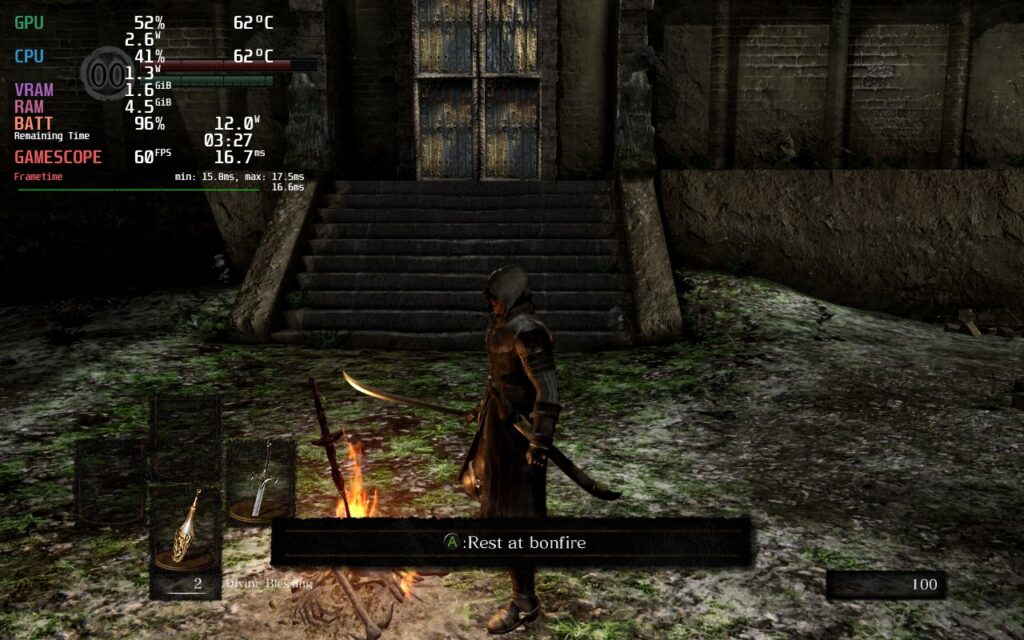
It's time to re-experience the defining game that started an entire genre! Dark Souls Remastered is a glorious return to Lordan that has been remastered in high definition detail, all designed to run at 60 FPS. Create your character and run around, killing your enemies in deadly combat to gain souls to level up your skills, but be careful, one false move and any enemy can kill you easily. Take on insane bosses and get ready to die over and over in one of the hardest games to play.
Dark Souls Remastered is an older game, but still holds up as one of the pinnacles of the notorious souls-like genre. It is a grueling game where timing of your dodges, parries, and attacks are key to survival against all the enemies in this game, including the grunts. It does feel really surreal being able to play this at such high quality and at 60 FPS on the Deck, and while it is able to hit this pretty effectively, I did notice a couple quirks.
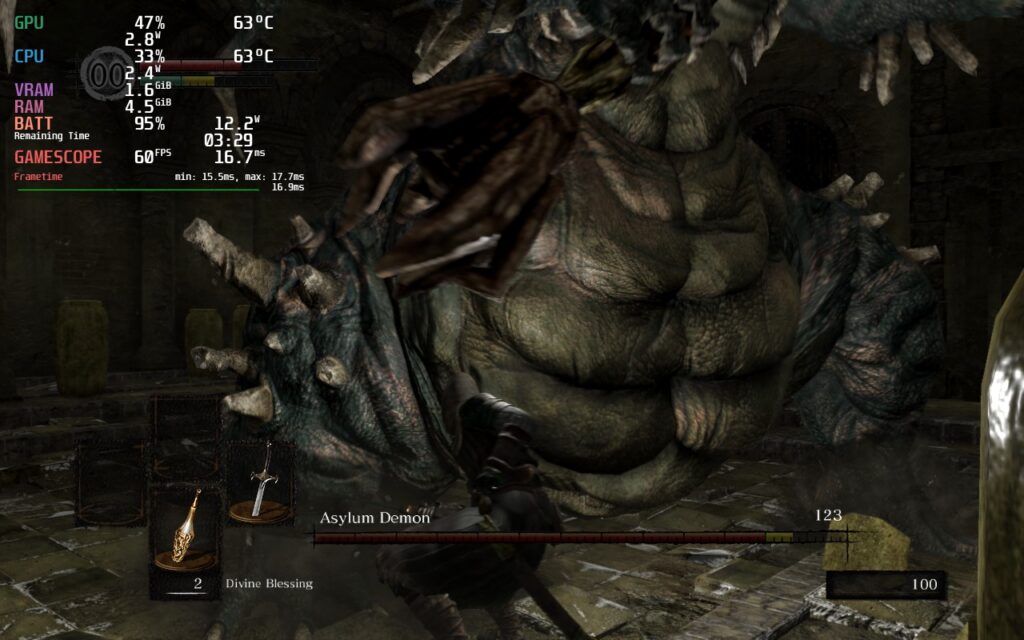
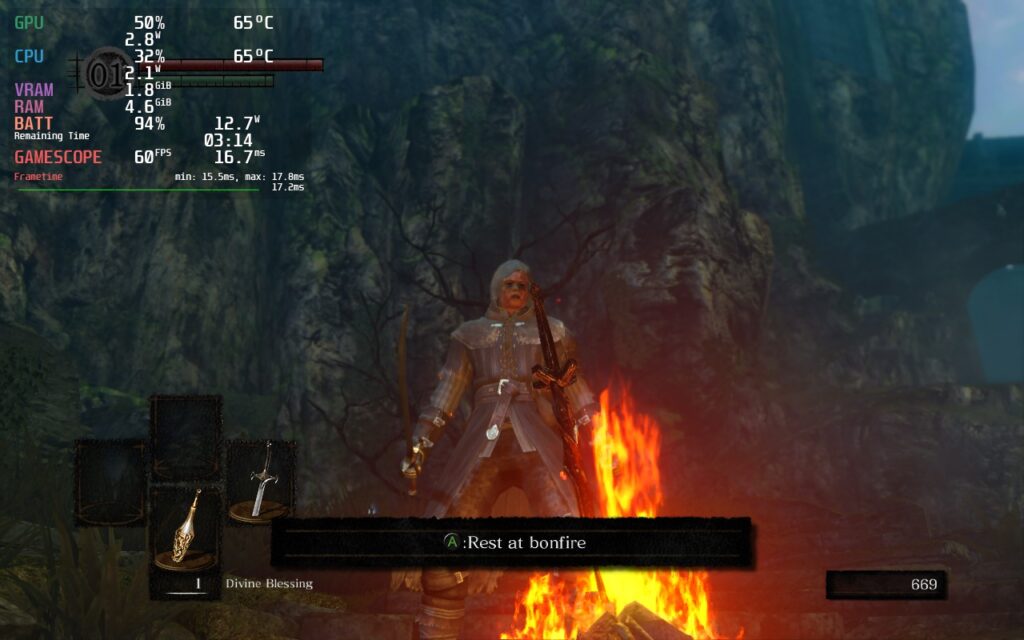
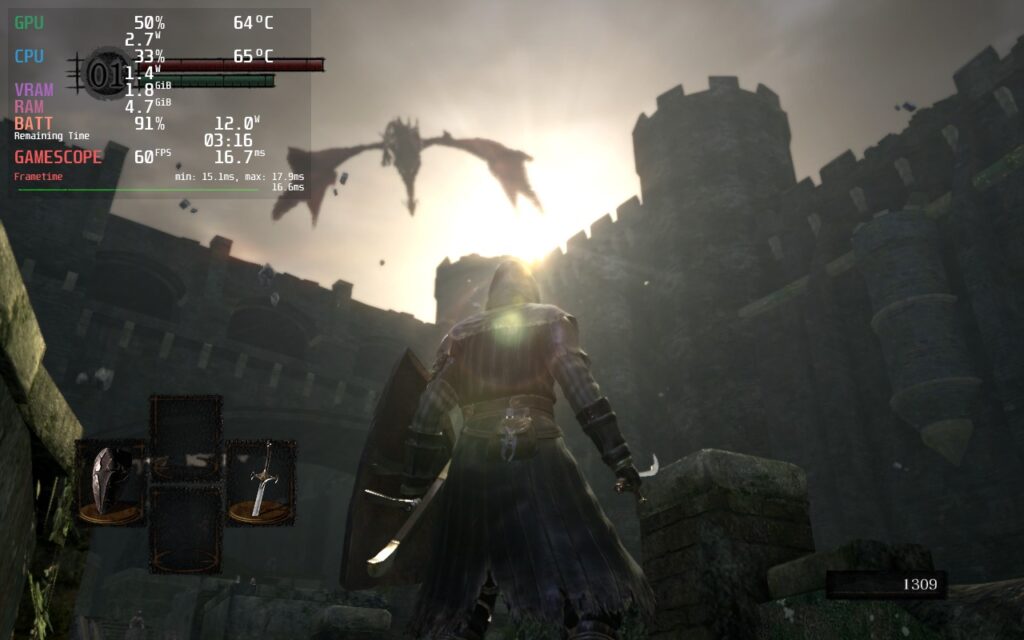
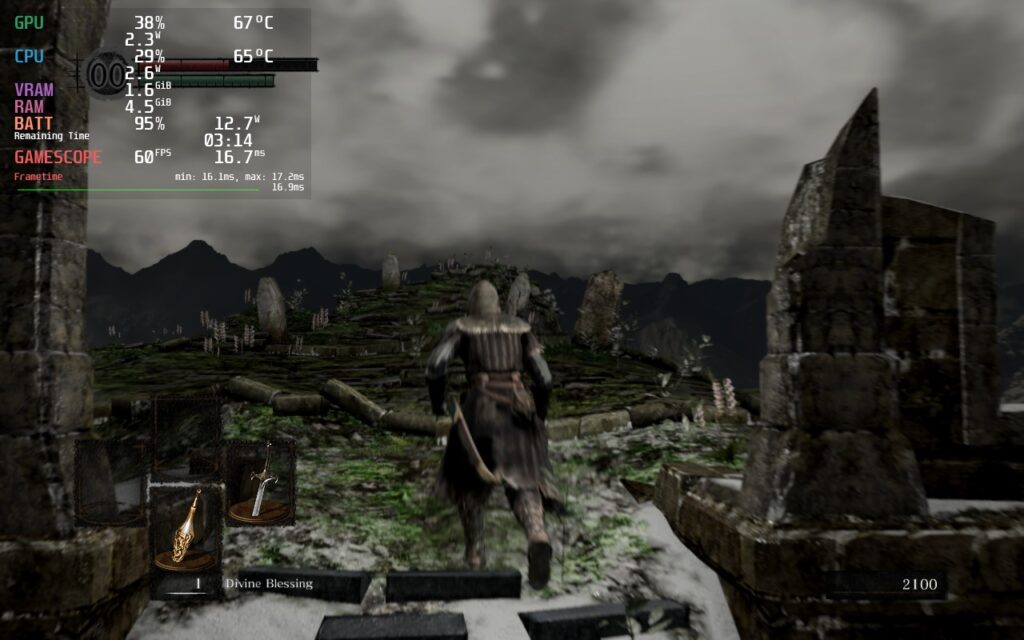
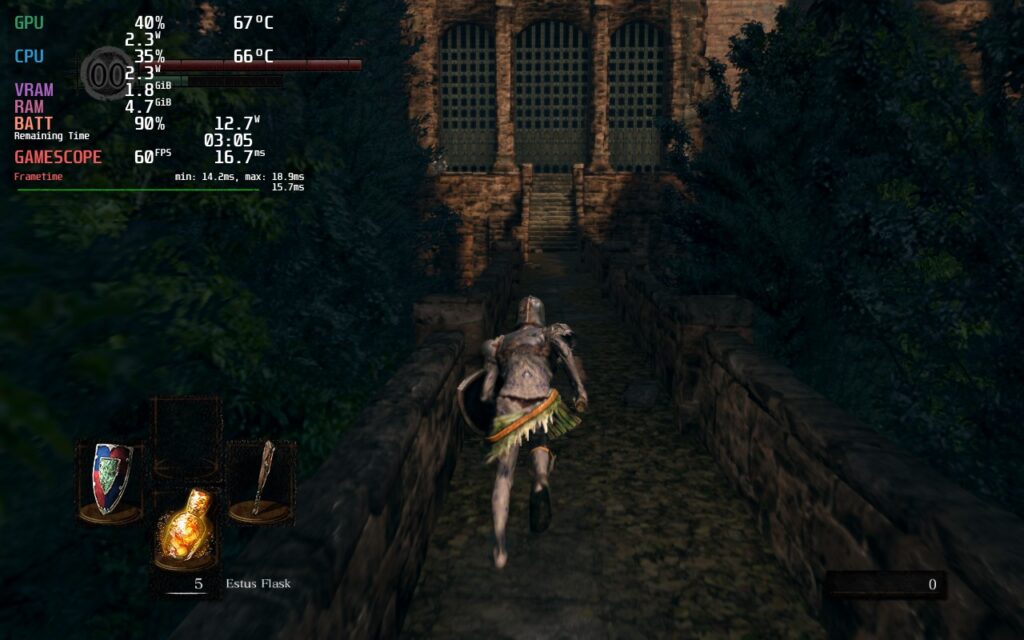
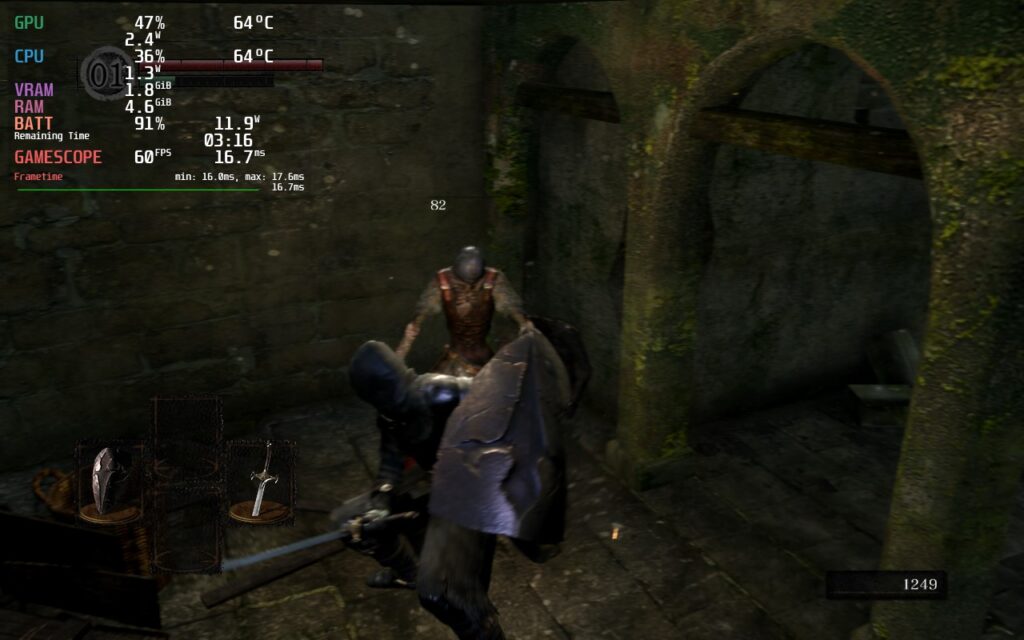
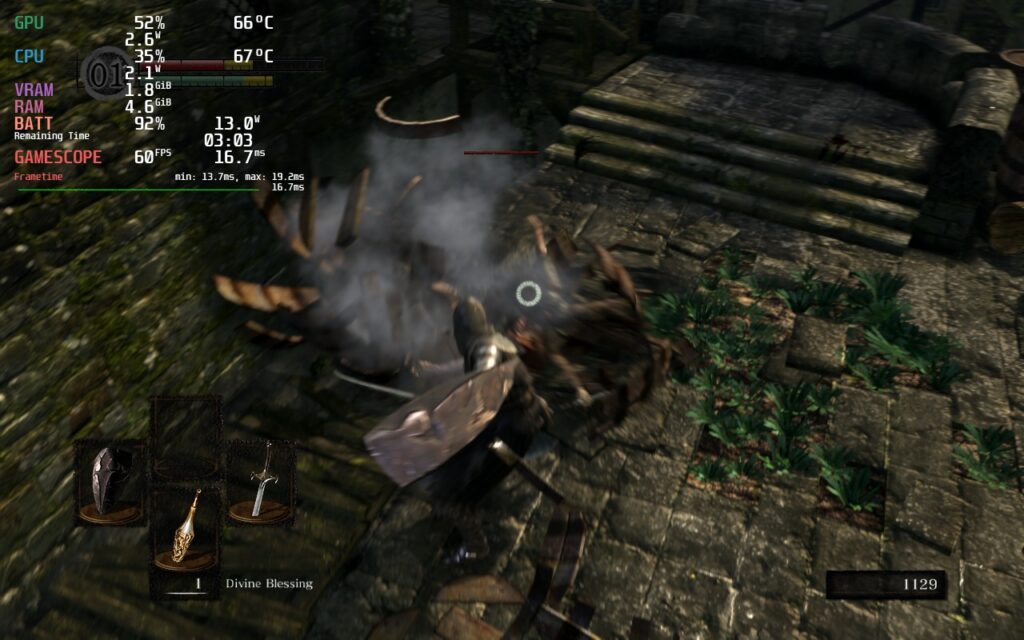
The biggest performance one I noticed is that in most areas of the world, it drains the battery higher than it needs to. With some areas draining up to 19W - 20W, this felt significantly higher than it should be for a remaster for an old game. By setting a TDP of 7, and a GPU Clock Speed Frequency of 1200, the game was able to cap out a battery drain of 13W while keeping a solid framerate line. I did notice some instability in the framerate without any changes either, so the GPU frequency lock helps a lot.
I did try lower framerates to see if I could save battery there and still feel really smooth, but there were slight stutters when using them. 55 FPS can be done, but I would say staying at 60 is going to be the best way to play.
Dark Souls Remastered controls really well already, but there are recommendations to use the "Dark Souls 3 style controls" community configuration, but I didn't feel it was necessary to enjoy the game. If you start the game when connected to the internet and go to sleep mode, it will bring you back to the main menu when you load it back up. I would recommend starting the game with WiFi turned off and then turning it back on when you load into the world to avoid this.
Overall, Dark Souls Remastered holds its own on the Steam Deck! Playing at 60 FPS feels amazing and being able to bring battery drain down to 13W max helps a ton with battery life and temps. There are still more bosses and areas I need to test, but overall, I have found no issues so far in all the areas I did try. But if the game runs through as well as it has so far, it will be another Best on Deck game!
If you enjoyed this first look, be sure to check out the rest of the content on SteamDeckHQ! We have a wide variety game reviews and news that are sure to help your gaming experience. Whether you're looking for news, tips and tutorials, game settings and reviews, or just want to stay up-to-date on the latest trends, we've got your back
It is time to help out some ghosts in this adventure RPG! In The Outbound Ghost, you are tasked with helping some ghosts ascend to the afterlife after their untimely deaths. Battle other ghosts and gain new abilities while uncovering the mysteries surrounding the town of Outbound to help the dead residents find peace. With a visual style heavily inspired by Paper Mario, turn-based combat encounters, puzzles, an interesting cast of characters, and a unique badge system, The Outbound Ghost has a little something for all RPG fans. But the real question here is...how does it run on the Steam Deck?
The game when maxed out can run, but it drains WAY too much battery. When left alone, the drain goes up to 23W and for a game like this, there is no reason to be going that high, but per usual, we can improve this significantly with some changes.
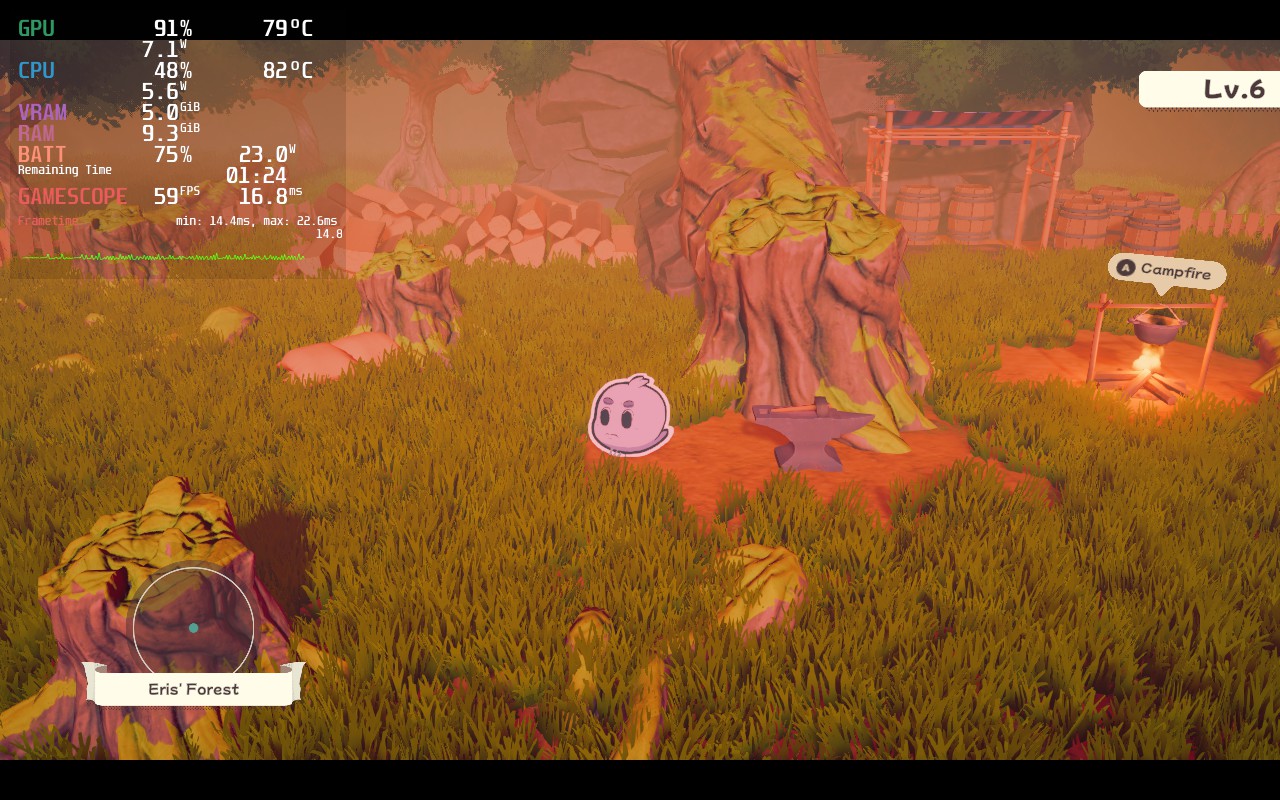
Just standing still causes a large battery drain with an unstable 60 FPS at max settings, but it could be a lot better!
Unfortunately, there are some issues with The Outbound Ghost on Steam Deck that persist regardless of the settings that were changed. When done tweaking, I ended up with 45 refresh rate/FPS, TDP limit of 8, and a mix of high and medium settings in-game settings. This allowed for around 3 - 3.5 hours of battery life with a more stable framerate. There are still some spikes here and there, which did slow the game down every now and then, but it didn't persist through combat, which is more important as it does require some precision button pressing to do more damage.
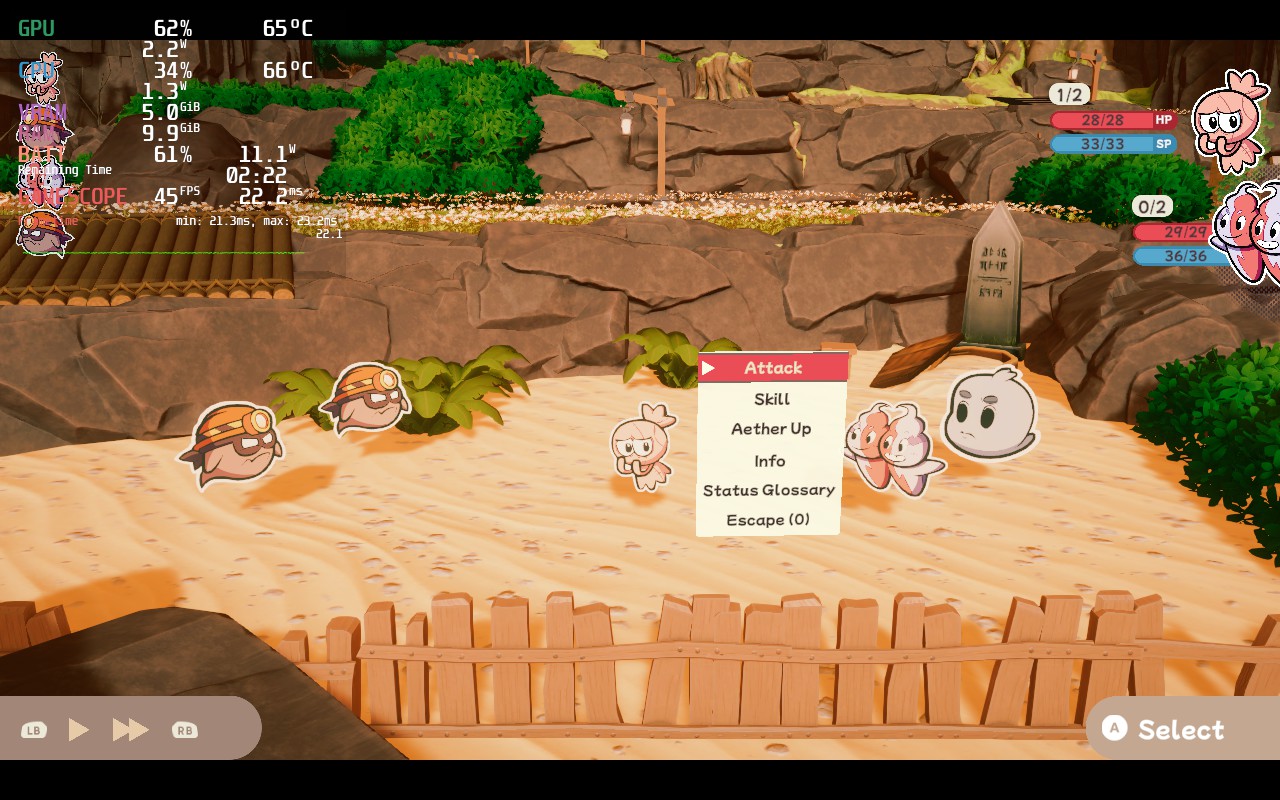
I also felt it was important to have a 60 FPS option, though it is definitely less stable and drains more battery. To combat this, I did have to lower the Model and Light quality settings to Medium, but it did end up helping a bit. In the end, it was still a little unstable, but the battery was able to last around 2 - 2.5 hours.
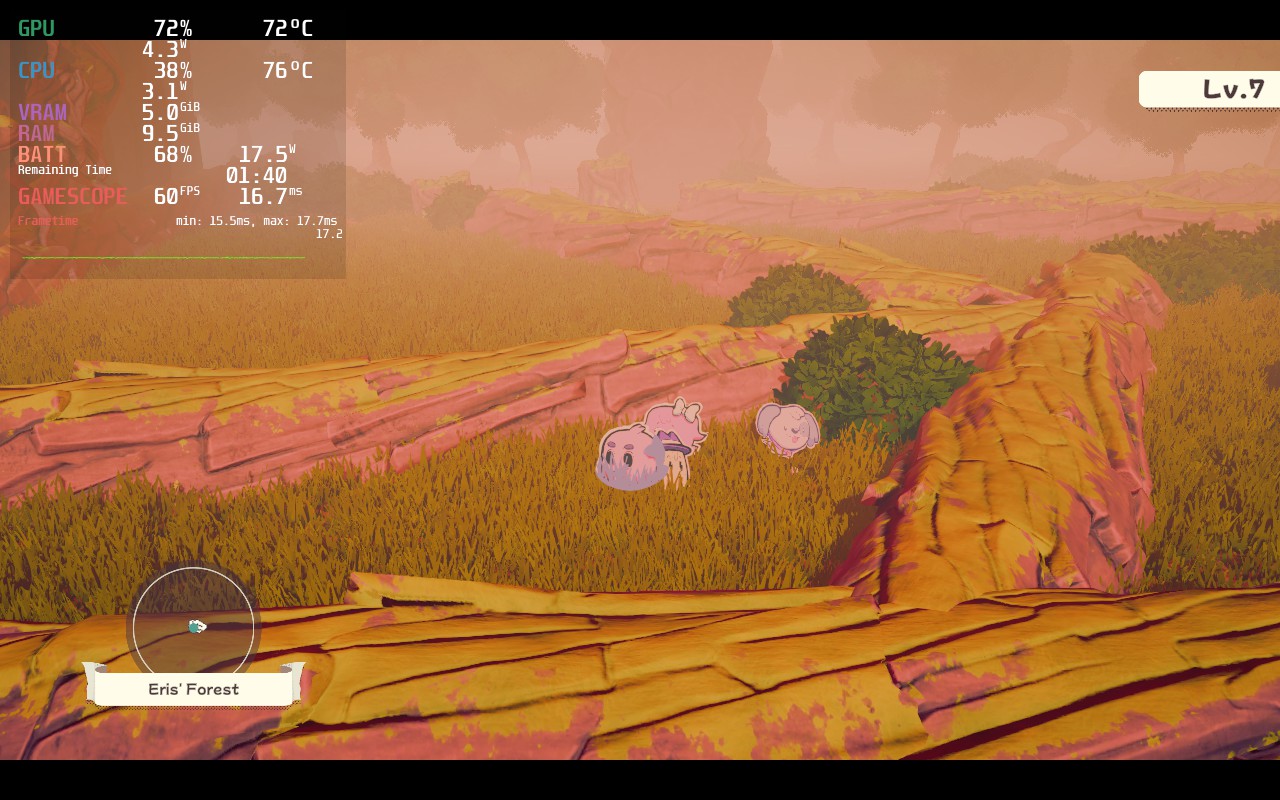
I didn't really notice much of a different graphically between the 2 options, and since 45 FPS still felt really smooth and framerate spikes will persist no matter what, I preferred to save the battery.
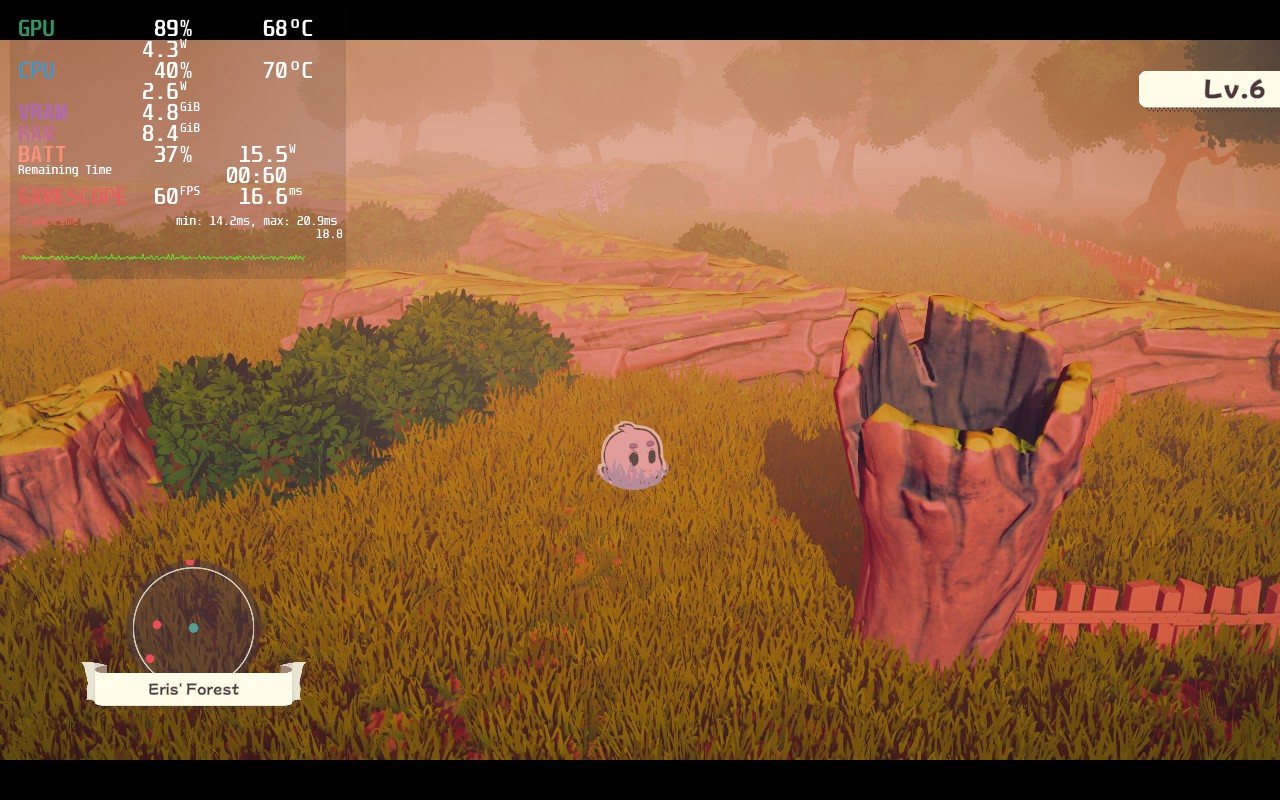
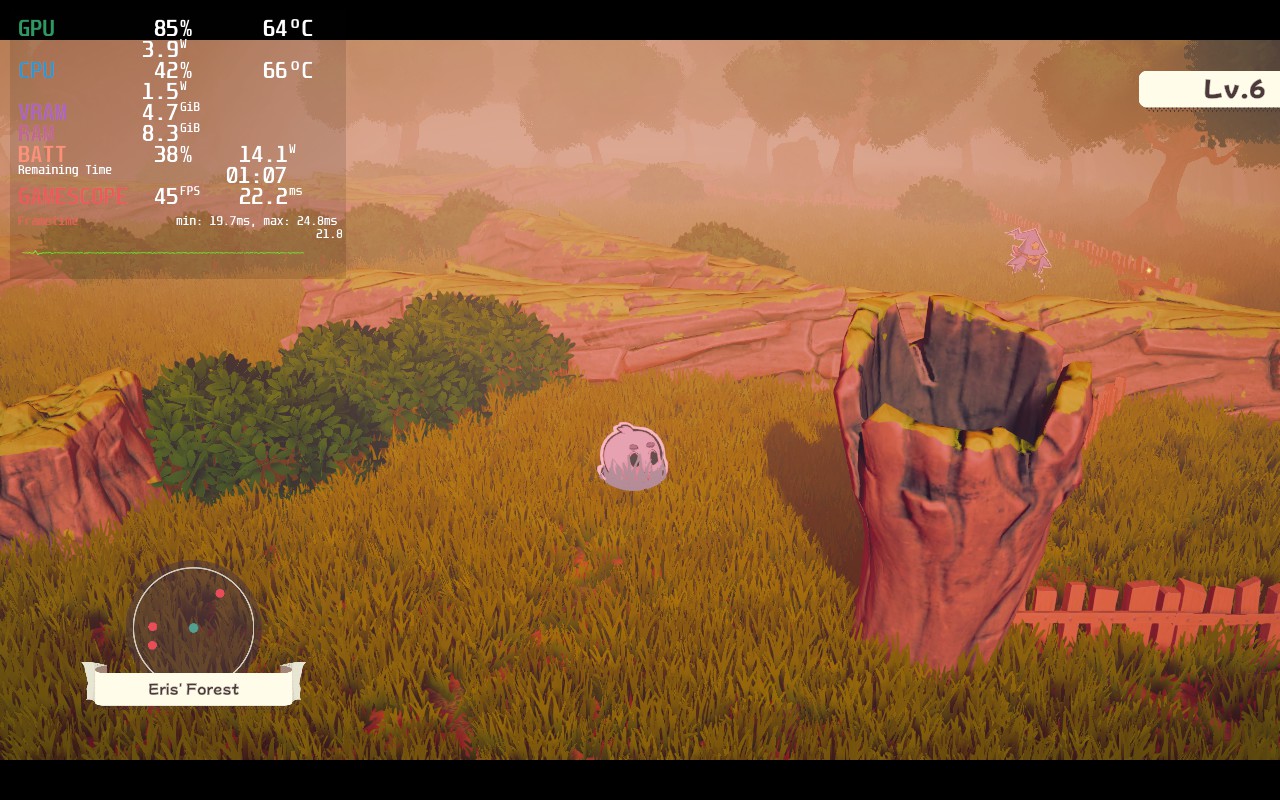
There are very small differences between the graphical changes from Medium (60 FPS) to high (45 FPS).
The other bad part of The Outbound Ghost are some of the weird bugs or hitches that can inhibit gameplay. I already brought up the stuttering, but there is a couple of other issues I want to go over.
The first one I noticed is actually changing the resolution. The game defaults to 1280x720, which is fine to play, but it does have an option for the native 1280x800. When this is selected though, the UI of the game gets a bit screwed up. On top of that, the game stays at 1280x720 anyways, so keeping this on its default worked fine.
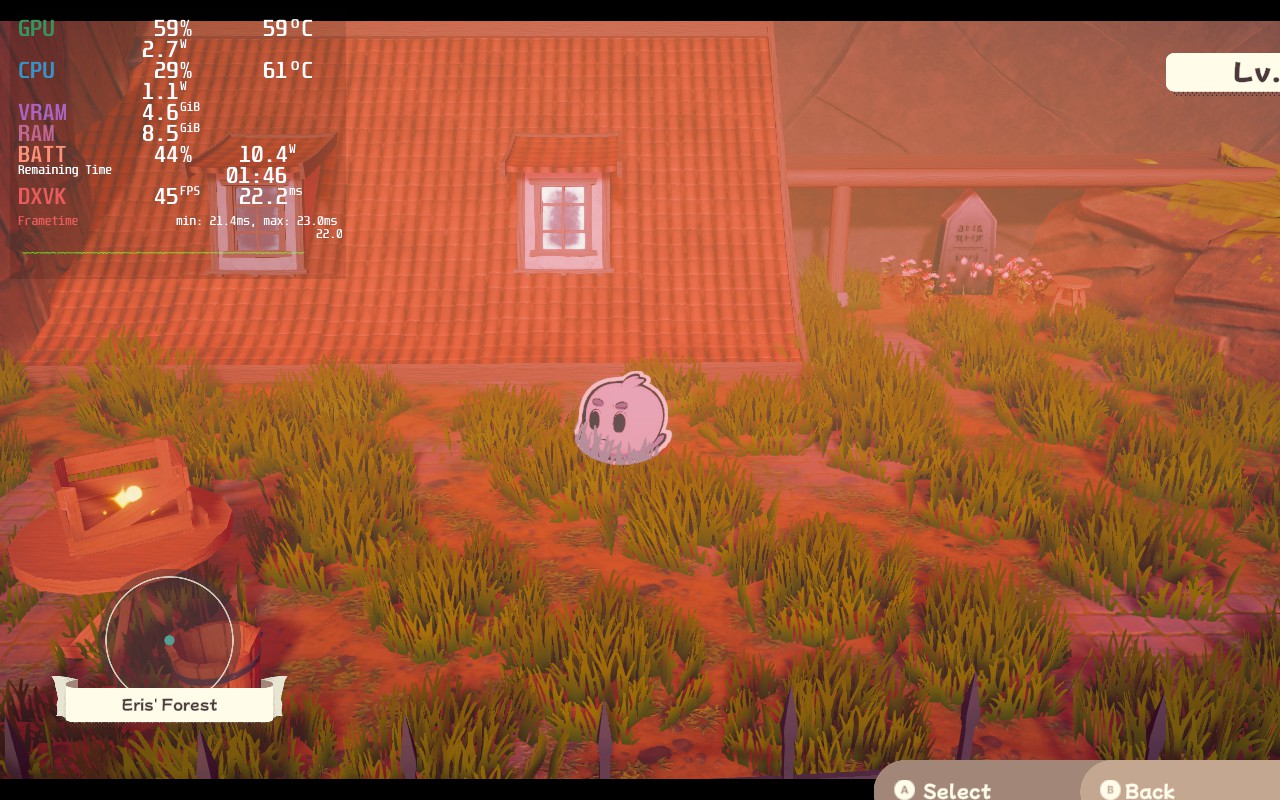
You can easily notice the UI issues when looking at the bottom right and top left. The level is cut off while the select and back prompts are still visible, even when not on a menu.
The biggest issue I found most annoying was actually the amount of time it took to get into each combat encounter. Whenever you start a combat encounter, it takes a real 7 seconds to get into a fight. While this doesn't sound like a lot, it adds up and just feels off when just playing the game. It isn't game breaking at all, just more of a gigantic nuisance I found obnoxious.
The Outbound Ghost is a really wonderful game in itself. The characters are memorable, the combat is serviceable, and the environments and designs are fantastic and fit. The game scratches a Paper Mario itch I didn't know I had, and if I was talking about getting this game in general, I would say take the leap. But this is about the Steam Deck and I hoped for better. In the end, it is playable, but expect some sacrifices and nuisances along the way.
Our review is based on the PC version of this game.
If you enjoyed this review, be sure to check out the rest of the content on SteamDeckHQ! We have a wide variety game reviews and news that are sure to help your gaming experience. Whether you're looking for news, tips and tutorials, game settings and reviews, or just want to stay up-to-date on the latest trends, we've got your back!



