Echoes of the End was provided by Deep Silver/PLAION for review. Thank you!
Some of my favorite games are the story-driven action-adventure games that define the PS4 and PS5 eras. The Last of Us, Uncharted, God of War, and Spider-Man have all been incredible experiences worth playing through, with cinematic storytelling and addictive gameplay loops. These games are awesome, and that's a big reason why I was drawn to Echoes of the End. Developer Myrkur Games has created one of the most beautiful games I have seen in a long time, and it's great when everything works, but there are a bunch of small problems that compound together to end up hurting the overall experience.
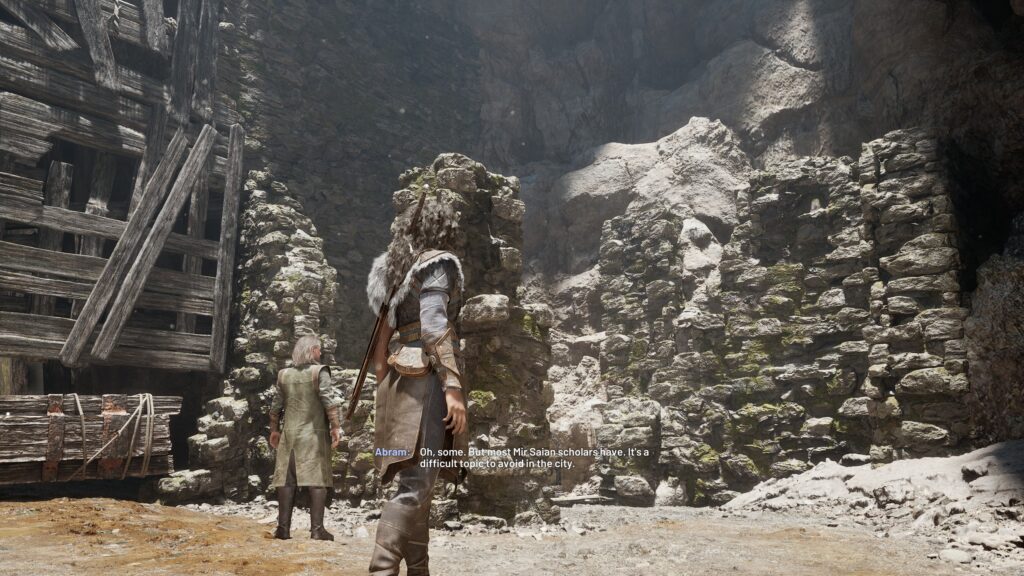
Visually, Echoes of the End is stunning. The world and set pieces look phenomenal, with highly detailed textures and models. There were a couple of times that the world stunned me, with light hitting rock formations just perfectly to illuminate the fine details in the rocks or the luscious foliage around me. Trekking through the land of Aema and seeing the splendor around was a pleasure. There are some odd, less detailed textures here and there, with the most prominent being in Chapter 3, but it isn't noticeable unless you look very closely.
As for the story, it's a bit of a hit-or-miss. We take the reins of Ryn, a magic-wielding Vestige, who travels with Abram Finlay to save her brother, who has been taken by the invading The Reigendal Empire as a guide. As we travel across the world, we will discover the mysteries of the land of Aema, and watch as Ryn discovers more about her powers and herself.
I love stories like this, and for the most part, I enjoyed learning about Echoes of the End's world. It's intriguing seeing how Aema ended up the way it has, and I was curious to see what being a Vestige meant. Finding ways to weave fantasy stories like this into more meaningful, dramatic stories always keeps my interest, and there were a couple of twists that I didn't expect. They were minor; most of the story follows the predictable path, but those little bits were appreciated.
I also liked how Ryn evolved as a character. Initially, she distrusts and takes the lead, feeling that she has to look out for herself since everyone despises her as a Vestige. She can be aggressive and lash out, with the belief that she has to stay away from everyone and will only hurt those close to her. I felt her development and growth throughout the story was solid, feeling more gradual and realistic compared to many other dramatic stories I have witnessed.
Still, it has its issues. The voice acting and some facial animation can make the experience feel disjointed, and some chapters linger far too long. While Ryn's voice acting was solid and believable, I found her brother, Cor, and one of the main antagonists, Aurick, to be especially hard to believe. Aurick's voice in particular was just too quiet, and I had to rely on subtitles to understand what he was saying. Cor's voice didn't feel like it belonged, standing out too much in discussions. The intro tutorial chapter also feels too long, though it gets better afterwards.
The story is passable and has interesting moments, but it didn't all feel like it stuck the landing. Whether it was the voice acting, some minor animation mishaps, the predictable beats, or the sound effects, it never fully brought me in. I like the fluid cinematics they were going with, reminding me of games like God of War, but it just felt awkward at times. There were also some characters that didn't have the impact I would have thought.

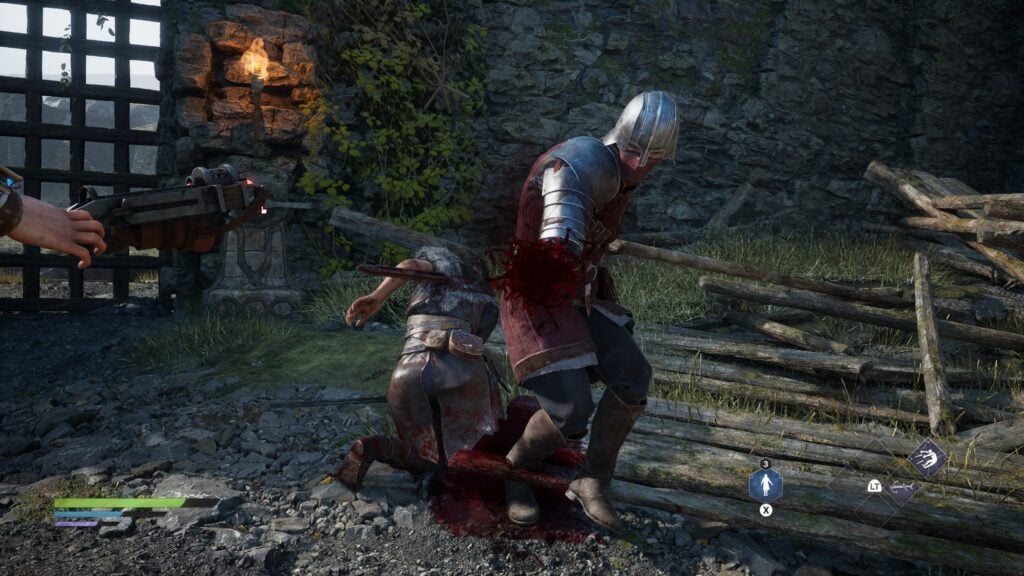
The combat feels very similar to the story, with it being a hit-or-miss. When all the elements work together, it's awesome, but half the time, it doesn't, and it ruins the entire encounter. You'll face groups of enemies and utilize your sword and magic to kill them. We have a regular combo and assortment of magic attacks, which can be upgraded with new moves from the multiple skill trees. Finlay will join us in battle and attack, with a special attack we can utilize to help us kill enemies quicker or stun them.
The magic powers, combined with sword strikes, feel fantastic when they all work together. It was so satisfying throwing enemies into each other and swinging my sword or creating a vortex to bring all the enemies around in one place, then slamming them into the ground, and while they are getting up, using an attack to channel magic into a blade strike that can cut them all further. The combat felt slow in the beginning, but as soon as upgrades came into play, it got significantly better.
However, there are too many issues that can affect it. Sometimes, locking onto enemies for magic attacks just doesn't work, and unless you turn and face the enemy, attacking could go in a different direction entirely. We also can't cancel attacks, which means going into a combo and trying to block an attack will not block. I had to be very careful about how long my combo would be, and I worried more about when the enemy would attack rather than what I would do next.

As I mentioned earlier, Ryn does have skill trees, which can be used to get new abilities. We get a set amount of exp per each encounter, and can use those skill points to get new sword attacks, magical abilities, making other abilities more powerful, and augmenting our companion powers. The game itself is very linear, so there aren't many extra encounters or grinding involved, but I would say skill point distribution is balanced, though some of the best powers and abilities are further in.
This can completely ruin combat encounters. I regularly died due to missing attacks or magic not locking onto an enemy, even when I had enough mana. Some attacks from enemies also shine, noting whether they can be blocked or parried, and sometimes attacks won't have any shine to them. It can be confusing and obnoxious. I understand only having a shine for attacks that can't be blocked, but the shine for some attacks that can be parried makes it harder to discern when regular attacks with no shine are coming.
Outside of combat, there are tons of puzzles we will encounter to solve and progress. The majority of these puzzles are well-made, and as the game progresses, the puzzles get more and more unique. The mechanics change with the different chapters, but progress naturally. I was impressed with the variety, with some areas surprising me, like the invisible bridges and echoes. There were a few puzzles that were extremely difficult or didn't have enough instructions, but I ultimately did figure them out.

The biggest issue I have outside of combat is the movement system. While it's pretty standard movement in general, jumping around feels floaty due to how momentum will continue after jumping. This can make any platforming puzzles, or challenges to find secrets like more documents for extra story lore and extra increases to health and mana, and it becomes aggravating to try to maneuver.
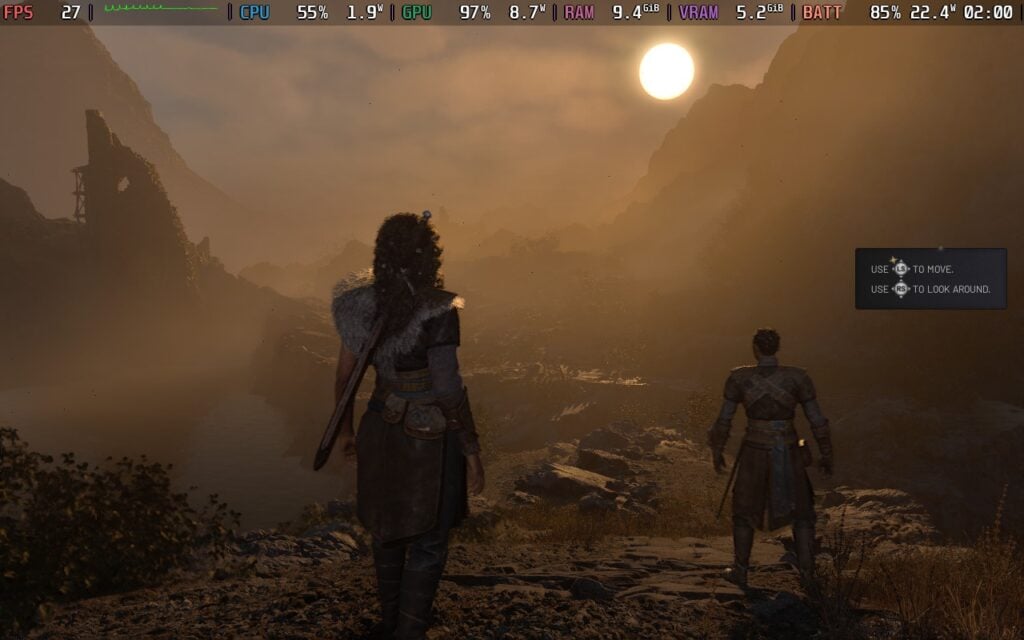
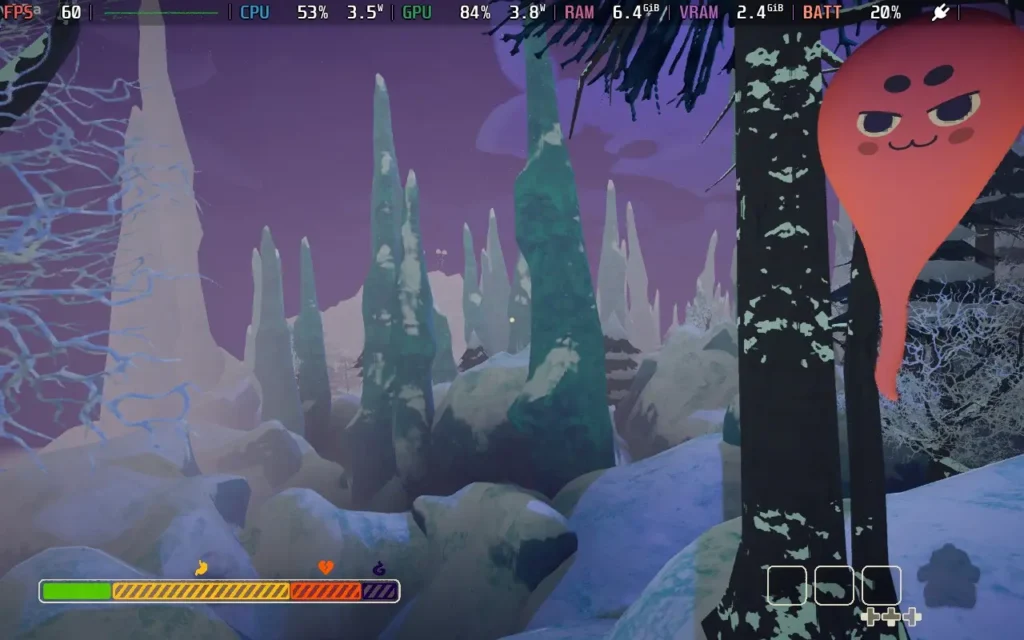
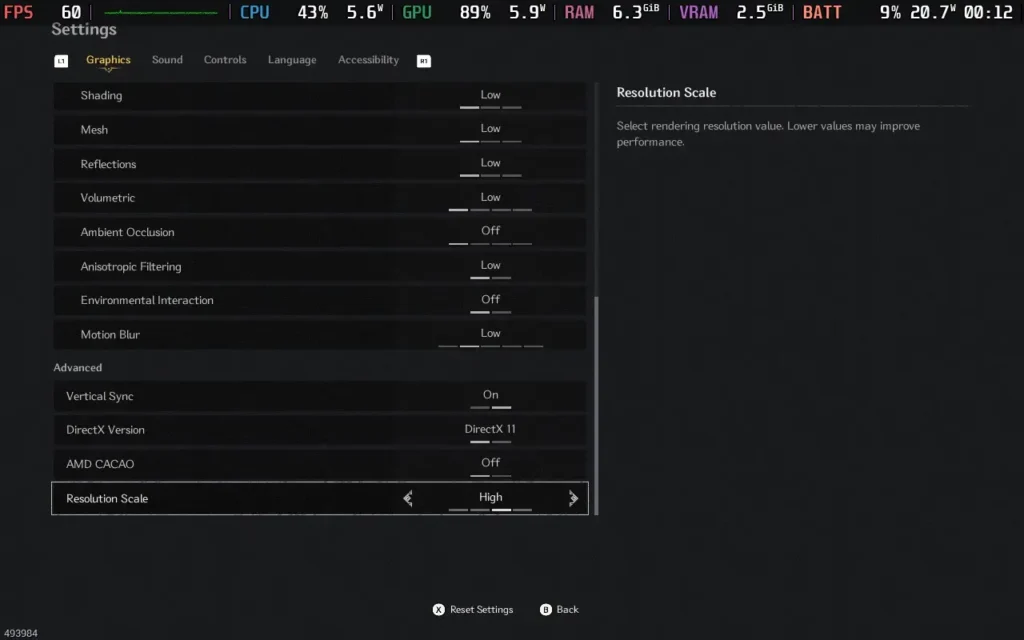
While Echoes of the End is decently playable on desktop and seems to be optimized, it is not Steam Deck playable at all. On the lowest possible settings with TSR upscaling at 33% render scale, I was getting around 27 FPS in the opening area standing still, and there's nothing I could do to increase performance further without completely destroying the visual quality. This is not going to be a game to play on the Deck.
The game does have an accessibility tab, which allows us to change difficulty, subtitle options, and language. We can also toggle how much gore is shown, invert camera controls, change sensitivity of the controller, turn vibration on or off, and change audio sliders.
The game does support 16:10 resolutions, as well as cloud saves and controller support. It also recognizes the OLED HDR screen and has options to turn it on or off.
Echoes of the End is a solid production, but it just has many instances that take me out of the immersion. It's small things here and there, but in the end, it's enough to make the experience suffer. When the mechanics work together, it feels fantastic, and the visuals are top-notch, but when it doesn't work, it is frustrating and made me want to stop playing. The story is intriguing as well, even if the voice acting was off and plot was predictable.
Unfortunately, the game isn't in any state to be played on the Steam Deck. Even at the lowest settings, it can't hit 30 FPS, and I wouldn't recommend playing on the go.
Our review is based on the PC version of this game.
If you enjoyed this review, be sure to check out the rest of the content on SteamDeckHQ! We have a wide variety game reviews and news that are sure to help your gaming experience. Whether you're looking for news, tips and tutorials, game settings and reviews, or just want to stay up-to-date on the latest trends, we've got your back!
PEAK was provided by Aggro Crab & Landfall for review. Thank you!
At first glance, you might think that PEAK is yet another VR climbing simulator, which are a dime a dozen, but don't worry, it's designed to be played with regular controls, and it plays well. Avoiding the obvious puns about the game being "peak", the game is very solid. There's no backstory to the game, merely that you are scouts who go on a flight that crash-lands on an island with some ridiculously tall mountains on it, and it's your job to climb to the top!
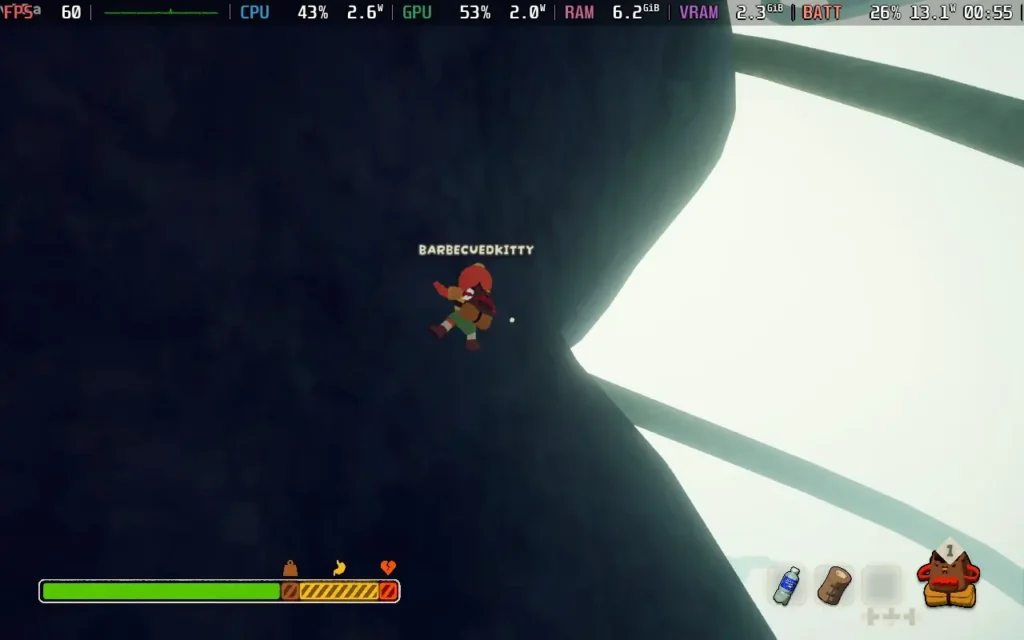
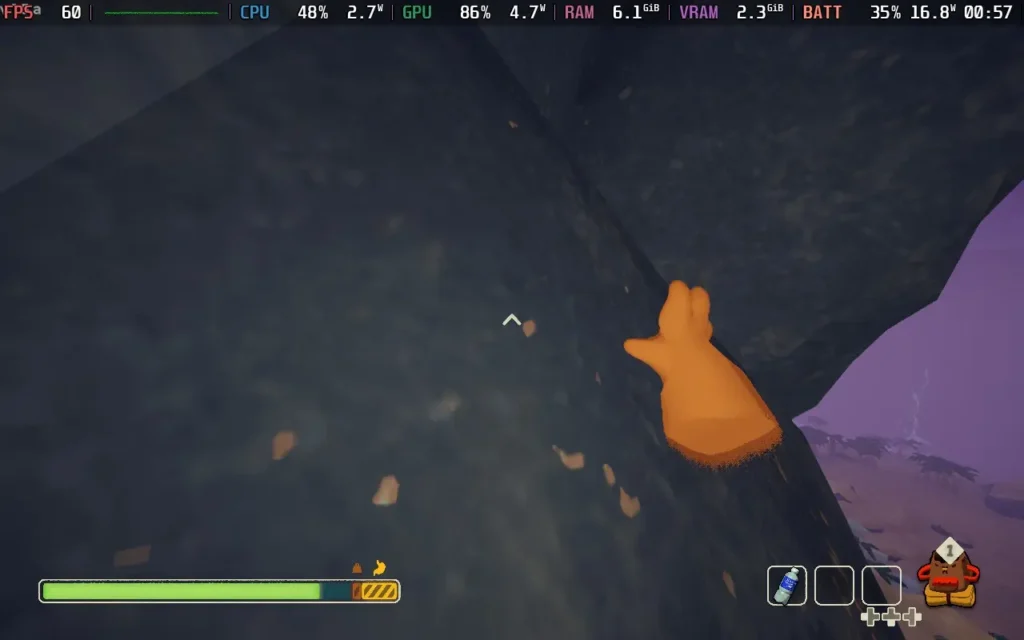
The climbing mechanics are the key here. The developers have opted for a "fun" vibe rather than a realistic one. Yes, you do have stamina that depletes whenever you're climbing, and yes, there are somewhat realistic physics, but climbing itself is as simple as holding down the right trigger (or a mouse button) and moving in the direction you wish to go. It's a beautiful balance between the realistic dangers of free climbing and the easily accessible nature of an arcade-style game.
However, the game goes beyond simply climbing. If you're in a co-op game with friends, you can help each other up ledges by pulling. You can also "lunge" near a ledge to give you that extra boost, but if it isn't enough, be prepared for some dire consequences. You can also collect various items to give you an advantage, such as ropes, rope guns, chain cannons to fire a climbable chain, and items to increase your stamina or heal in case you've taken a tumble.
You can play the game solo or offline, but I recommend playing it in co-op with friends. The element of cooperation enhances the experience, and the in-game proximity voice chat really adds to the immersion and tension, with voice effects such as echo and muffling adding to the experience.
It all combines to make PEAK a game that's great to play in short bursts. This isn't the kind of game you spend hours playing, but periodically hopping in for an hour or two session with friends is the way to play this game. The map changes every 24 hours, using a random map generator. This doesn't change everything; the biomes, for example, remain the same, but you will have to find new ways up the mountain and deal with different item locations.
This neat mechanic helps to expand the replayability of the game. If you get on a good "run", you'll be able to "finish" the game in under 2 hours, but with the map changing every day, you can always go back and try to beat future maps. Plus, there are scout badges to collect for doing specific tasks in the game, and you're unlikely to get them all on your first set of runs.
The biomes, too, are varied. While the map is randomly generated, there are certain environmental features that each biome sticks to, the Shore that you start on, for example, is always flat at first, leading to a rather sheer cliff, before entering the Tropics, where you'll be confronted with dangerous flora, vines, and rain which can make climbing more difficult. There are 5 biomes in all, each presenting unique challenges requiring different approaches, which helps to vary the game up, rather than constantly being about climbing sheer cliffs and finding resting points along the way.
All this while, you're being chased by "the fog", which, if you don't climb fast enough, will catch you and give you a stamina debuff (and eventually kill you) if you remain in it.
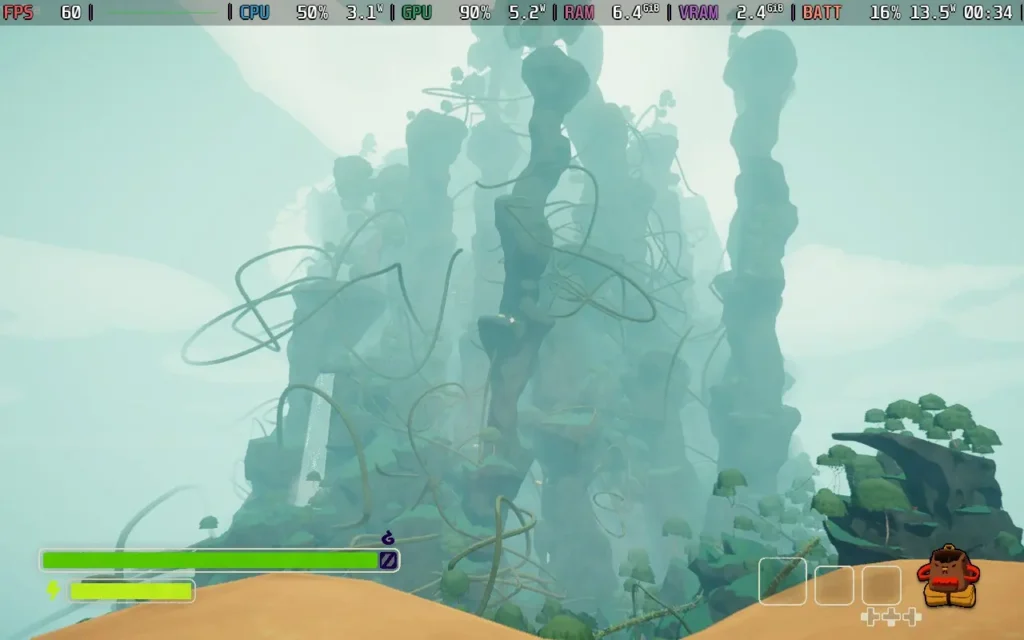
Is PEAK a perfect game? By no means. I had difficulties with controller support in the options menu, requiring me to use the Steam Deck's touchscreen to choose any options. The physics can also be a little finicky. Dropping a backpack against a wall caused it to ping off into oblivion, for example. The servers also had some issues while playing, sometimes refusing to connect me to the Steam servers until I restarted the game.
These should be easily fixable issues, or at least mitigated by being careful where you put your backpack down, so they don't ruin the experience. PEAK is a great game, although it's perhaps best enjoyed with friends.
PEAK runs reasonably well on the Steam Deck. The controller support works fine in the game, but it has issues in the options menu when I played. We also had issues with the in-game voice chat not working with the Steam Deck's microphone, which is a real shame. There are some graphical options to choose from, and to get a nice 60 FPS experience, which you will want in PEAK, we had to lower the graphics options to "Low", which seemed to work well in our testing.
You can also choose to boot in DX12 or Vulkan mode; however, I found Vulkan to have more stable performance on the Steam Deck, so I recommend using that.
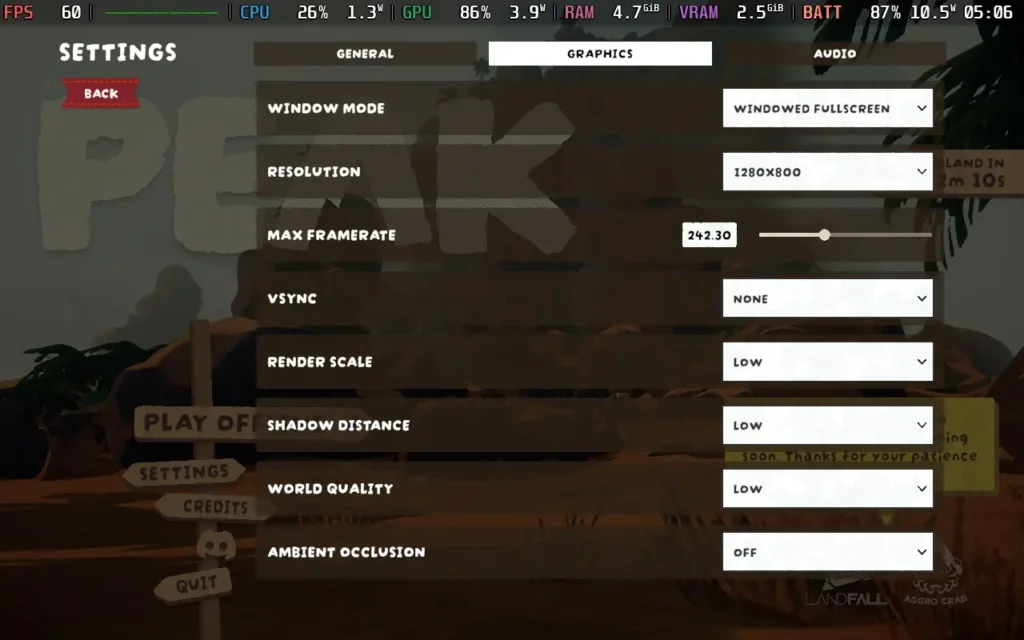
We could run "Medium", but as you enter later biomes, it causes drops into the 40s, whereas "Low" settings kept us at, or close to, a solid 60 FPS throughout, with some areas dropping into the 50s on occasion.

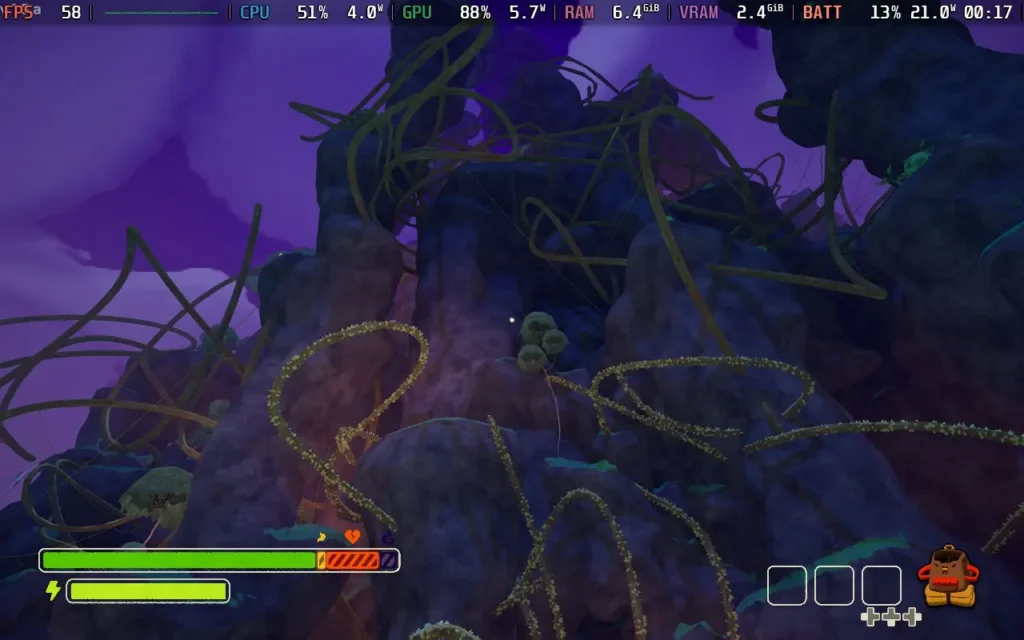
Power draw varies depending on your current location on the map; some biomes are easier to run than others, but on average, expect around 16W, with lows of 13W and highs of around 20W. Temperatures were about 60 °C - 65 °C. You can expect around 3 hours of battery life from a Steam Deck OLED and around 2 hours from a Steam Deck LCD.
PEAK allows you to adjust the Field of View (FoV) and play on a lower difficulty, decreasing stamina drain and removing the time limit.
PEAK is the first "climbing simulator" that has caught my attention. With a mix of realistic consequences/physics and arcade-style climbing mechanics, it's both tense and accessible for your average player. The fact that you can embark on this adventure with your friends is just a cherry on top. For the modest price tag, I would say it's very worth checking out.
There are some issues with PEAK on the Steam Deck, namely, the controller support isn't fully there yet, and the microphone issues for the voice chat are a real shame. Hopefully, these can be fixed easily. But don't let that stop you from trying the game out on your Steam Deck, because it runs great on lower settings and is still fun.
Our review is based on the PC version of this game.
If you enjoyed this review, be sure to check out the rest of the content on SteamDeckHQ! We have a wide variety of game reviews and news that are sure to help your gaming experience. Whether you're looking for news, tips and tutorials, game settings and reviews, or just want to stay up-to-date on the latest trends, we've got your back.
Onimusha 2: Samurai's Destiny was provided by CAPCOM for review. Thank you!
Onimusha was definitely a franchise that slipped me by in the past. I hadn't actually heard of the series until the 2026 relaunch was announced recently, partly due to the fact that Onimusha was never originally released in Europe. To boil it down to simple terms, Onimusha is basically Resident Evil if it were set in feudal Japan. Onimusha 2 plays very similarly to other CAPCOM games of the era, like Resident Evil and Dino Crisis, with a fixed camera angle and tank controls for the character.

The setting for Onimusha 2 is an interesting one, set in feudal Japan, but with a heavy emphasis on fantasy elements. Our protagonist, Jubei, of the Yagyu clan, sees his village burnt down before him by Oda Nobunaga himself, who has called on the aid of demons in order to conquer Japan. Thus begins our protagonist's quest for vengeance, whereupon he will meet others who are in similar tragic circumstances and want to defeat Nobunaga for their own reasons.
Jubei is a likable protagonist, and is portrayed as your fairly stereotypical honorable, yet vengeful type. The other allies you'll meet on your journey are also quite likable, although they often fit into the mold of 2-dimensional characters, figuratively speaking. There's also a "relationship" system in place that lets you give gifts to your allies, who will, in turn, give you an item back, which may prove useful, such as healing items and more. Having a high relationship stat with an ally also makes them show up to help sometimes in battles, which can make the game a bit easier.

Moving onto actual gameplay, if you've played an older Resident Evil or a Dino Crisis game, you'll know how they feel, a little stiff to control, and it can be a bit frustrating at times. Onimusha 2 isn't exactly a difficult game, but when you swing your sword and the game decides to ignore the enemy entirely, it can be a little frustrating.
The camera also doesn't help the situation; it's a fixed camera angle, so you would think that the developers could place it in the optimal position so the player has a clear view of the action. Sadly, in at least a few instances, that is not the case. Sometimes the camera is placed low down, and enemies can walk immediately in front of it, completely blocking your view of everything. It's very irritating. Capcom clearly decided to remain fully faithful to the original in regards to gameplay, but this is something that should have been changed as a basic quality of life improvement.
Despite these misgivings, the game is still a good amount of fun. Sure, it's janky, and it's a little irritating when the camera angle suddenly changes and you get disorientated, but it's a good bit of simple fun, and there's enough challenge in there to give you some satisfaction from defeating enemies without taking any damage.
You can switch up the combat with different weapons, the ability to use a "magic" attack, which essentially uses the element of your current weapon to deal massive damage, and you can enable "Onimusha mode", which basically makes you whack things harder. You also have the ability to block and some limited dodging capability, so there is some depth to the combat.

Having not played the original, it's hard to say how it compares, but most of the improvements have definitely been focused on the visual side of things. The backgrounds that you walk on are generally pretty detailed, and there are some nice visual effects for things like water and certain lighting.
Gameplay-wise, the main improvements are the fact that you can switch weapons in real-time, the "Onimusha Mode" is triggered manually by the player, whereas in the original it apparently activated by itself, which seems terrible, so this is a major improvement. The game also now auto-saves, which makes the game a lot easier, as you can only save at specific save points, but auto-saves ignore this limitation, meaning if you die, you can respawn much closer to where you died, compared to the original game.
There is also a "hell mode" difficulty, where you die after taking one hit from any enemy, but Oliver isn't really cut out for that!

Onimusha 2: Samurai's Destiny (Remastered) plays it safe as far as remasters go. It improves the game's appearance, as well as tackles a couple of obvious quality of life issues in the original, but besides that, it leaves the source material untouched. There are still a couple of issues (like the camera angles) that I would have liked to have seen addressed, but those who played the original PS2 release might appreciate how closely this sticks to it.
The game is a little on the shorter side, as you'd expect from a Capcom game of this era, but most players should get a good 7-8 hours from it if they aren't familiar with the game.
Onimusha 2 runs brilliantly on the Steam Deck. The game has great controller support, but it does run at 1280x720, so we do have some black bars at the top and bottom of the screen.
There are no graphical settings in the game, so the adjustments we can make are minimal. Thankfully, the game will run on a potato anyway.
The game actually uses relatively little power, but the cutscenes, which seem to be rendered in real-time, do take a little more juice to run. The game likes to stick to 60 FPS, and we can easily do so by applying an 8W TDP Limit.

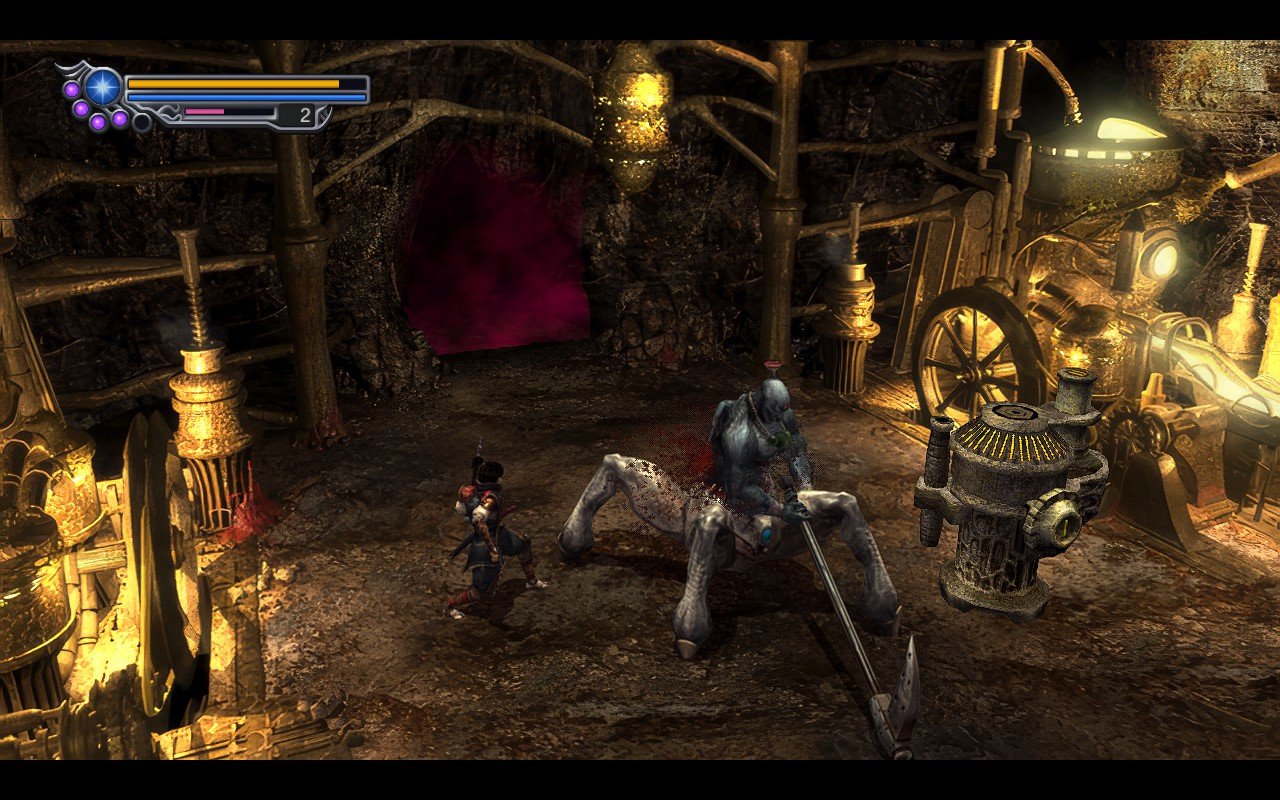
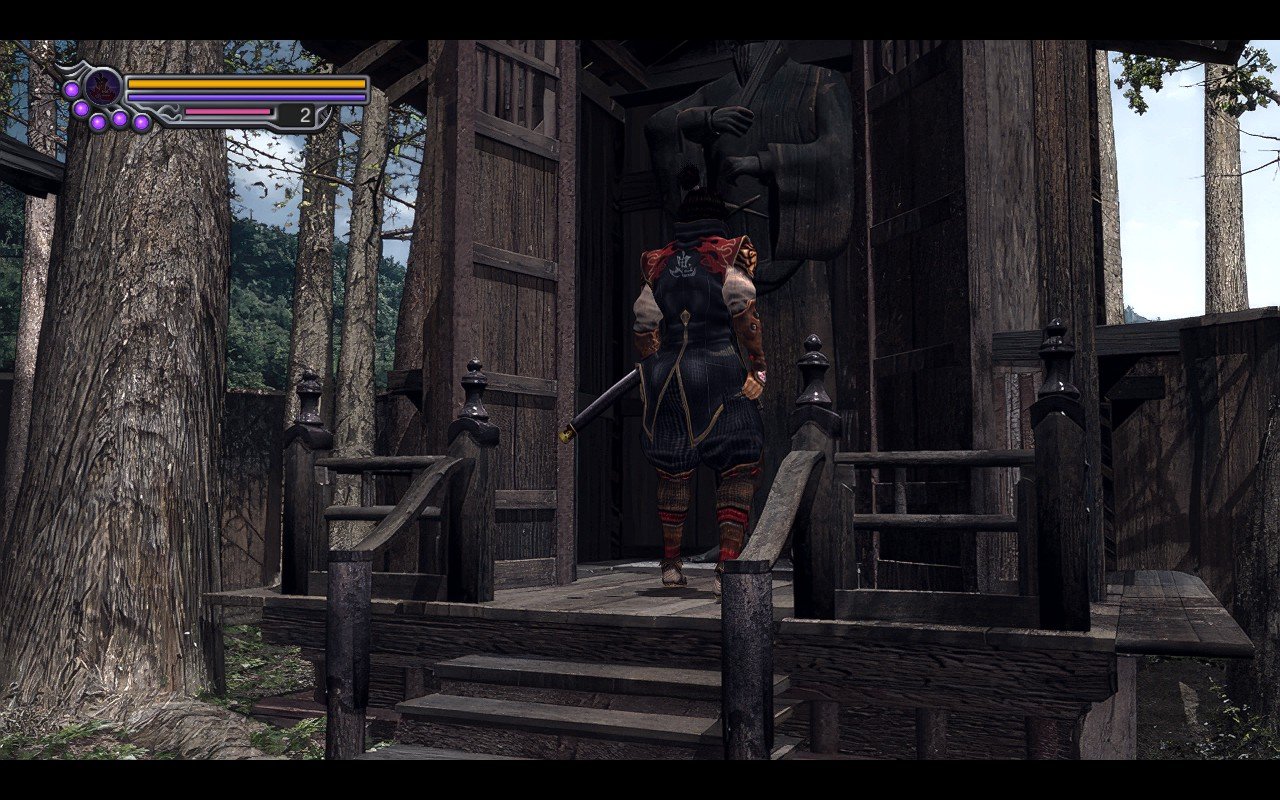
Power draw is low, mostly holding around 8W-10W, and temperatures are also low, at around 55C. You can expect about 5.5 hours of battery life from a Steam Deck OLED and around 4 hours on an LCD. If you're familiar with the game, you might be able to beat it in 1 battery charge on the OLED model!
The remaster of Onimusha 2 mostly improves the graphics and leaves the rest of the game largely untouched, so we don't have many accessibility options aside from subtitles. The game does have some difficulty options, and if you die several times on a higher difficulty, the game will ask if you wish to lower it.
Onimusha 2: Samurai's Destiny (Remastered) sticks faithfully to the original, while managing to improve in some key areas. Could it have done more? For sure. But that doesn't mean that it's a bad game by any means, it's a good bit of fun, even for someone like me without nostalgia, and I'm sure that if you do have nostalgia for this game, you'll have a good time with it.
Onimusha 2 also runs pretty flawlessly on the Steam Deck, with good controller support, great performance, and a long battery life.
Our review is based on the PC version of this game.
If you enjoyed this review, be sure to check out the rest of the content on SteamDeckHQ! We have a wide variety of game reviews and news that are sure to help your gaming experience. Whether you're looking for news, tips and tutorials, game settings and reviews, or just want to stay up-to-date on the latest trends, we've got your back.
Revenge of the Savage Planet was provided by Raccoon Logic Studios Inc. for review. Thank you!
The Savage Planet is back, but this time, the formula is getting switched up. Unlike the previous title, Journey to the Savage Planet, which was a first-person shooter, Revenge of the Savage Planet opts for a third-person approach and has a bit more of a focus on the crafting and research mechanics of the game.

After waking up on a planet after a long cryosleep, you find out that your former employer, who sent you on a mission to find a habitable planet, has fired you during your stasis. Now it's up to you to build up the colony that never was and explore nearby planets to find the resources to get yourself back home!
Some mechanics have carried over from Journey to the Savage Planet, such as the somewhat zany humor, whether or not that's to your taste. It also keeps the element of scanning and researching the flora and fauna on the planet(s), to unlock further upgrades for your equipment. I found this to be both a positive and a negative.
The movement is really solid in Revenge of the Savage Planet. You can double jump, sprint, slide, vault up ledges, and eventually unlock additional moves like dodging, which help you get around. It feels nice and fluid, and there are no feelings of frustration in how the game controls, which is good, because Revenge of the Savage Planet has you moving around a lot. The maps aren't huge, but there are 5 planets in total, and each of them will take a few minutes to traverse from one side to the other, unless you use the teleporters scattered around each planet as you unlock them.

The combat is perhaps more on the basic side of things; you're pretty much going to be using your blaster for the vast majority of combat, which can be given upgrades, but is largely going to feel the same throughout the game, with the additions of a faster firing rate and secondary shots.
There is a melee "whip," which also doubles as your lasso, with which you can capture and research species. However, it's generally not nearly as useful in combat as it puts you in close proximity to enemies and is pretty cumbersome to use. I mostly just used the lasso part of it and forgot the whip as a weapon.
You also have to hit enemy "weak points" on their bodies to stun them so you can capture them. Generally, it works okay, but sometimes it's frustratingly difficult. Shooting an enemy while it's stunned will pull it out of its stunned state (from what I could tell), so I kept accidentally unstunning enemies after shooting their weak point too many times. When your objective is to capture a rare animal, it can be a huge pain, as if you accidentally kill it, it can take several minutes to respawn.

Now, onto the upgrades of the game, and to focus on the positives, Revenge of the Savage Planet has plenty of upgrades, some of which are pretty cool. You can upgrade your jetpack, your blaster, your whip, you can even upgrade the drone that follows you to give yourself some extra abilities like gliding.
But my goodness, the upgrades are also the most tedious part of the gameplay loop, as story progression is largely locked behind finding a new "gadget". The game's structure invariably follows this same pattern:
This happens over and over again, and it's very tiresome. The worst part is that you know it's coming. As soon as you get an objective telling you to go to an area to find a resource you need, you know that once you get there, it's going to say the resource is inaccessible, so go to the other side of the map to get another resource so you can get this resource.
It feels like a thinly veiled way to slow progression down and either artificially lengthen the game, or the developers weren't sure how to introduce all the abilities you can have in the game, and decided to introduce them all similarly.

Visually, the game is nice, but it is running on Unreal Engine 5, so we pay the price for that with the game's performance, as we'll get into in the Steam Deck Performance section of the review. The voice acting in the game is also fine; whether you enjoy the game's humor will be hit or miss.
You can also play through the entire game with a friend in split-screen or online co-op (cross-platform supported). We played multiplayer for a bit, and it worked pretty well, although you had to stay on the same planet. Difficulty didn't seem to increase with another player either, so you'll probably find the game easier with a friend.
Revenge of the Savage Planet isn't a bad game, but its structure highlights its faults rather than its strengths. This is a shame, as the upgrades are good in their design, and the storyline is quite interesting; it's just that the methods of progressing both are a little arduous.
Revenge of the Savage Planet starts off with good controller support for gameplay and the menus and 1280x800 resolution support.
By default, the game's graphical settings are locked, so you will need to put SteamDeck=0 %command% as a launch option in the game's Steam Properties.
I'm unsure why the settings are locked. The settings the game gets locked to are completely unplayable on the Steam Deck, so this isn't some sort of developer-recommended preset for the Steam Deck.
Unfortunately, the game is taxing on the Steam Deck's GPU, and I found that the only way to run the game at a playable frame rate and with somewhat "OK" image quality was to reduce all settings to low and then run with Intel XeSS on Ultra Performance. The game does have FSR support, but it felt like XeSS gave superior image quality when both were set to Ultra Performance. We're also locking the game to 30 FPS with the SteamOS Frame Limiter.
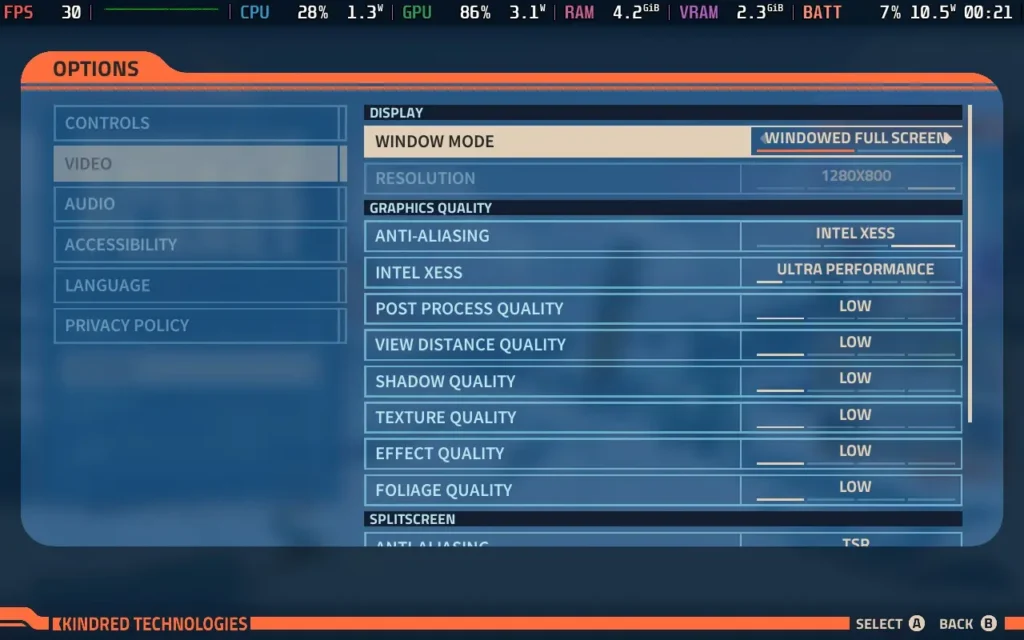
Using these settings nets us a mostly stable 30 FPS, although we will get occasional stutters. Some areas can drop the frame rates as low as the mid-20s. But I still found the experience to be a playable one.


The power draw varies, around 15W-20W, and temperatures also vary between 60 °C and 70 °C. Expect to get around 2.5-3 hours of battery life from a Steam Deck OLED and 1.5-2 hours from a Steam Deck LCD.
Revenge of the Savage Planet doesn't have many accessibility options; it has a couple of options to assist with aiming, and you can enable/disable vibration and motion blur, which are classed as accessibility features. It also has subtitles for voiced dialogue available in various languages.
Revenge of the Savage Planet does some things well. I like the movement, the combat is fine, if a bit basic, and the upgrades themselves are interesting and affect how you play the game as you progress. But from a game design perspective, I feel the game needed a lot more variety in how you progress the game, and every objective is just heading to a new location to find a new resource. It doesn't ruin the game, but it hampered my enjoyment.
Steam Deck performance is alson't the best; we have to run on the absolute lowest settings possible, and even then, we only maintain a playable framerate. Fortunately, we do have good controller support, and I would say that the game can be played fully on the Steam Deck; you just might enjoy the experience more elsewhere.
Our review is based on the PC version of this game.
If you enjoyed this review, be sure to check out the rest of the content on SteamDeckHQ! We have a wide variety of game reviews and news that are sure to help your gaming experience. Whether you're looking for news, tips and tutorials, game settings and reviews, or just want to stay up-to-date on the latest trends, we've got your back.
Monaco 2 was provided by Humble Games for review. Thank you!
Monaco 2 is the latest entry in Pocketwatch Games’ stealth-action series, published by Humble Games. It follows up on 2013’s Monaco: What's Yours Is Mine with some striking visual upgrades, opting for a 3D isometric view instead of the prior 2D visuals. There are also plenty of gameplay upgrades, most notably, introducing procedural generation within its levels. At its core, though, this is still a game about heists, sneaking, and fast-paced getaways. Let’s see how it fares on the Steam Deck and how it elevates a well-respected and loved formula!
Like its predecessor, Monaco 2 is all about executing high-stakes heists with a colorful cast of characters, each offering unique abilities. This time around, the codename characters now have actual names, and interesting designs too. On top of this, each character is well-voiced and has some nice depth.
In Monaco 2, you navigate through 3D isometric environments, such as hotels, museums, and high-security buildings, to avoid guards, pick locks, and gather as much loot as possible before making your escape. However, unlike most traditional stealth games where the goal is to remain unseen, Monaco 2 seems more focused on speed and coin collecting. The game doesn’t seem to concern itself with how you do it, but essentially, get in, grab everything in sight, and get out.
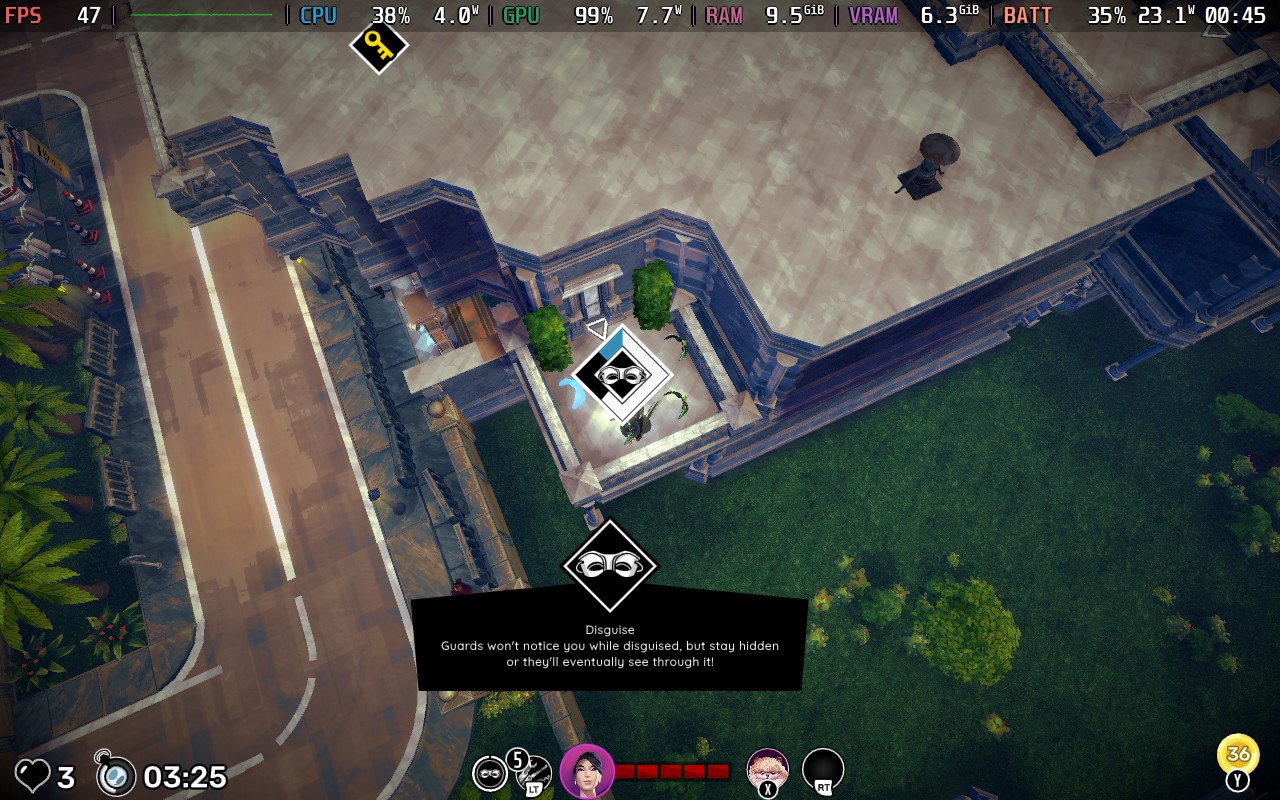
With that in mind, the difficulty leans heavily toward the easier side, allowing you to pace from room to room, mostly passing guards quickly enough to prevent the guards in said room from being alerted, at least in the main story mode, it plays like that. Even when you do get spotted, you rarely feel overwhelmed and in danger, especially in the first half of the main story.
Most levels allow for quick getaways, and while obstacles like locked doors or complex layouts occasionally slow you down, as long as you keep moving (even just circling the same room until you make a choice on where to go next), you never truly feel at risk of failing. That said, if you’re the kind of player who thrives on leaderboard competition, the real challenge comes from optimizing your runs to be as fast and lucrative as possible, getting every coin, diamond, and item possible.
If you are defeated, life will be lost, and you will return to the character selection screen, requiring you to select someone new to take over and “rescue” yourself as well as complete the task at hand.
Adding unique abilities to each character on top of their default quirks is a great addition to add more reason to jump back into past levels and collect those diamonds! These abilities drastically change the way you approach each level. For example, Sake’s dash ability will help you get from A to B super fast, especially in guard-heavy areas, whereas using Uma completely flips the script and now allows you to beat up any enemies in your way and stun them.
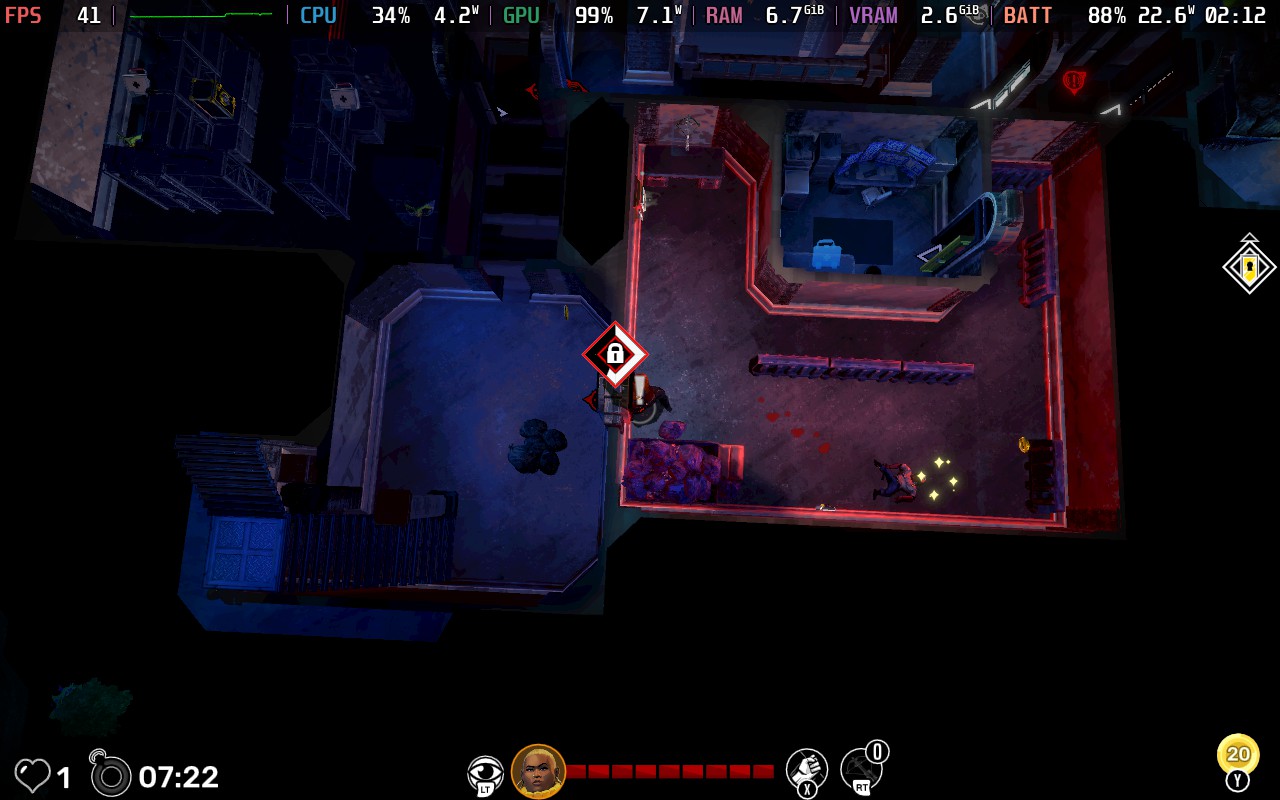
During each level in Monaco 2, you can also pick up items such as lockpicks to help unlock doors and cases quicker, crossbows to stun enemies from afar, or smoke bombs to help you get out of a sticky situation. Adding these and deciding which to equip and when to use can help you slide by trickier portions of levels with ease. Smoke bombs especially feel really overpowered. Even if you have multiple guards on top of you, dropping a smoke bomb leaves them clueless, and you can just slip away with ease.
While there are plenty of levels, all with varying floors, layouts, and sizes, the environments don’t evolve much. This is even more prevalent on repeat playthroughs in the other game modes. The levels can be procedurally generated, but each run feels largely the same, even with minor layout shifts and different character choices. I found myself asking: beyond leaderboard climbing and grinding for diamonds to unlock cosmetics and abilities, what’s the real incentive to replay old missions? The procedural generation is a fun mechanic, but its impact on overall replayability is questionable.
Once you finish the main campaign, you unlock Daily Heists, a mode that reintroduces story levels but with a higher base difficulty and randomized enemy/item placements. It’s a great way to shake things up, but locking this mode behind full story completion feels like a misstep. It would’ve made more sense to unlock the Daily Heists for each level as you progress rather than all at once at the end. It adds much more challenge, but unless this type of game is your jam, you may be a bit burnt out by the time you reach the best mode of Monaco 2.
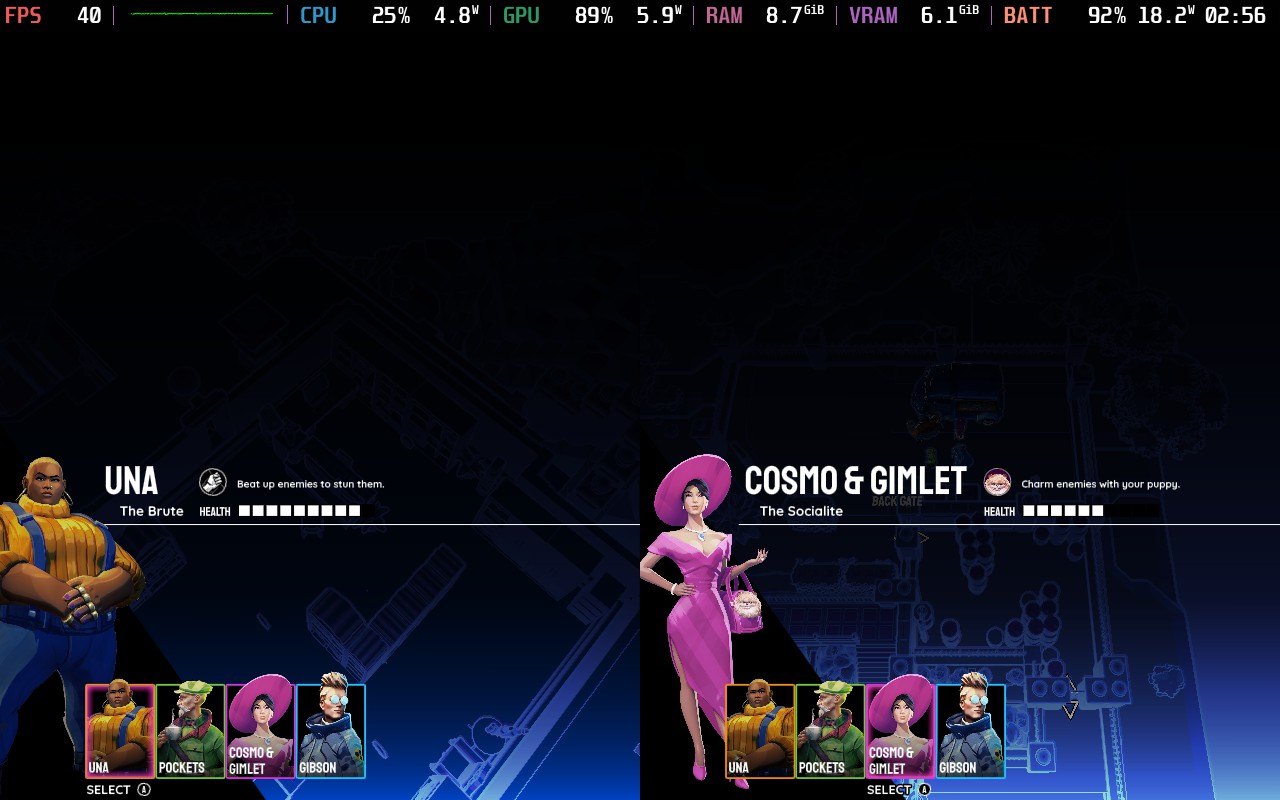
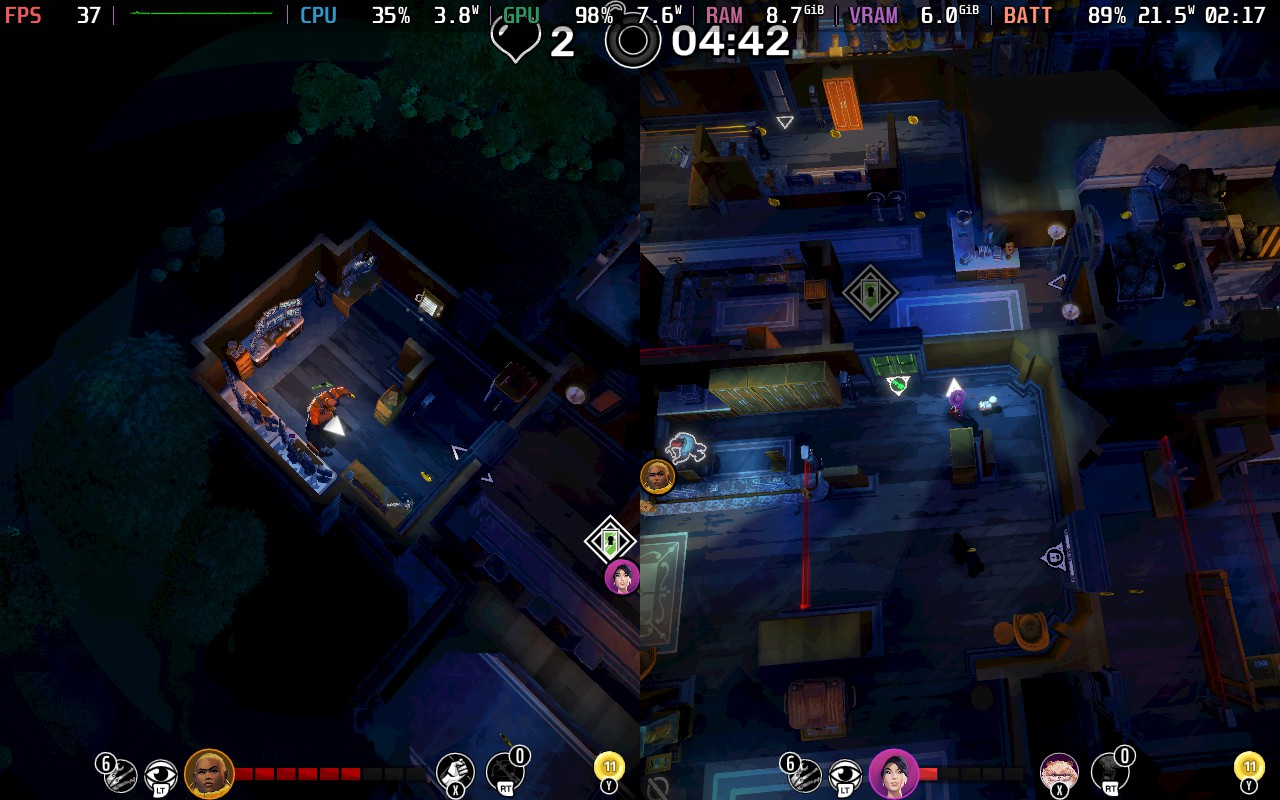
The solo experience here is fine, but I think games like this thrive in co-op. I managed to get a decent amount of time in couch co-op with my wife, which elevated the game tenfold. We picked our characters to complement each other and communicated constantly, splitting up when available and supporting each other in trickier situations. During one level, I had run out of smoke bombs and tripped a security camera. Thankfully, my wife had a smoke bomb on hand to save the day, and we both escaped smoothly. The chaos of coordinating break-ins and getaways adds an extra layer of fun, even if the overall experience remains fairly straightforward.
While Monaco 2 is playable on the Steam Deck, it is not the most optimized experience. The frame rate fluctuates heavily, jumping between 25-55 FPS depending on the action on screen. The best solution I found is to lock the frame rate to 30 FPS for a smoother experience, keep the Textures on Medium, and disable MSAA. You can get away with High Textures early on, but it does seem to cause issues on later stages, so you might want to stick with Medium throughout.
Each level is a complete roll of the dice on whether the Steam Deck will be able to provide a smooth performance, but with these settings, most levels were able to hold at 30 FPS, with a few dips here and there.
Alongside this, Monaco 2's gameplay just isn’t suited for the Steam Deck’s smaller screen. The game’s isometric perspective works well in theory, for the objective of the game, but in practice, smaller details like guards, items, and some interactable objects are tough to spot in its structure. This is partly by design; many elements are meant to remain hidden until within your character’s line of sight, but the small screen size amplifies the issue. Zooming in is possible, but it then restricts your view and ability to plan ahead. I think this is where the switch to a 3D isometric look has harmed the overall experience compared to its predecessor.
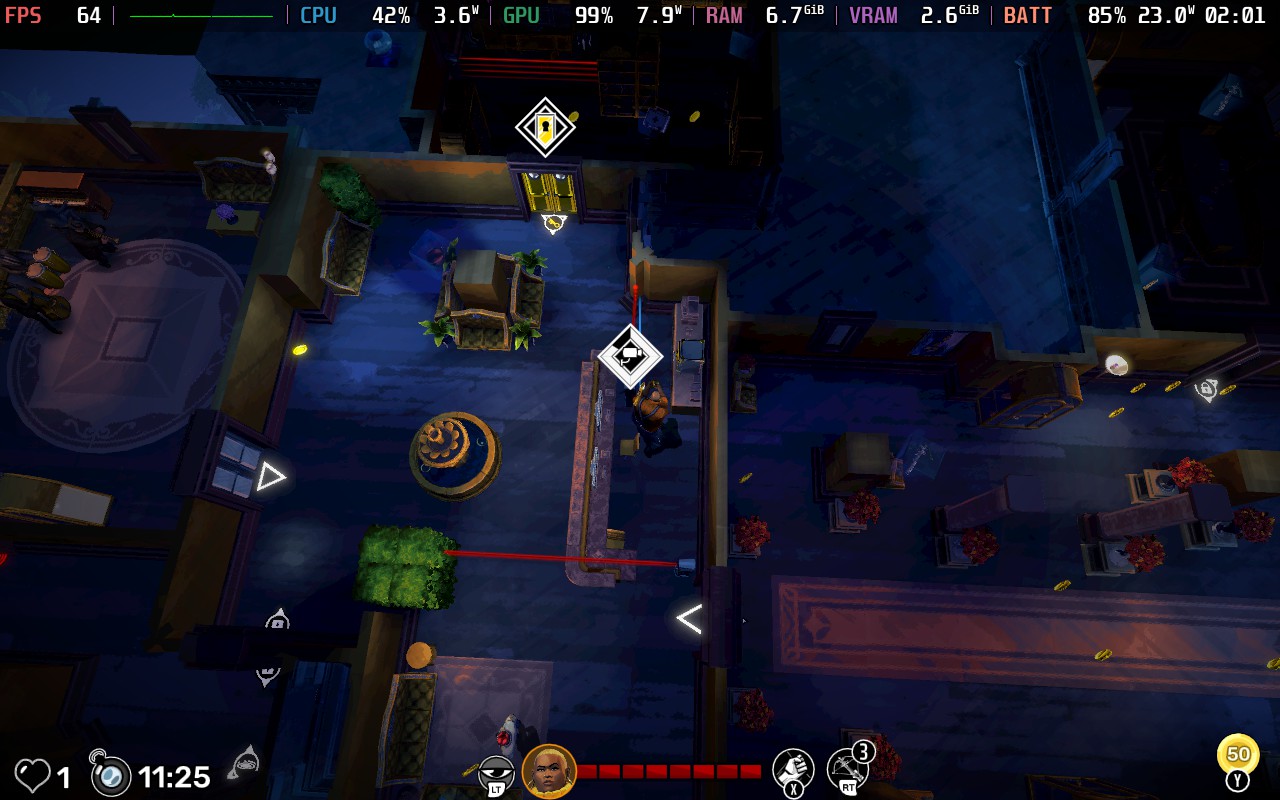
If the Steam Deck is your only device and you are desperate to play Monaco 2, my recommendation is to play docked or on a larger display and pray the next level you enter isn’t going to fry your frame rate.
Load times are another weak spot. They’re surprisingly long, and where the temperature tends to spike the highest (around 65-70C), especially when starting new levels. This is pretty frustrating and negatively impacts your enjoyment when you’re eager to jump back into a heist.
Battery life lasts up to and around 2.5 hours on a full charge, which is plenty of time to jump into a handful of heists, whether solo or with a friend.
Despite the screen size issues and frame rate inconsistency, everything else seems to work nicely on the Steam Deck. Controls are mapped nicely, and battery life, again, is fine. It’s just a shame that its biggest drawbacks are the biggest factors when considering if something is suitable for the Steam Deck.
Currently, there are no real accessibility features available in the settings. Given the game’s high-speed nature, clearer UI scaling options and customizable text sizes would be welcome additions. If you struggle with small on-screen details, playing in docked mode is suggested.
Monaco 2 sticks to its heist-based roots while adding procedural generation and a fresh coat of paint, but doesn’t do enough to capture my attention for more than a level or two at a time. The main story feels too easy, with little sense of danger, and while randomized modes add variety, levels quickly start to feel repetitive. Daily Heists offer a tougher challenge, but locking them behind full completion limits their impact.
On the Steam Deck, performance is mixed. Frame rates swing drastically unless locked, small details are hard to see on the screen, and long load times break the flow. It’s playable, but not very well optimized for handheld gaming. If you’re set on playing, docking to a larger screen is likely the better option.
Our review is based on the PC version of this game.
If you enjoyed this review, be sure to check out the rest of the content on SteamDeckHQ! We have a wide variety of game reviews and news that are sure to help your gaming experience. Whether you're looking for news, tips and tutorials, game settings and reviews, or just want to stay up-to-date on the latest trends, we've got your back.
Compulsion Games doesn't seem to restrict itself when it comes to the types of games it makes, and South of Midnight is certainly no exception. While the game's premise is somewhat common these days, being a third-person Action Adventure with Souls-like combat, the setting couldn't be more unique: set in the deep US South, complete with nods to its culture and history.
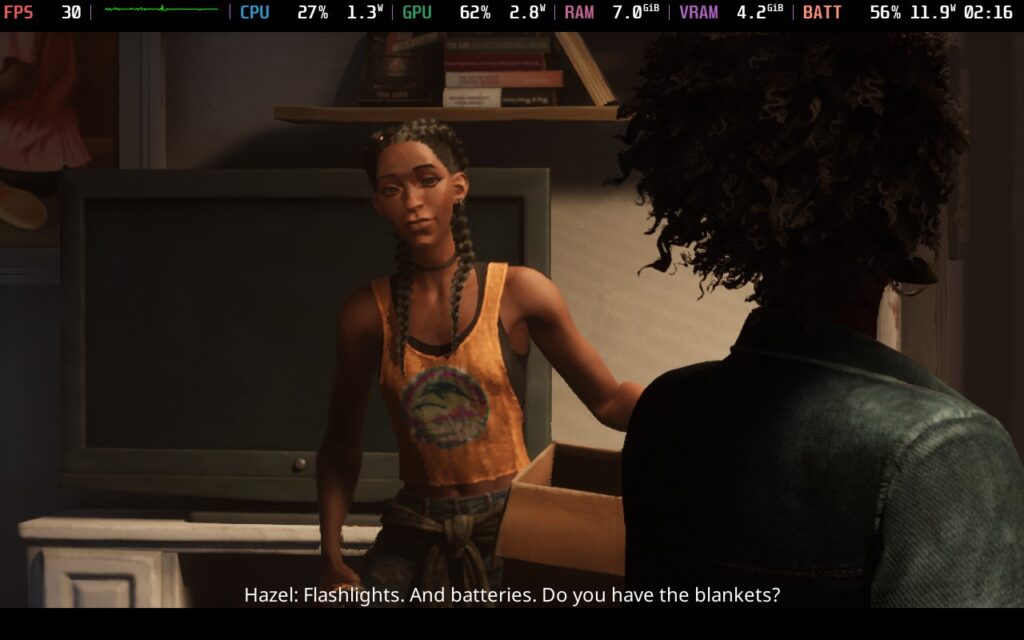
Unlike many games in this genre, the combat isn't the main focus of South of Midnight. Very quickly, you'll realize that telling a narrative is what the game is all about, and the gameplay elements merely exist to serve that part.
The story begins with Hazel, our protagonist, and her mother preparing to evacuate from a hurricane. Unfortunately, before they do so, their home is washed away by flood waters, carrying Hazel's mother with it. Thus begins the adventure, with Hazel following the river downstream to find her mother, encountering a strange cast of characters, exploring the culture and history of the American South, and discovering that she has supernatural powers as a "Weaver", someone who can heal wounds of the past.
The themes of the game largely center around the Hoodoo folk religion. Indeed, your main enemies in the game are known as "haints," a term used in the American Deep South to refer to ghosts. Hazel uses her abilities to fight ghosts of the past and heal old wounds. These serve as a sub-story alongside the main plot of finding your lost mother. You will learn about the past, including Hazel's and her mother's, with the events in the past playing out in "ghostly" form. The events are generally not positive ones, given that the whole aim of the game is to heal past trauma. The solid voice acting and themes the game tackles around slavery, relationships, and society serve as interesting side plots that help build up the game's overall atmosphere.
The downside is that the method in which you "heal" these traumas is a little on the repetitive side, beating a wave of enemies, playing out a scene, beating another wave, playing out a scene; this is pretty much the gameplay loop.
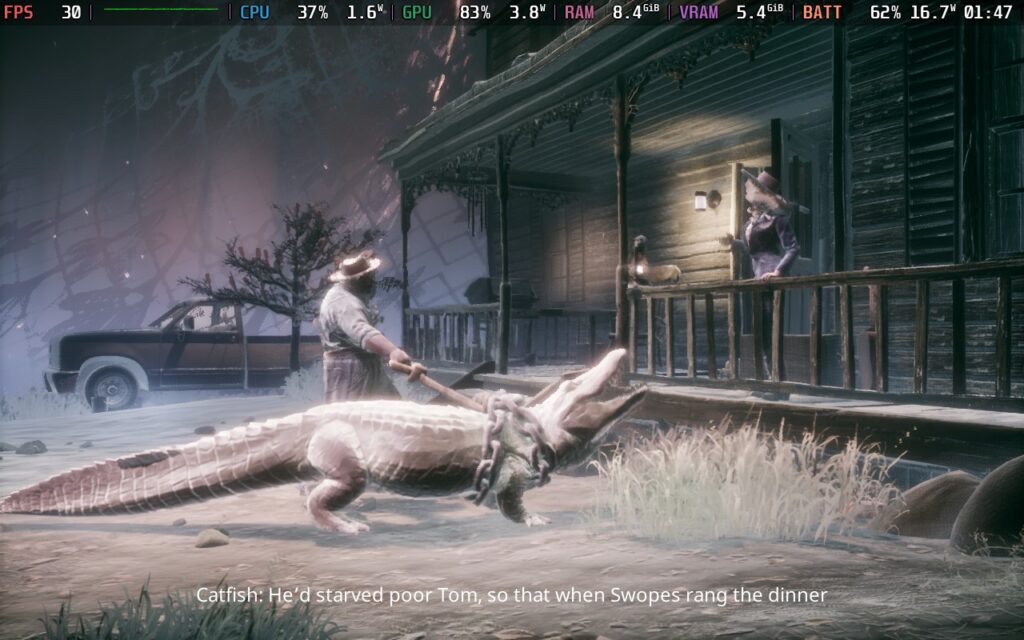
As for the combat, while South of Midnight is inspired by Souls-like combat, relying on timing to dodge attacks and only being able to sustain a few hits before death, it is much more forgiving than most games in the genre. Each battle area has a healing point that lets you heal once, and defeating enemies will grant you a small portion of health each.
Sadly, I found the combat somewhat lacking in South of Midnight. It feels less Soul-like and more Soul-lite. Yes, it has the dodge-then-hit mechanics of a Souls-like, which is fun when you time it well and get a perfect dodge, but it misses out on any ability to parry attacks or block. The game airs too much on the easy side to present much satisfaction for defeating enemies, meaning they merely feel like an obstacle to delay the story.
While Hazel is incredibly maneuverable and acrobatic in the platforming sections of the game (as I will get into next), the combat feels much more grounded and static. Given the game's movement mechanics, there could have been a lot more room for faster-paced and more exhilarating combat.
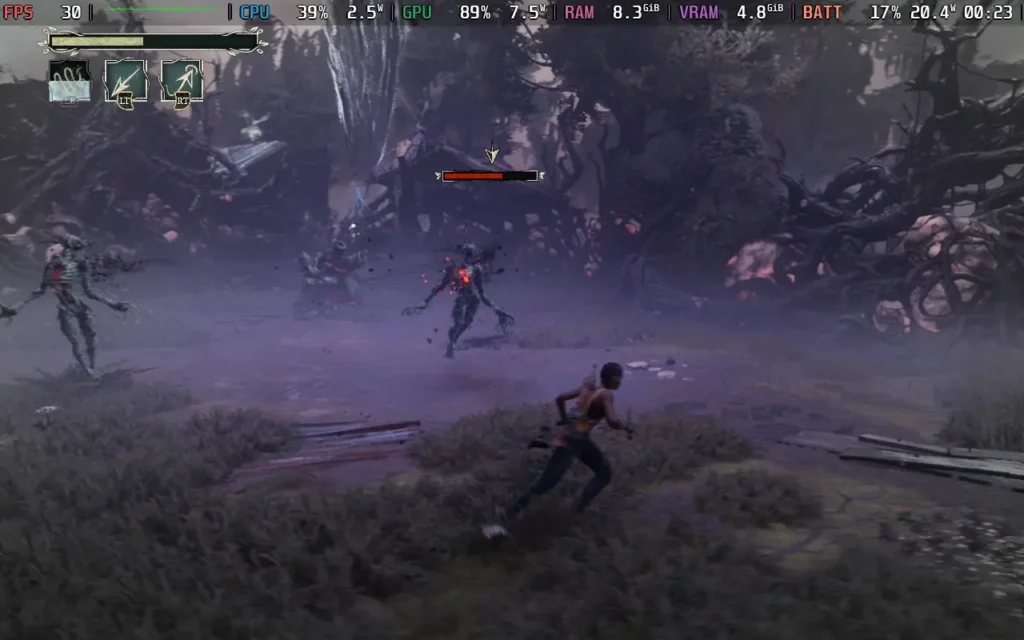
The enemies themselves also aren't particularly interesting. You're mostly fighting the same foes repeatedly, with little variety. By hour 3, you'll have met 3 different enemies, and by this point, you're approaching the game's halfway point. Even without the variety, each enemy behaves uniquely and has their attacks to get used to, so there is some saving grace there.
I can understand now why the game has accessibility options to skip all combat, because it serves little purpose other than to delay the story and provide a slight change of pace from running and jumping.
I also found the camera pretty awkward in combat. The game has a "lock-on" mechanic to fix the camera to an enemy, but I often found myself struggling to get the camera to face where I wanted it to, including out of combat. There are options to disable any sort of camera movement decided by the game, and you might want to look into that if you find it frustrating.
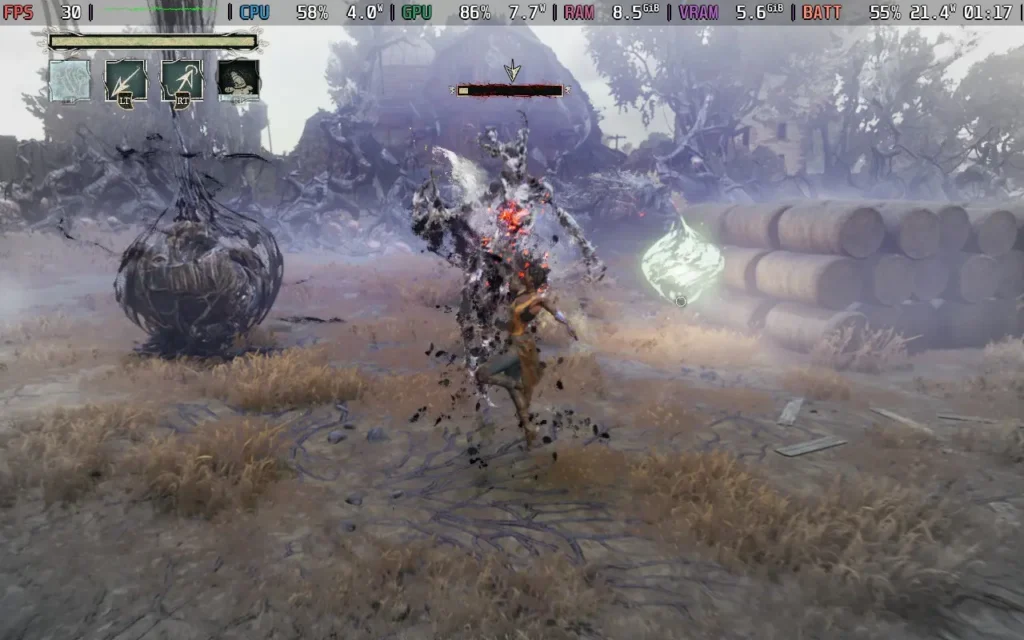
Speaking of Running and Jumping, the platforming is reasonably solid in South of Midnight, compared to the combat. This is just as well because much of the game is spent doing it, possibly more so than combat. Hazel can double-jump and wallrun, and she uses her supernatural abilities to grapple ethereal threads in the sky so she can traverse the swamp (as you do) and glide by summoning a ghostly glider.
At this point, you can probably see why I was disappointed that the game's combat is 90% on the ground and merely involves dodging and counter-attacking your enemies.
I did have a couple of issues with the grappling. The game likes you to have your grapple point on the screen to accept the grapple input, but sometimes that's easier said than done when mid-air, and as mentioned in the combat section, the game's camera can have a mind of its own by default. The platforming also gets repetitive after a little while, as it's mostly the same maneuvers you are doing, and it can be a good solid 15 minutes of platforming in some cases.
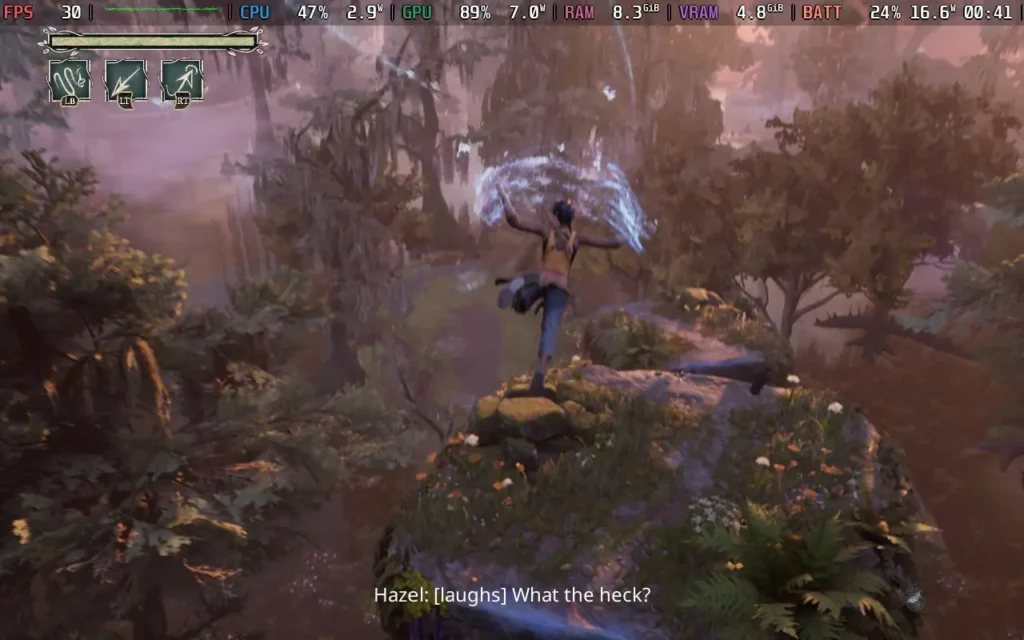
Finally, there's the presentation of the game. The Stop-Motion effect of the game definitely divided opinions before the game's launch, and I have to say, it was one of the first things I disabled when I started playing. Sadly, the cutscenes must have it enabled, for whatever reason, but the gameplay itself can have the effect disabled. I feel like this wasn't done brilliantly, and in some cases, it just makes it look like your game is running at a low framerate. The graphics in general are wonderfully nice, though.
Music also plays a big part in South of Midnight, and while the music itself is pretty nice and fits in with the environment, I question the use in certain places. In a fairly tense part of the game, the game chooses to play a rather relaxing piece of jazz music, which didn't fit the vibe that I felt from the game at all at that point in time. However, the actual soundtrack itself is great.
South of Midnight runs pretty well on the Steam Deck. The game defaults to 1280x800 as a resolution, and has good controller support.
Unfortunately, we must aim for a 30 FPS target no matter what settings we choose. The Steam Deck just isn't capable of anything higher. We set all the settings to low except Textures, which we set to Medium, and then upped the TAAU quality from Balanced to Quality, which gives us a decent-looking game. We also use the in-game frame limiter to limit the game to 30 FPS.
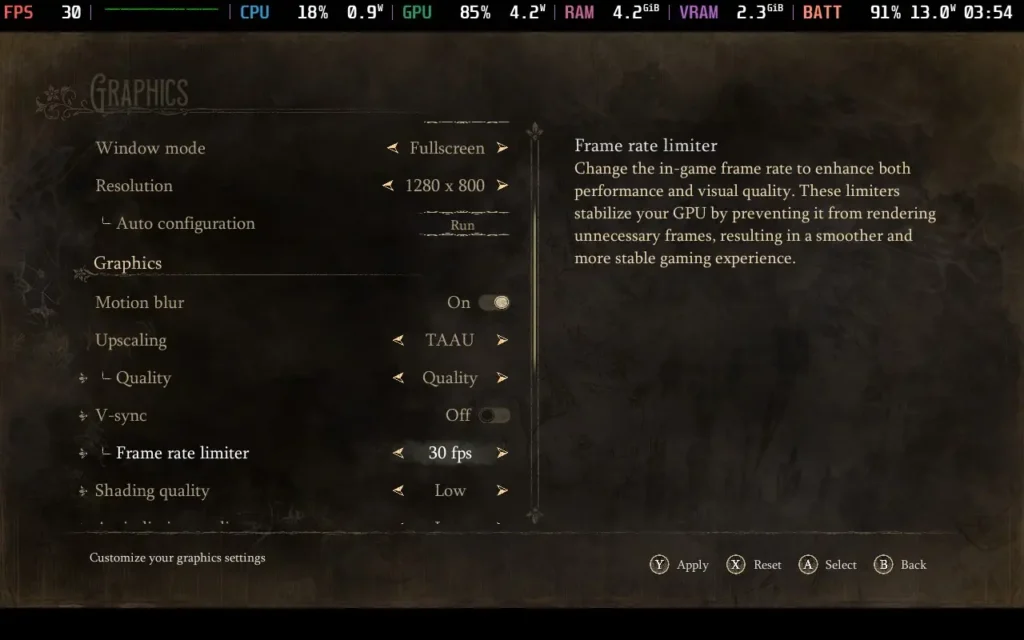
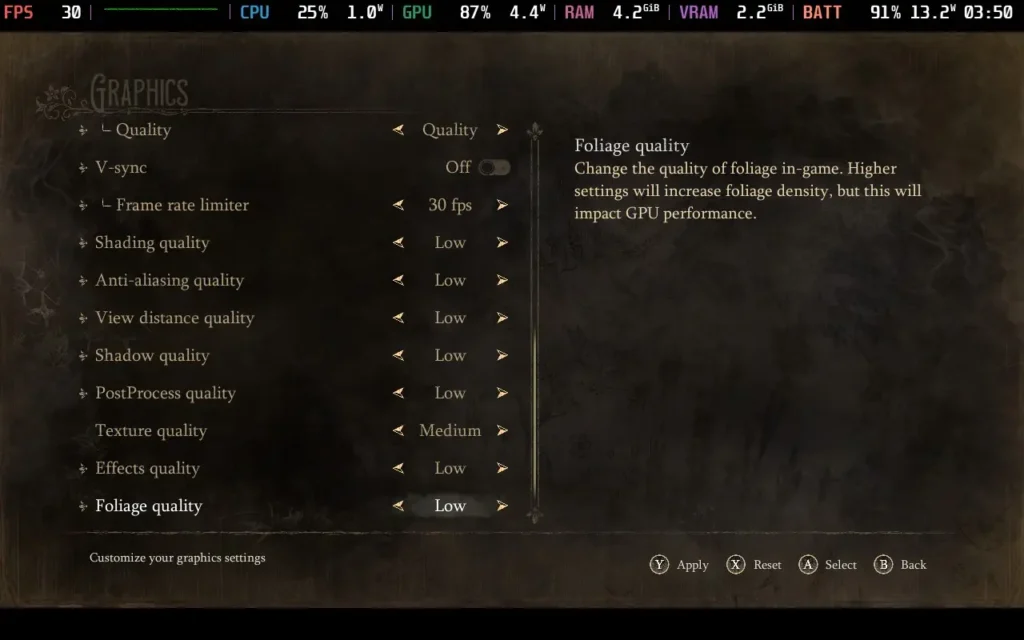
The performance holds up well. You should expect a stable 30 FPS for most of the game. I experienced drops to 27 or 28 FPS in a couple of combat areas, but it wasn't a huge issue.
There is an environment halfway through the game that completely tanks the performance, dropping it below 20 FPS in combat. There isn't much we can do about it; even the lowest settings don't hold 30 FPS, so you just need to grin and bear it for this portion of the game, which is only about 10-15 minutes long.


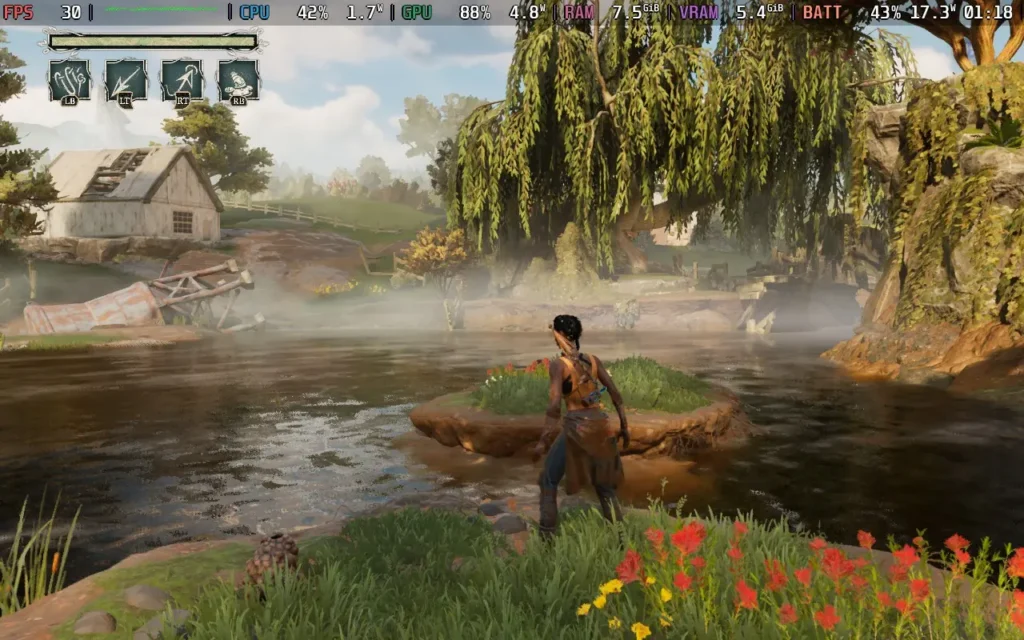
The power draw varies hugely depending on your area. Some areas, particularly interiors, will hang around 10W, but areas with dense foliage and water can cause the draw to go up to 19W, and temperatures are around 60 °C in quiet areas, going up to 70 °C in busy areas. Expect about 3-3.5 hours of battery life on a Steam Deck OLED and around 2-2.5 Hours on a Steam Deck LCD.
South of Midnight has a lot of accessibility options. For colorblind users, you can change the colors of almost all the UI elements you choose. Text size can be increased, and the size of individual HUD elements can be increased. There are options to help with motion sickness, like disabling camera shake. You can also disable the game's stop motion effect and skip any combat and boss encounters if you want the platforming, story, and nothing else.
The game does feature a large spider-like creature, and there is no arachnophobia mode, so just bear that in mind. It doesn't appear too often, though.
South of Midnight is a game of two halves. The platforming and story aspects hold up pretty well, being, for the most part, interesting and engaging. Sadly, the combat feels like something the developers felt they had to put in but didn't really want to. I'm not sure how the game would have felt without combat, but it is a shame that this portion of the game feels pretty weak.
Steam Deck performance is completely within the realms of being playable. We're stuck at 30 FPS, but the game feels good to play, and you shouldn't worry about buying South of Midnight to play on your Steam Deck.
Our review is based on the PC version of this game.
If you enjoyed this review, be sure to check out the rest of the content on SteamDeckHQ! We have a wide variety of game reviews and news that are sure to help your gaming experience. Whether you're looking for news, tips and tutorials, game settings and reviews, or just want to stay up-to-date on the latest trends, we've got your back.
Dragon Age: The Veilguard was provided by EA for review. Thank you!
To speak of BioWare is to speak of some of the greatest RPGs of all time: Star Wars: Knights of the Old Republic, Mass Effect 2, and Dragon Age: Inquisition. It's also to speak of Mass Effect 3, the epic culmination of Commander Shepherd's grandiose adventures, whereby the narrative direction - specifically more so at the end - caused untold amounts of ire across forums and social media alike. And, finally, it's to speak of Mass Effect: Andromeda and new-IP Anthem, two of the Edmonton-based studio's latest releases, back in 2017 and 2019, respectively. Put plainly, the trust has somewhat dissipated in recent years, and lesser expectations mar any announcement. Enter Dragon Age: The Veilguard, née Dragon Age: Dreadwolf, the long-anticipated follow-up to 2014's aforementioned Dragon Age: Inquisition. Dramaticism aside, the stakes could not be higher - both in Thedas, the world where Dragon Age is set, and for the waning fans back home.

It's imperative to know that the story in The Veilguard takes place 10 years after the revelations at the end of the Trespasser DLC for Inquisition. It was undoubtedly an essential moment in time when Solas, a long-standing ally for the 100-plus hours spent facing what the Breach, a break in the boundary, known as the Veil, between the physical world and the Void, was revealed in the closing moments to be not only a deity but an outright enemy of the player.
Without having experienced that first hand, or even knowing that beforehand, much of The Veilguard's heavier moments will go to waste. Rather, they may do so initially until you find your footing in Thedas as Rook, the player character. With the character creator as impressive and extensive as it is, those first steps into this world in turmoil may take longer than expected.
In a world as rich and inviting as Thedas, it's only natural to have the desire to painstakingly craft your character that will carve their path through the many trials and tribulations that await you, and make no mistake, the tools available are more than capable of getting the job done. An almost overwhelming amount of customisation is here, with arguably some of the best hair ever to grace gaming since the 2013 Tomb Raider reboots or, more recently, Horizon: Forbidden West.
The "standard" assortment of tattoos, body sizes, and whatnot is available, but where The Veilguard is proud to stand out is where it truly matters, regarding inclusivity. Body styles are no longer tied to set pronouns and voices. It's incredible to see such representation, especially in such a high-profile game like this, and it is thankfully just a sliver of the support to come. The narrative also makes sure to be equally inclusive of trans and nonbinary characters, and it feels incredibly genuine and authentic in telling their stories.
Rounding out the character customisation is the standard trio of class tropes being available to choose from - Warrior, Rogue, and Mage - as well as four races: Human, Dwarf, Elf, or Qunari. Lastly, six origin factions determine various influences, conversations, related companions, and, naturally, the ever-important cosmetics much later.
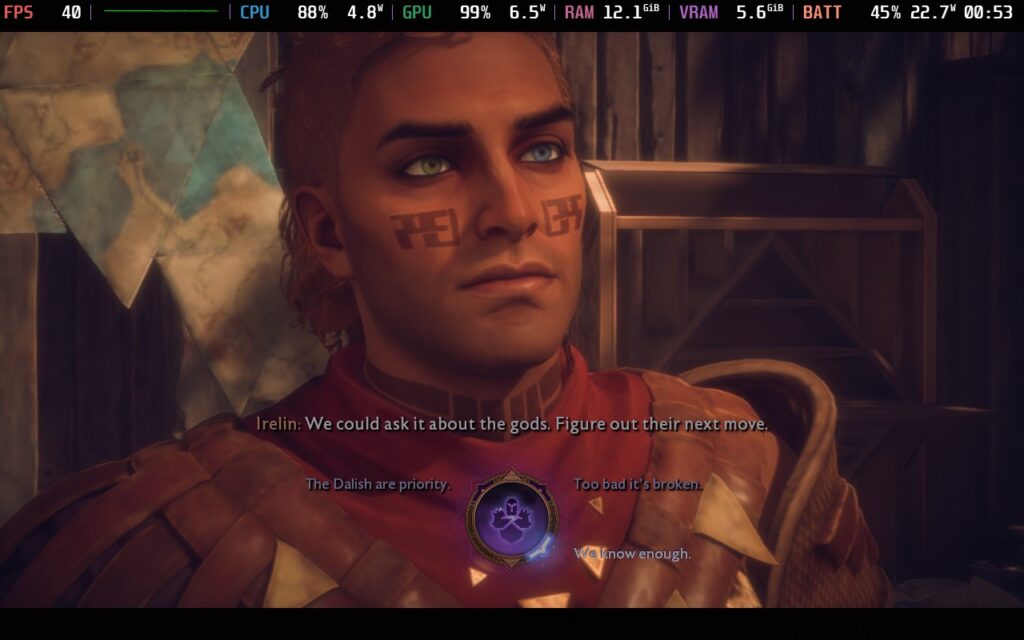
Dragon Age: The Veilguard effortlessly impresses from the moment the campaign starts. The set piece in the opening hour, featuring Solas's attempts to open the previously mentioned Veil and our attempts to stop him, gives one of the better crash courses of RPGs in recent years. With that first set piece being as incredible as it is, it acts as a double-edged sword, where that quality forms a basis for the rest of your adventures. It is not necessarily representative of the stellar narrative, but the quality and consistency of the moment-to-moment writing tend to fluctuate wildly.
As was the case for Inquisition, Solas has some of the most exquisite and impressive lines, delivered beautifully by Gareth David-Lloyd, with gravitas and furthering curiosity unrivalled. Mere moments later, jarring lines grace our ears, with some notable examples being "The gates weren't keeping someone out, it's keeping something in," and the ever-popular "It's quiet... too quiet." While a minor blemish in the grander scheme of things, these otherwise inconsequential moments are far too regular for my liking and do nothing to elicit any response bar a dry, pained chuckle at the sheer gall so blatantly on display.
Thankfully, the gameplay doesn't suffer the same juxtaposing disparities in quality as the writing, and the Level design is a particular high point for the series. The Veilguard focuses on "smaller" instanced areas, smartly moving away from the older entries' open-world design. With such a change being made, it's rare to see an environment devoid of beauty and inspired intricacies in the winding paths and many layers of the ever-changing Crossroads or the moody, rainy city of Minrathous.
Likewise, character design is equally meticulous, from the physical appearance to their individualities. Whilst they start as fully-formed characters, they naturally grow further throughout the main scenario and each eventual tailored side quest. The growth displayed throughout the latter quests is substantial and elevates each character beyond expectations. This expertise is BioWare confidently doing what they do, cranked up to 11, and it's so welcome to see in a genre where caricatured and/or surface-level side characters have become all too commonplace.

Combat has equal levels of personality, although it manages to fumble some of what the individual characters worked tirelessly to achieve in its quest for breadth and an overall unified design principle. Simply put, your companions are left feeling secondary to the encounter. In what can be seen as anything other than an oversimplification of the best parts of Mass Effect and previous Dragon Age titles, the primary emphasis on tactics is sidelined in favor of a more standardized action-focused approach. Unique character skills are somewhat dissipated in their utility when you'll often be firing them off for their priming and chainable abilities, which all characters possess.
Furthermore, your comrades can no longer perish on the battlefield, rendering them mere cannon fodder. Only Rook's health matters, and once they are down, it's game over. The same harmonious relationships forged through dialogue aren't reflected in the synergies found when battling a swathe of fantastical fantasy staples, Lovecraftian monstrosities, and conniving cults, and that's a real shame.
Despite all this, combat remains fluid. It feels like a true 3rd person action romp, parries and all, and very dynamic and challenging. Each of the three class archetypes controls beautifully and has its distinct playstyle, all whilst feeling equally viable across the various combat scenarios you face throughout your 40-hour or so adventure. As is par for the course in Bioware titles, expansive skill trees, both the player character as well as your comrades, allow you to create discernably different builds depending on the path you choose to go down, but the option to select one of three specialisations per class truly brings your Rook into a league of their own.
My favourite throughout my time with the Rogue was the Duelist, initially picked purely for aesthetic and power-fantasy reasons. This specialization focused on nimbly dodging incoming attacks, parrying when a dodge would otherwise fail, and striking at the most opportune moments with dual-wielding blades and looking as dapper as possible. The graceful dance employed by my Duelist would have the chance to be visually gorgeous, too, were it not for the technical limitations imposed by the Steam Deck's hardware.
Dragon Age: The Veilguard is, at its best, a passable and enjoyable experience on Steam's little machine. Out of the box, the frame rate can fluctuate anywhere between the high 20s and low 40s throughout gameplay. Chaotic battles and cutscenes manage to punish the Steam Deck further and force it to the low 20s and even high teens, even with FSR being set at Ultra Performance. This also causes the game to have an unpleasant, almost watercolor aesthetic film over it.

Thankfully, changing the Upsampling method from AMD FSR to Intel XESS and setting it to Performance yields brilliant results compared to the former's output. Likewise, setting the render scale to 80% and the field of view to 90% gives us a few more crucial frames to play with and fundamentally makes the experience run considerably smoother, without having muddied visuals. With these changes, average frame rates are generally within the 35fps - 45fps range, with occasional brief drops sub-30fps. Setting the framerate limit to 30 FPS should keep everything as stable as possible.
It's not to say that any of these changes can make it pleasing to look at by any stretch of the imagination, though. The beauty of Veilguard's distinct visual style is almost lost in translation when played on the Steam Deck, and it does an outright disservice to the magic that BioWare has carefully composed and conducted. Still, stability, above all else, is crucial, and we can achieve such a result with relative ease.
There are next to no changes that can make a noticeable and positive impact on battery life, but with a game that still looks as good as this, it's to be expected. An average 22W draw will drain the OLED model's battery in around 2.5 hours. This could be considered adequate if you're at home or reliably near a charger, but it may not be enough if you're purely on the go.

Thankfully, there's plenty of scope here in Dragon Age: The Veilguard to amend accessibility options. The general portion of the settings contains a camera shake, which is fully adjustable via a slider, color vision deficiency, whether a persistent dot is visible, and an ever-appreciated toggle for disabling UI hold inputs. We can also change the Text Size and Accessibility SFX, which enables "audio cues to provide additional feedback for some visual mechanics", including "incoming attack indicators, target lock-on, and conversation wheels". Similarly, enabling Glint Ping SFX allows spatialised SFX to play at object locations when pressed Up on the D-Pad. Lastly, in the love-it-or-hate-it of modern game visual representations, there is a toggle for whether a Low Health Screen Effect is utilised.
Subtitles are fully customizable, as expected for a game released in 2024. You can tweak Subtitle Visibility, Size, Animation (whether they fade in or out, for example), Color, and Opacity to your heart's content. Lastly, your Steam Deck's vibrations are fully modifiable, with different vibration levels being set across the board or individually for Gameplay-based intensities, Environmental prompts, and Cinematic-focused buzzes. Similarly, the option to enable vibration assist is also present, and it acts as a physical alternative or additive version of the Accessibility SFX audible assist previously mentioned.
It's hard to believe this is the same BioWare many consider to be on the down and out. Dragon Age: The Veilguard is the most confident and masterful display of talent and expertise in their particular craft shown for nigh-on a decade and, with the odd dialogue choice here and there not-withstanding, is as cohesive and coherent as they come. It is everything it sets out to be and so much more: a continuation of the superb ending shown in Dragon Age: Inquisition, a new beginning for the events to come, and, dare I say it, hope for BioWare's future.
Our review is based on the PC version of this game.
If you enjoyed this review, be sure to check out the rest of the content on SteamDeckHQ! We have a wide variety of game reviews and news that are sure to help your gaming experience. Whether you're looking for news, tips and tutorials, game settings and reviews, or just want to stay up-to-date on the latest trends, we've got your back.
The First Berserker: Khazan was provided by NEXON for review. Thank you!
I'm not one for souls-like games, so I was a little nervous going into The First Berserker: Khazan, but I have to say, the fluid gameplay and the feeling of satisfaction that the game can bring you is one of the better feelings I've had playing a video game for a while, which is just as well when it has to counter the frustrations of a souls-like game.
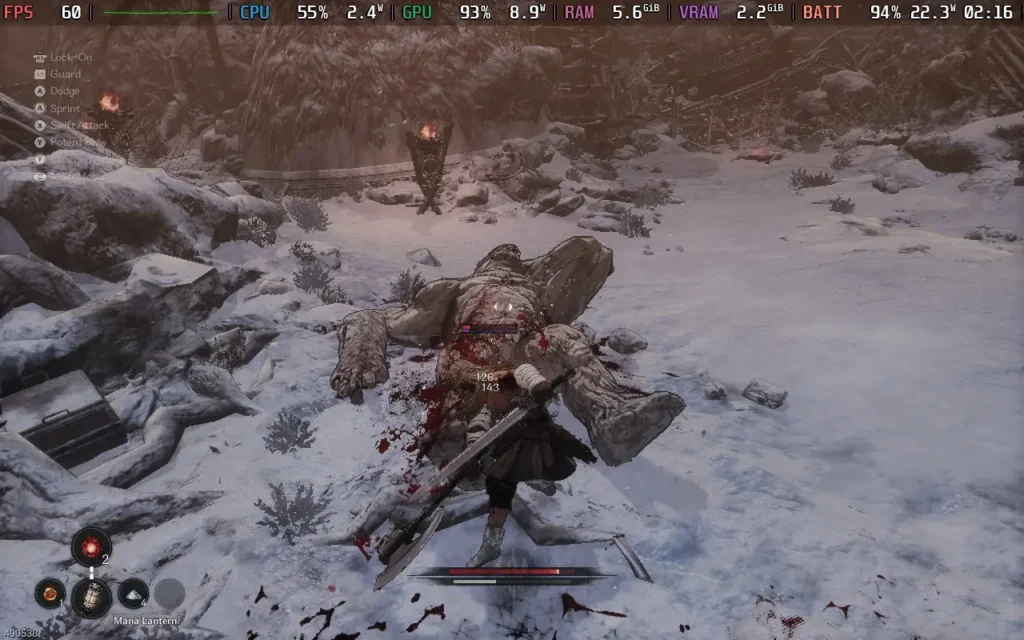
The story follows Khazan, a military general falsely accused of being a traitor and, therefore, imprisoned and exiled. While being transported, he is killed and "resurrected" by a phantom who possesses his body, granting him supernatural powers. You now embark on a quest for revenge against those who betrayed you. The story is decent, and the voice acting, while minimal, also holds up.
However, the main focus of any Souls-like game is the combat, and The First Berserker: Khazan follows a pretty similar formula to games such as Dark Souls. You'll encounter your regular enemies as you progress through a mostly linear world with branching pathways. They will mostly pose as an inconvenience more than anything else, trying to whittle down your health before you reach the next rest point.
Your main concern is the boss battles you'll encounter. As you'd expect in a Souls-like, frequent boss battles occur during the game at key moments in the plot. These battles are far more exciting and put your skills to the test. When your opponent is making combo moves, teleporting around the battlefield, and presenting you with unblockable attacks, you'll have to think on your feet and learn both your enemy's moves and your own weapons.

Your choice of weapon is really important in The First Berserker: Khazan, and it's a good idea to keep yourself familiar with how each one works, as different boss battles can favor one over the other. Spears grant you far greater melee range if you want to keep your distance from your opponent but don't deal huge amounts of damage. Greatswords are slow but can deal a lot of damage and quickly weaken your foe, and Dual Wield is ideal for close combat but can leave you more vulnerable.
Ultimately, the combat feels smooth and fluid; it's satisfying to block or dodge incoming attacks and swiftly punish the enemy, and it's even more satisfying to finally beat that boss after countless attempts. If you can time it correctly, you can also parry attacks, which hurts the boss slightly without draining your stamina. The game skips previously seen cutscenes for bosses, and the save points are well-placed, so if you lose a battle, it's quick to get back into the action.
Your weapon stats are also slightly affected by the abilities you upgrade to. With abilities spread across Vitality, Endurance, Strength, Willpower, and Proficiency, each affects skill with certain types of weapons, as well as changing your other stats such as health, stamina, and combat capabilities. Armor sets can be worn to give buffs to your stats, and there are also skill trees tied to each weapon type, which can increase your effectiveness and grant new combos for you to use in battle. All in all, it creates a pretty deep gear and leveling system that gives us a chance to cater to our playstyle.
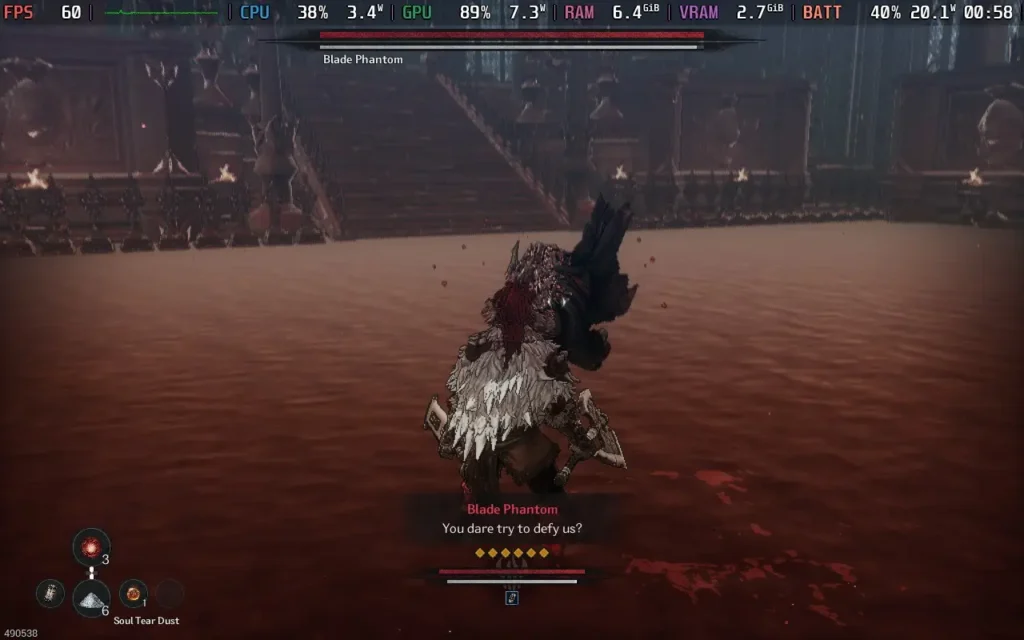
The combat feels a bit faster, similar to a hack and slash, but still has the Souls-like formula baked in. Attacks are faster or slower depending on the weapon type you have, and with a combination of abilities to unlock and ranged attacks, Khazan offers a great amount of variety. I especially enjoyed parrying bosses, hearing that satisfying cling of metal, and seeing the boss' health and stun bar go down to make a big attack and get closer to beating them. The bosses all felt unique in mechanics and style, and with the inclusion of gear, the skill tree, and the well-known Souls-like leveling system of gathering currency to increase stats one by one, I found Khazan a hard game to put down.
With regards to the presentation, as I said before, the voice acting in the game is pretty well done. The sound effects in general are also up to scratch, with audio cues allowing you to protect yourself from attacks off-screen, and the sound of getting a perfect block is a serotonin boost. Visually, the game adopts a cel-shaded style, and I think it works well in this somewhat dark world. Plus, it probably helps the game's performance.
I mostly enjoyed my time with The First Berserker: Khazan. It was quite a challenge for me, someone who isn't used to Souls-like games. If you do die a few times in the same area, the game recommends you switch to an "Easy" mode, which, while easier, is still pretty tough and will present a challenge to most players.
My only criticism is that the "lock-on" only locks on to enemies in front of you, so if you quickly want to change to a target behind you, it can cause some issues, which, in a Souls-like, can be deadly. Also, while there is a general premise to the storyline, it feels like the background to the characters is a little shallow and not expanded upon, meaning your knowledge of the world is pretty restricted to what little the game lets you know.
If you are after a solid Action-Adventure Souls-like game with a unique presentation, well-tuned combat with a nice skill system, and backed up by a pretty decent storyline, then The First Berserker: Khazan might be the game for you.

The First Berserker: Khazan works pretty well on the Steam Deck, as you would hope, seeing as it achieved Steam Deck Verified status by Valve before its launch. The game has good controller support and supports the Deck's native 1280x800 resolution.
There is a wide range of graphical settings, but I recommend keeping the settings on the lower side for the sake of performance and battery life. Plus, the game still looks pretty good on low settings, thanks to the somewhat artistic styling.
If you want the game to feel smooth and look decent, these are your settings.
You'll want no TDP Limit set, so make sure to disable the framerate limit and set the refresh rate to 60. This will minimize any input lag, which is essential for games like this.
For in-game graphical settings, selecting the "Low" preset and then dropping the Shadows from "Low" to "None" actually puts us in a really good position for this; it pushes the GPU to its max, but you barely get any drops from 60 FPS, meaning it's a smooth and pleasant experience. The exception to this is some cutscenes, which will drop. One particular cutscene I noticed dropped below 20 FPS.
It may seem you can get away with the Shadows on "Low," but as you progress through the game, you'll encounter battles where the frame rate drops into the mid-50s, so for a stable 60, turn them off.

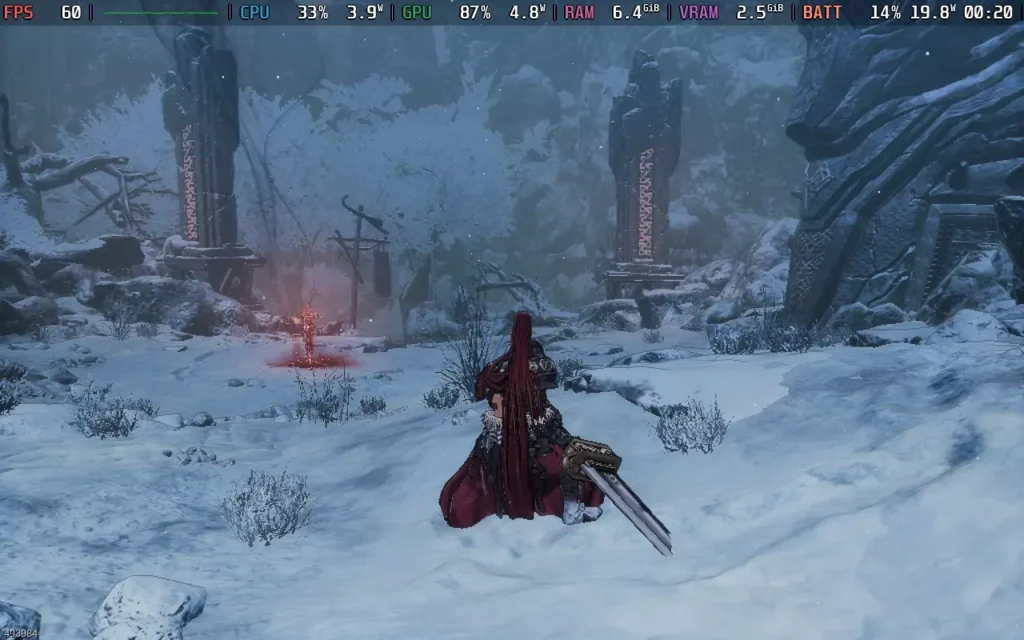
On the flip side, this does mean that the power draw is on the higher end, often drawing about 19W-22W from the battery. This means your playtime will be down to about 2.5 hours on the Steam Deck OLED and around 1.5 hours on a Steam Deck LCD. Temperatures were also up at around 70C-75C, with audible fan noise.


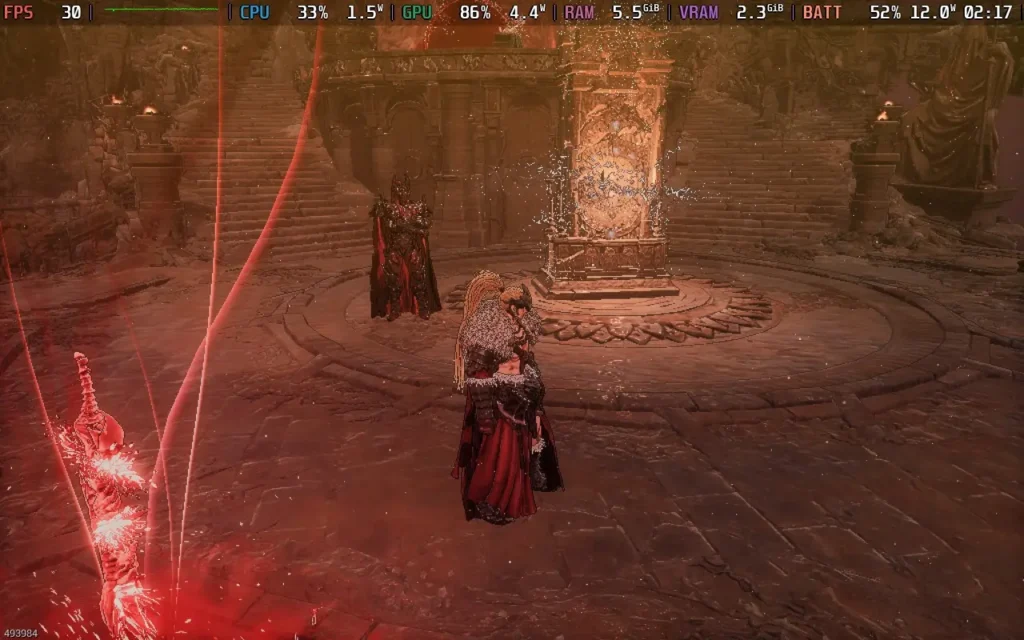
If you want to preserve some battery life, turn down the in-game frame limit from 60 to 30 and use the same in-game graphics settings as above. This should lower the power draw to around 11W-13W while still maintaining playability. You should see around 4 hours of battery life on the Steam Deck OLED and around 3 hours on the Steam Deck LCD. Temperatures are also down to about 60-65C on these settings. I also recommend changing the refresh rate back to 90 for smoothness, but keep the disabled framerate limit option on.

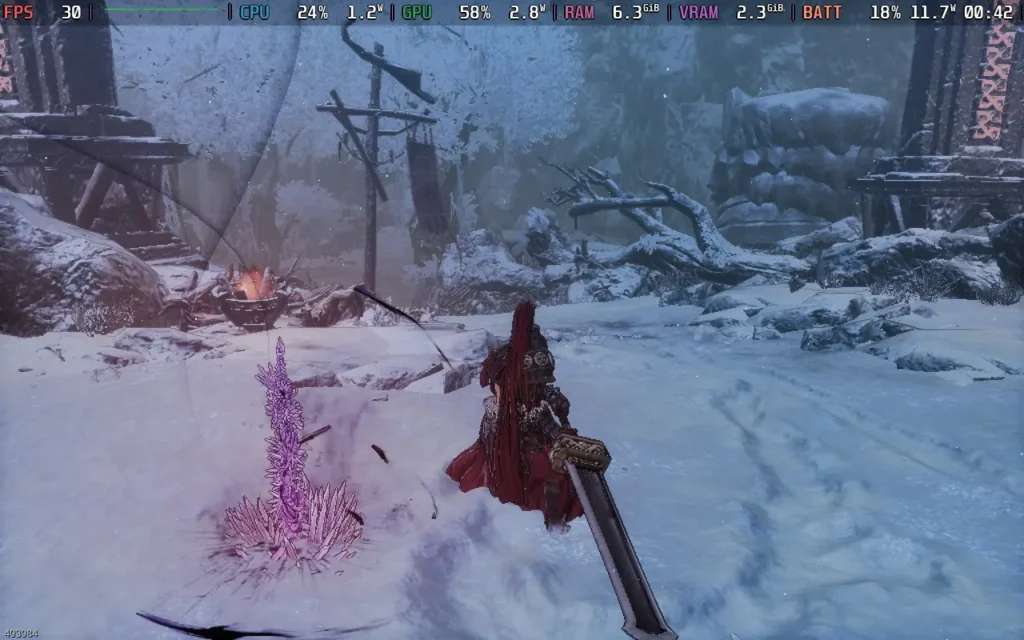
The First Berserker: Khazan does have an "Easy" mode, which makes the game's combat a bit easier. There is some aim assist to help with ranged weapons and an option for an Arachnophobia Safe Mode to alter the appearance of spider-like creatures.
The First Berserker: Khazan is an enjoyable title for a specific group of people. The combat is tight and responsive, just what you want for a skill-based game such as a Souls-like. The story is decent, although I would have liked to have a bit more background information about the empire that Khazan served and any actual information on what kind of person Khazan is, but maybe that's for another time. The game's presentation is unique with the cel-shading, but it works well.
To top it all off, The First Berserker: Khazan runs great on the Steam Deck. We can't push the visuals too hard, but we do get a decent-looking game at 60 FPS, and we can lower the frame rate to gain some battery life if we choose.
Our review is based on the PC version of this game.
If you enjoyed this review, be sure to check out the rest of the content on SteamDeckHQ! We have a wide variety of game reviews and news that are sure to help your gaming experience. Whether you're looking for news, tips and tutorials, game settings and reviews, or just want to stay up-to-date on the latest trends, we've got your back.
Star Wars Outlaws was provided by Ubisoft for review. Thank you!
It's no secret that Star Wars Outlaws got off to a rocky start when it first launched back in August 2024, but now we're a few months down the line and plenty of updates have come in, how is Star Wars Outlaws faring now? Well, I'm pleased to say that a lot of the problems that people had with the game seem to have been improved. That being said, there are still a few things that I got frustrated with during my playthrough.
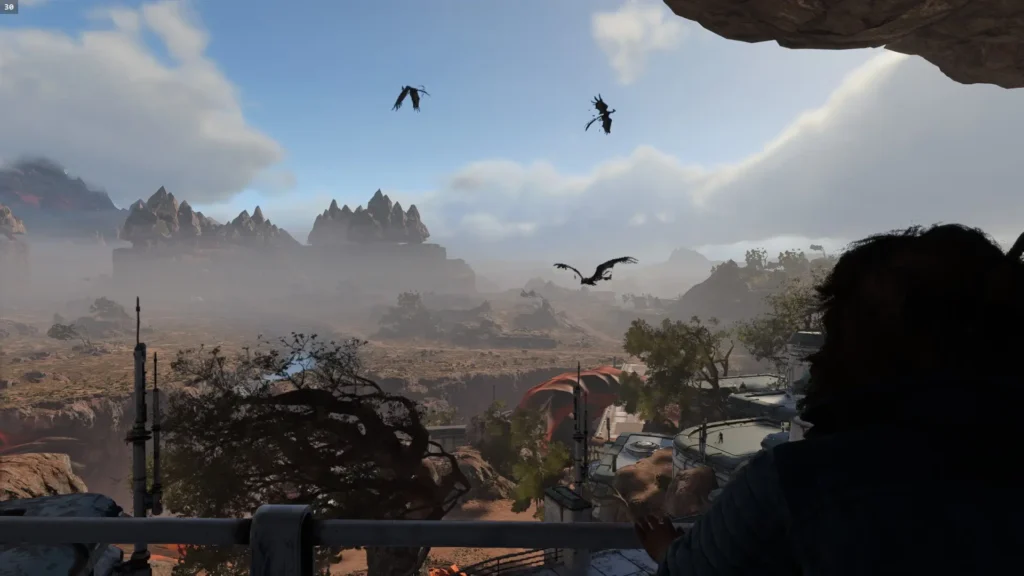
In Star Wars Outlaws, you play as Kay Vess, a down-on-her-luck thief who is always looking for her next big score but instead just gets herself into more trouble. After a job goes wrong, you're thrown into the criminal underworld, where you'll need to balance your reputation with various criminal factions and build your crew to pull off that final big job.
Kay is a fairly likable protagonist, and Humberly González does a great job of making her quite relatable with a streak of arrogance. She often feels out of her depth in the situation, which is refreshingly realistic for a protagonist.
As you're assembling your crew, you'll visit various planets and inevitably, all potential members of your crew are in some sort of trouble on each of the planets, requiring you to fix their situation so you can recruit them. It does get pretty tiresome by the third crew member, but what can you do? It'd be a bit boring if you just showed up and recruited them immediately!
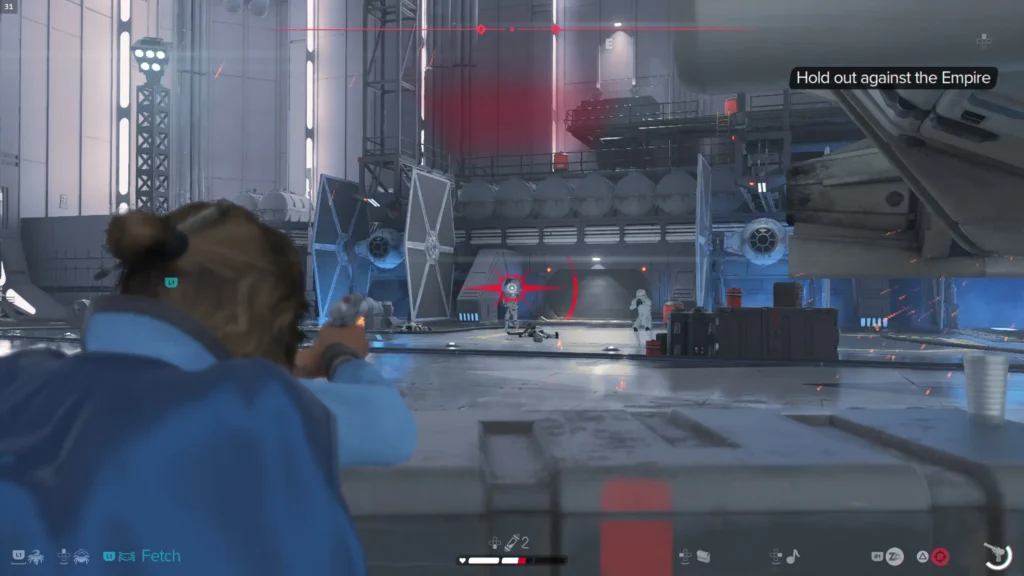
These planets are fairly large once you land on them, several kilometers across for each, although a fair amount of them are empty spaces with places of interest being highlighted on your map. The planets you visit represent various biomes, such as desert, forest, urban, and snowy. The planets are based on more obscure Star Wars planets, with the exception of Tatooine, usually only shown briefly in the newer films or in some cases, created just for Star Wars Outlaws.
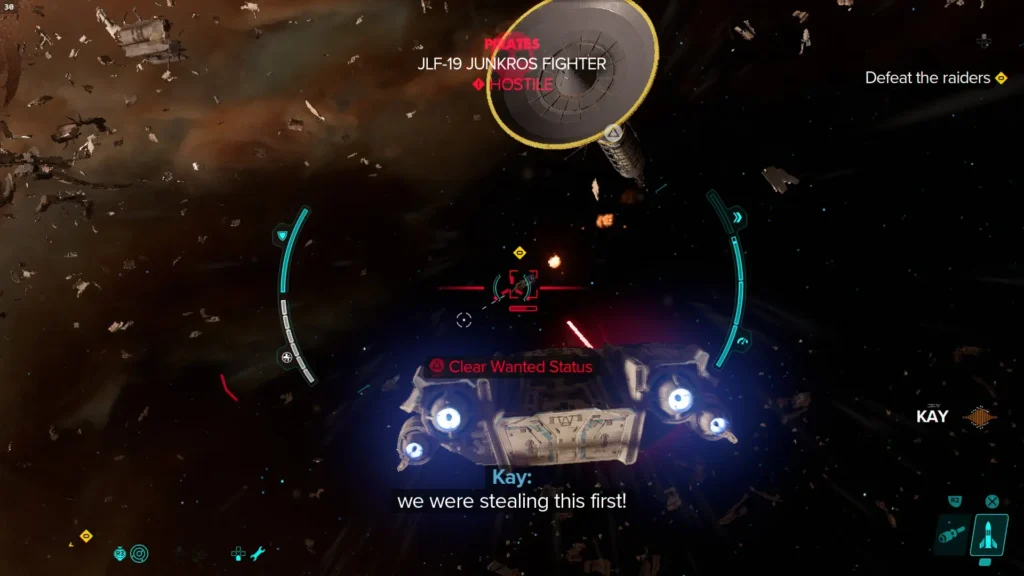
You can also fly around in space above the planets, although this part of the game seems to be more of an afterthought, and while there are some minor quests to do here, almost nothing storyline-related happens in space.
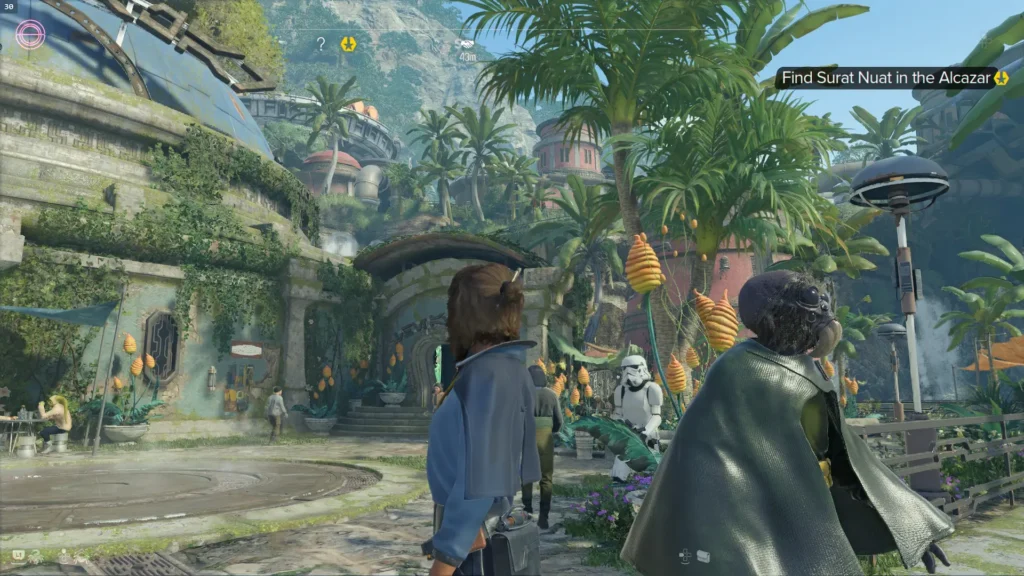
Then we have the stealth mechanics, which have been the constant victim of criticism levied against the title.
As of Update 1.50, I had no issues with the stealth mechanics. Sometimes, the enemies seemed to patrol somewhat unfairly, giving you little choice but to fight, but this was rare. Although stealth is heavily encouraged in the game, fighting is often an option. Enemy line of sight seems to be as you would expect for a Ubisoft title, and the mechanics still share a lot in common with other Ubisoft open-world games such as Far Cry, giving you a limited time to eliminate enemies in the area before an alarm is raised and reinforcements arrive.
The shooting feels pretty solid, with your main weapon being a customizable blaster pistol. As you progress through the game, you'll get additional modules that fit and add more firing modes and ammo types to the gun, making it highly versatile. The feedback from the gunplay is pretty good and enemies don't tend to be bullet sponges very often, so you do get some sense of power from your weapons.
When in free-roam, the game plays out like any other Ubisoft open-world game, but it feels far more focused when doing the main quests, often playing like an action-adventure title where there is one linear path through the mission you're on. This usually takes place in an interior of significant size and is not part of the open world map. I much prefer this way of handling key missions.
However, there are some irritations I found with the game, with some that feel like bugs and others that just feel like poor design. The chatter between guards sounds disjointed as if the game chooses random voice lines for them to say and another random line to reply with, which can become irritating and feel cheap. Climbable surfaces in the game aren't marked and it isn't always obvious what you can climb, leading to some confusion. Yellow paint would have been much appreciated in these spots..
Then there's AI, which has pathfinding issues. Particularly when AI uses speeders, it seems to struggle greatly. If you're being chased while on your speeder, sometimes other speeders hunting you down will just ram you and bring you to a stop or randomly stop in front of you, and it feels like the AI is just getting confused. In one side mission, I was tasked with eliminating incoming enemies who were arriving on speeders, but when the mission didn't end, I was confused until I realized two enemies were stuck on their speeders 200 meters away because their speeders had collided with each other.
There are also some instances where objective markers are unhelpfully placed. Some quests will guide you to one objective marker and then another before leading you to the final destination, but others will just waypoint the final destination and leave you trying to figure out how to reach it. The game really could have done with a "breadcrumb" system where a trail or arrows were put on the ground for you to follow, as sometimes it gets very confusing on where you have to go.
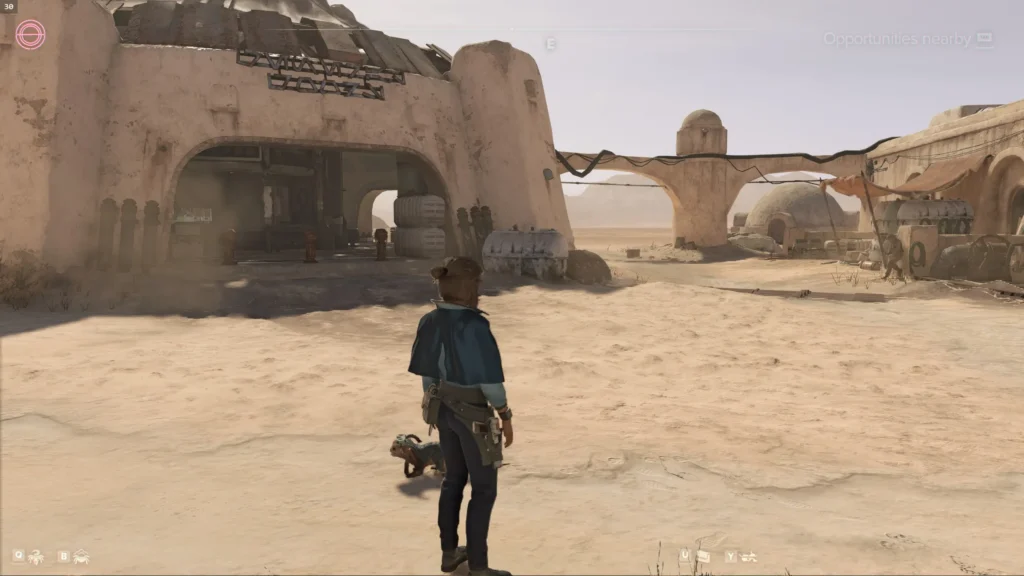
Visually, Star Wars Outlaws looks quite good, with some excellent reflections and lighting. But this also has a drawback. The game forces ray-tracing upon the player, meaning if you have a non-Nvidia GPU, you might experience some severe performance issues. On my AMD Radeon RX 6600 XT, I played the game on the lowest settings at 1080p with FSR3 on Balanced, and I still got dips below 30FPS on one of the planets and, very rarely, below 20FPS. So, the performance is far below what I expected, almost certainly caused by the game's forced ray-traced reflections and lighting.
So, is Star Wars Outlaws the travesty everyone made it out to be? In my opinion, no, at least not now a few updates have been released. It's a solid action-adventure title that takes it a bit easier on the open-world elements compared to other Ubisoft games, and I mean that in a positive way. With decent gunplay, some interesting if under-used faction relationship mechanics, and a serviceable story to push it all along, I recommend picking up Star Wars Outlaws if you find it on a good sale.
Unfortunately, Star Wars Outlaws runs poorly on the Steam Deck, likely due to enforced Ray-Tracing. Although you can get the game to boot and "play", the performance is just unacceptable, often in the mid-20s and occasionally dropping below 20 FPS even with no action on the screen. Star Wars Outlaws is a game you'll have to skip playing on the Steam Deck.
Star Wars Outlaws has a ton of accessibility options, including Presets that allow you to quickly change several options at once, including the difficulty of the game, assistance with Quick Time Events, whether you need to hold a button or whether it toggles, and disabling of camera shaking effects. You can also adjust the size of the HUD, high contrast modes, subtitles/closed captions, and colorblind filters.
Star Wars Outlaws might have had a rough launch, but many updates have been applied which make it a decent and enjoyable experience. There are a few rough edges here and there, but if you can get past those frustrations which you're hopefully now aware of if you've read this review, then you'll be able to enjoy a brand-new and shiny Star Wars adventure.
Sadly, the forced ray-tracing means the game cannot run at an acceptable level on the Steam Deck, so you'll need a more powerful device to play this one.
Our review is based on the PC version of this game.
If you enjoyed this review, be sure to check out the rest of the content on SteamDeckHQ! We have a wide variety of game reviews and news that are sure to help your gaming experience. Whether you're looking for news, tips and tutorials, game settings and reviews, or just want to stay up-to-date on the latest trends, we've got your back.
Indiana Jones and the Great Circle was purchased by us for this review. Thank you!
I'll admit, I wasn't very impressed when I first saw Indiana Jones and the Great Circle. Although the game was pretty impressive visually, and the voice acting itself was decent, it felt like the script was off, like it was based on some cheesy 1970s show that hasn't aged all that well. However, I'm glad to say that my initial impressions based on those trailers were wrong and that Indiana Jones and the Great Circle is a highlight of 2024!
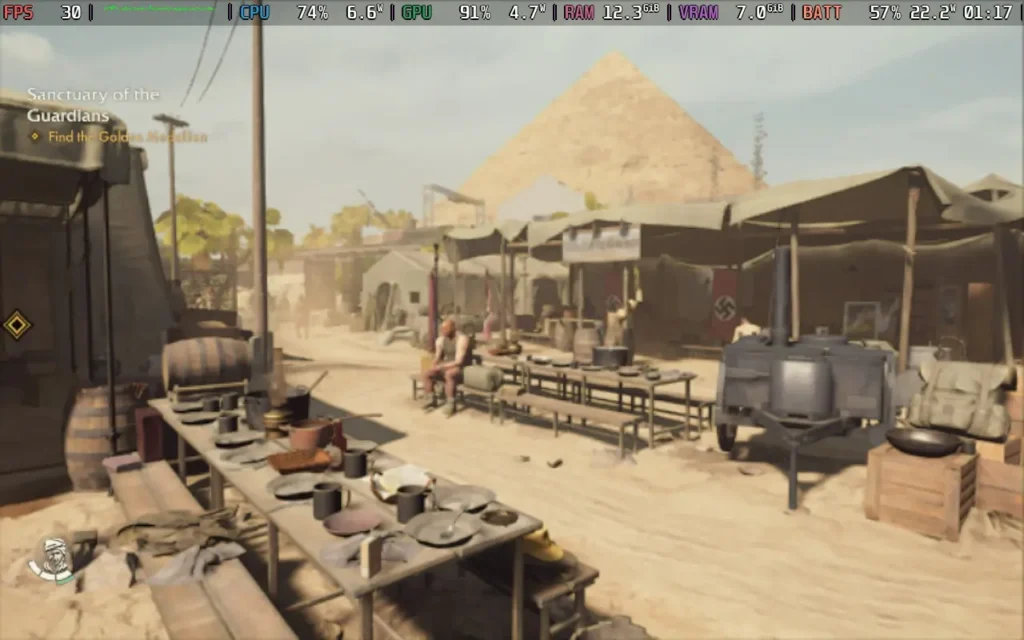
The game starts in a Peruvian jungle, recreating scenes from the Raiders of the Lost Ark movie, which is a really strong way to begin. It brilliantly showcases the game's visual potential and draws in fans of Indiana Jones by faithfully recreating scenes from the movie.
After this short prologue, you're thrust a year into the future, 1937, which is where Indiana Jones and the Great Circle begins its own unique narrative. This is an excellent move by MachineGames to not just adapt one of the films to the video game format, which would draw constant comparisons between the films and the game. Indiana Jones and the Great Circle has a fantastic narrative that equals the Indiana Jones films of old, and it's perhaps a damning indictment of the newer films that this game has a better story than they do.
The adventure will take you worldwide, from the USA to Italy, China, Peru, and more. It truly does feel like one of Indiana's globe-trotting adventures, with players given the option to either confront opponents (usually Nazis and/or Fascists) or play it more stealthily and do silent takedowns, or you can just avoid enemies altogether in some cases.
The only downside is that the game seems to be rather front-loaded. You spend a lot of time in environments at the beginning and mid-game, and towards the end, Indy switches locations pretty much every hour, or less in some cases.
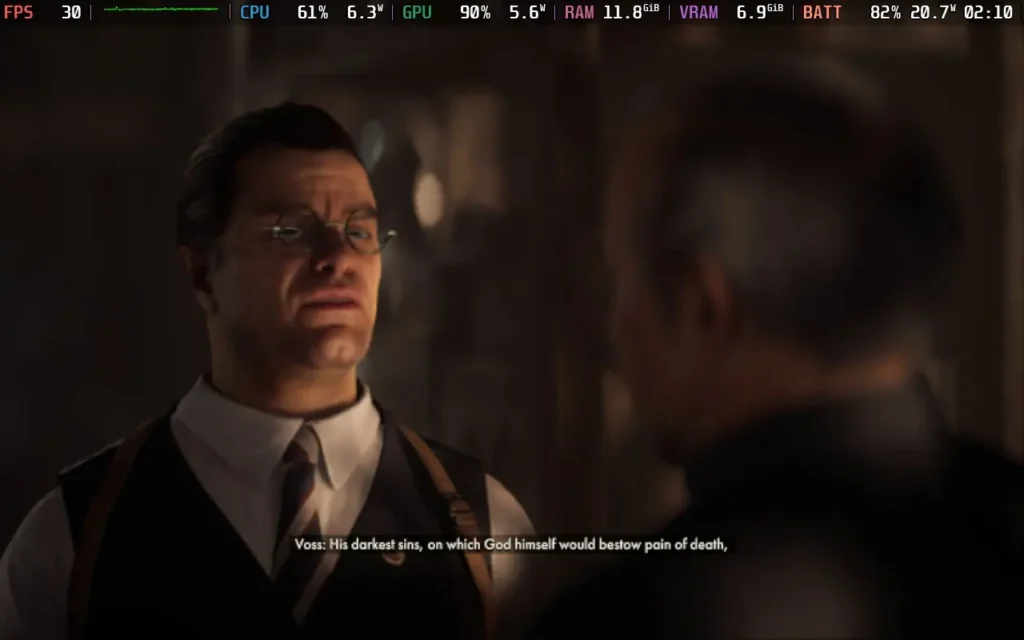
It wouldn't be Indiana Jones without some light-hearted combat, and while there is a degree of violence in the game, it's not on par with other titles in the genre. While you can use your fists to have a good old punch-up with your opponents, it's far more effective to find objects in your environment, such as shovels or bottles, to hit your opponents over the head with, ideally quickly incapacitating them before they can alert their friends.
It can devolve into trigger mashing when encountering enemies, though it's perhaps not the best way to play the game. If you're spotted, you do get time to knock an enemy out before he alerts others in the area by shouting or firing his weapon. So it often involved me running up to him and frantically mashing L2 and R2 to swing punches manically at his face to knock him out, with varying degrees of success.
You get firearms with limited ammo, mainly gained by incapacitating enemies and stealing their weapons. Doing almost any action in the game will make you drop your weapon, which I found pretty frustrating with the game design. You can only hold one object, so you will drop the firearm you picked up if you need to hold anything else, even a camera. Likewise, using your whip or climbing a ladder will make you drop your weapon, preventing you from holding onto a firearm for too long. On the flip side, firearms are very powerful in the game, so I understand why they try to limit their use.
Inventory management can also be a little frustrating, handled entirely by the d-pad, making it difficult to quickly select the item you want if enemies are actively chasing you. It might take several downward clicks on the d-pad to select a bandage, for example, and if you click one too many times, you need to keep clicking to return to the bandage, wasting valuable seconds.
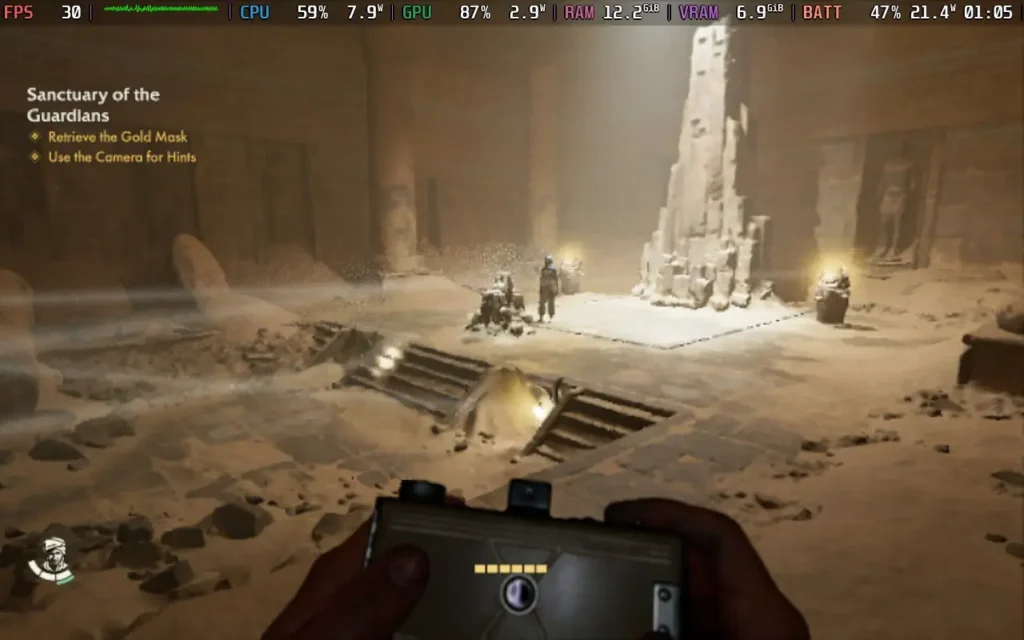
You will encounter plenty of puzzles in Indiana Jones and the Great Circle, so if you aren't in a puzzling frame of mind, you might want to wait until you are. Some are straightforward and take seconds, but others require you to stand back and think about them. The game has a handy hint system whereby you can gradually reveal how to solve a puzzle. I took full advantage of this several times after getting stumped for a few minutes on several puzzles.
Sometimes, these can be a little repetitive. There's one point in the game where the same type of puzzle is used three or four times, and that can be a little much. However, the puzzles are generally quite varied and should keep you on your toes during the adventure. It's always satisfying to solve a puzzle and see the secret door swing open, adding to the game's Indiana Jones vibe.
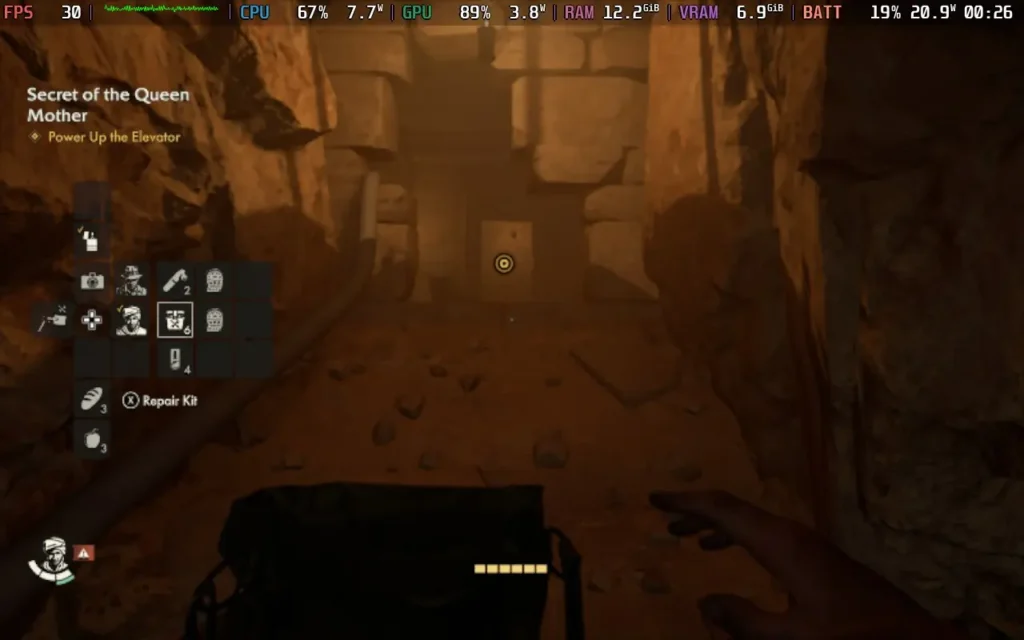
I know a lot of us were worried about how the acting might come across in the game. Harrison Ford isn't voicing Indiana in this one, but Troy Baker does an excellent job of imitating Ford here. I've heard others say that sometimes you can get fooled into thinking it is indeed Harrison Ford voicing the character, and I would agree with that statement. The voice acting generally stands up here and doesn't detract from the game at all.
The visuals are also quite stunning at points. Although the screenshots above were largely taken on a Steam Deck and therefore don't really convey how pretty the game can be, here are some screenshots from my PC, which also aren't at the highest settings but give you a better idea of how the game can look.
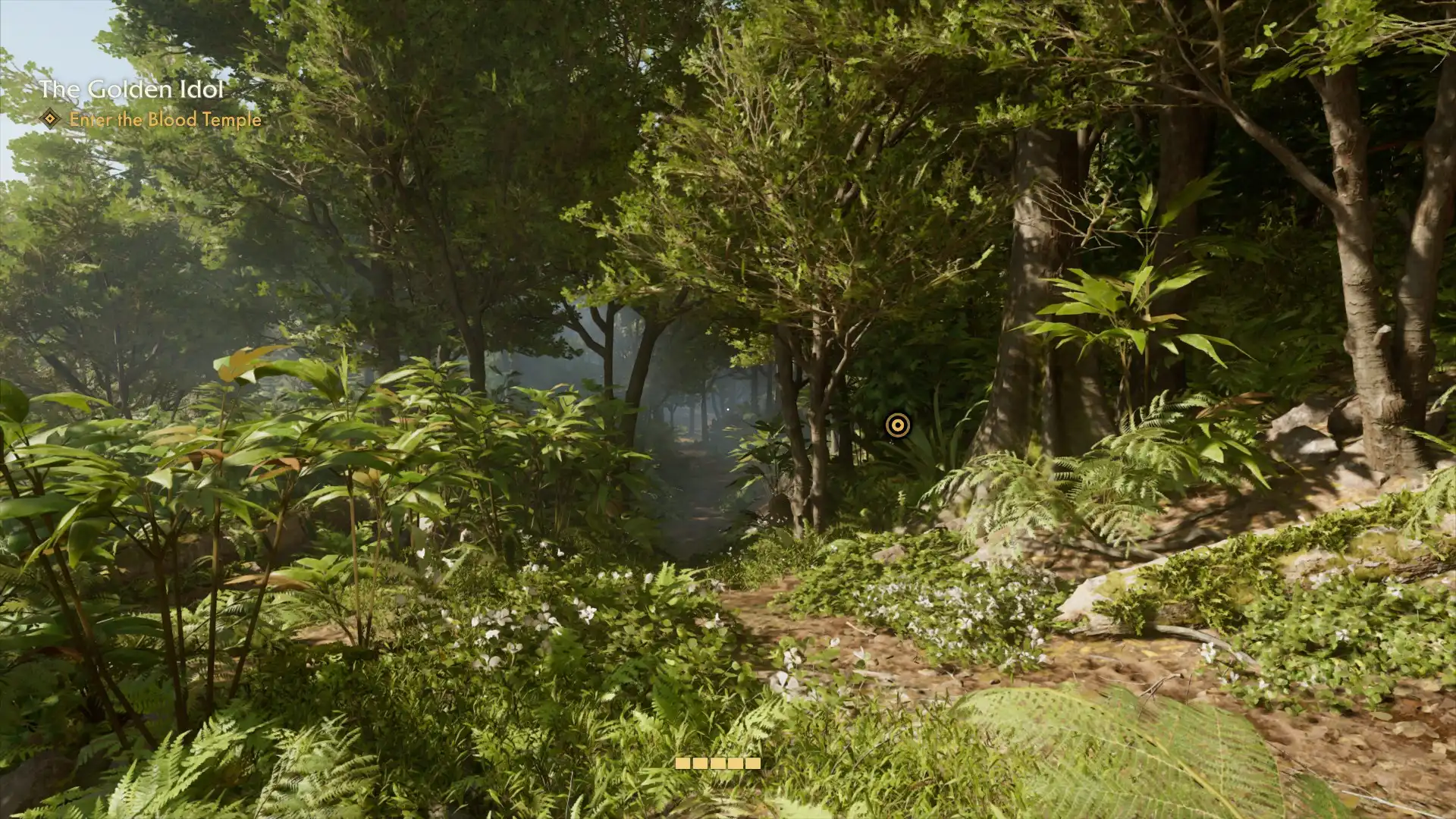
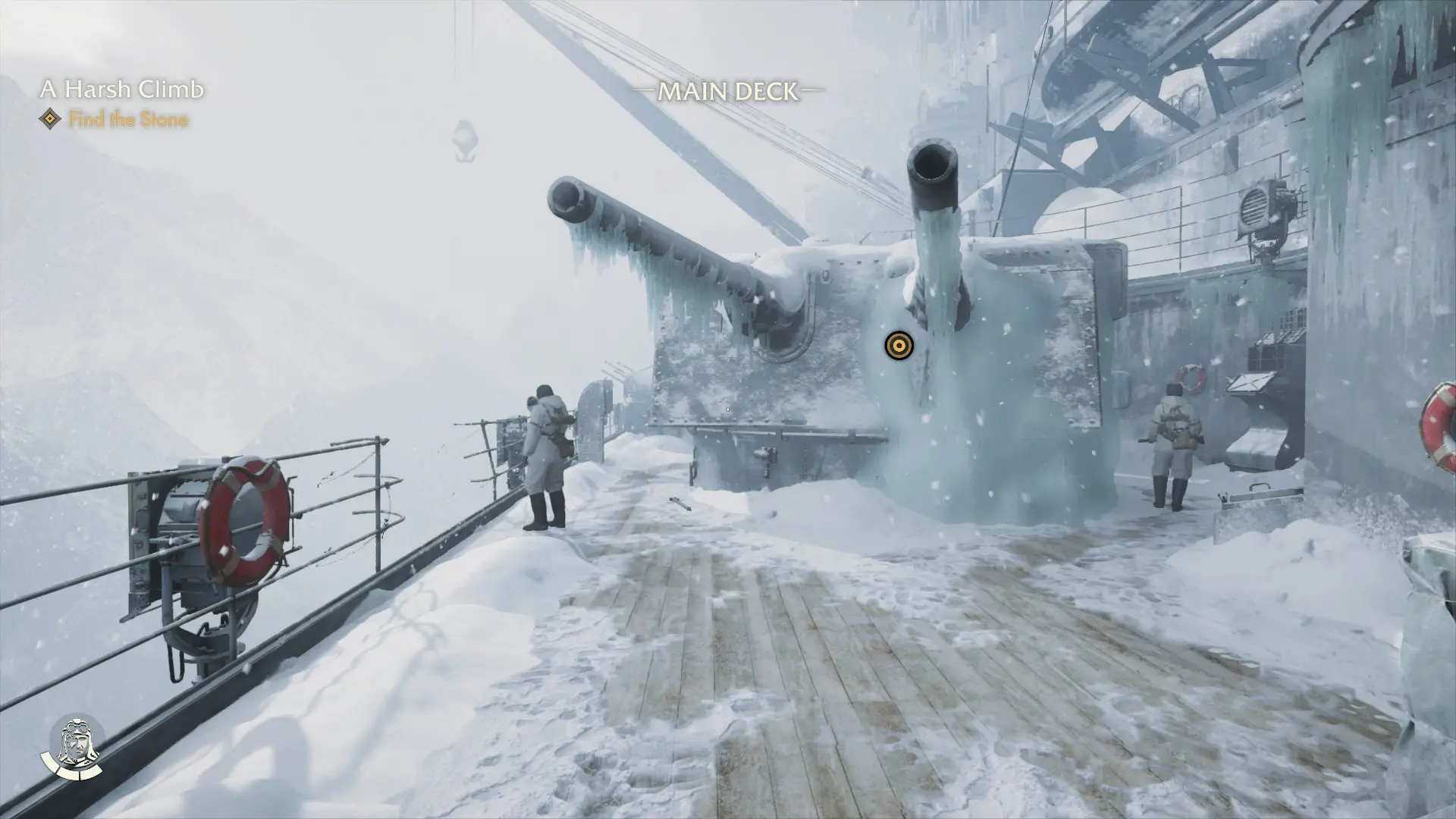
Indiana Jones and the Great Circle does an excellent job of giving you exactly what you want from an Indiana Jones game. It has the puzzles and intriguing storyline you might expect. The violence is impactful yet still retains a somewhat light-hearted feel with minimal gore, and it really does feel like another Indiana Jones adventure of old.
Aside from some frustrations around how the game handles items and inventory, and the story pacing is a bit front-loaded, I recommend you pick this one up if you are interested in Indiana Jones or just want a good adventure to enjoy.
Indiana Jones and the Great Circle supports 16:10 resolutions, so you can play it without black borders on the Steam Deck. It also has great controller support, so that's not a worry either.
The game does have some issues on the Steam Deck, namely, character eyes can have glowing artifacts around them, and photos taken by the camera are purely black. These issues can make certain parts of the game harder, but they're more of a hindrance than a roadblock.
The beta version of SteamOS fixes the glowing eyes issue, and in my playthrough, it was generally not too bad. It was mainly noticeable when characters were in dark cutscenes. When I ran the game with the beta version of SteamOS, the performance also seemed to improve by 3-4 FPS, so the updates may help performance when they hit the Stable channel, too.
Regardless, here are my recommended settings for the game on the stable SteamOS channel as of the time of writing this review.
Set the SteamOS frame rate limit to 30 and no TDP limit.
We're running the lowest settings we can get away with while making the game as playable as possible. I noticed intense shimmering that could cause nausea if your resolution is only slightly scaled down, so this is as high as the resolution can go while eliminating the shimmering.
I'm also using the NIS Scaling Filter with a Sharpness of 5. This helps make text clearer even at the lower resolution of 800x500 that we are running and reduces the softness of the image.
Here are the full settings I used as a reference. I'm sorry for the number of images. There are a lot of options, and the screen only shows a few at a time. You can click the images to enlarge them.
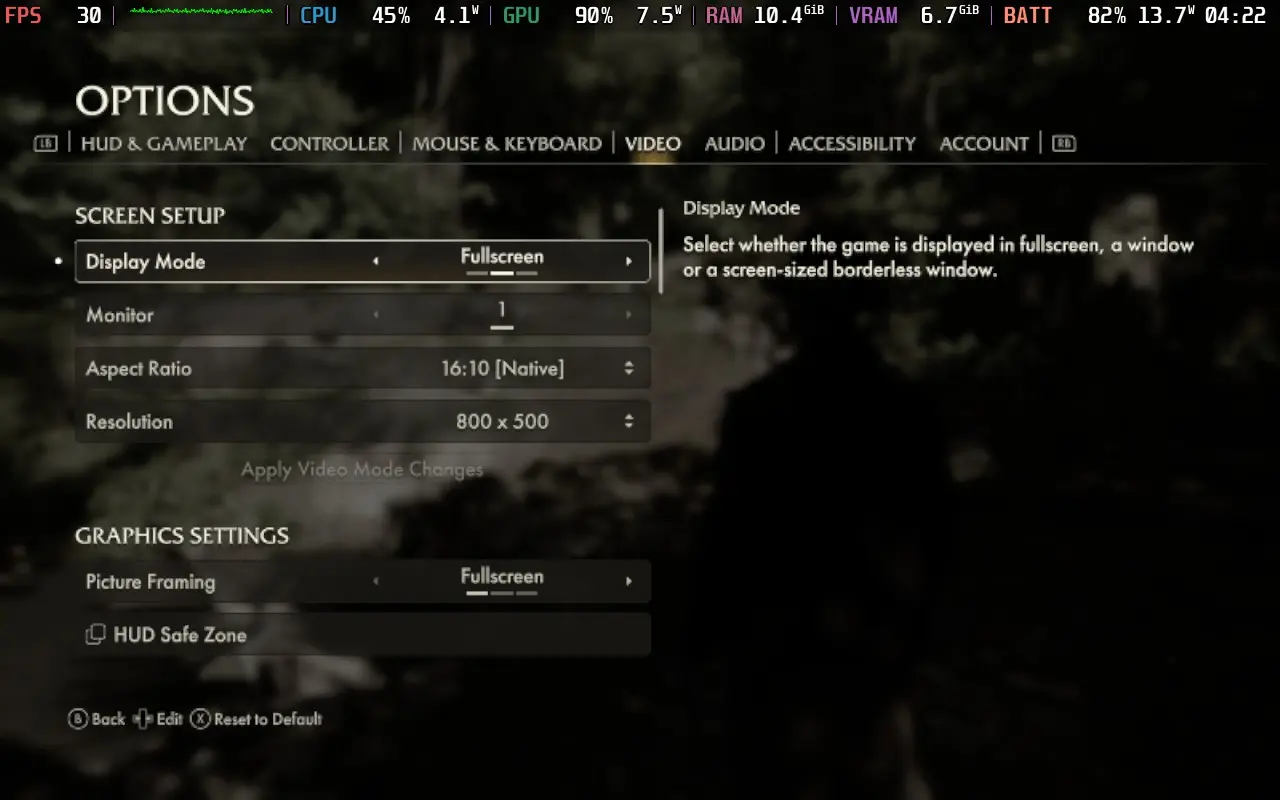
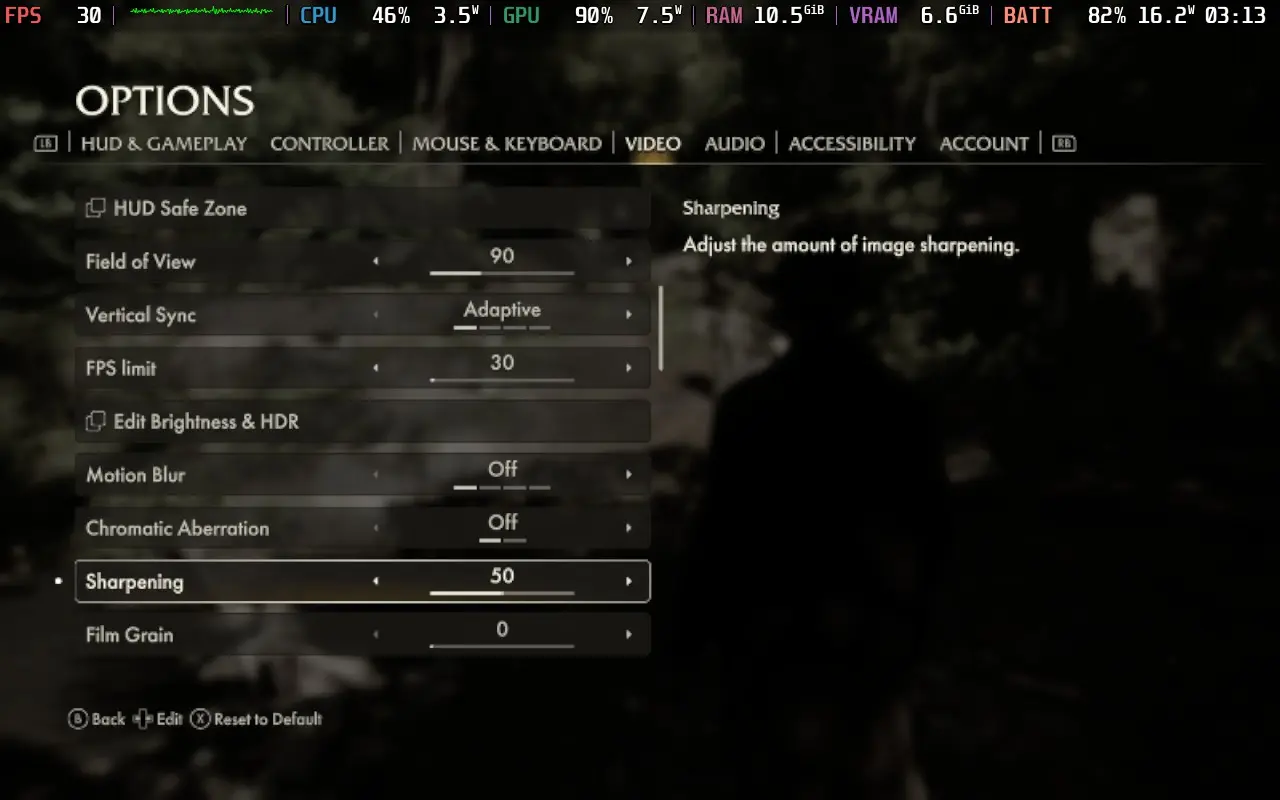
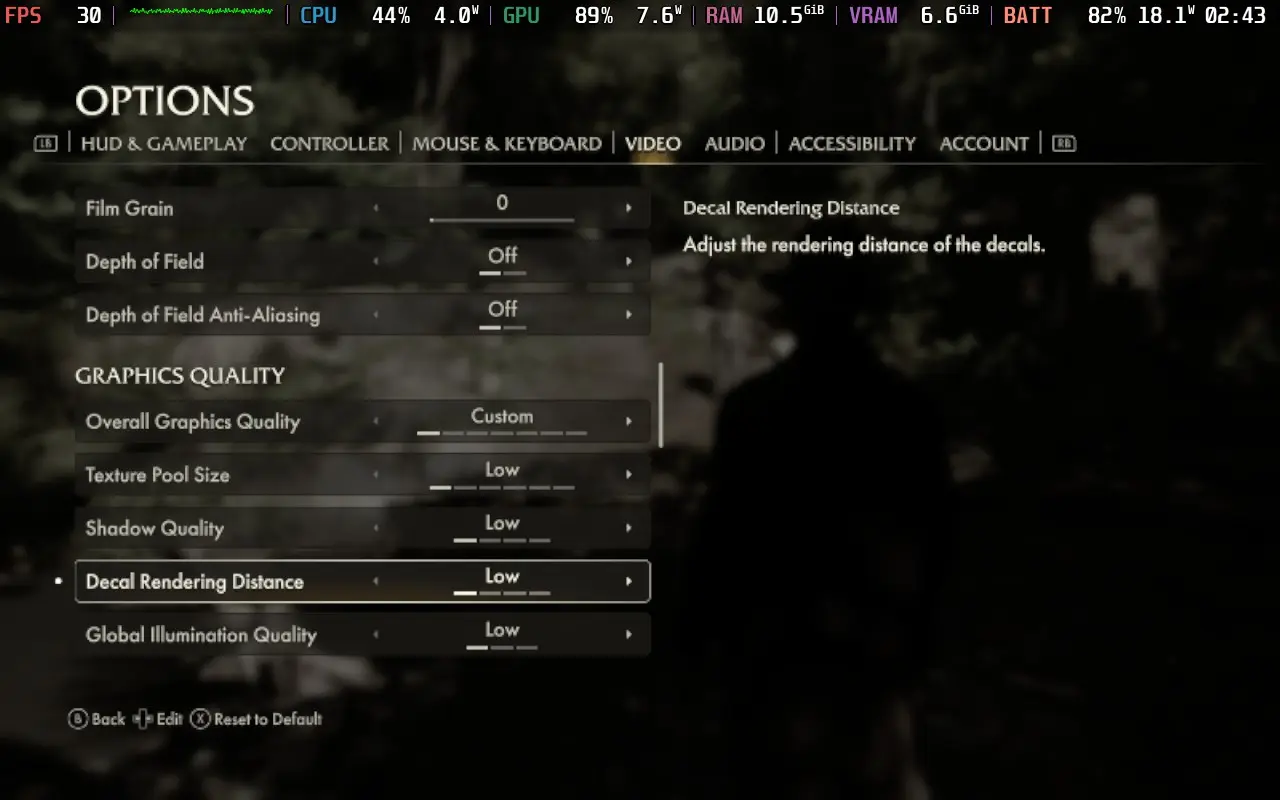
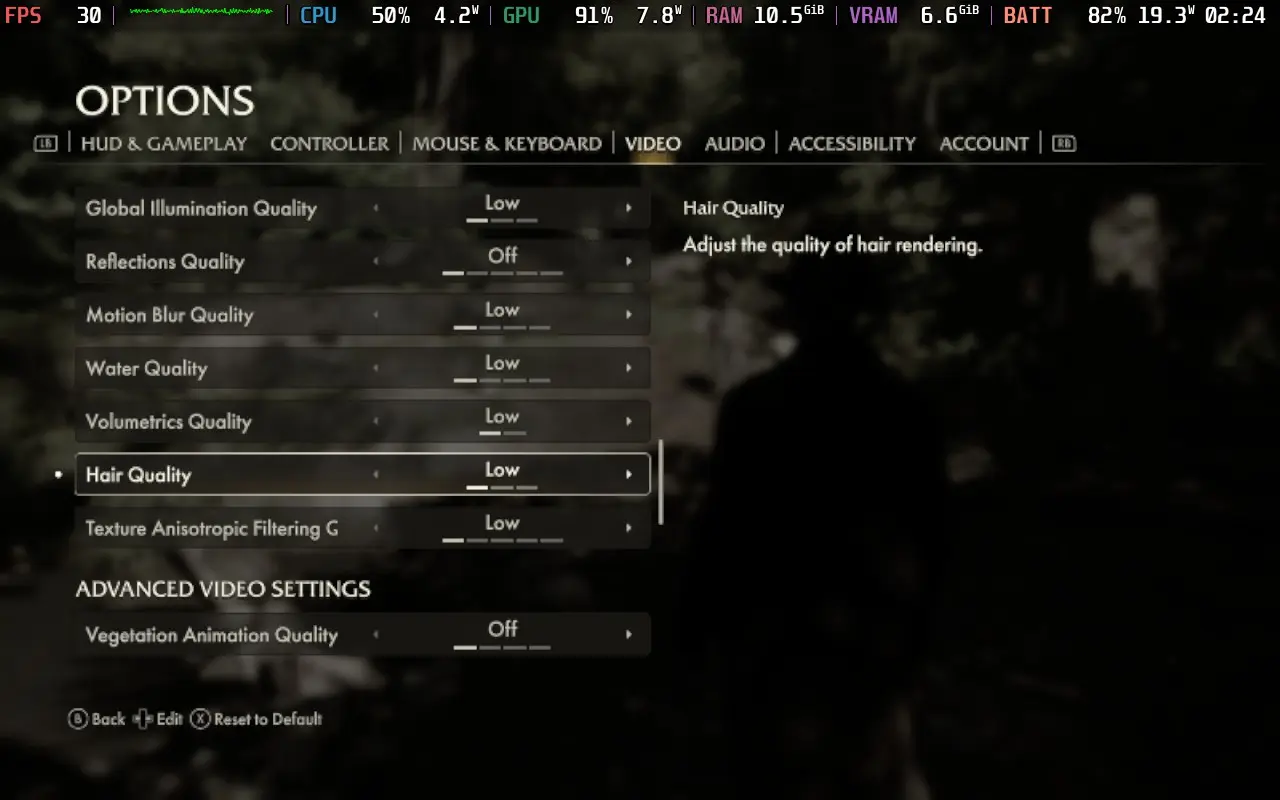
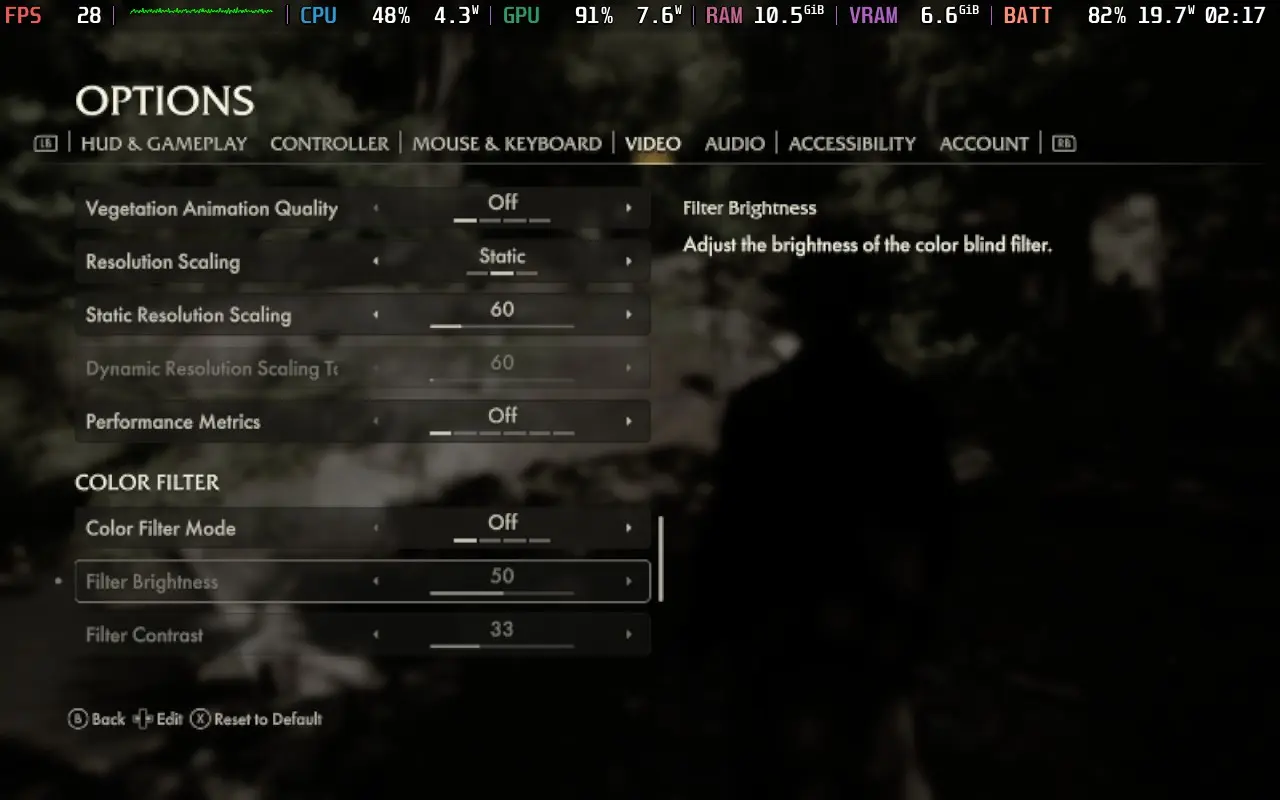
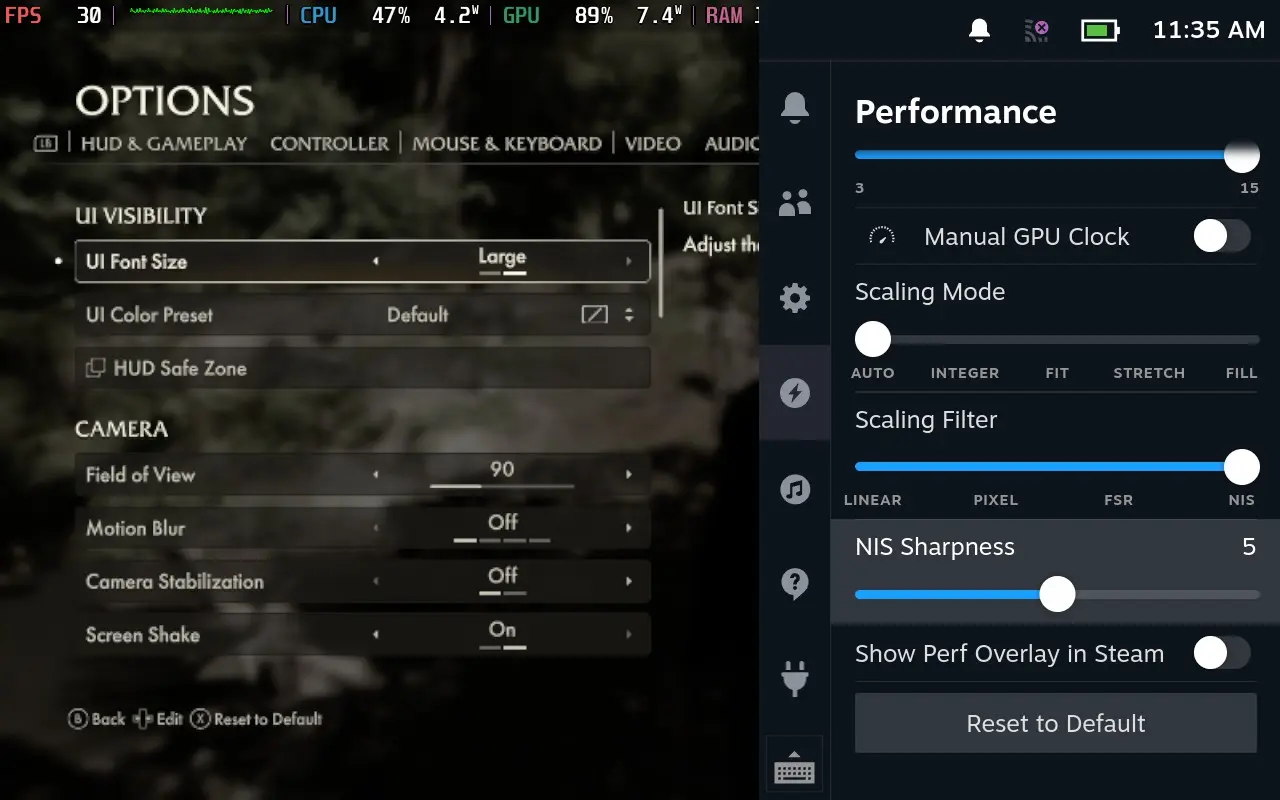
Using these settings, the game generally sticks to 30 FPS. There were a couple of areas where performance dropped into the high 20s, but I found the game to be playable, and I played through the game using just my Steam Deck. On the beta SteamOS, performance was improved and stuck to 30 FPS for more of the time, so hopefully, these figures will improve in the future and leave room for perhaps a graphical boost, too.
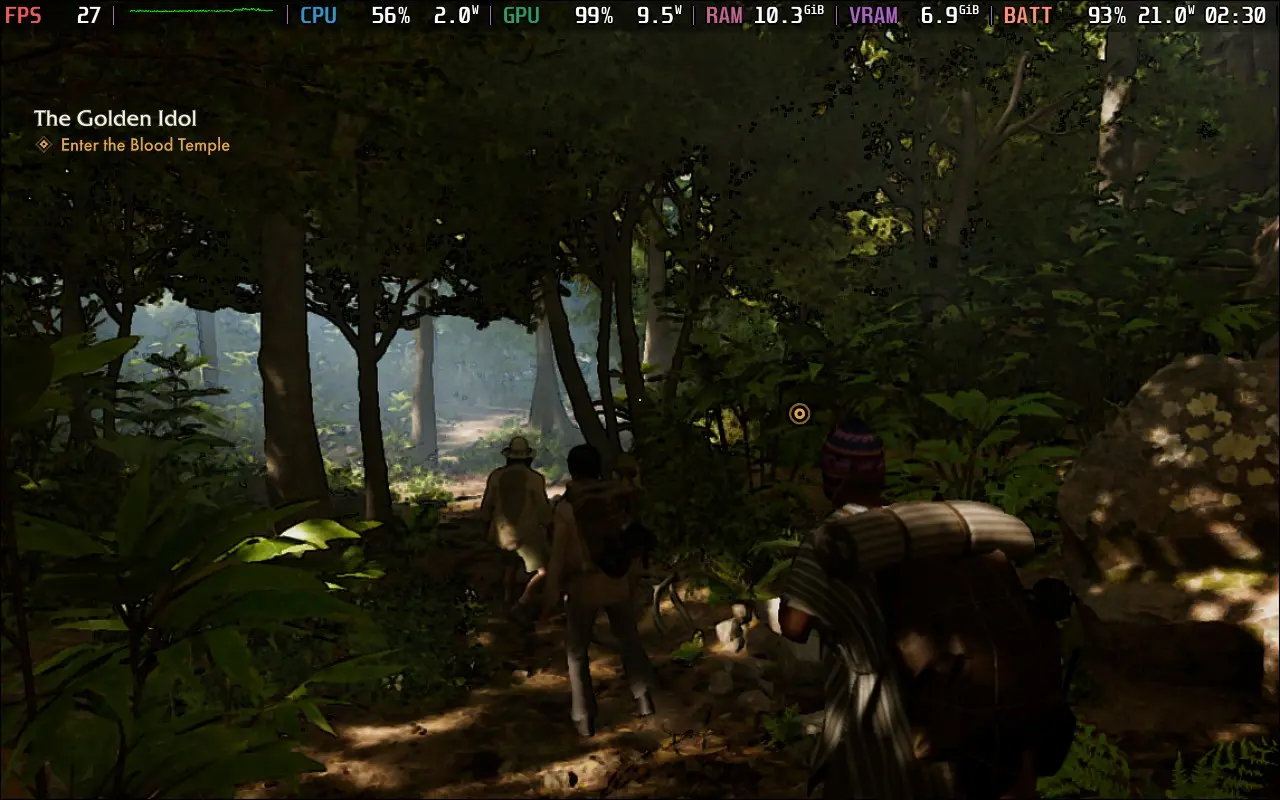
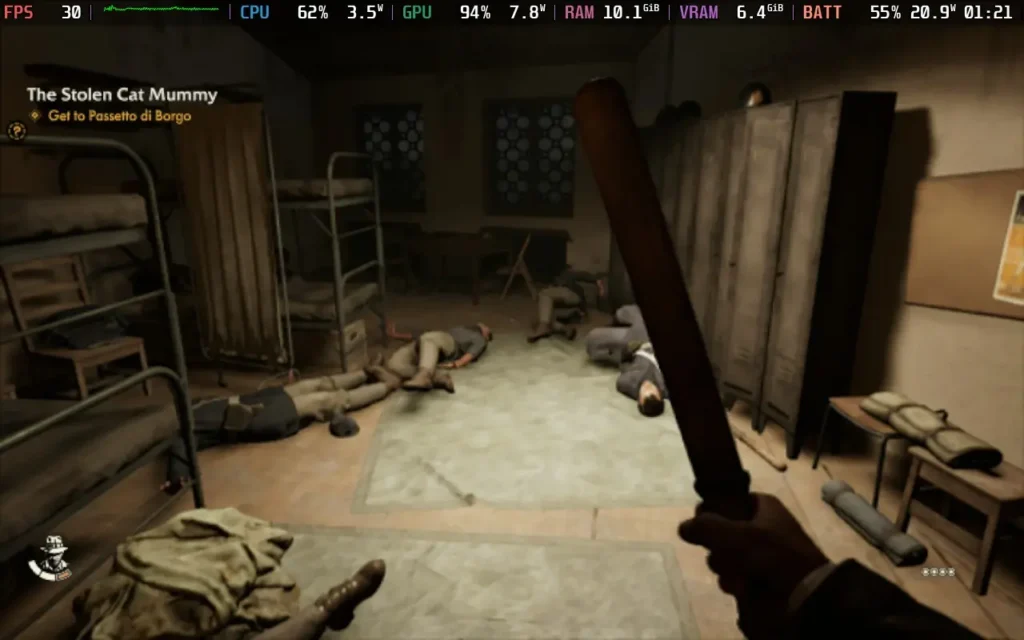
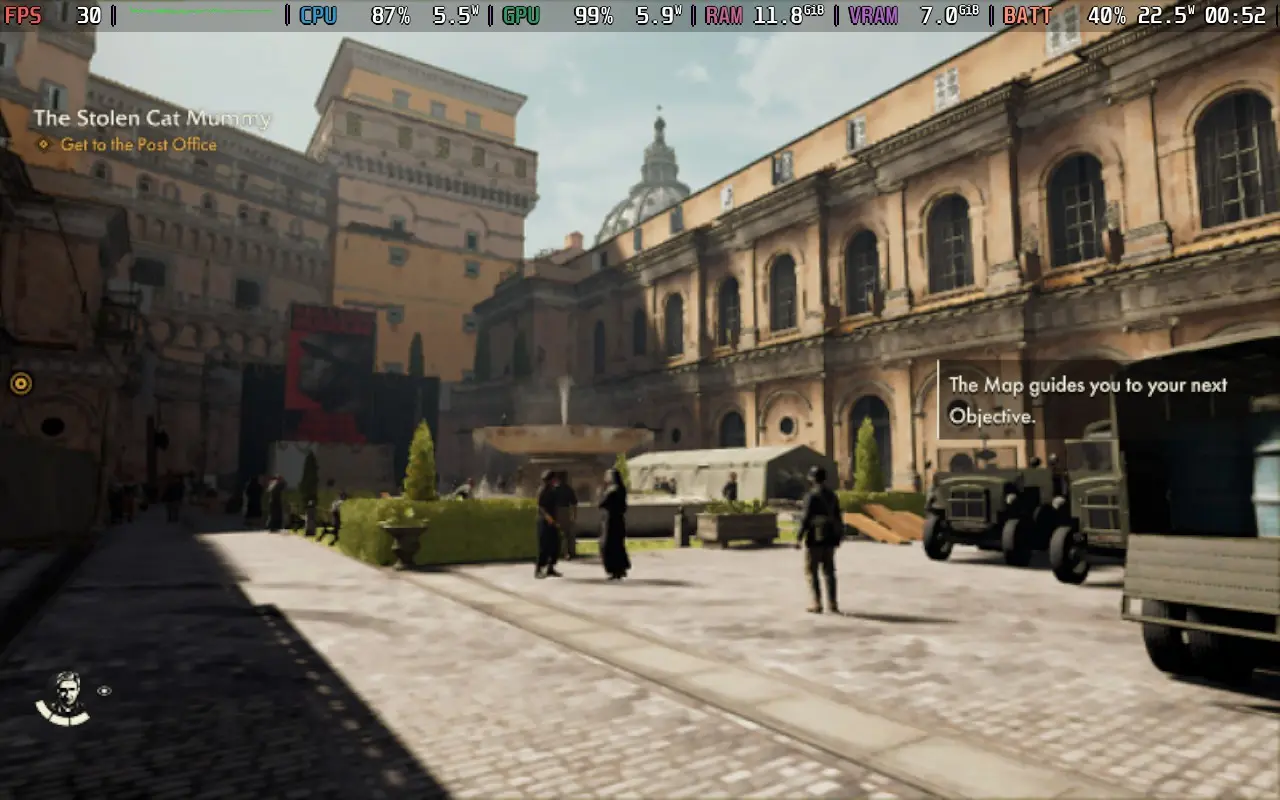
You should expect the power draw to be high throughout the game, mostly holding around 19-22W of battery drain. So you could get around 1.5 hours from a Steam Deck LCD and around 2 hours of play from a Steam Deck OLED.
Temperatures were also high, around 65-75C during play, with most of the stress surprising on the CPU.
There are some accessibility settings in Indiana Jones and the Great Circle. We have UI Font Size, which defaults to Large on the Steam Deck and makes the fonts generally quite readable. We have options to reduce the camera's movement for motion sickness, subtitles and closed caption support, color filters for colorblindness, highlights around objects can be enhanced, and you can change the colors given to interactable objects.
Do note that if you happen to suffer from arachnophobia, several scenes in the game feature arachnids (specifically spiders and scorpions) in cutscenes and gameplay, and there is no arachnophobia mode to lessen that.
Indiana Jones and the Great Circle is one of the best adventure games of recent memory because it truly captures that sense of "adventure." Minor niggles concerning inventory management and story pacing don't deter from the solid gameplay, the intriguing story as a whole, and the immersive environments making you feel like you are playing an Indiana Jones movie. The solid voice acting is a cherry on top.
As for how the game runs on the Steam Deck, well it's up to you whether it is "playable" or not. I did find it playable and enjoyable. The image is quite blurry, but I didn't find that it hindered playing the game; having said that, it's understandable if those visuals offend your eyes. But if you want to play Indiana Jones and the Great Circle and a Steam Deck is all you have, it is an option to play it. I would just recommend you use a desktop instead if possible.
Our review is based on the PC version of this game.
If you enjoyed this review, be sure to check out the rest of the content on SteamDeckHQ! We have a wide variety of game reviews and news that are sure to help your gaming experience. Whether you're looking for news, tips and tutorials, game settings and reviews, or just want to stay up-to-date on the latest trends, we've got your back.



