


Little Nightmares 3 was provided by Bandai Namco for review. Thank you!
There are so many fantastic horror games to play, and even though I’m a big baby about it, I still love the feeling of getting scared in creepy situations. However, no horror game has ever felt like Little Nightmares. Instead of the usual jump scares and gore that we see in the most popular horror titles, Little Nightmares has surrealistic, creepy, and unnerving scenes that felt not only memorable but also disturbing. Little Nightmares 3 continues that trend for the most part, but can become a little too obvious and lose some of its creepy factor the more we play.

Little Nightmares has always been amazing at creating these atmospheric experiences that kept you feeling unnerved throughout the entire game, and for the most part, Little Nightmares 3 does that. Throughout each of the environments, the sense that something is off or wrong never lets up. From the gorgeous lighting and ambient sounds to the static camera angles in each scene, it just exudes that same feeling I would get from the other games in the series.
This is a big reason why I love the series, so I was overjoyed that Little Nightmares 3 did a great job continuing it, and even providing some of the best locations in the series. The opening desert area is one of my favorites, especially after I generally expected darker environments. Developer Supermassive Games found a way to make an open, lit-up world still feel as creepy as the darker environments that appear later on in the game.
However, I also feel that the game started teetering on familiar patterns that ate away at that creepiness. I didn't really feel that feeling of not knowing what would happen next. I felt that any of the dangers that came on had a clear end to them. And even when they did come out of nowhere, the environment made it a little obvious. It was still very entertaining, and I never wanted to stop throughout the short timespan of this experience.

The core of the game is still very similar to the others in the series. We go from room to room, jump over obstacles, and run away from horrors across the environment. I would consider the game closer to an interactive movie due to how its structured, with the emphasis on the experience being more of a show of the beautiful, haunting world that has been created. It's simple to learn, and easy to just get right into, and I love it.
We take control of either Low or Alone, who are both armed with their own tools, to progress through the puzzles across the game. They will have to work together to overcome puzzles and get through the multitude of different environments to continue the story along. It's fairly easy to infer what's actually happening, but the subtle storytelling mixes with the game's focus on the surreal world we are exploring.
The biggest change with Little Nightmares 3 is going to be the ability to play through the full game in co-op. My feelings on this are mixed. On one hand, I had a blast exploring the world with someone. Specifically, I played through the game with my wife, and we had a ton of fun completing the assortment of puzzles necessary to continue along, while also platforming across ledges and getting away from giant babies.
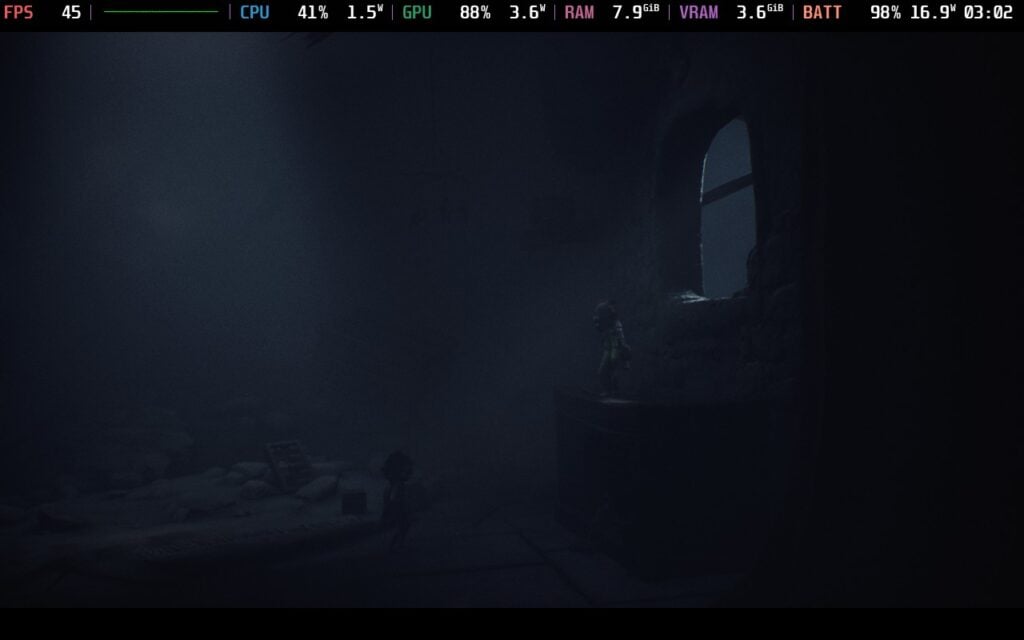
On the other hand, it also hurt the single-player experience and overall flow of the game. The co-op aspect is heavily ingrained into the game, and if playing alone, we have an AI partner taking control of the second character. Sometimes, the AI character works as intended, but other times, they can be a little slow to do their part to complete puzzles. And even when playing with another person, it can feel a little slow. A couple of moments can't move forward unless both players are there, and it can delay triggering an event. It's not the end of the world, but it feels off.
The necessity of playing with another person to really enjoy the experience has some good and bad to it, and I ultimately did still have a good time. It helps that the game has a Friend's Pass so only one person has to own the game for two to play it. The co-op saved game is locked to co-op only, and there is only online co-op and no split-screen, but having the Friend's pass available as a free option to play with someone else is just fantastic.
Ahead of its release, Little Nightmares 3 was rated Verified on the Steam Deck, and after trying out the demo, I was very optimistic. Now, after playing through the full game, I definitely have some thoughts, and I would confidently say this is a great game to play on the Deck.
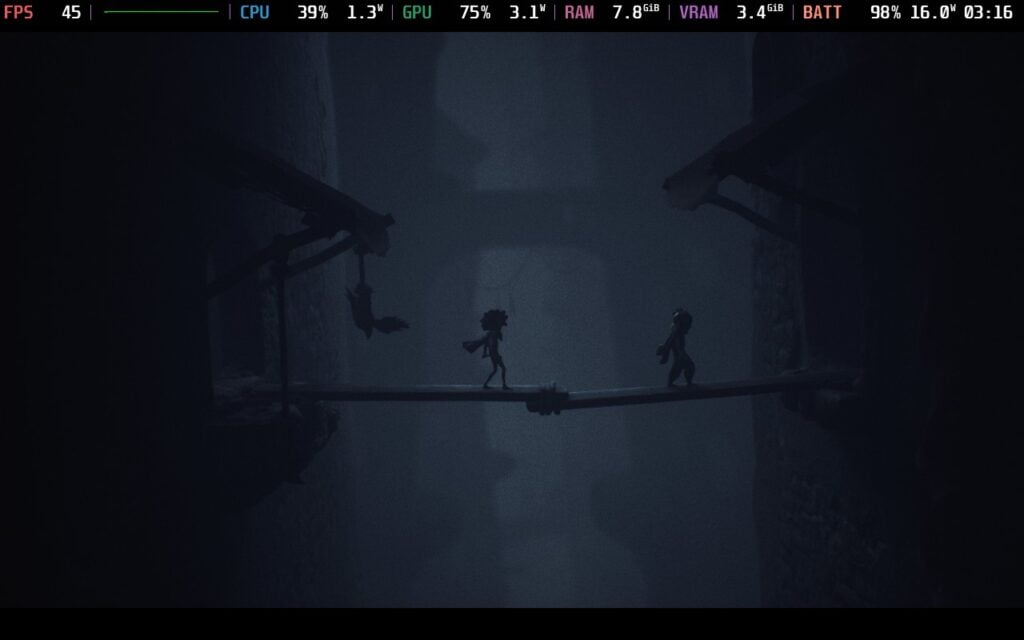
The default settings for Little Nightmares 3 go right to low quality and a 30 FPS lock. Technically, this is still very playable and has great battery life, but I don't necessarily recommend it. It looks decent, but 30 FPS just doesn't feel great for a game like this. Luckily, there is some legroom, but not as much as I had hoped.
The game can stick to 60 FPS at the low quality settings for most of the game, but more detailed or faster-paced scenes, like when the giant baby is chasing you, will have drops. This happened enough to make me wish for more, and after playing around with some settings, I found a nice balance. Sticking to 45 FPS on the Medium Quality, with some settings on High and Raytracing off, worked. A majority of the time, battery drain was around 13W - 15W, and while those more demanding scenes still were demanding and brought battery drain to 22W, it ultimately stayed at 45.
This combination was the most stable and my personal preference to play at. It struck a nice balance between smooth and good-looking visuals, and I didn't feel Raytracing did enough visually to try keeping it on, even at low settings, and put on an extra performance cost. We can play 30 FPS on Ultra quality with Raytracing off, but I found this balance of visuals and framerate was the best way to play with stability at the forefront.
There is an accessibility tab where we can toggle tutorials, an indicator when a character is off-screen, camera shaking, highlighting different characters, and three color blind modes. We can change the language, audio settings, change HUD elements like background color, changing text size for the Menu and Tutorials, and remap controls.
The game doesn't support 16:10 resolutions, but it does have cloud saves and controller support. There are no HDR settings.
Little Nightmares 3 continues the series' staple features, while trying something new that detracts from them. The atmospheric creepiness and subtle story work well with the surreal visuals and unnerving vibe that give some of the best areas in the series so far, even if it feels a little obvious. The new emphasis on co-op sometimes slows things down, which can interrupt the flow of the game, but I did enjoy going through the puzzles, and I appreciate the free Friend's Pass giving us a chance to play with friends without needing to buy a second copy.
It also works very well on the Steam Deck. The default settings are a bit odd, sticking to the lowest possible settings with a 30 FPS lock, but setting to Medium with some high textures can get us 45 FPS, and with how short the game is, I would say the battery drain doesn't matter much. Even still, this is a great game to play on the Steam Deck, and it's fantastic.
Our review is based on the PC version of this game.
If you enjoyed this review, be sure to check out the rest of the content on SteamDeckHQ! We have a wide variety of game reviews and news that are sure to help your gaming experience. Whether you're looking for news, tips and tutorials, game settings and reviews, or just want to stay up-to-date on the latest trends, we've got your back.
Little Nightmares 3 is a fantastic continuation for the series with the co-op focus bringing both good and bad, and it runs quite well on the Steam Deck.


No Forced Compatibility
Bloom: Medium
Post-Processing: Medium
Textures: High
Shadows: Medium
Effects Quality: Medium
Ambient Occlusion: Medium
Depth of Field: Medium
Ray Tracing: Off